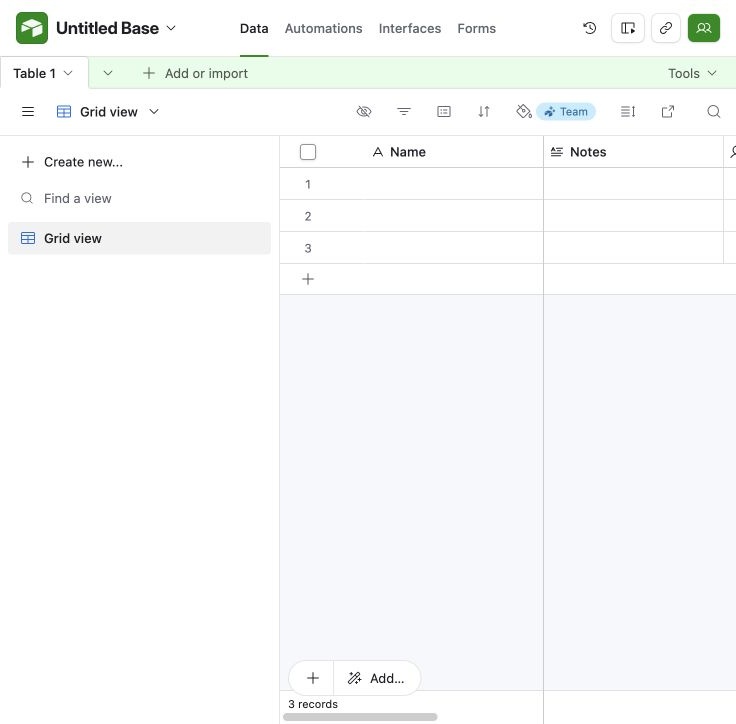
Blank base
New base with default fields and three empty records. Cropped 56 CSS px from left to exclude the personal avatar rail. Same source capture appears in the walkthrough.
 screenroveSCREENS WORTH STUDYING
Base navigation sits above table and view controls.
New base with default fields and three empty records. Cropped 56 CSS px from left to exclude the personal avatar rail. Same source capture appears in the walkthrough.
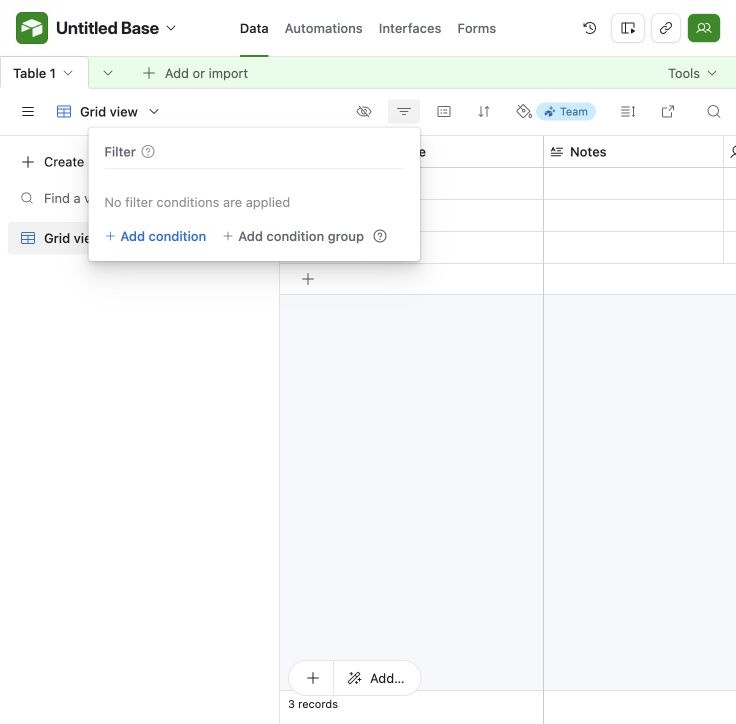
Empty filter configuration for the new base. Cropped 56 CSS px from left to exclude the personal avatar rail. Same source capture appears in the walkthrough.
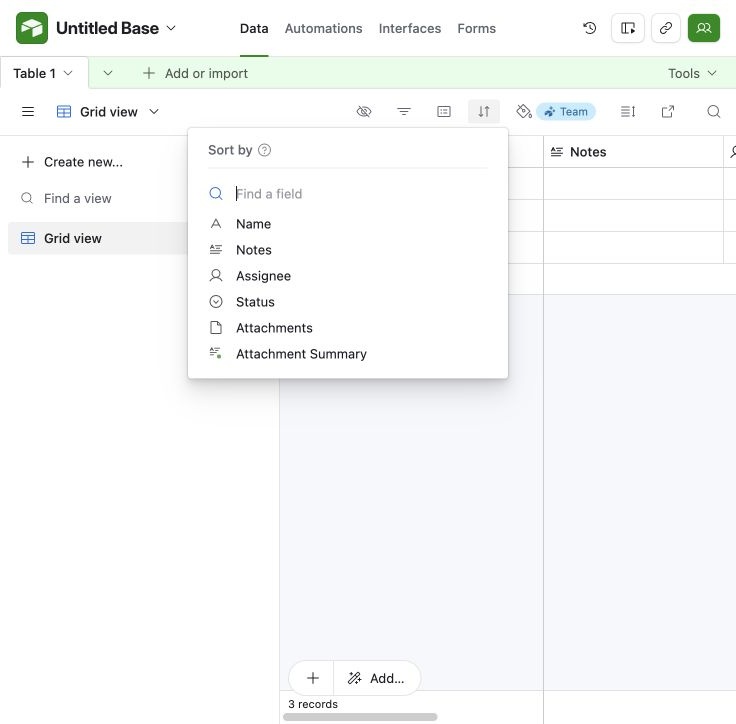
Field selection for sorting the grid. Cropped 56 CSS px from left to exclude the personal avatar rail. Same source capture appears in the walkthrough.
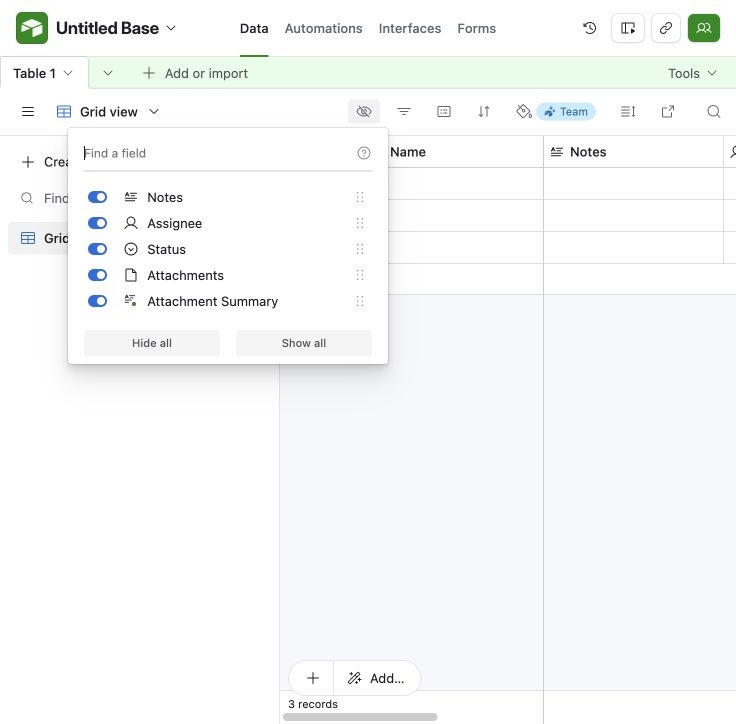
Control which fields appear in the grid. Cropped 56 CSS px from left to exclude the personal avatar rail. Same source capture appears in the walkthrough.
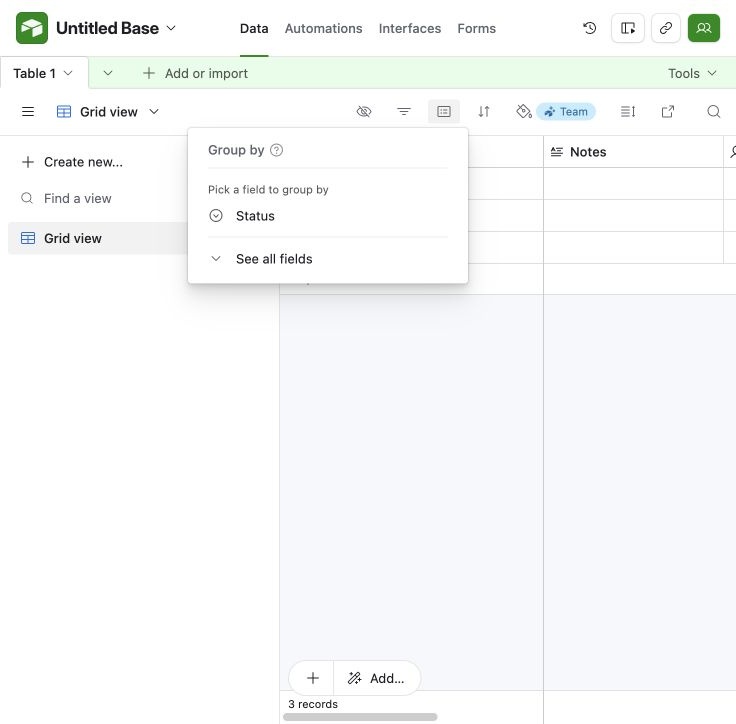
Choose a field to group records. Cropped 56 CSS px from left to exclude the personal avatar rail. Same source capture appears in the walkthrough.
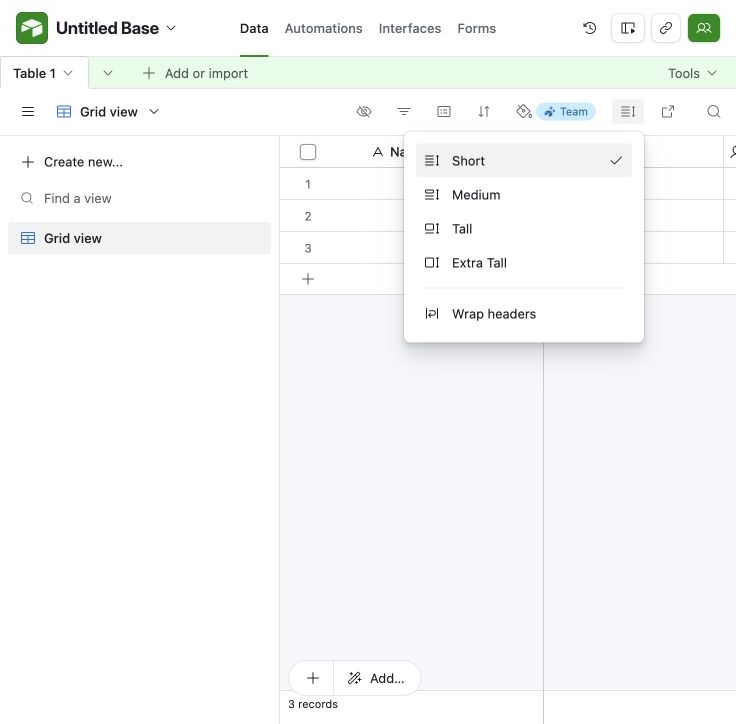
Available grid row heights. Cropped 56 CSS px from left to exclude the personal avatar rail. Same source capture appears in the walkthrough.
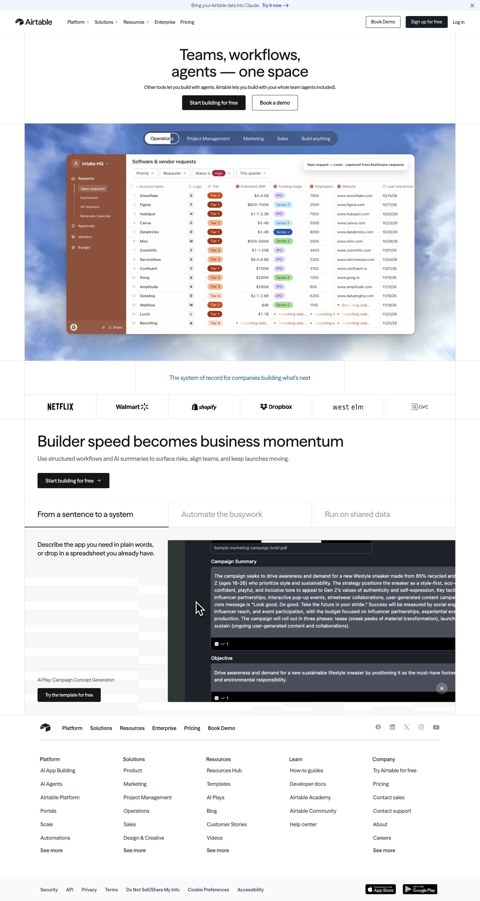
Connected Chrome full-page capture, 2026-09-29.

Connected Chrome full-page capture, 2026-09-29.
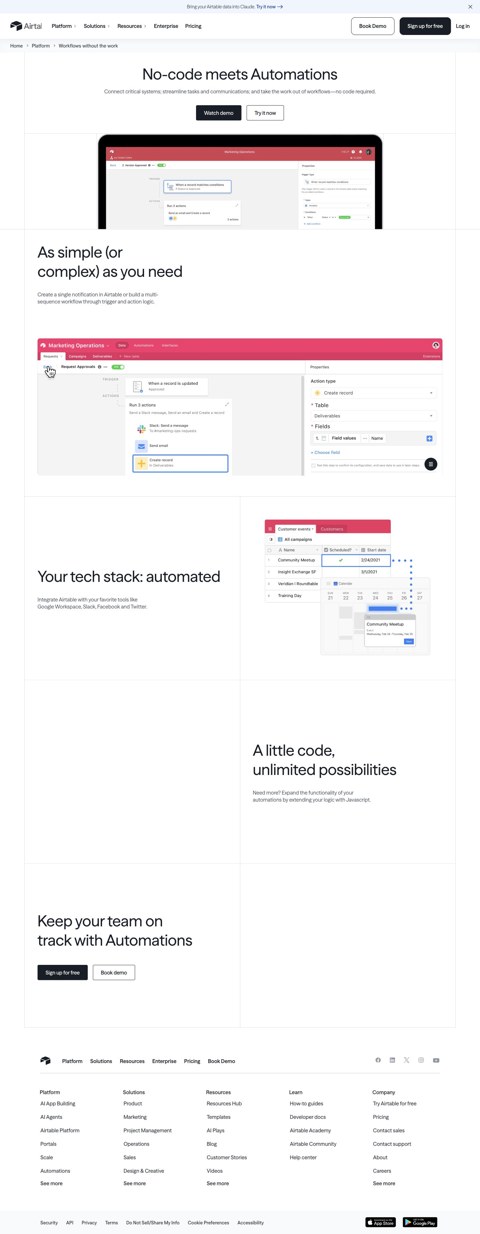
Connected Chrome full-page capture, 2026-09-29.
Existing account resumed through Google; a newly created blank base and view controls. Original signup not observed.