 screenrove
Linear / From signup to workspace
Email verification and onboarding captured using a disposable research account. Invitations and external integrations were skipped. SAML and magic-link completion were not exercised.
1. Choose a sign-up method
A compact, centered authentication screen gives Google, email, and SAML equal vertical space. Legal links sit below the action stack.
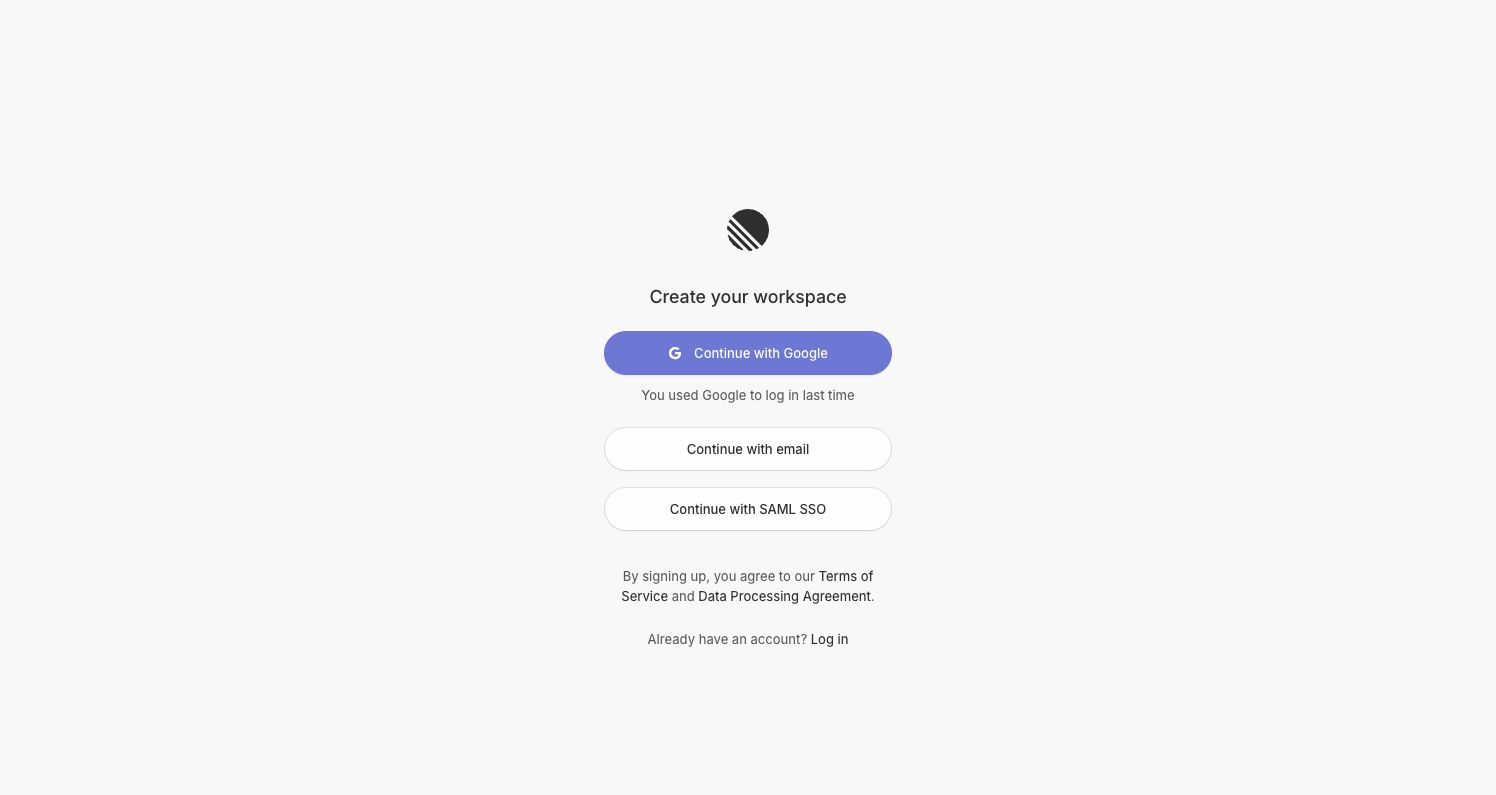
- Continue with email → Enter email
- Continue with Google → Google account chooser (observed; not included in pack)
- Continue with SAML SSO → Not explored
2. Enter email
The form asks for only one piece of information. Back navigation stays secondary below the primary action.
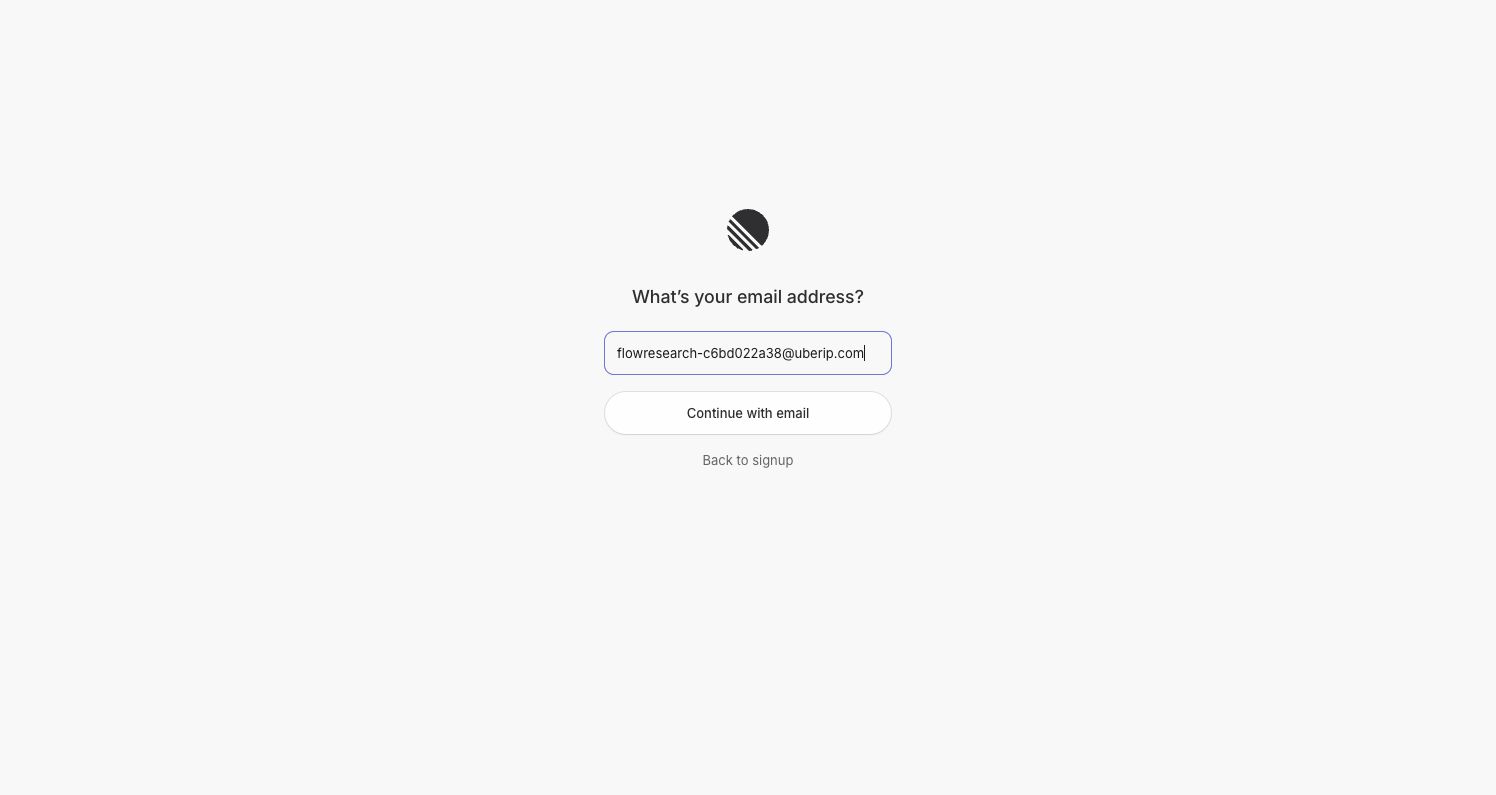
- Continue with email → Check your email
- Back to signup → Choose a sign-up method
3. Check your email
A waiting state confirms the destination inbox and offers a manual-code alternative to the emailed magic link.
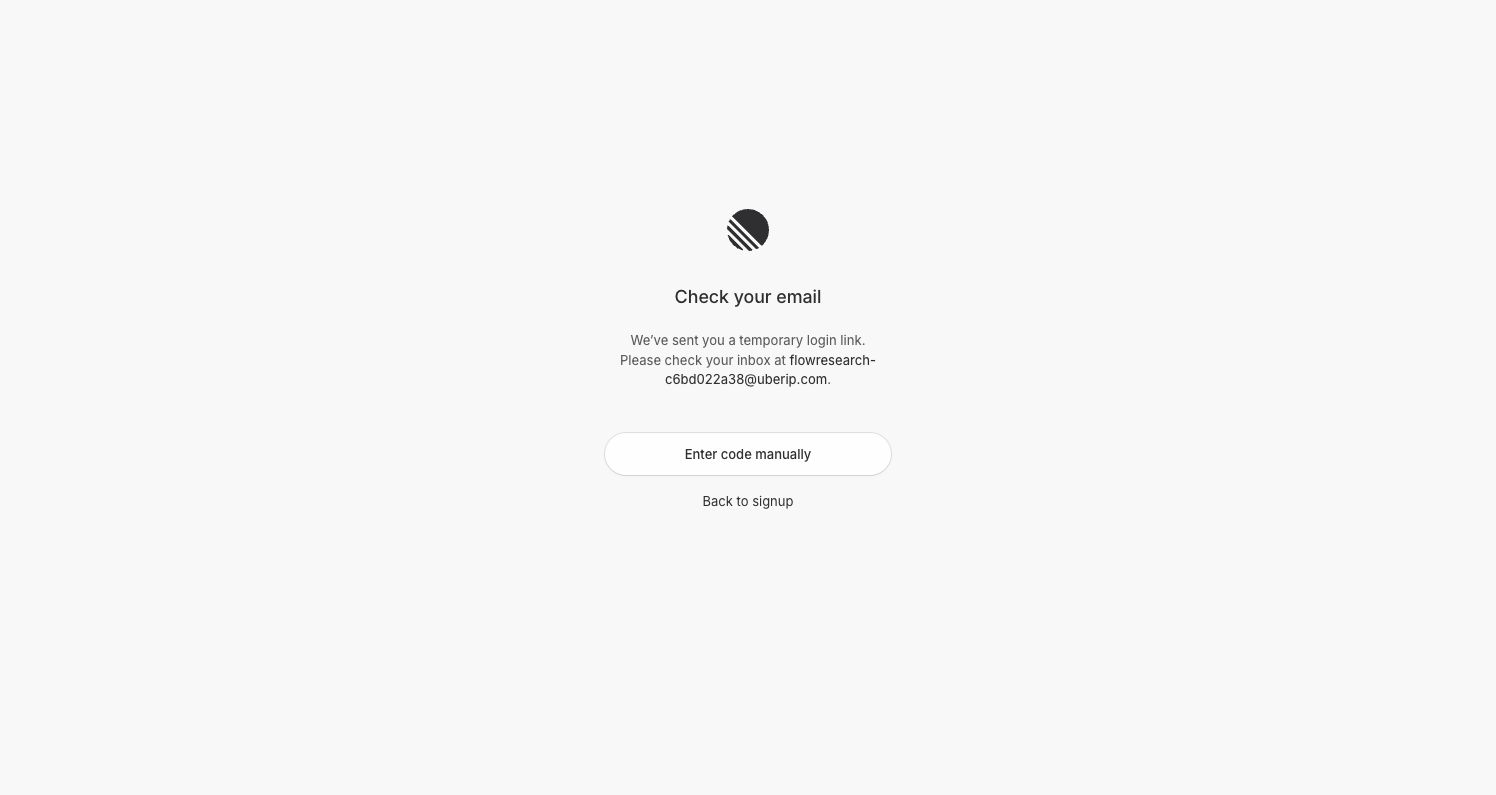
- Enter code manually → Enter verification code
- Open emailed link → Not followed; manual code used
4. Enter verification code
The alternate verification branch uses one code field and a single explicit submit action. Capture contains no filled verification code.
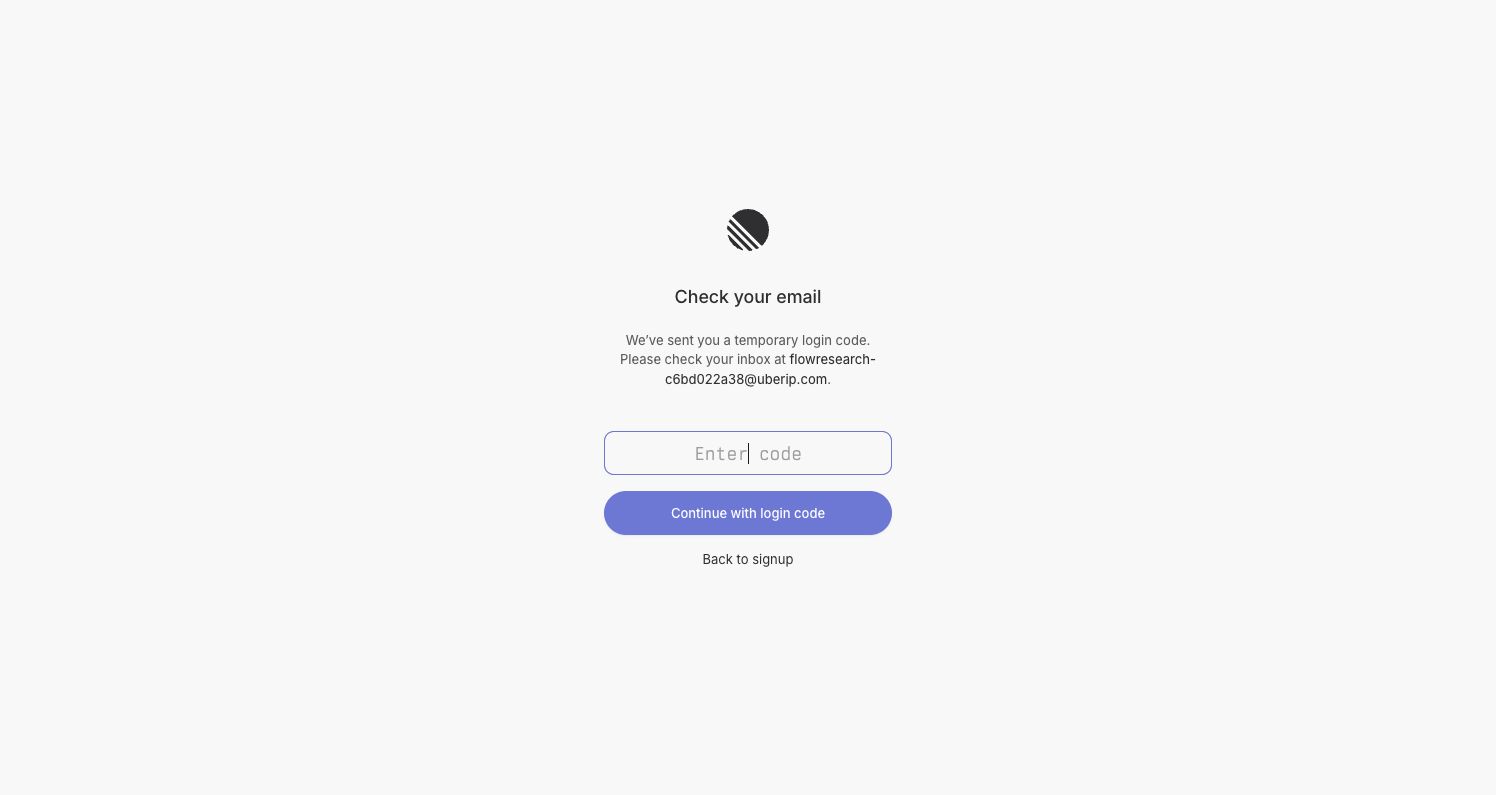
- Continue with login code → Create a workspace
5. Create a workspace
Workspace identity and data region share one screen. Naming the workspace generates an editable URL slug. European Union was preselected.
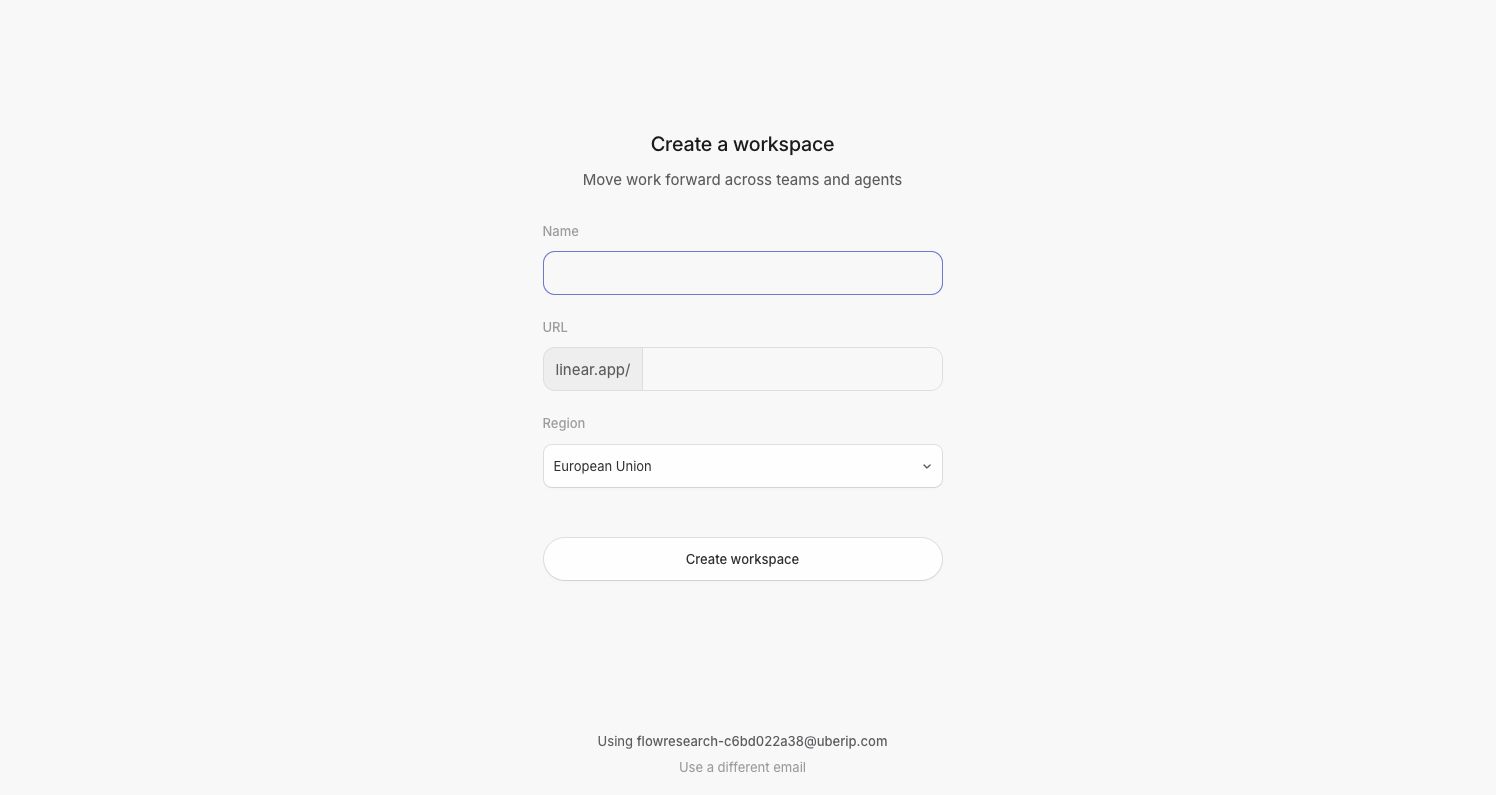
- Create workspace → Set up your profile
- Region selector → Other regions not explored
6. Set up your profile
Onboarding changes to a split layout with profile fields on the left and product imagery on the right. Progress dots show five steps.
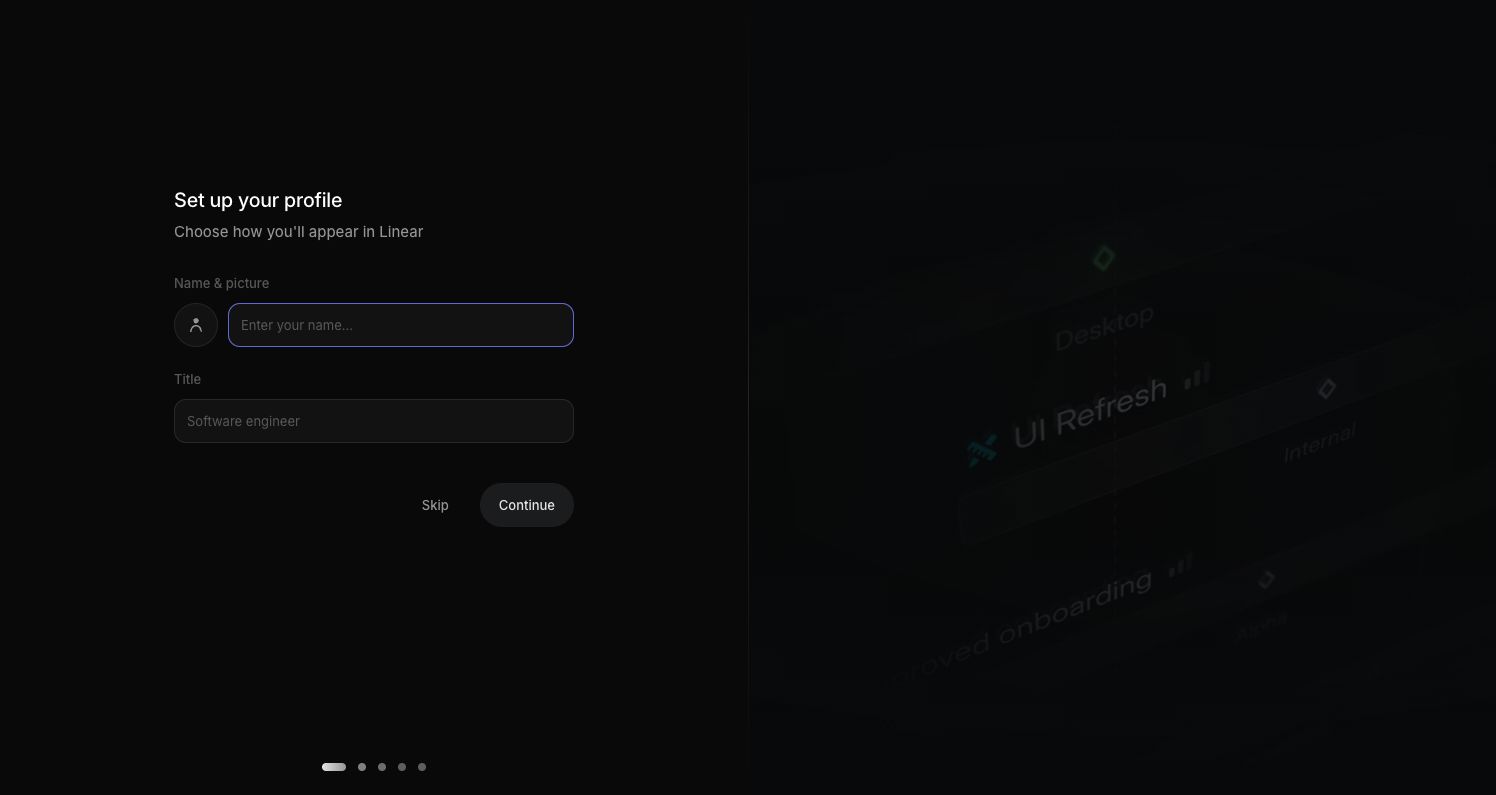
- Continue → Invite teammates
- Skip → Not exercised on this step
7. Invite teammates
Bulk email entry and a copyable invitation link provide two invitation methods. Skip is available without sending invitations.
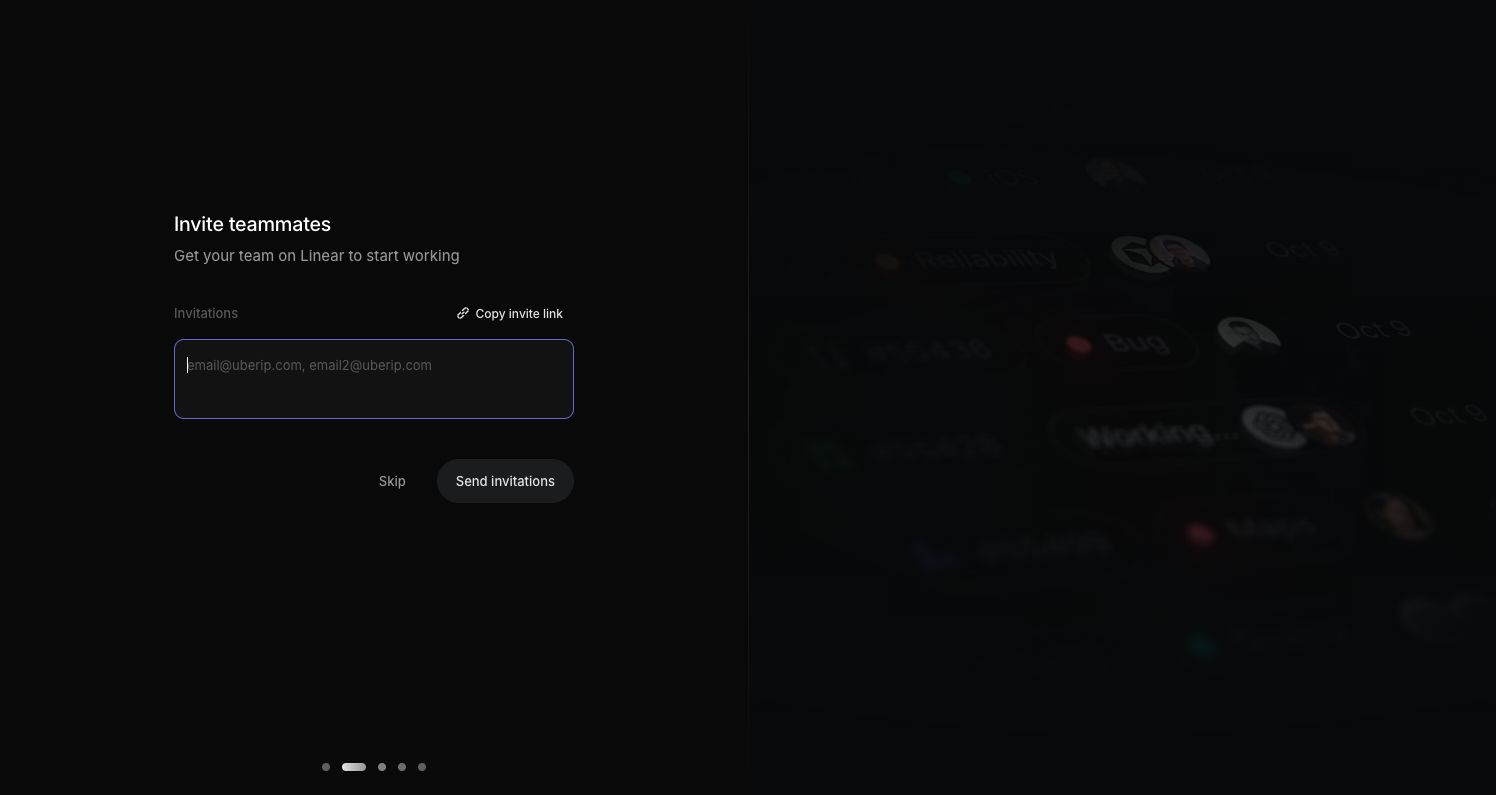
- Skip → Connect GitHub
- Send invitations → Not exercised
8. Connect GitHub
Integration benefits are explained before authorization. The setup can proceed without connecting a code host.
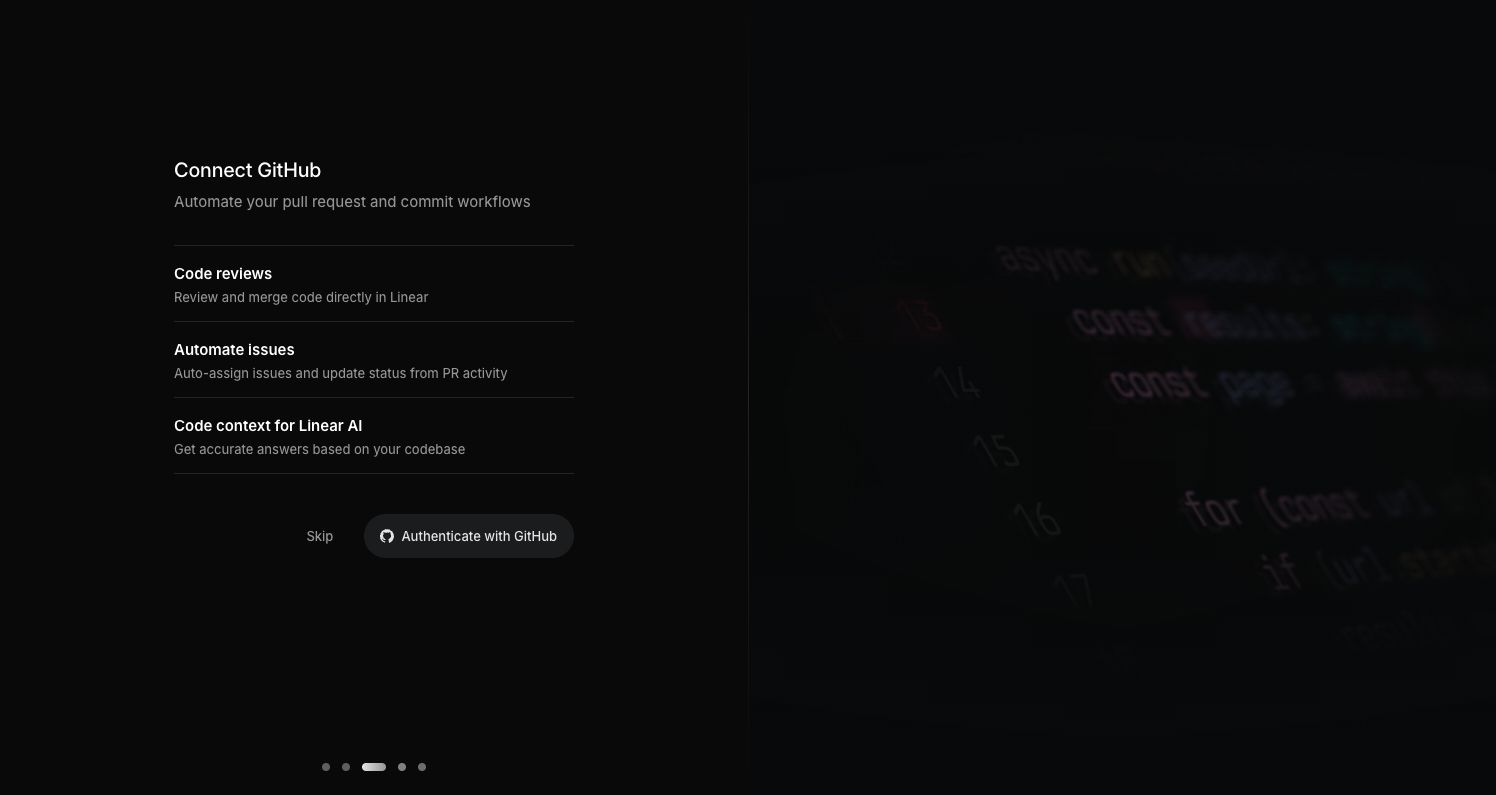
- Skip → Connect Slack
- Authenticate with GitHub → Not exercised
9. Connect Slack
A repeated integration layout makes the optional step predictable. The screen explains issue creation and notification benefits.
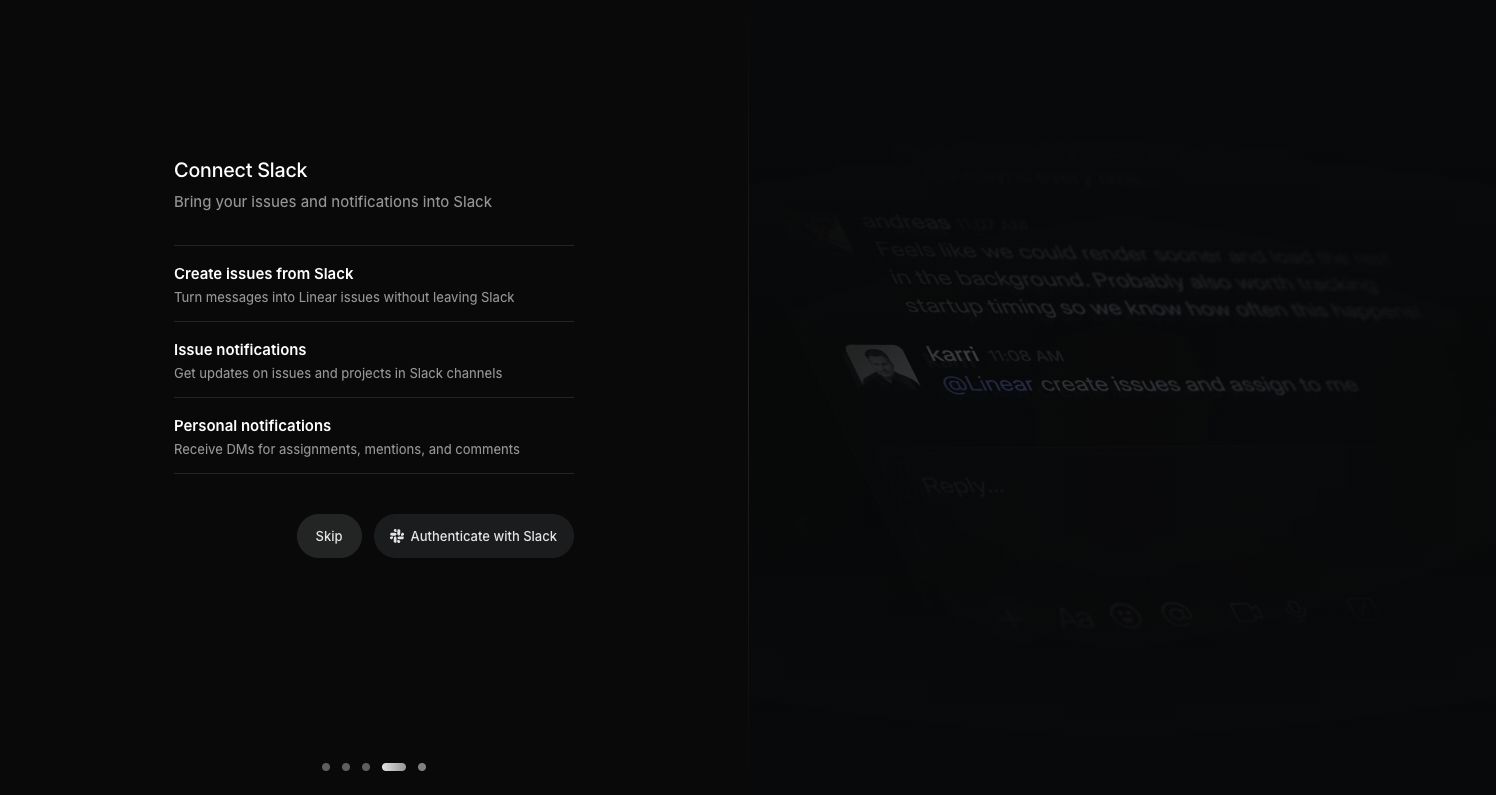
- Skip → Subscribe to updates
- Authenticate with Slack → Not exercised
10. Subscribe to updates
The final step separates changelog and onboarding email preferences. Both remained unchecked during the captured run.
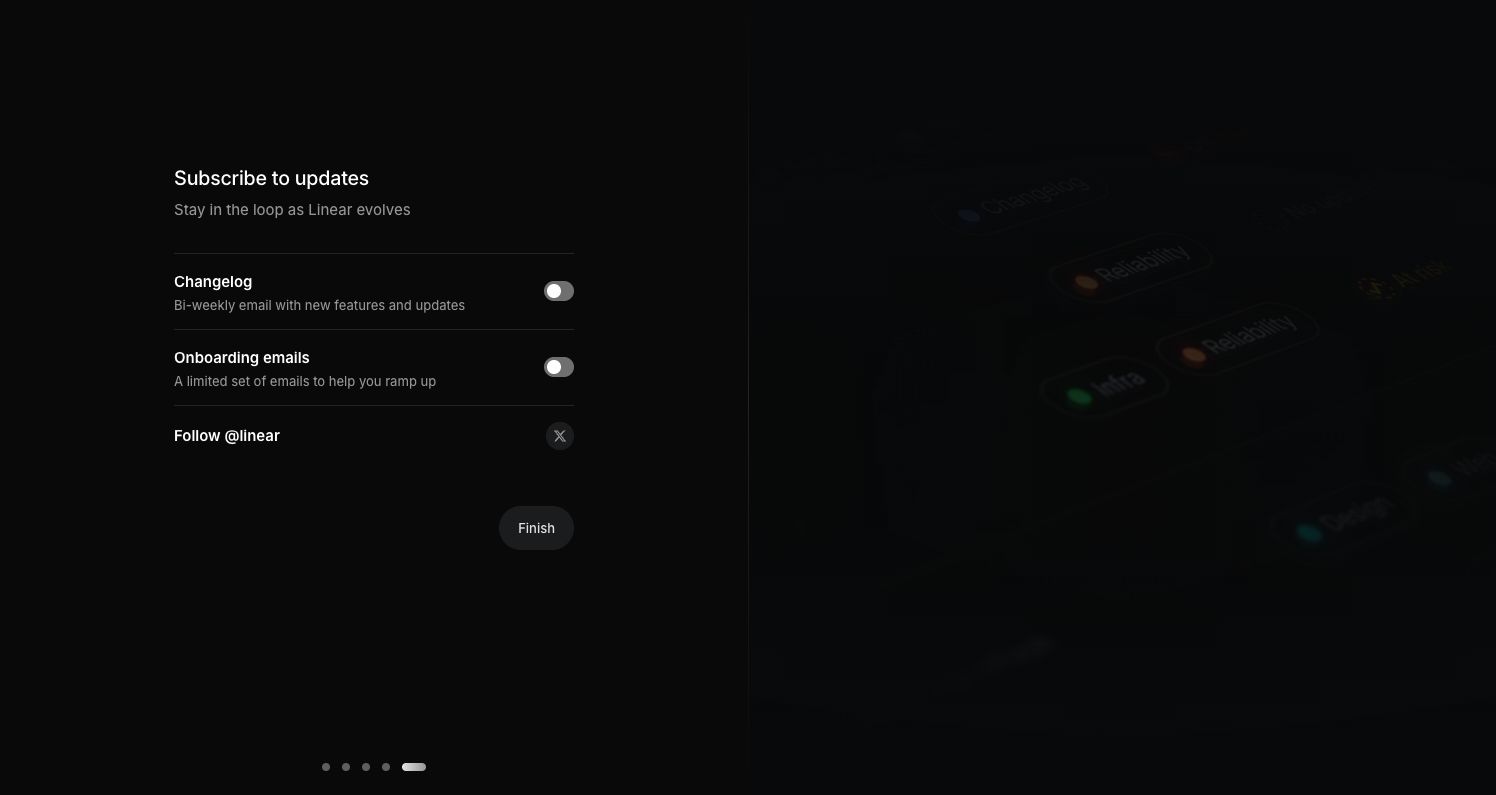
- Finish → Workspace issues
11. Workspace issues
The first-run workspace exposes the main navigation and four starter issues. This is the end of the captured onboarding journey.
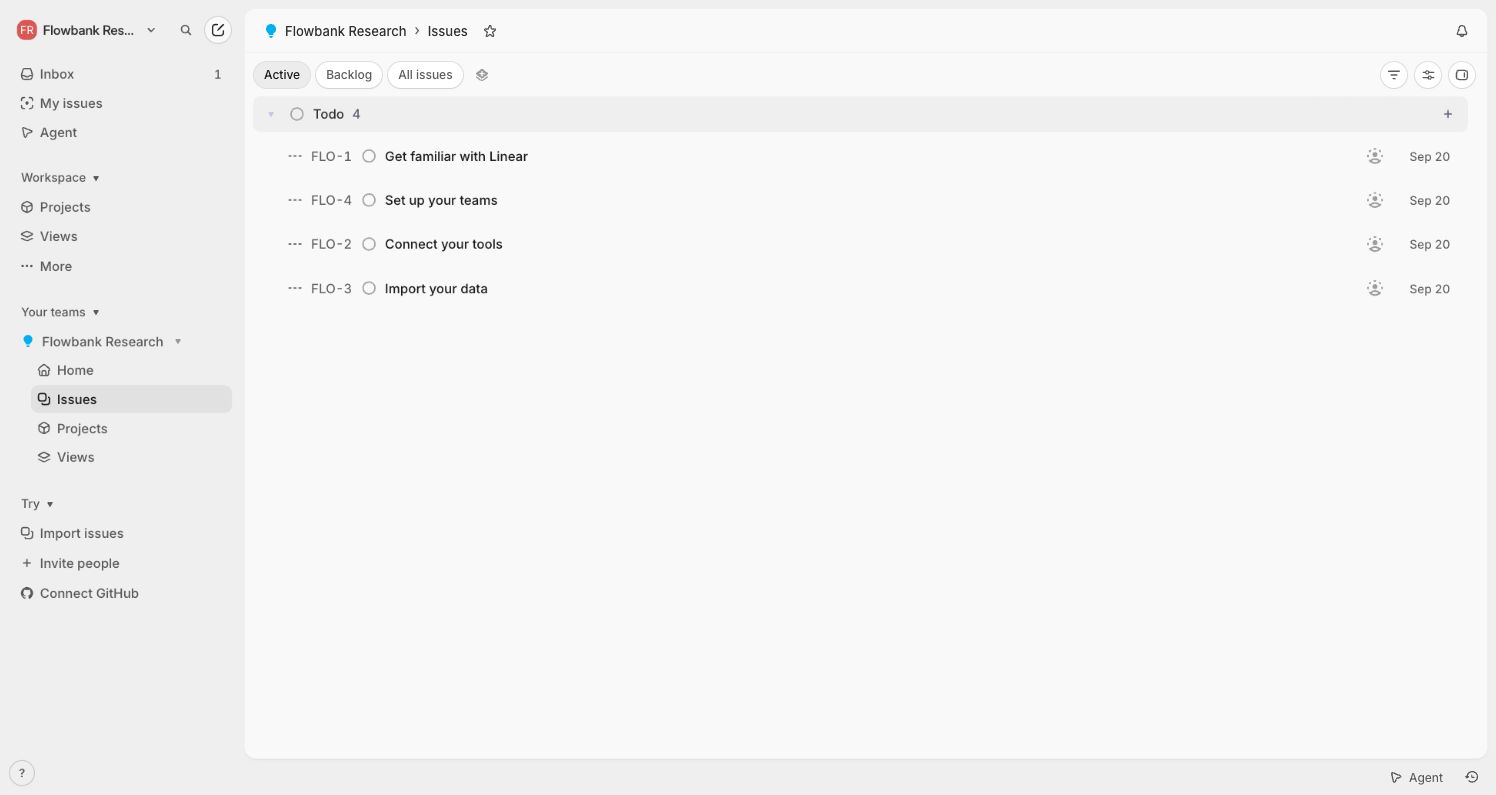
- New issue → Not explored in this collection