 screenrove
Vercel / From signup to first project
Google signup completed on Hobby. Email failure and template setup were captured as branches. No repository connection or deployment was performed.
1. Choose a sign-up method
An outcome-focused heading sits above Google, GitHub, ChatGPT, and Apple options. Email is a quieter alternative beneath the stack.
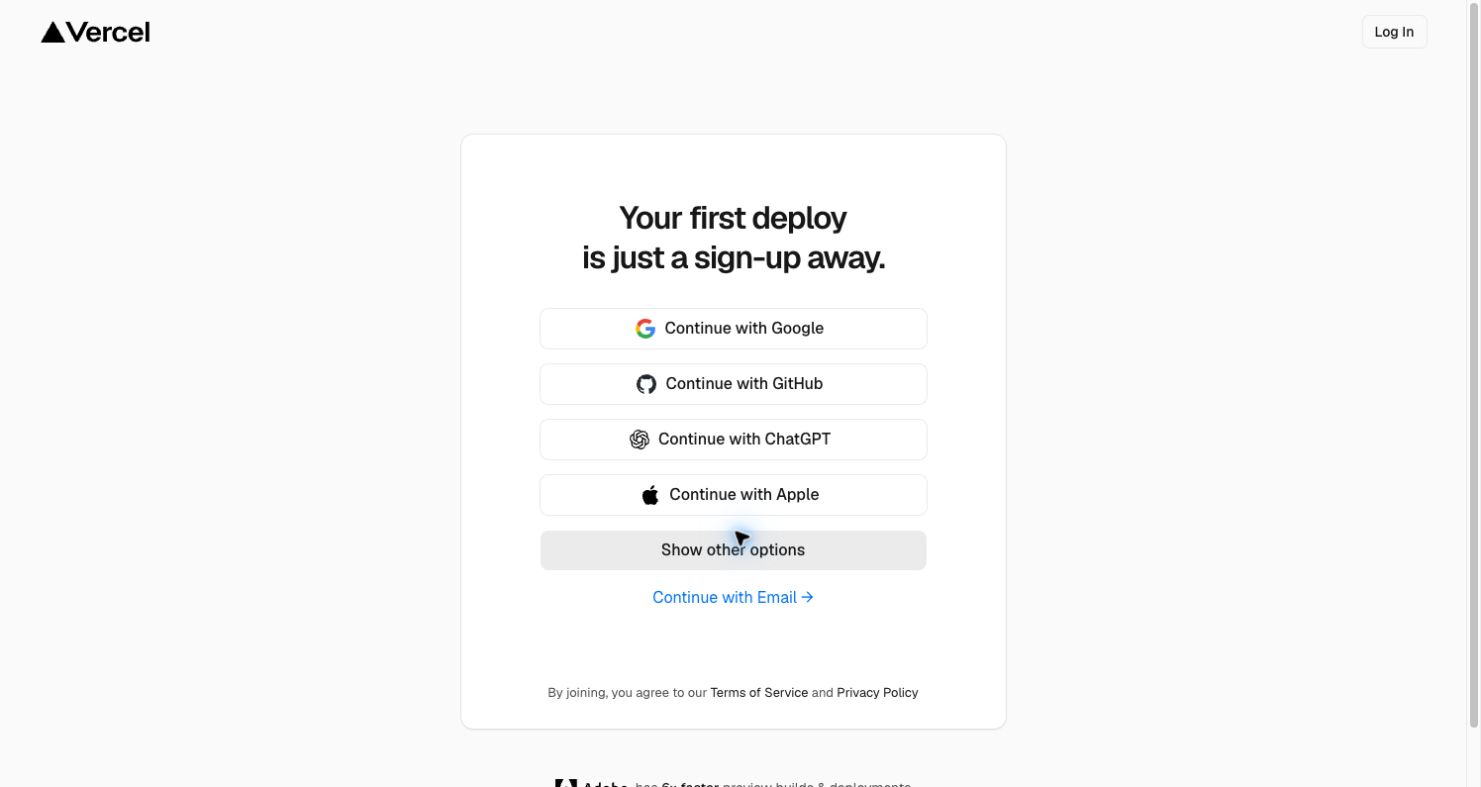
- Continue with Email → Enter work email
- Continue with Google → Google authentication → Choose a plan
2. Enter work email
The card keeps its heading and replaces the provider stack with a single email field. This run used a disposable research address.
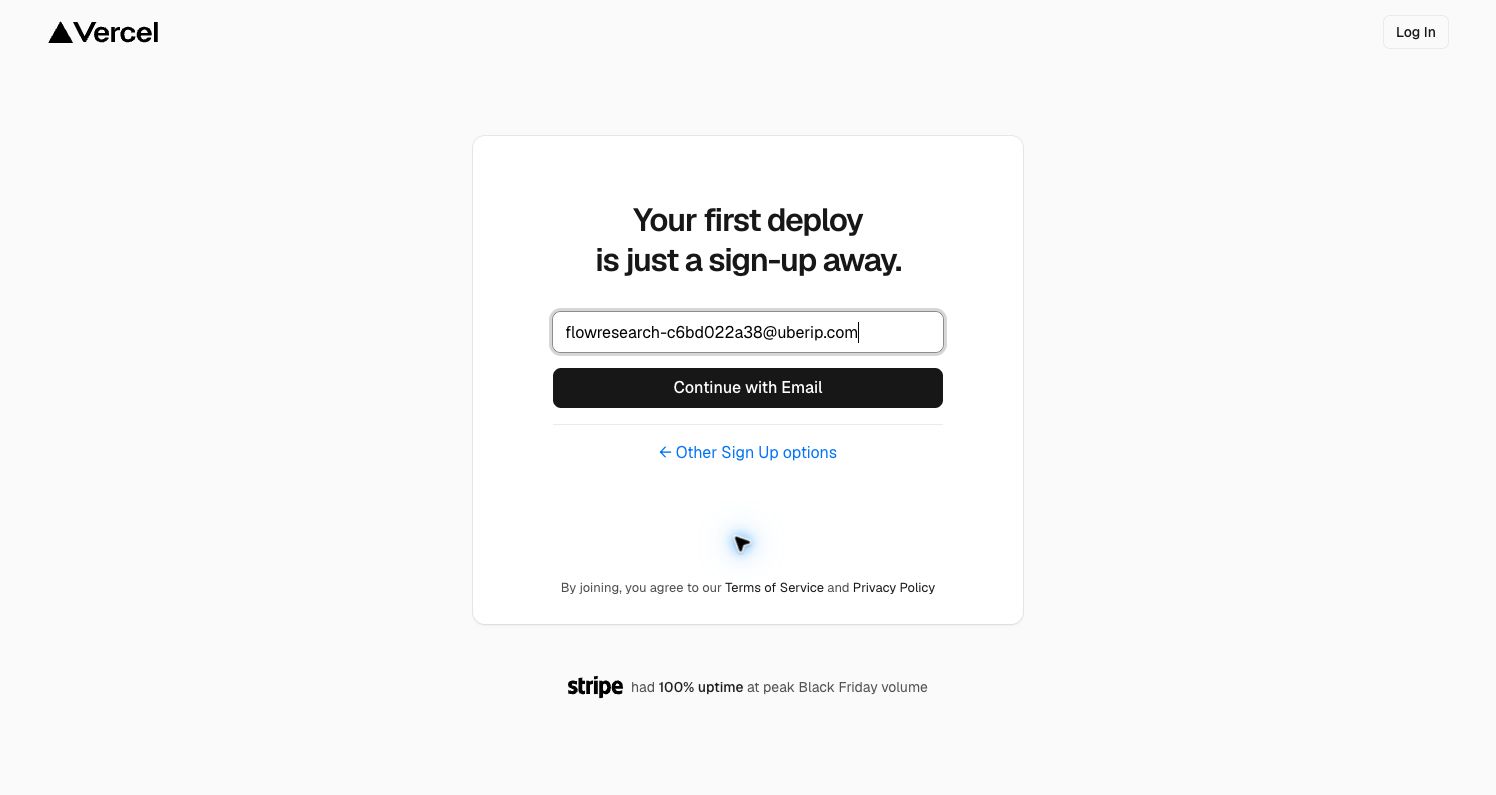
- Continue with Email → Email signup error
- Other Sign Up options → Choose a sign-up method
3. Email signup error
An inline recovery message keeps the user on the form and offers another method or account recovery. The cause is unspecified; disposable-domain blocking is not confirmed.
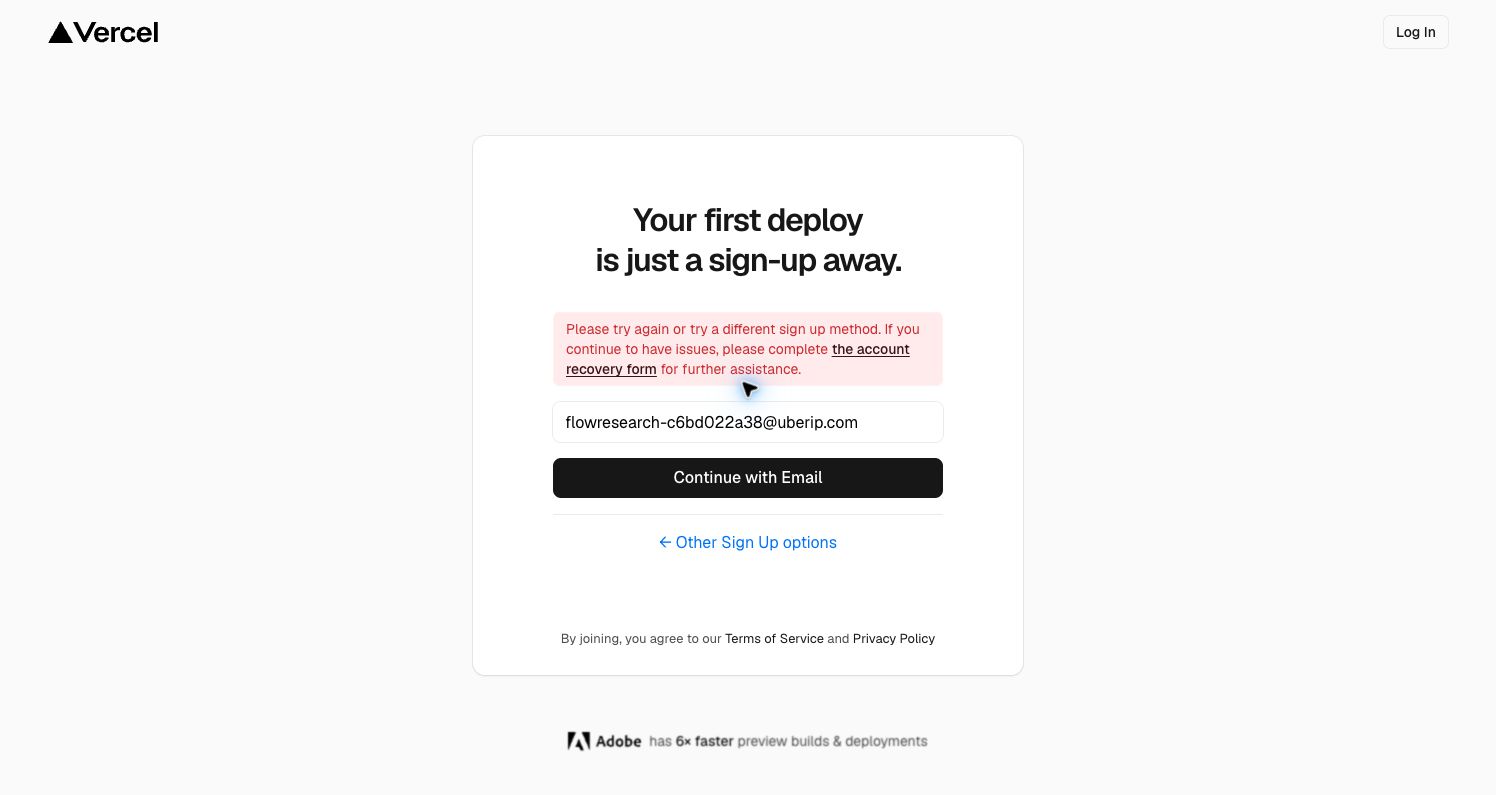
- Other Sign Up options → Choose a sign-up method
- Account recovery → Not exercised
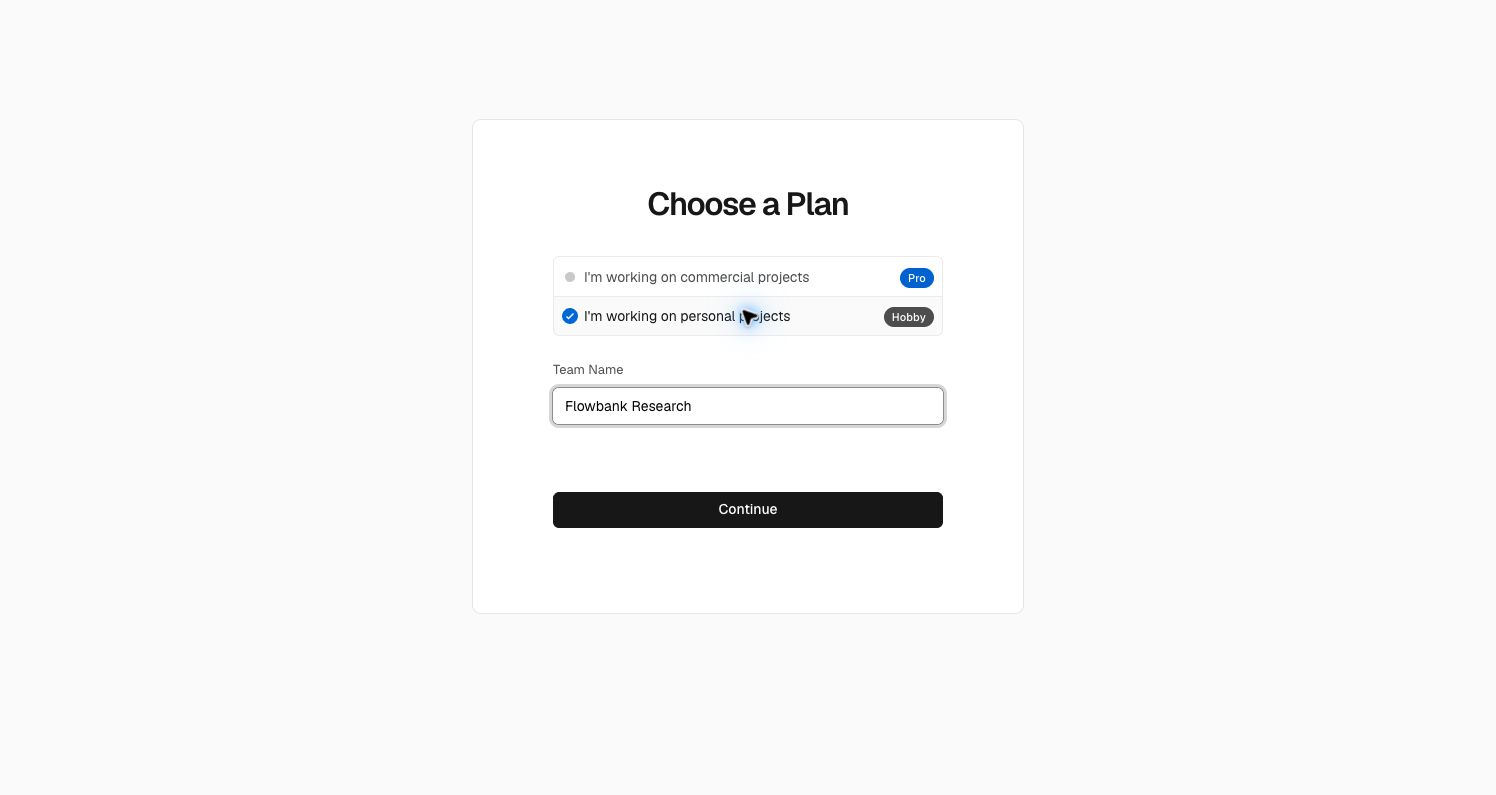
4. Choose a plan
Commercial Pro is initially selected. Benefits and trial details appear beside the team-name field. This default was changed before continuing.
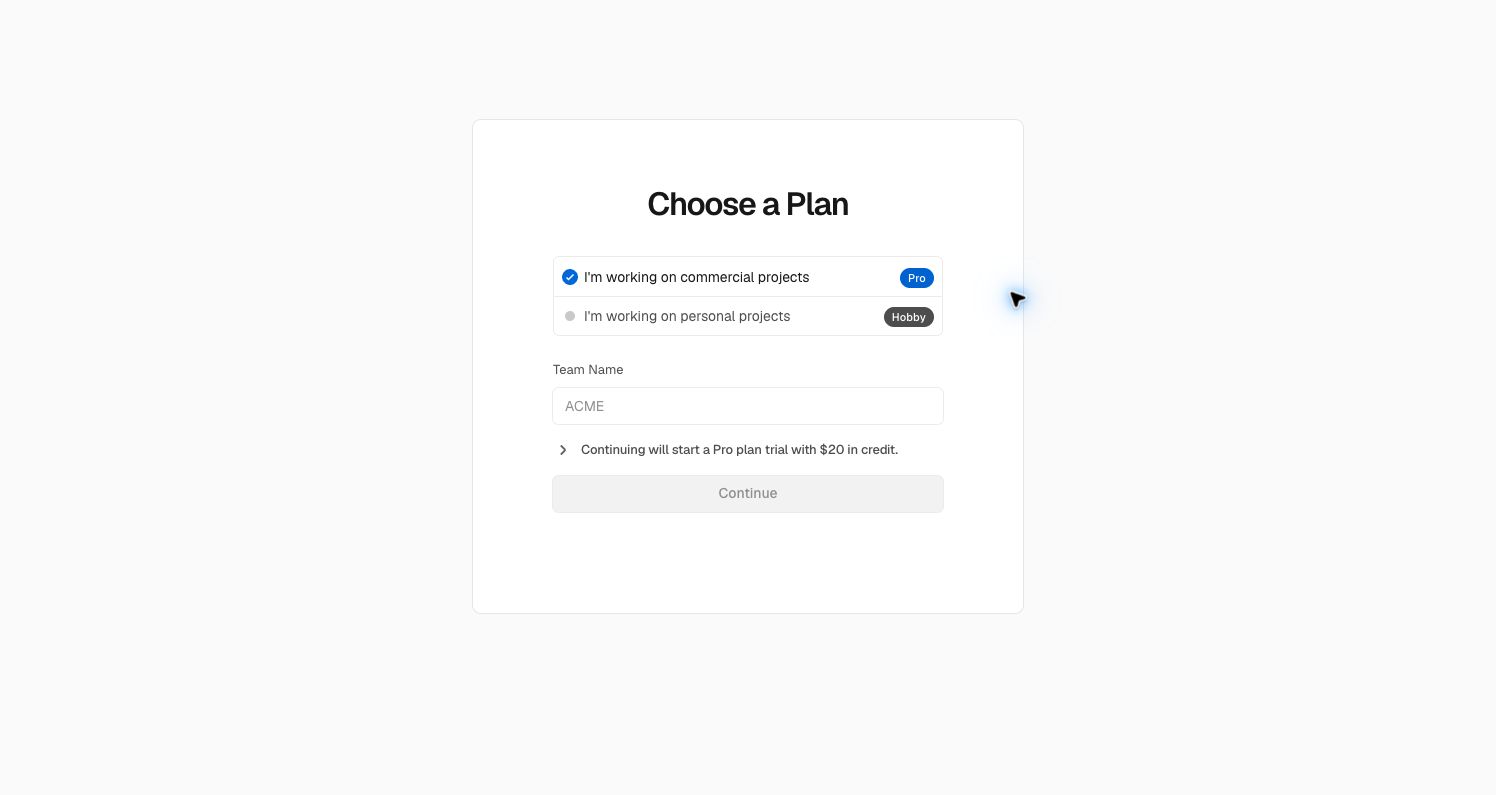
- Select personal projects → Personal plan selected
5. Personal plan selected
The selected plan changes to Hobby and the Pro-trial explanation disappears. Team name is required to enable Continue.
- Continue → New project
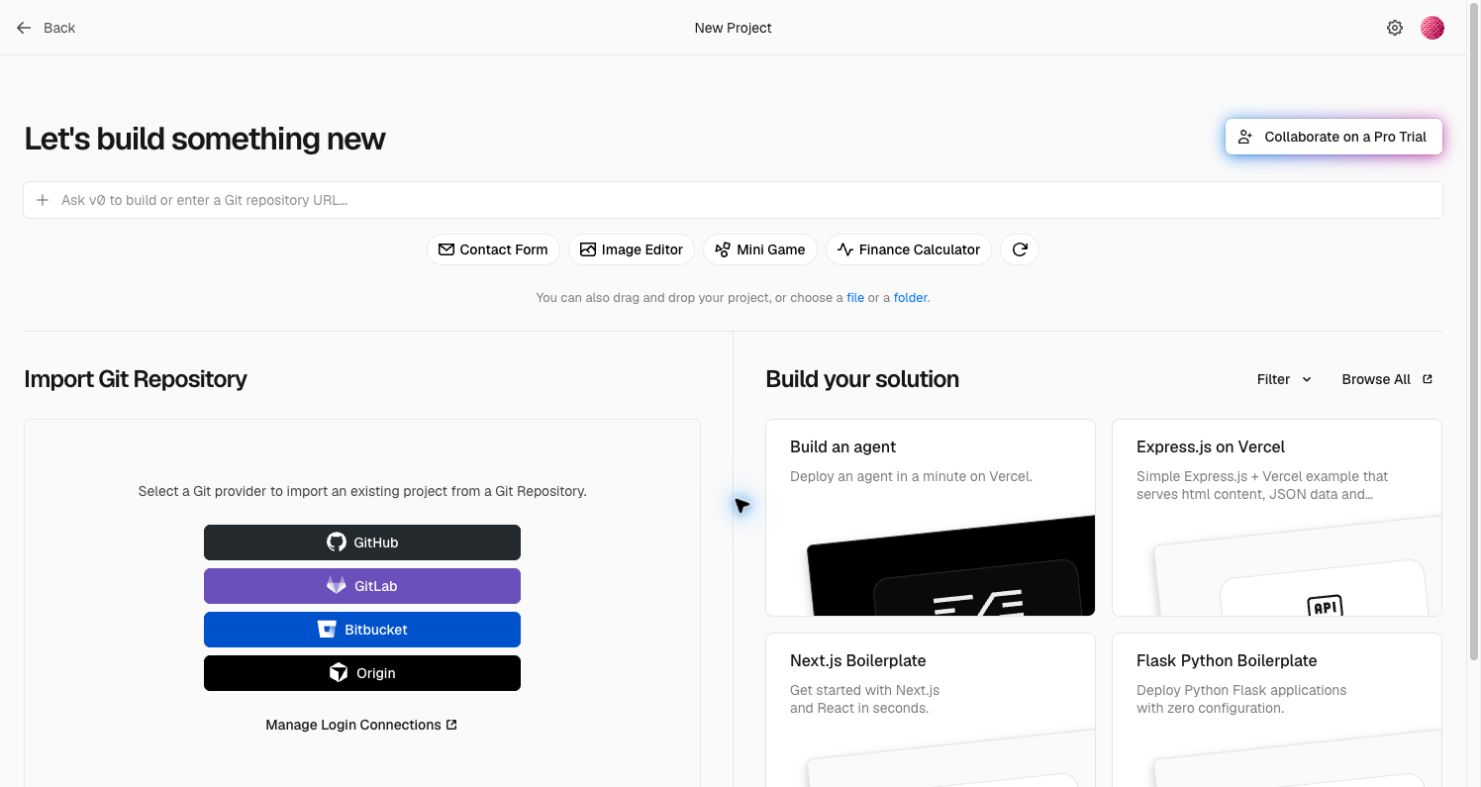
6. New project
The first authenticated surface supports a prompt or repository URL, file deployment, Git-provider import, and starter templates.
- Next.js Boilerplate → Configure template
- Back to Dashboard → Empty dashboard
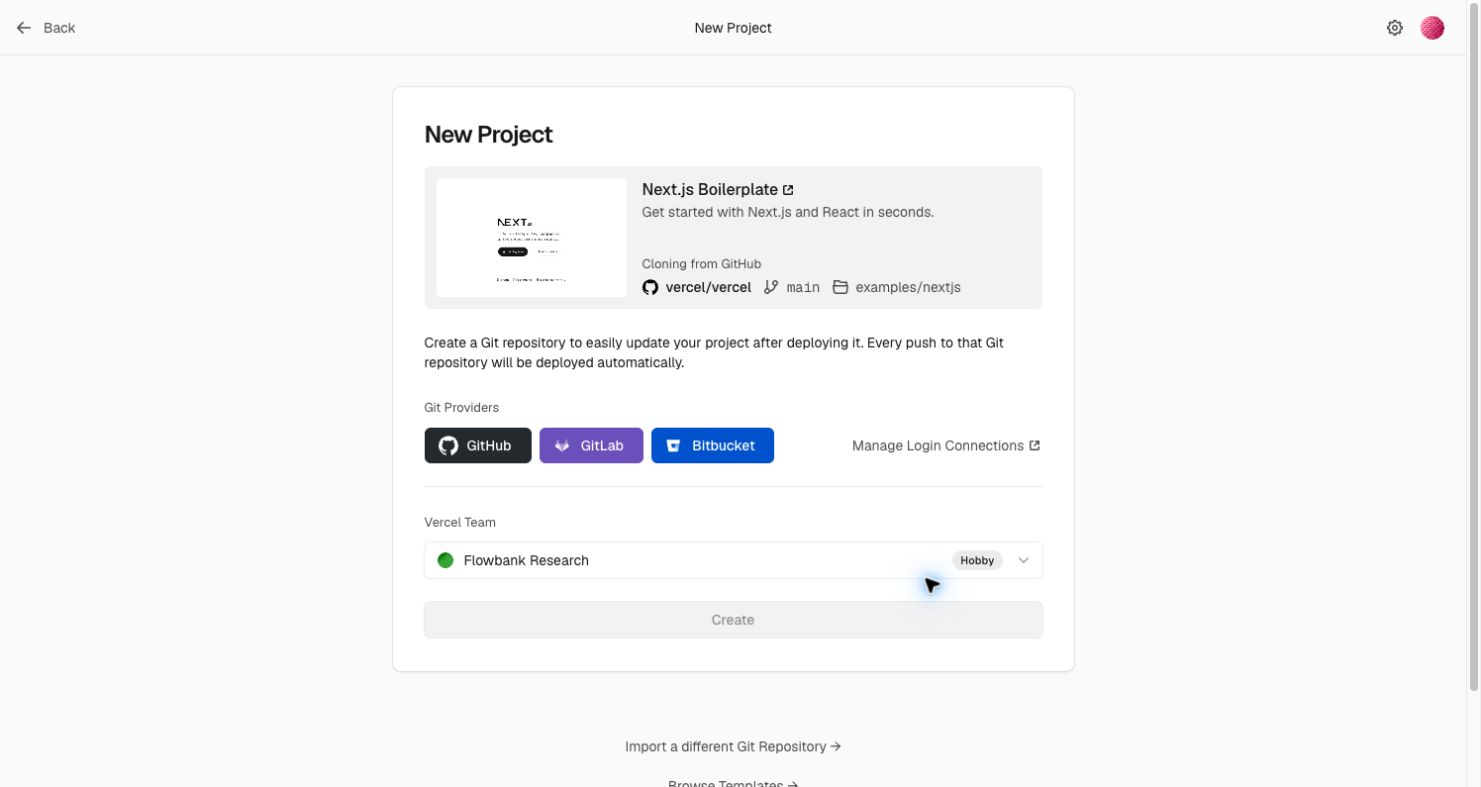
7. Configure template
The template details remain visible alongside repository-provider selection and the chosen Hobby team. Create is disabled until prerequisites are met.
- Back to Dashboard → Empty dashboard
- Connect a Git provider → Not exercised; requires additional account access
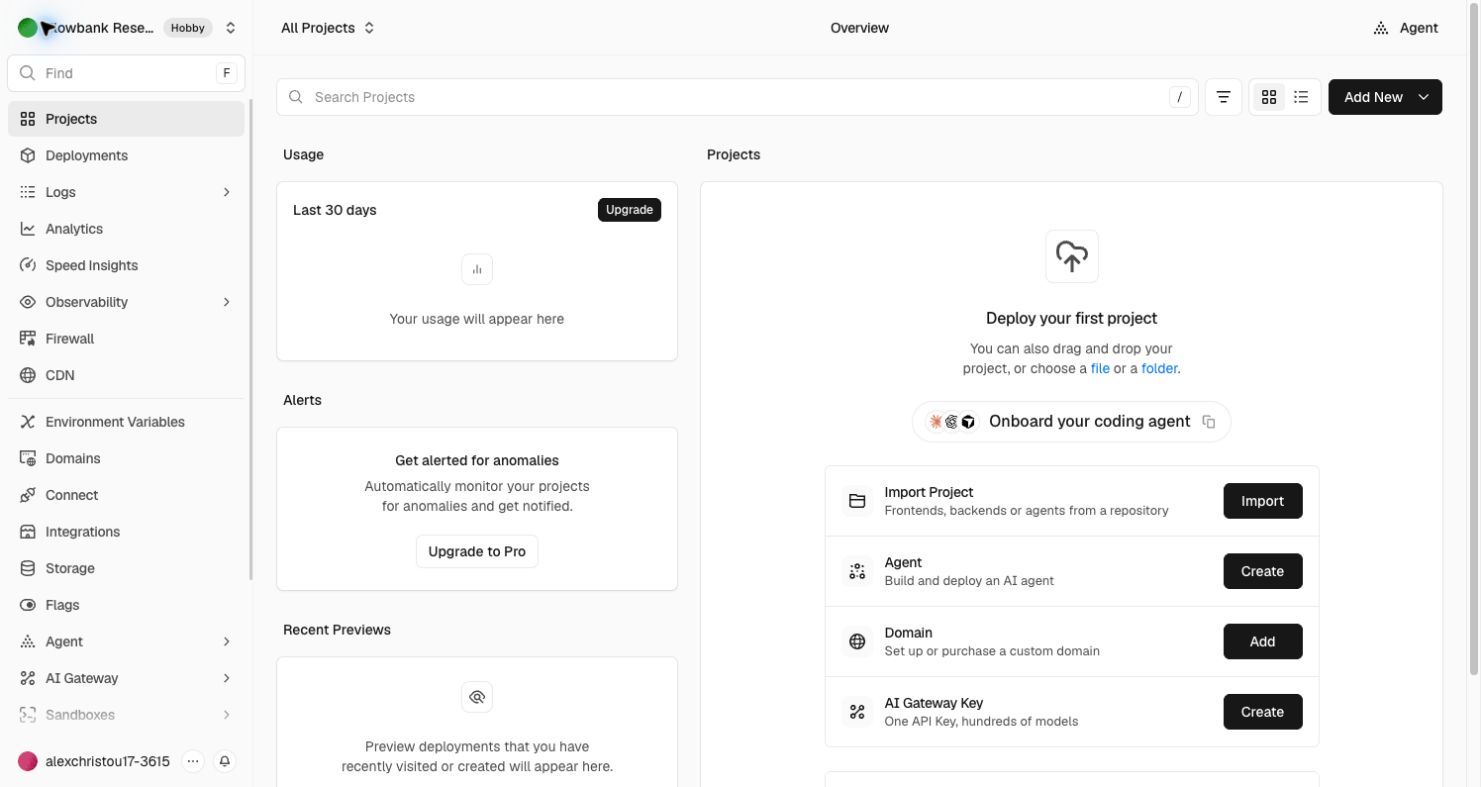
8. Empty dashboard
The empty state suggests several first actions: import a project, create an agent, add a domain, or browse templates. Usage and previews explain where future data will appear.
- Import → New project
- Other setup actions → Not explored