 screenrove
Airbnb / From search to sign-in
Logged-out desktop journey: home, destination search, dates, guests, results, listing, header menu and the log-in / sign-up modal. No account was created and nothing was entered, so sign-up, onboarding and every signed-in screen (trips, wishlists, messages, booking) are not captured. Locations, prices and listings are personalised to the visitor and change over time. Filters and the photo tour were opened but nothing was applied or booked.
1. Home, logged out
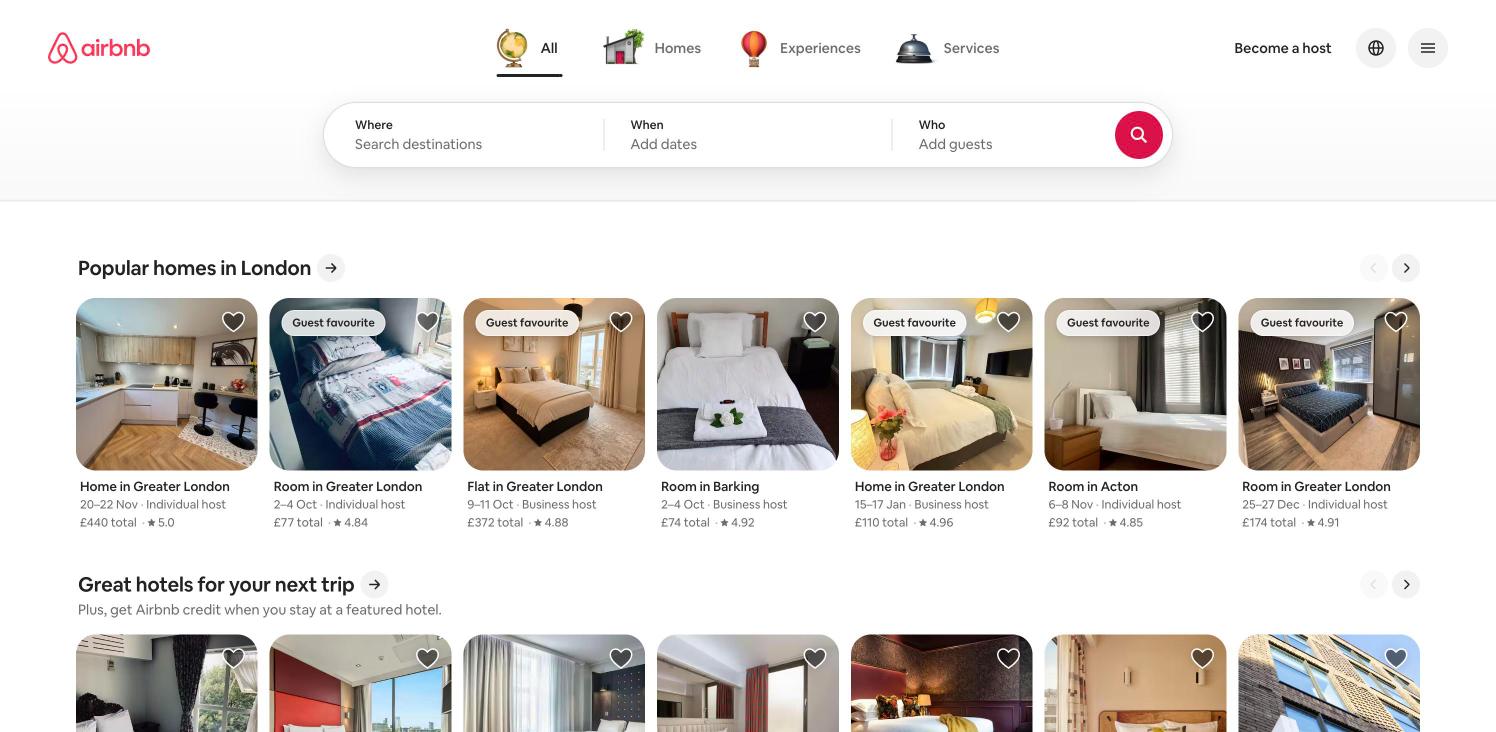
Category tabs (All, Homes, Experiences, Services) sit above a three-part search pill (Where / When / Who) with a round red search button. Below it, stacked horizontal carousels of listing cards. Row titles and locations are personalised to the visitor.
- Click Where and type a destination → Destination suggestions
- Open the Experiences or Services tab → Product screens: Experiences / Services
- Open the header menu → Header menu
2. Destination suggestions
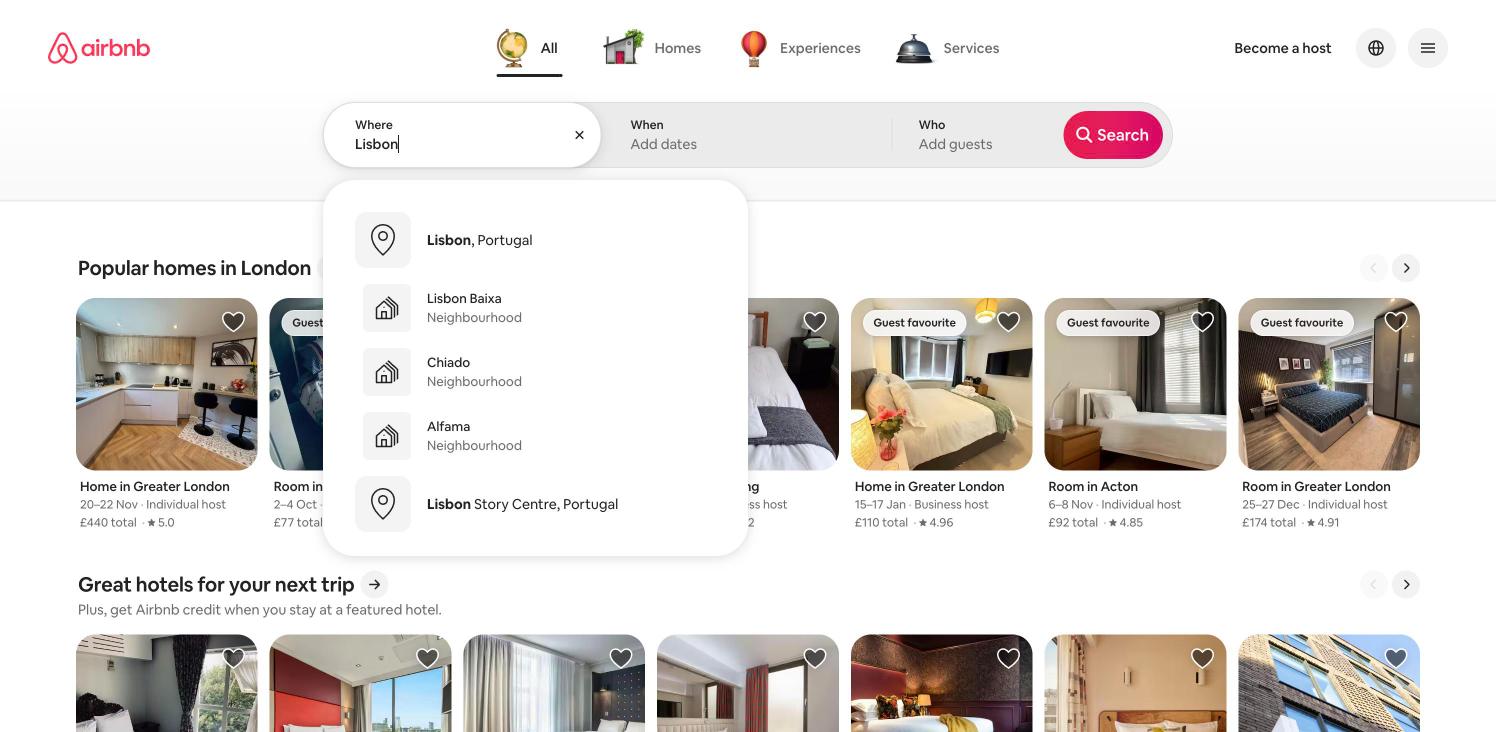
Typing "Lisbon" lifts the Where cell into a white pill and lists Lisbon, Portugal first, then neighbourhoods (Lisbon Baixa, Chiado, Alfama) and a landmark area, each with an icon tile. The search button expands to show its "Search" label.
- Choose Lisbon, Portugal → Date picker
3. Date picker
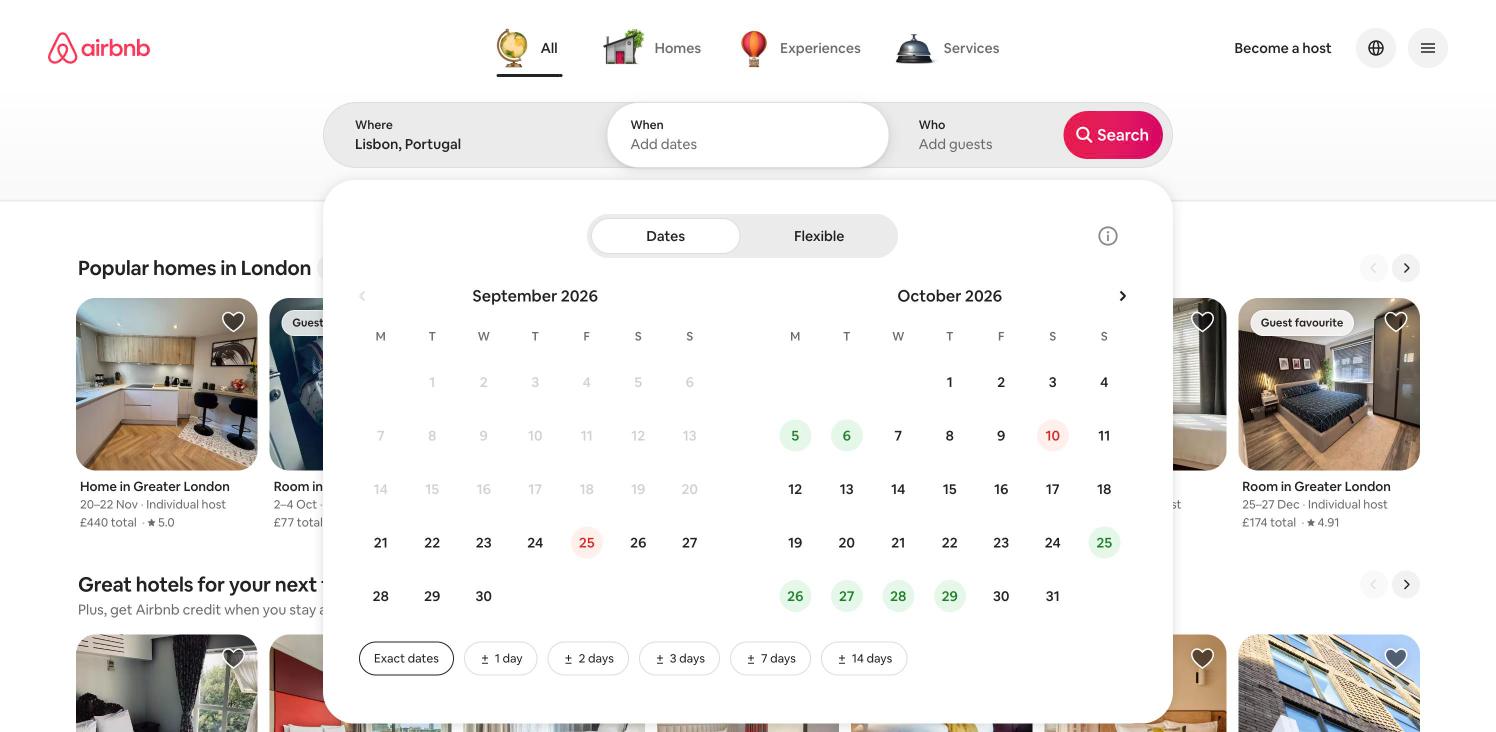
Two-month calendar with a Dates / Flexible toggle and "Exact dates / ±1 / ±2 / ±3 / ±7 / ±14 days" chips. Past dates are greyed. Some dates carry green or red circles; what they signify was not verified.
- Click Who → Guests picker
- Search (no dates chosen) → Search results
4. Guests picker
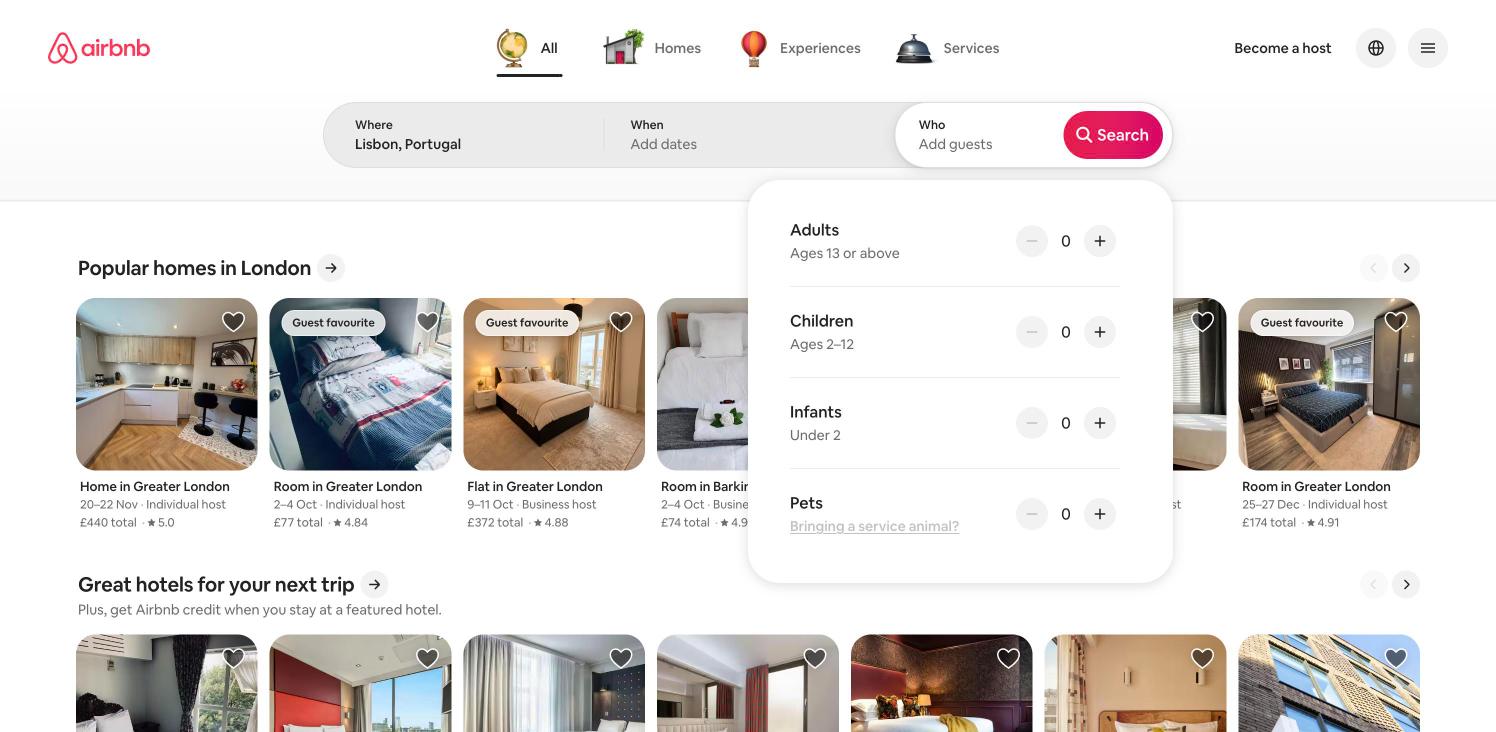
The Who cell opens a sheet with Adults, Children, Infants and Pets steppers, each with minus/plus controls starting at 0. A "Bringing a service animal?" link sits under Pets. Nothing was changed.
- Search → Search results
5. Search results with map
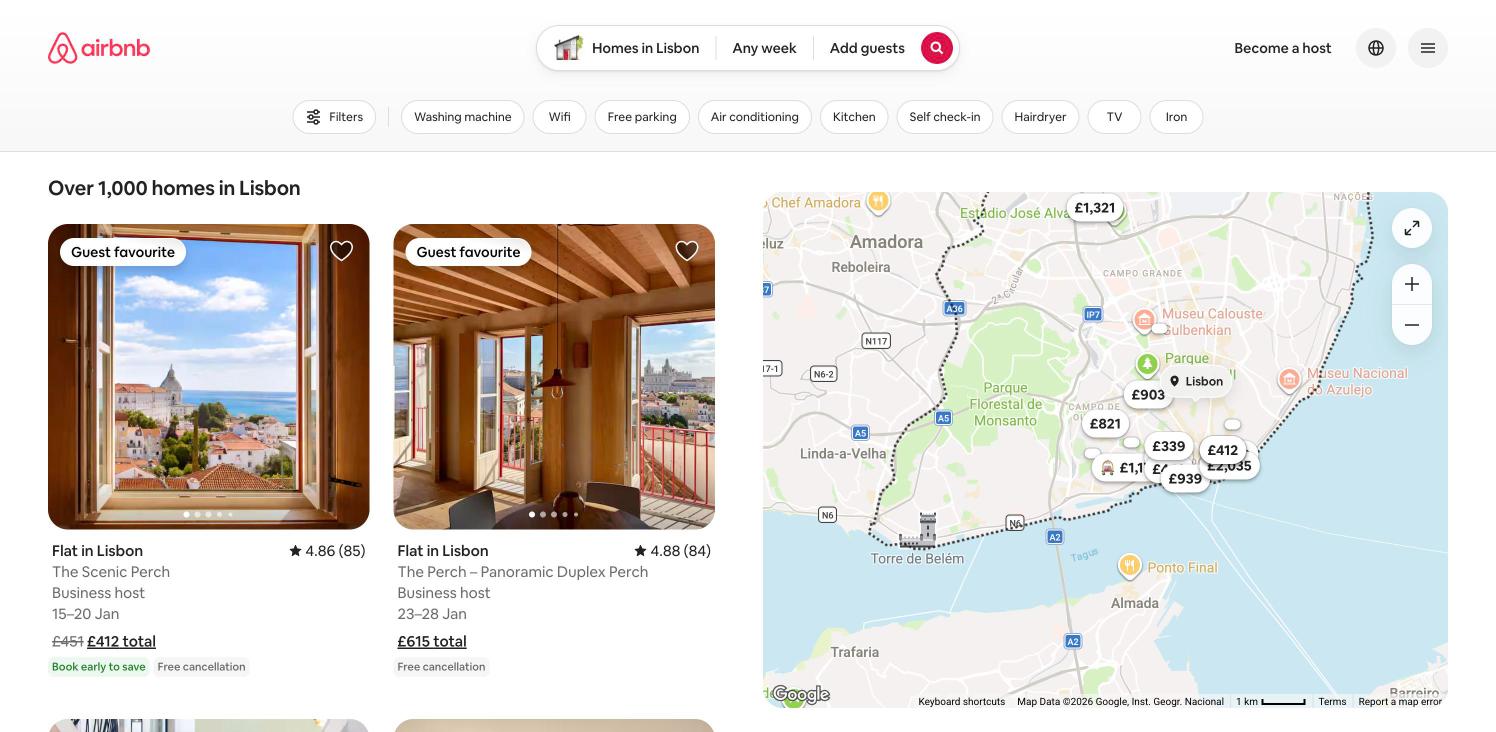
"Over 1,000 homes in Lisbon". A two-column card grid beside a Google map with price pins. The header collapses to a compact search pill and a second row holds Filters plus amenity chips (Washing machine, Wifi, Free parking, Air conditioning, Kitchen, Self check-in, Hairdryer, TV, Iron). Cards show rating, host type, dates, struck-through price plus total, and badges.
- Open Filters → Filters overlay (product screen)
- Open a listing → Listing detail
6. Listing detail, top of page
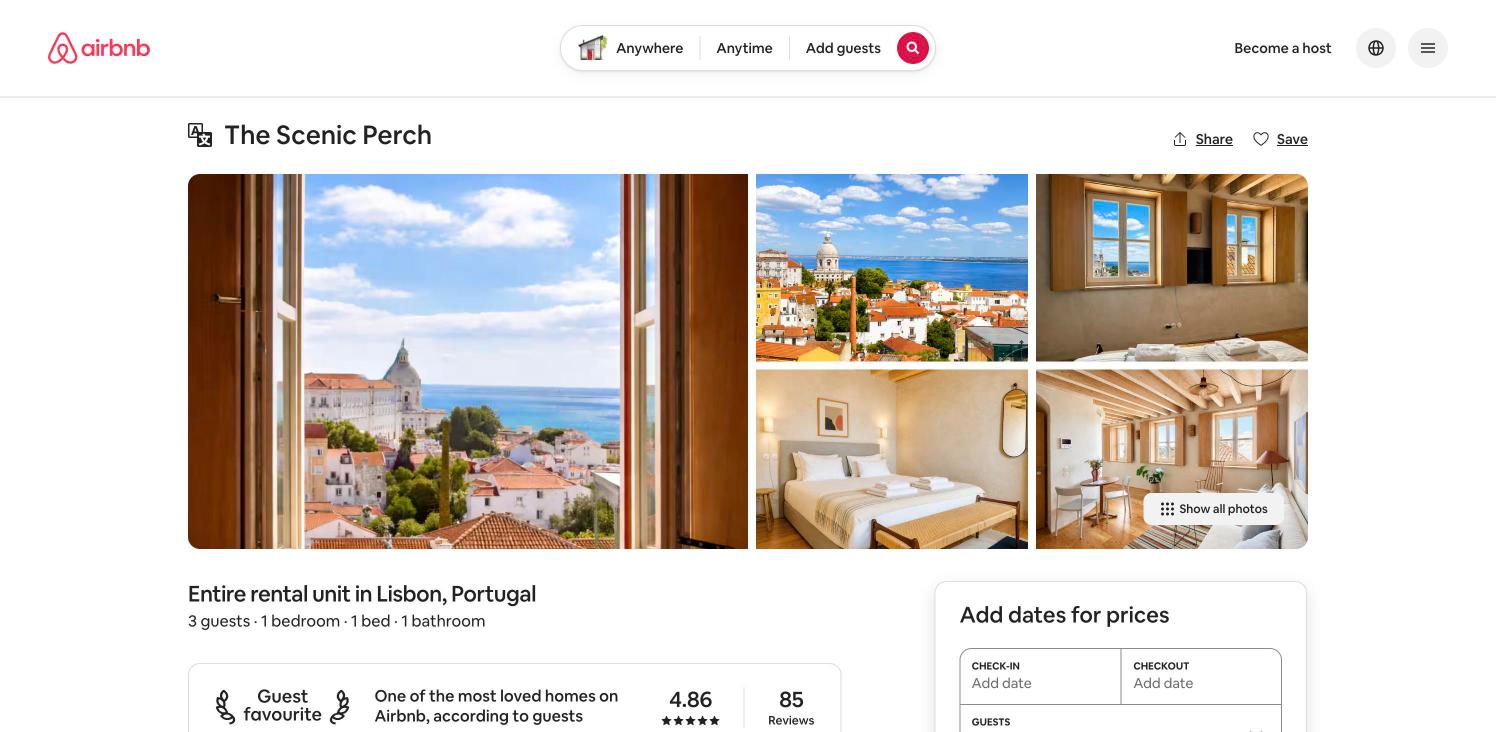
Title with Share / Save, a one-large-plus-four photo grid with "Show all photos", a facts line, a Guest favourite rating card, and a booking card headed "Add dates for prices". Only the top viewport was captured. A "Translation on" notice modal appeared over this page in an earlier pass; it did not appear in this one.
- Show all photos → Photo tour (product screen)
- Open the header menu → Header menu
- Add dates / Reserve → Not explored
7. Header menu, logged out
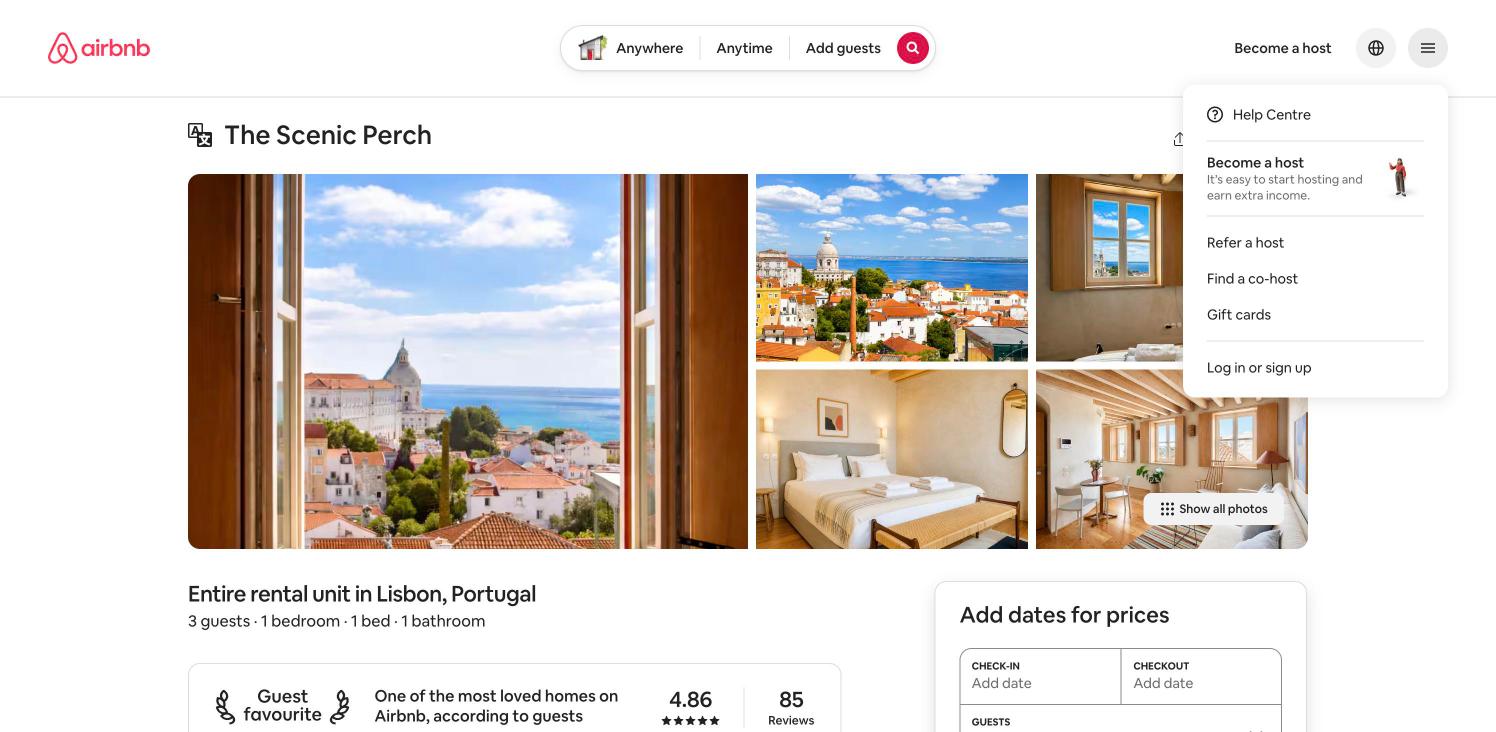
Dropdown: Help Centre, a Become a host promo, Refer a host, Find a co-host, Gift cards, then Log in or sign up.
- Log in or sign up → Log in or sign up modal
8. Log in or sign up modal
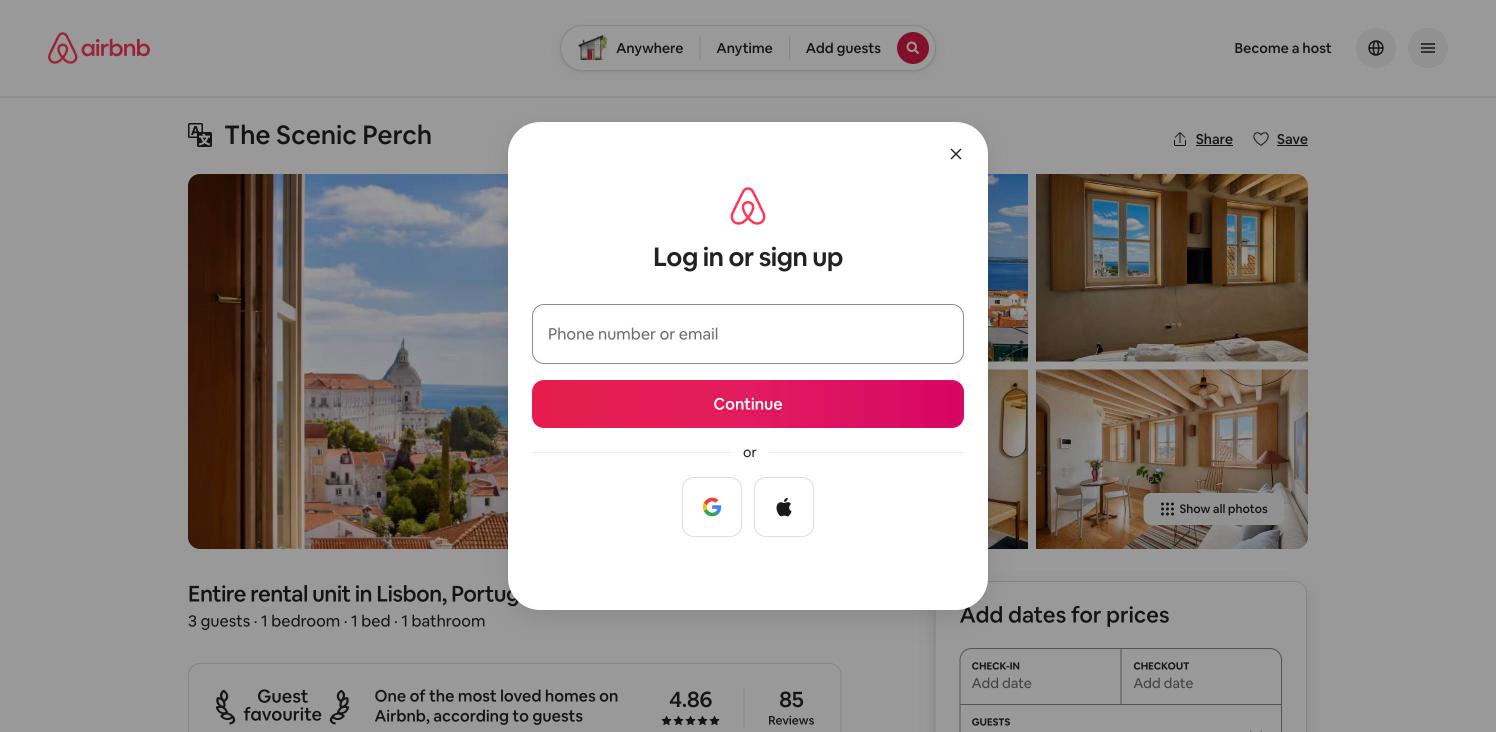
One modal for both log in and sign up: a single "Phone number or email" field, a full-width red gradient Continue button, an "or" divider, then Google and Apple icon buttons. The page behind is dimmed. Nothing was entered or submitted.
- Continue with phone or email → Not explored
- Continue with Google / Apple → Not explored