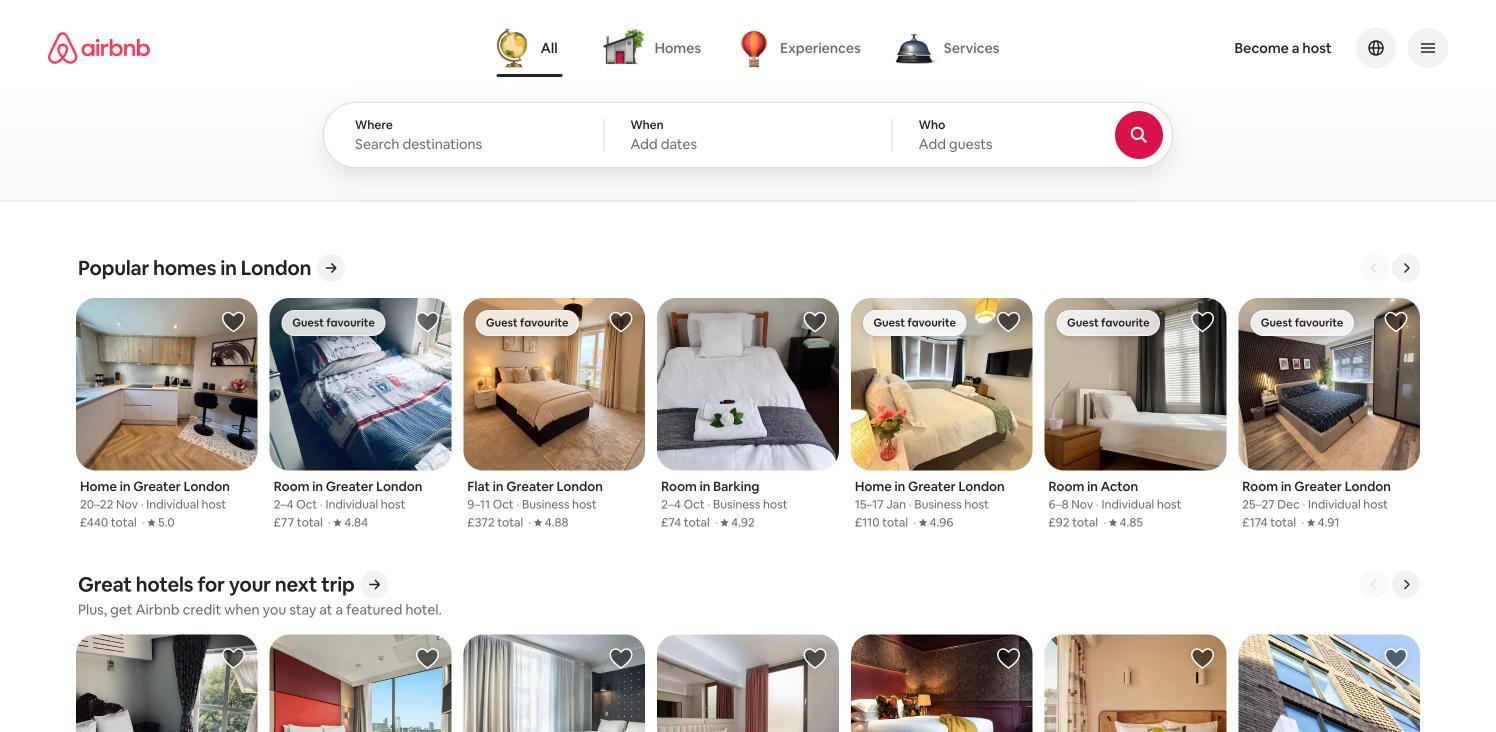
Home search
The logged-out home. Category tabs switch between homes, experiences and services; the three-part search pill starts a destination search. Same capture as the first flow step.
 screenroveSCREENS WORTH STUDYING
Explore captured product screens and their navigation.
The logged-out home. Category tabs switch between homes, experiences and services; the three-part search pill starts a destination search. Same capture as the first flow step.
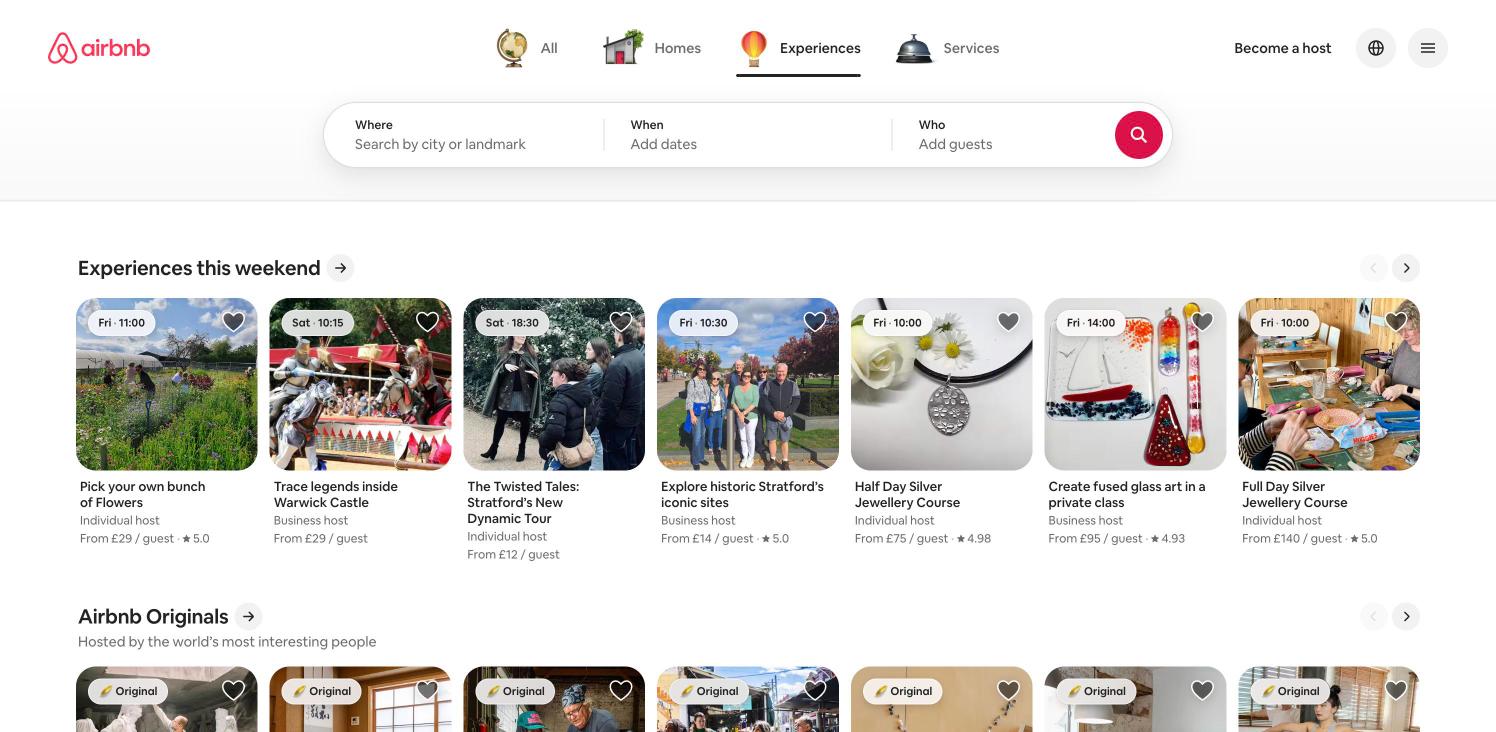
The Where field becomes "Search by city or landmark". Rows such as "Experiences this weekend" show time badges (for example Fri · 11:00) and per-guest prices, with an "Airbnb Originals" row below.
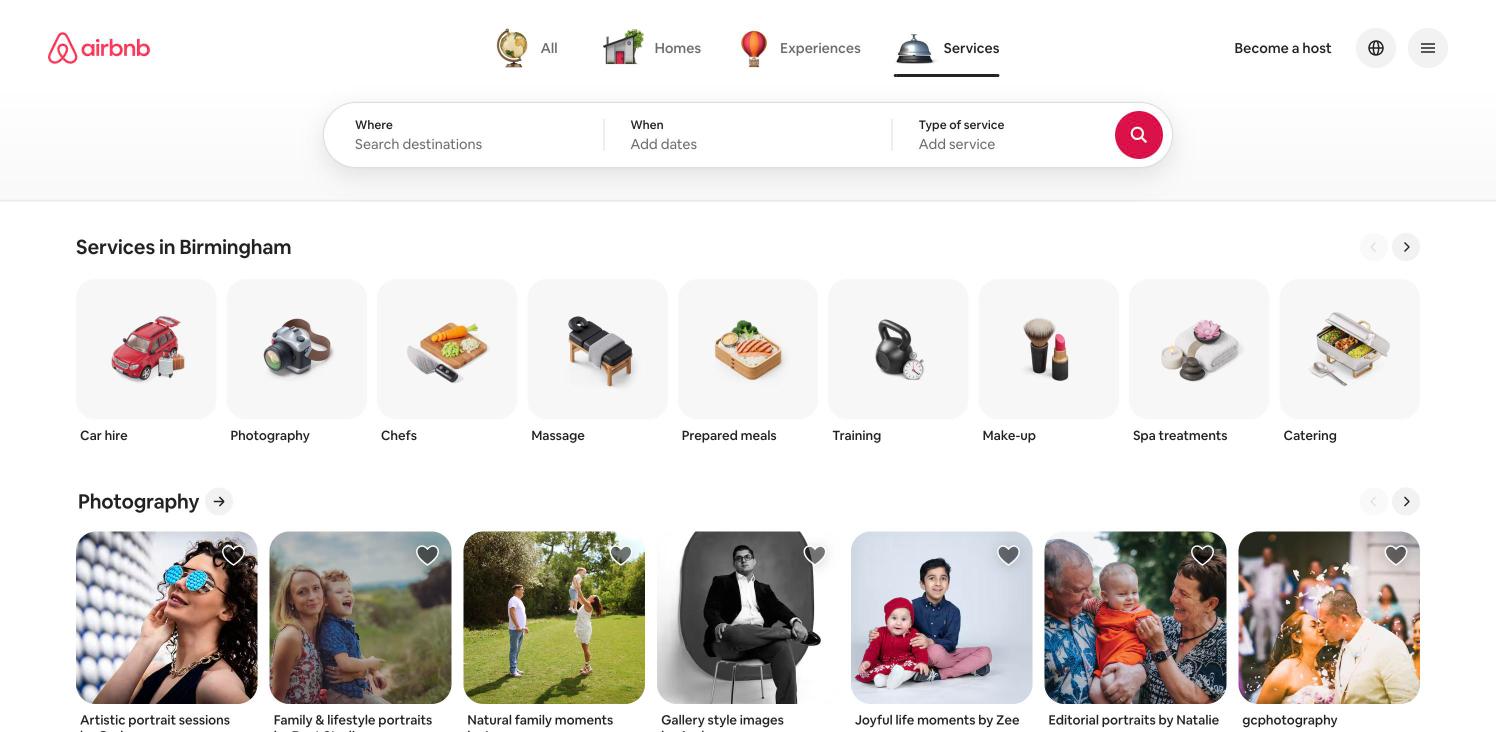
The last search field becomes "Type of service". A row of illustrated category tiles (Car hire, Photography, Chefs, Massage, Prepared meals, Training, Make-up, Spa treatments, Catering) sits above provider carousels.
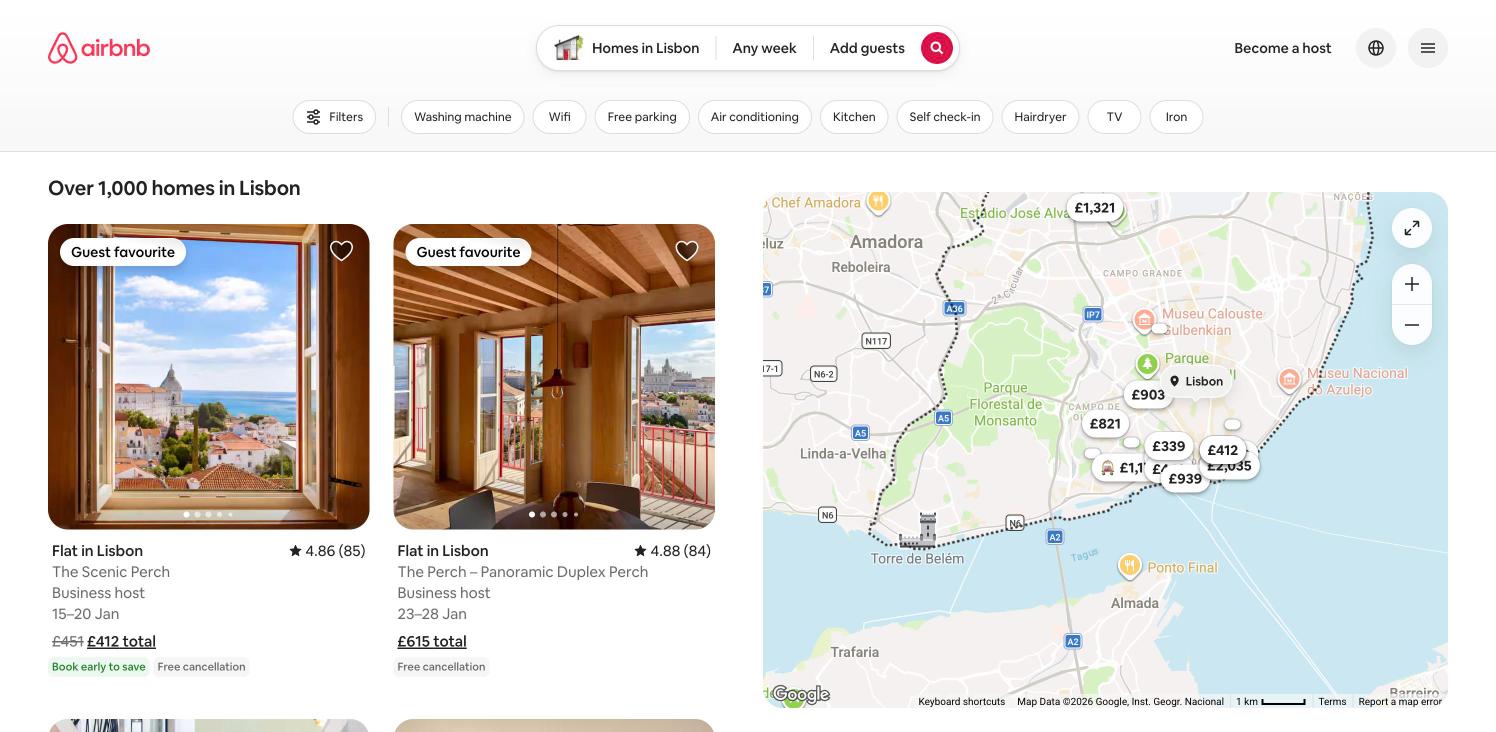
Listing grid on the left, live map with price pins on the right, an amenity chip row under the compact search pill. Same capture as the flow results step.
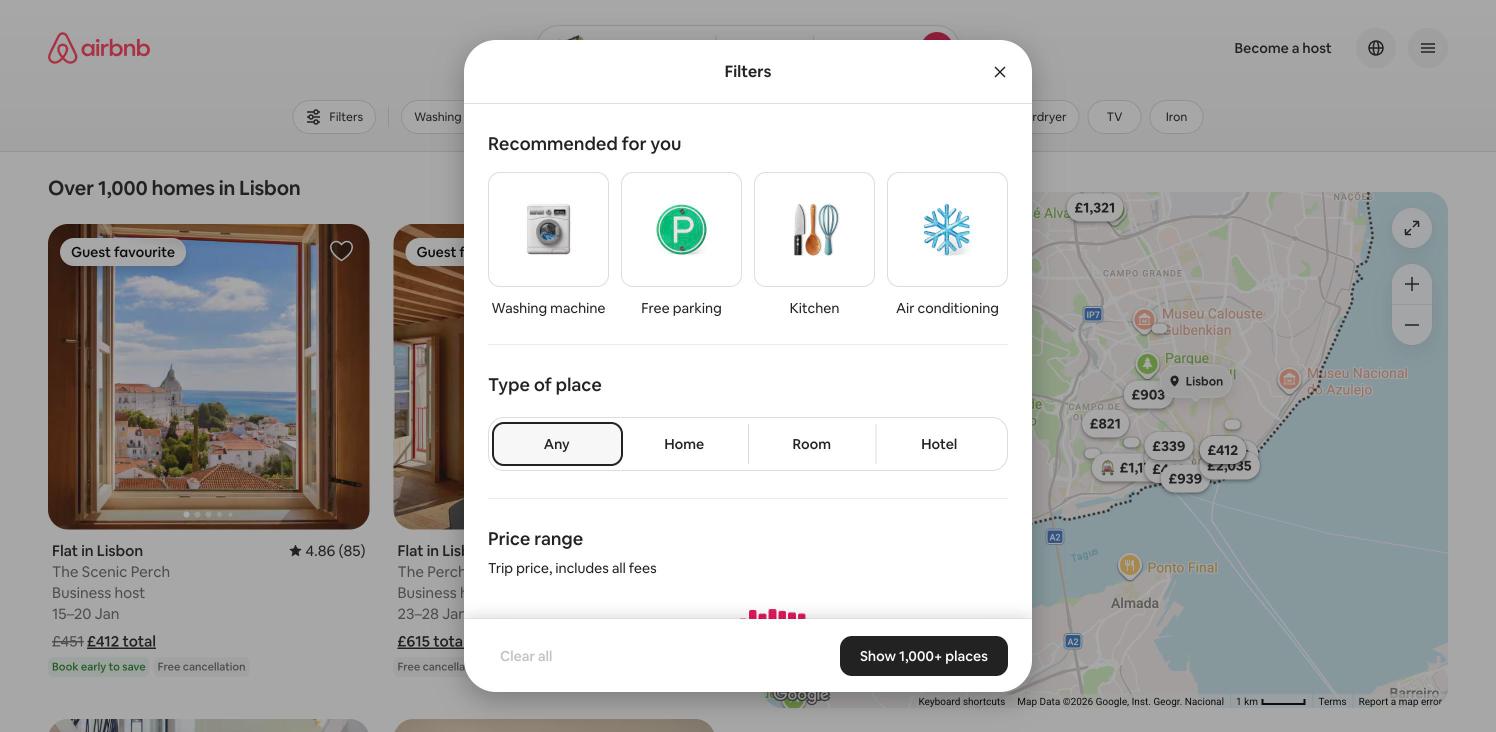
A centred sheet over the dimmed results: Recommended-for-you tiles, a Type of place segmented control (Any, Home, Room, Hotel), Price range, and a footer with Clear all and "Show 1,000+ places". No filter was applied.
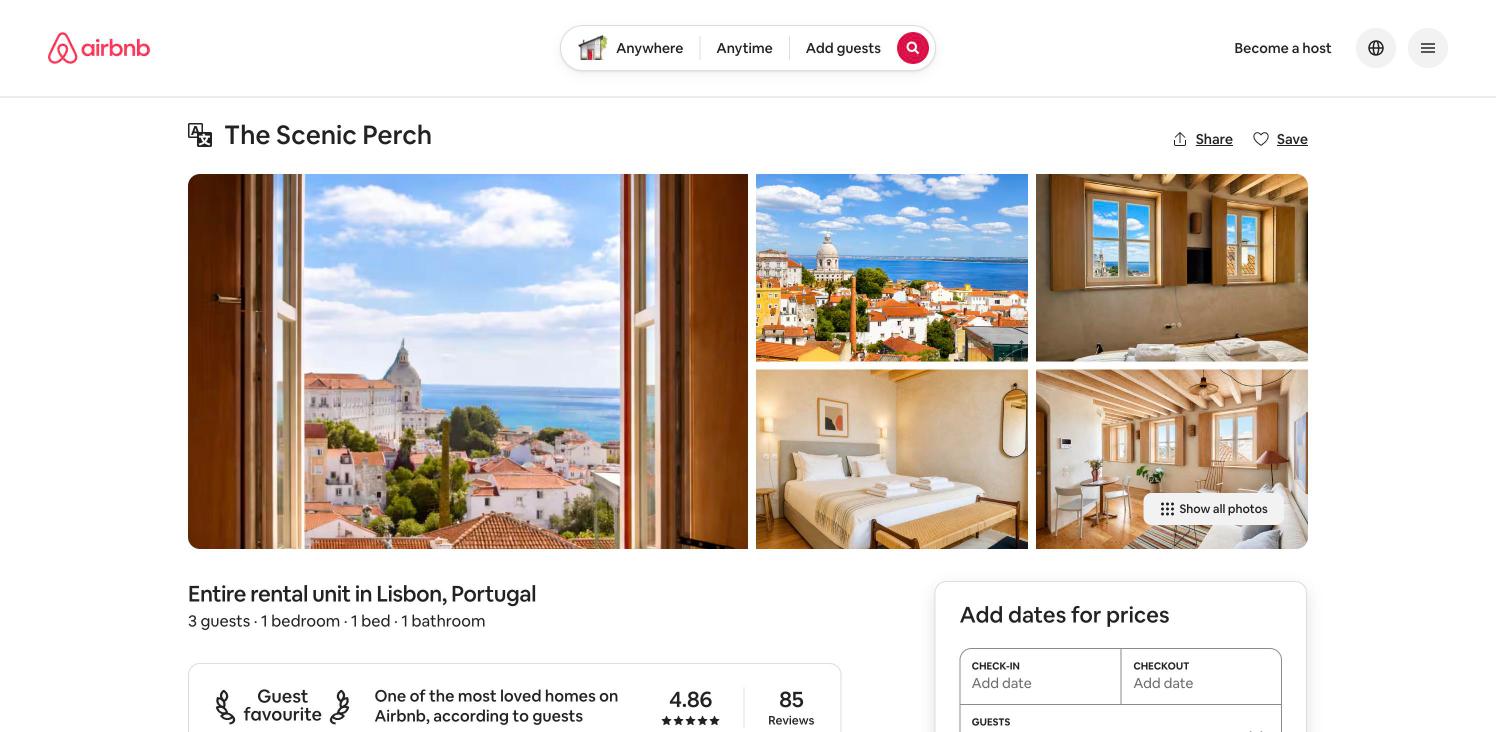
Title, a one-large-plus-four photo grid, facts line, Guest favourite card and a sticky booking card. Same capture as the flow listing step; only the top viewport was captured.
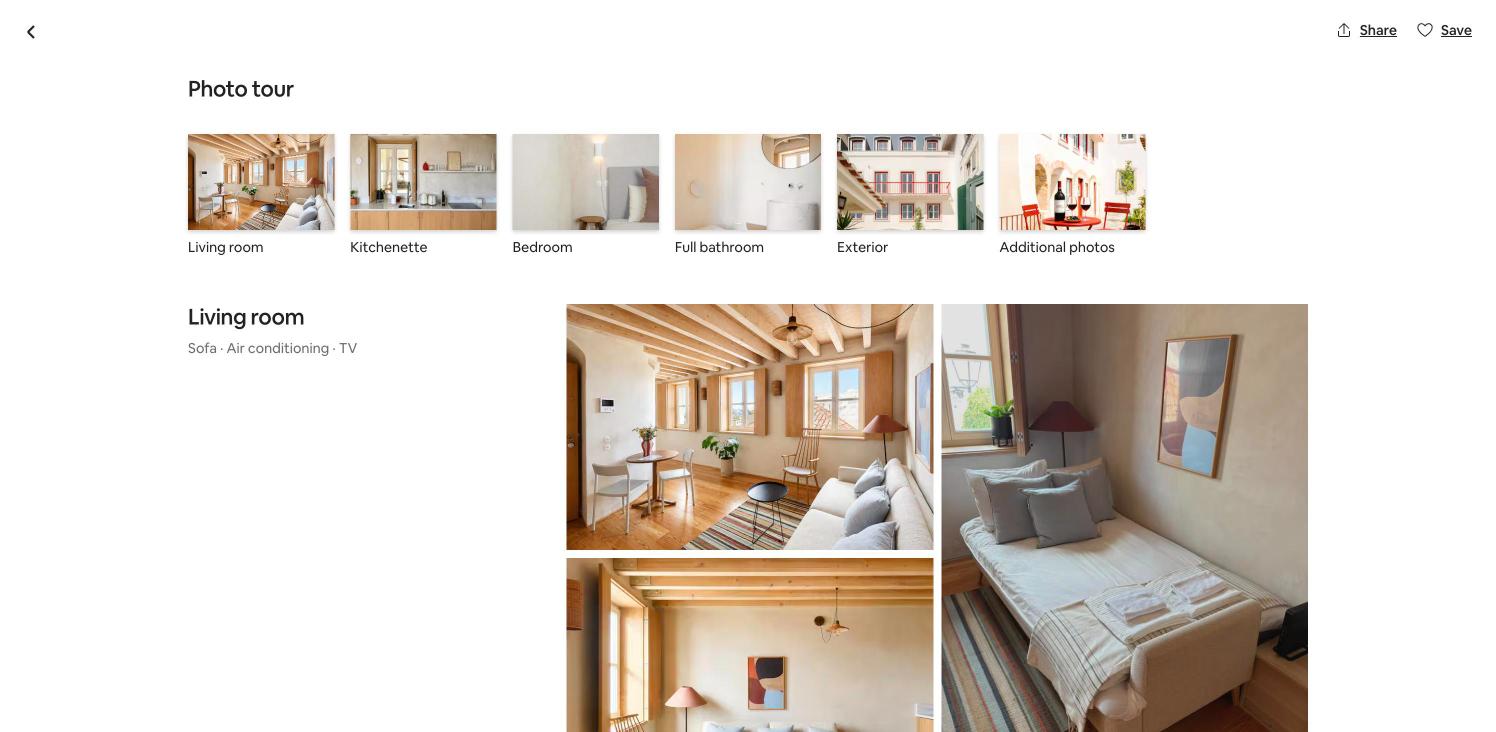
A full-screen photo tour: back arrow, Share and Save, a row of room thumbnails (Living room, Kitchenette, Bedroom, Full bathroom, Exterior, Additional photos) and room-grouped photo grids with amenity captions.