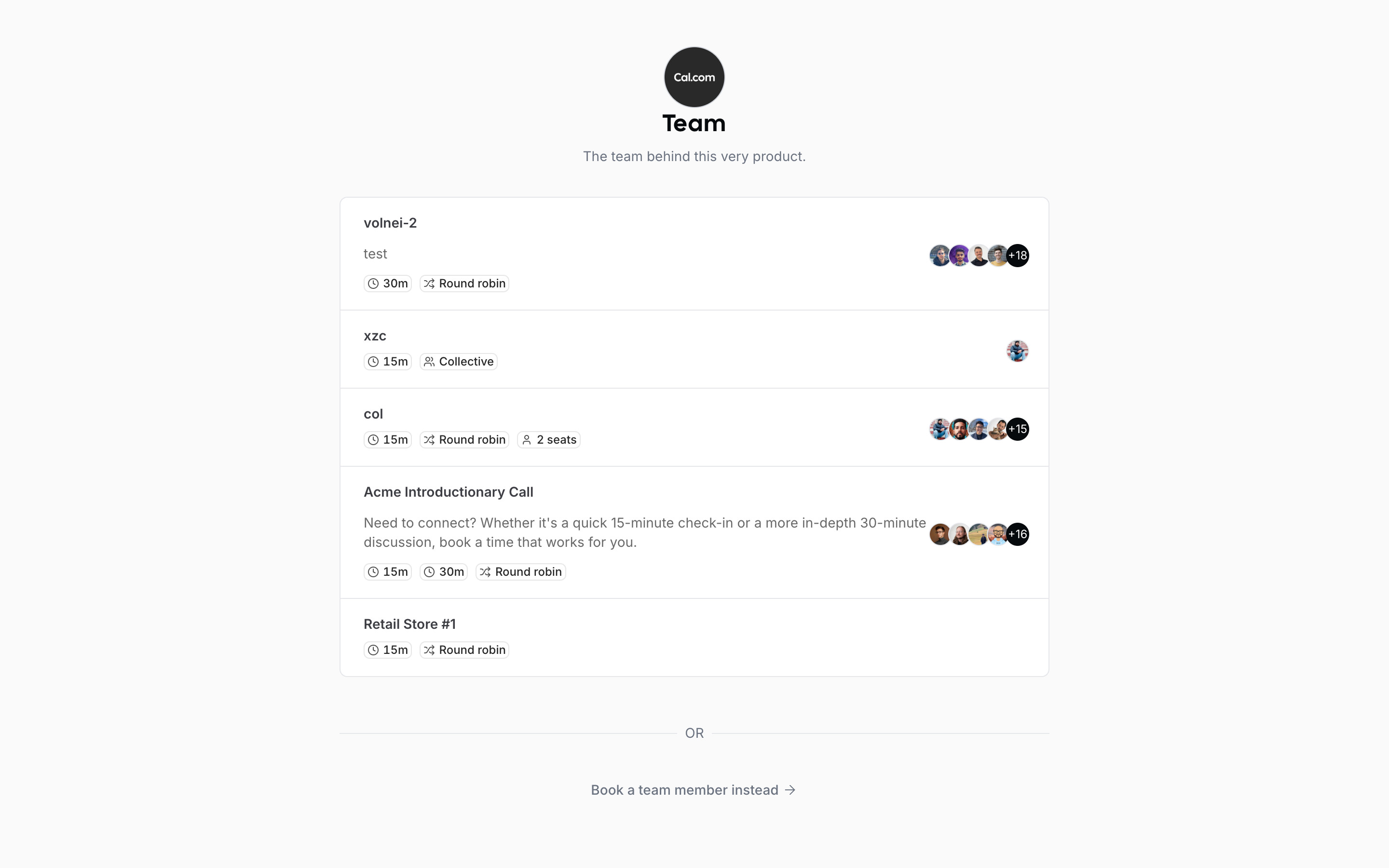
Cal.com's own team page: logo, "Team" and "The team behind this very product.", then a bordered list of five event types, each with a duration chip, a scheduling-type chip (Round robin, Collective, seats) and a stack of member avatars. Several event names are internal placeholders (volnei-2, xzc, col). An "OR" divider leads to "Book a team member instead" (not opened, as it lists individuals). The flow starts from the Acme Introductionary Call row.
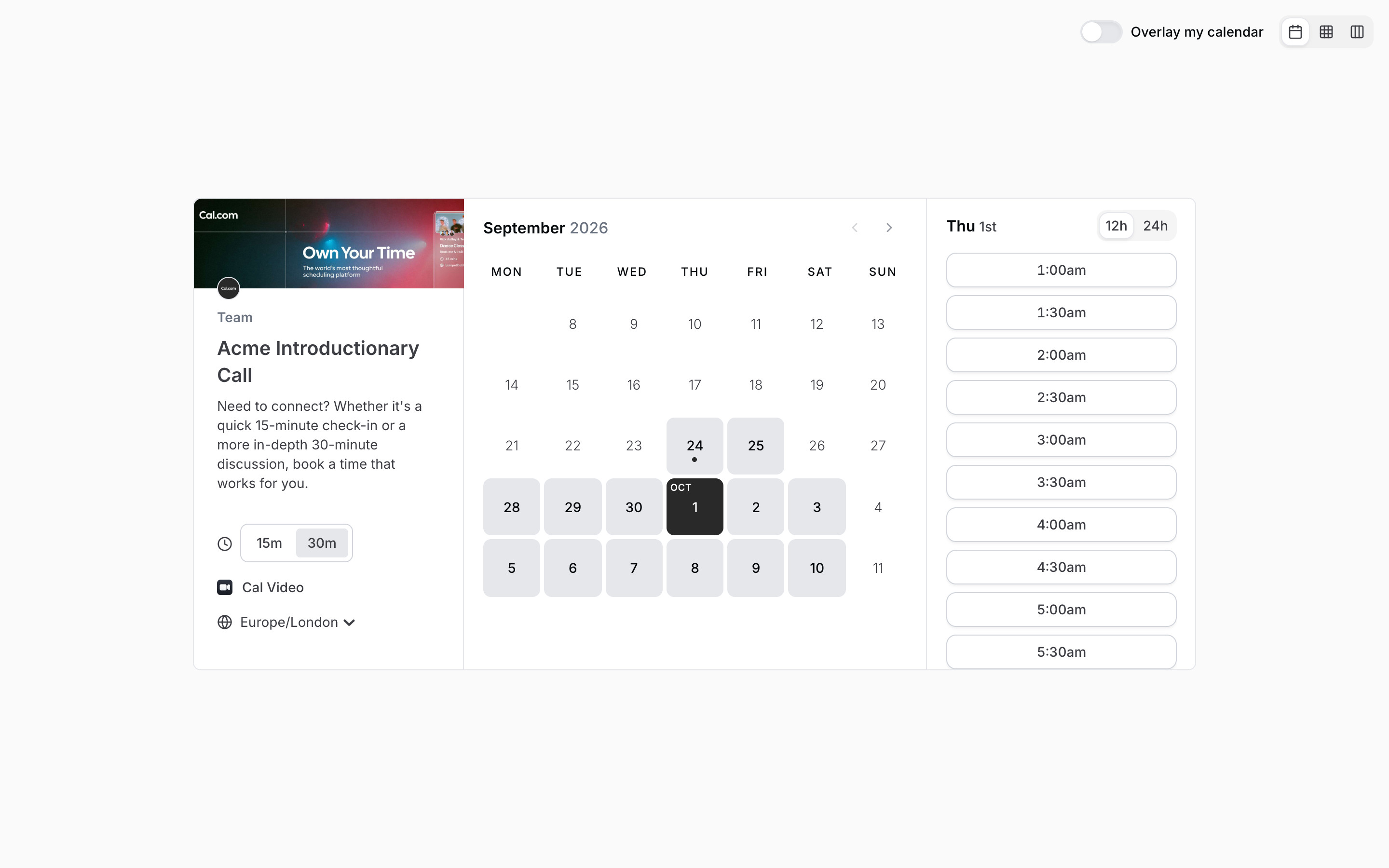
The same demo event in a different state from the flow: 30m chosen, the 12h format on and Thu 1 Oct picked, so slots read 1:00am, 1:30am and so on. The small team avatar under the banner links back to the team page.
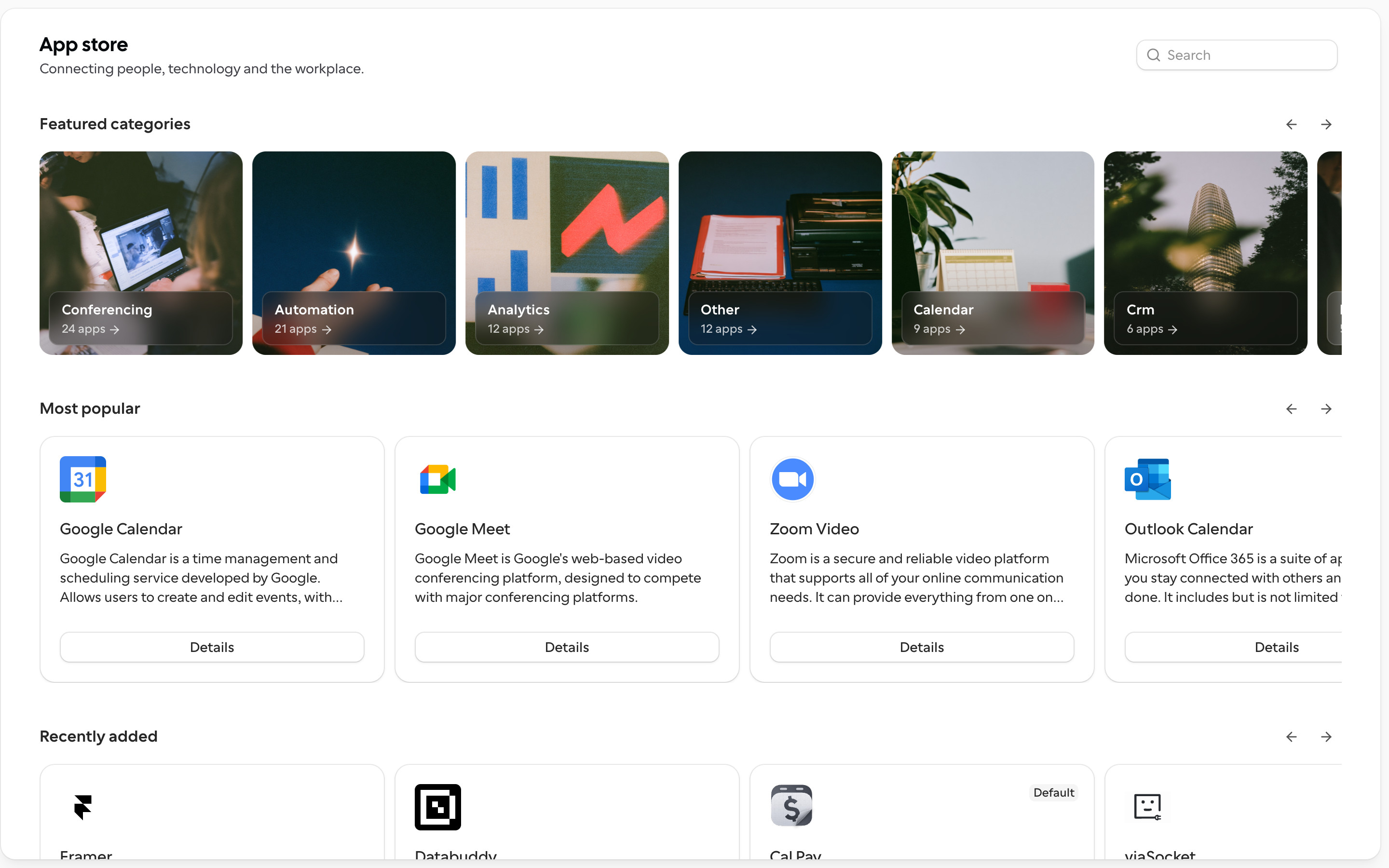
Public App Store: "App store" title and a search field, a carousel of photo tiles for featured categories (Conferencing 24 apps, Automation 21, Analytics 12, Other 12, Calendar 9, Crm 6 ...), then "Most popular" and "Recently added" carousels of app cards, each with an icon, name, two-line description and a full-width Details button.
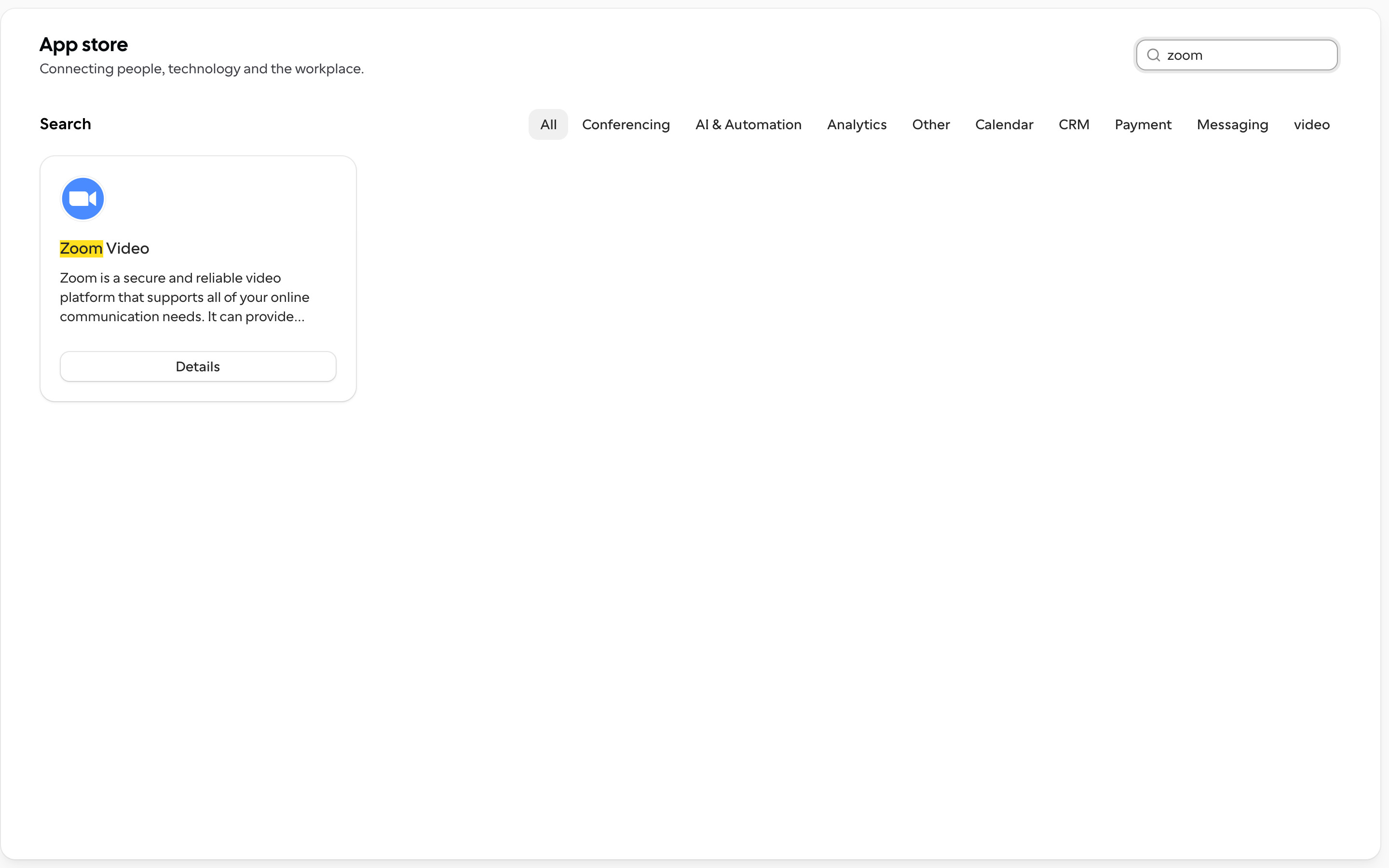
Typing "zoom" in the search field replaces the carousels with a "Search" heading, a row of category filter pills (All selected) and one result card with the match highlighted in yellow.
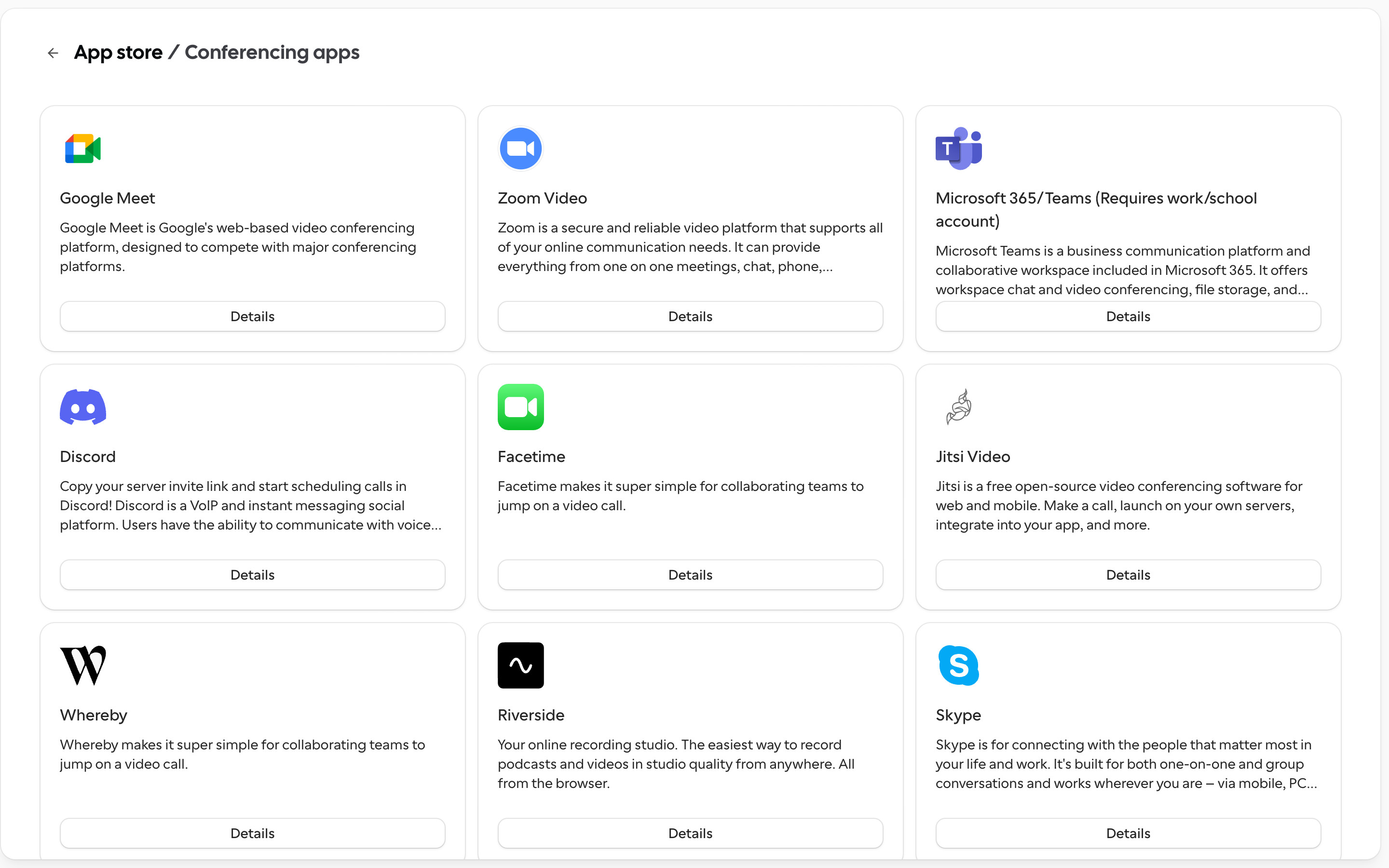
A breadcrumb "App store / Conferencing apps" with a back arrow over a three-column grid of app cards (Google Meet, Zoom Video, Microsoft 365/Teams, Discord, Facetime, Jitsi Video, Whereby, Riverside, Skype ...).
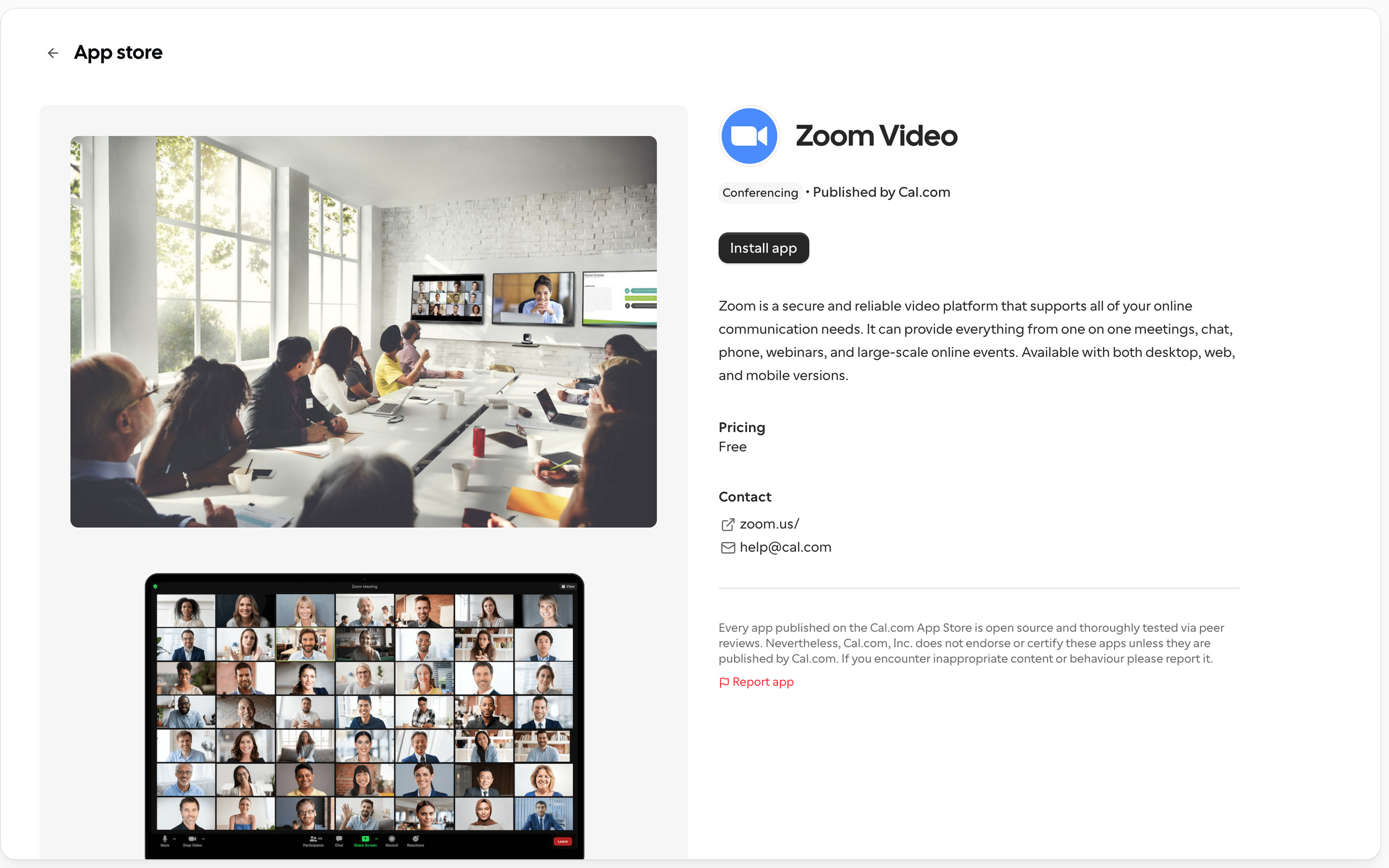
Two-column detail: a grey media column with screenshots on the left; on the right the app icon and name, a Conferencing badge, "Published by Cal.com", a dark Install app button (not clicked), description, Pricing (Free), Contact links and a disclaimer with a Report app link.
 screenrove