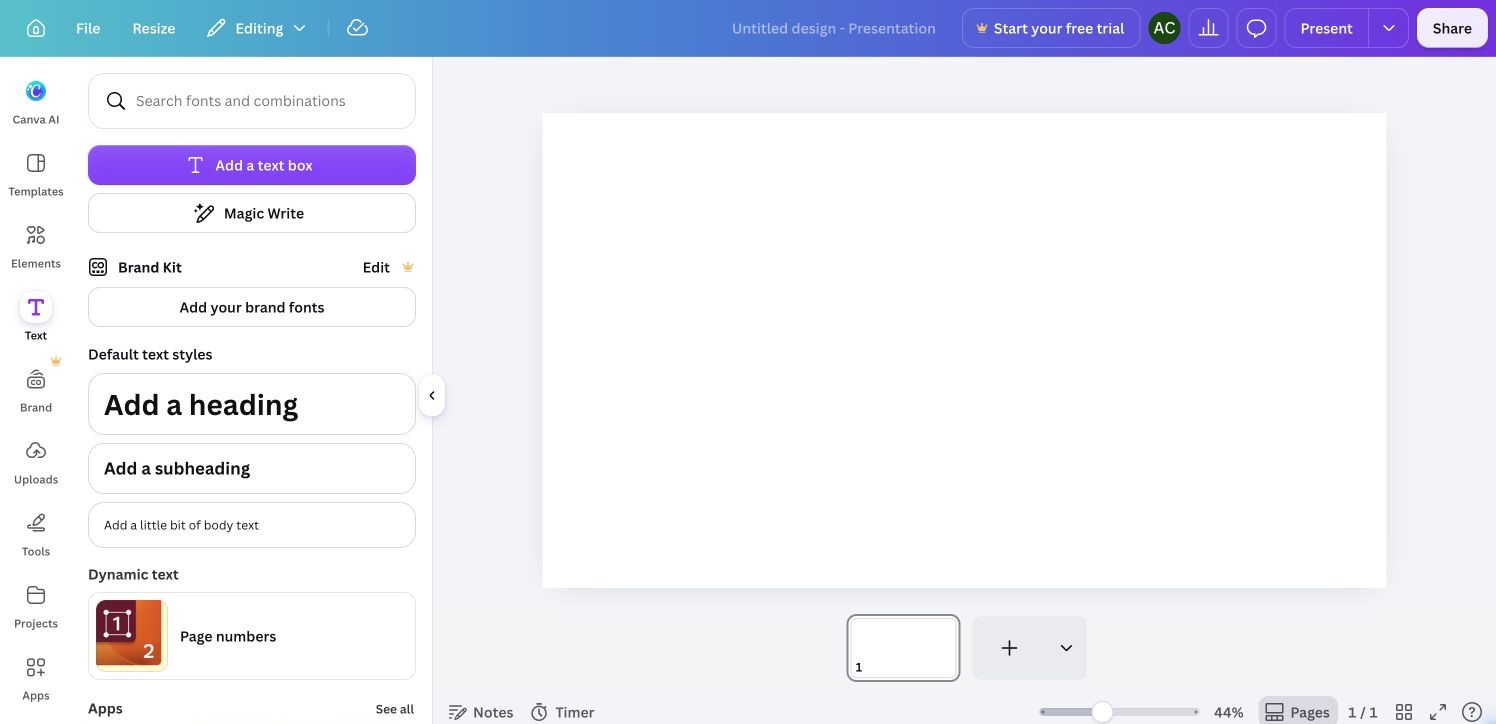
Text tools
Text styles for a new blank presentation. Cropped bottom 8 CSS px to exclude the automation pointer at the extreme edge. Same source capture appears in the walkthrough.
 screenroveSCREENS WORTH STUDYING
Gradient document toolbar above a neutral canvas.
Text styles for a new blank presentation. Cropped bottom 8 CSS px to exclude the automation pointer at the extreme edge. Same source capture appears in the walkthrough.
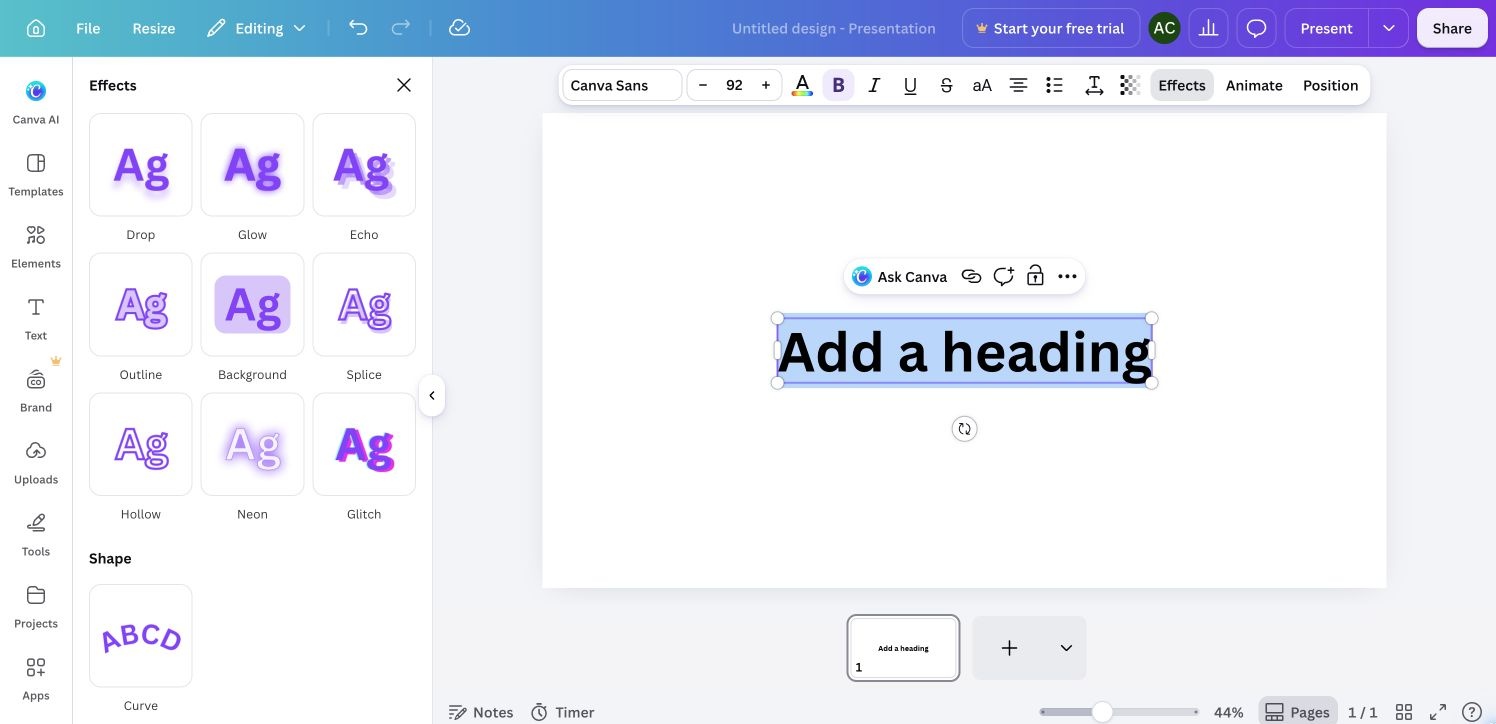
Effect choices for the selected heading. Cropped bottom 8 CSS px to exclude the automation pointer at the extreme edge. Same source capture appears in the walkthrough.
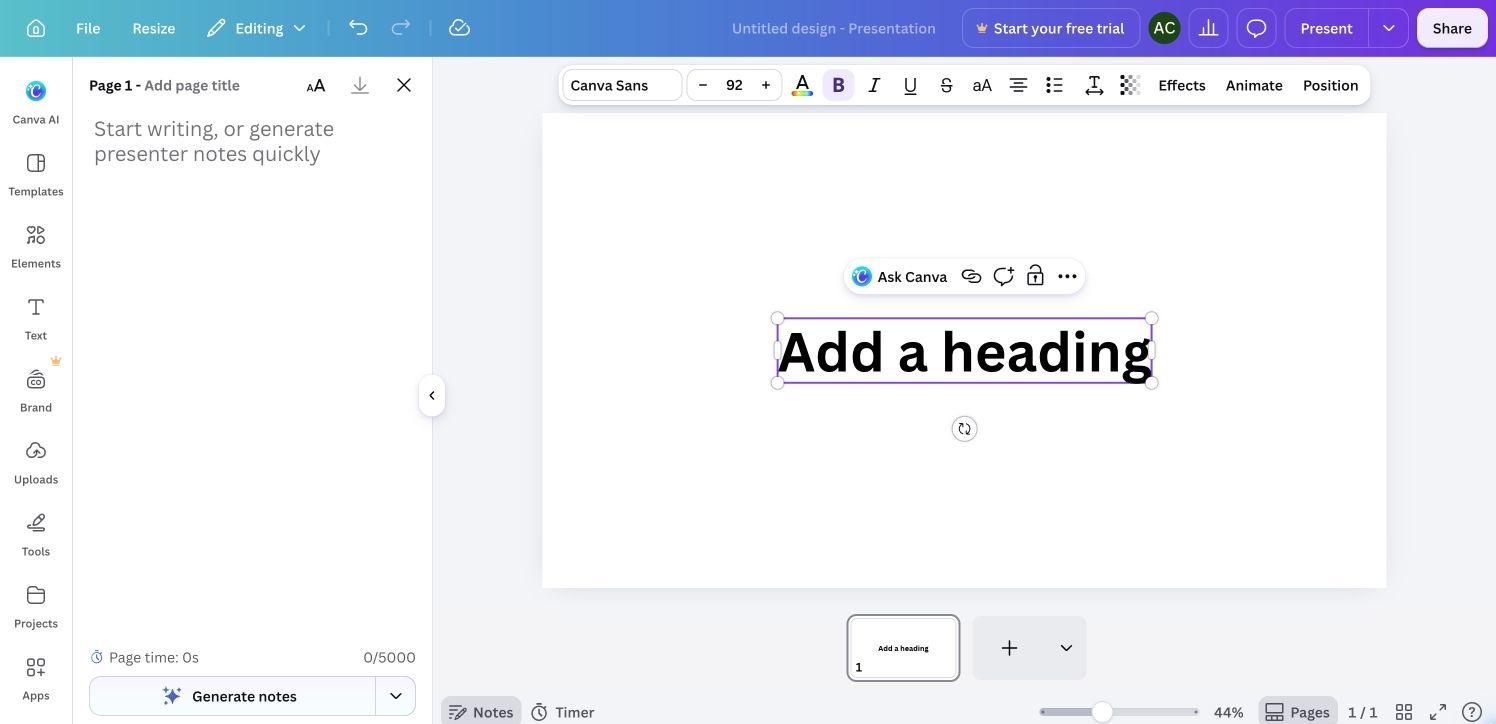
Speaker notes alongside the selected presentation slide. Cropped bottom 8 CSS px to exclude the automation pointer at the extreme edge. Same source capture appears in the walkthrough.
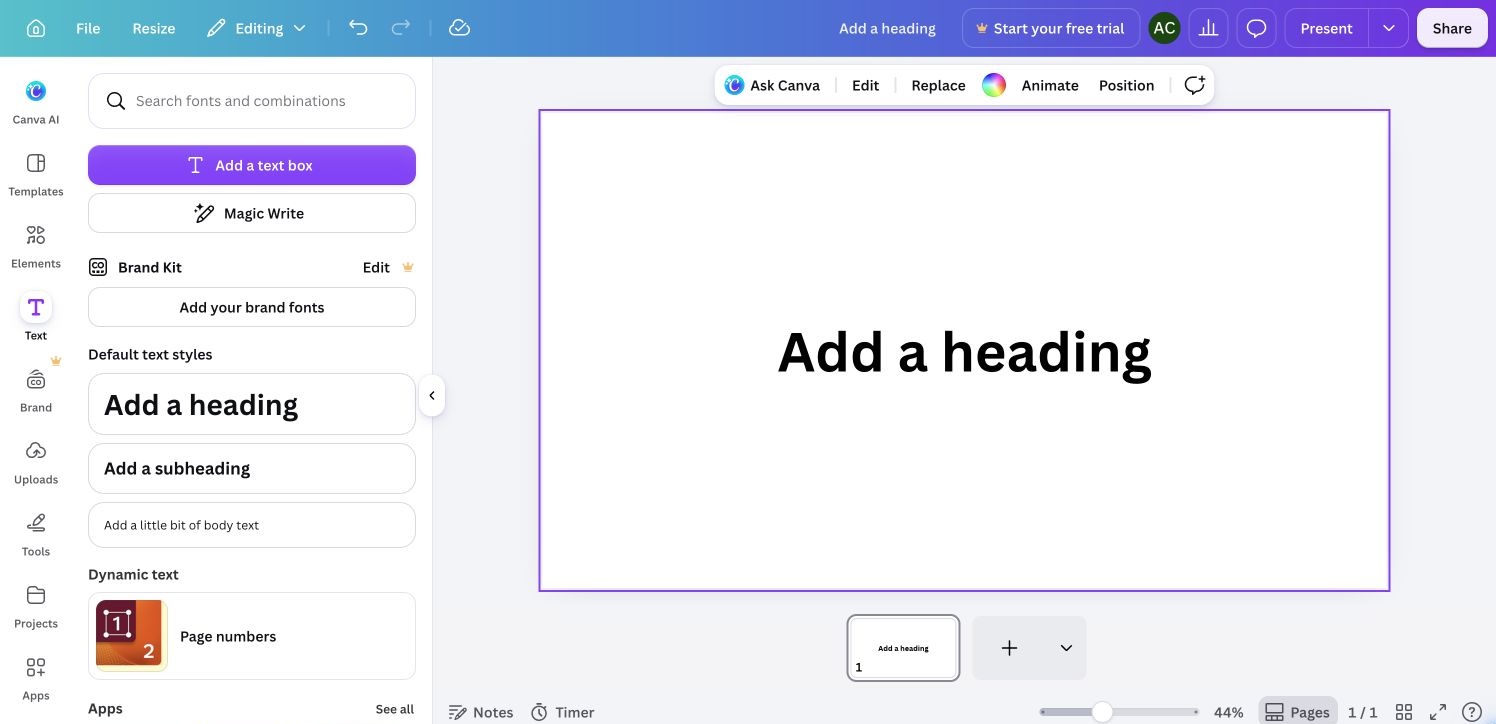
Page selected with contextual page controls. Cropped bottom 8 CSS px to exclude the automation pointer at the extreme edge. Same source capture appears in the walkthrough.
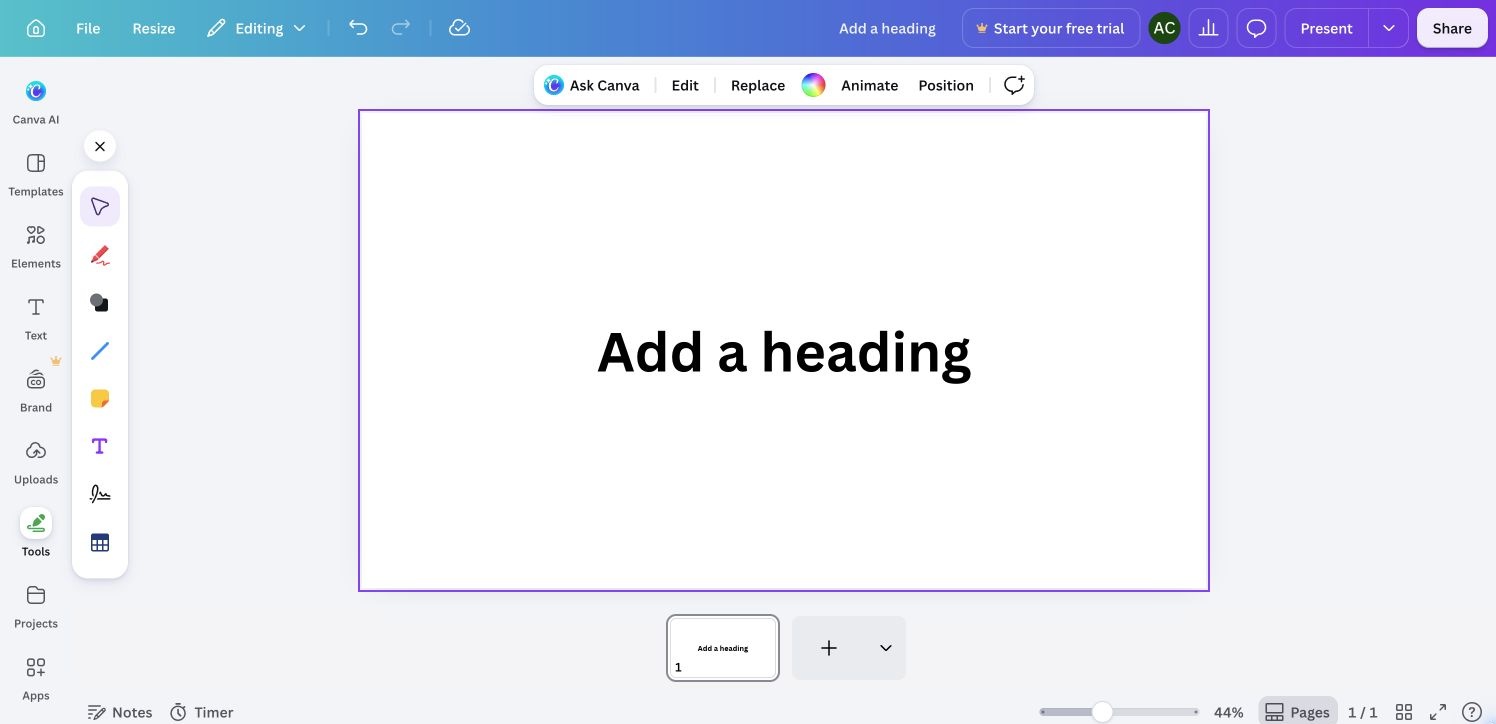
Drawing and object tools alongside the sample presentation. Cropped bottom 8 CSS px to exclude the automation pointer at the extreme edge. Same source capture appears in the walkthrough.
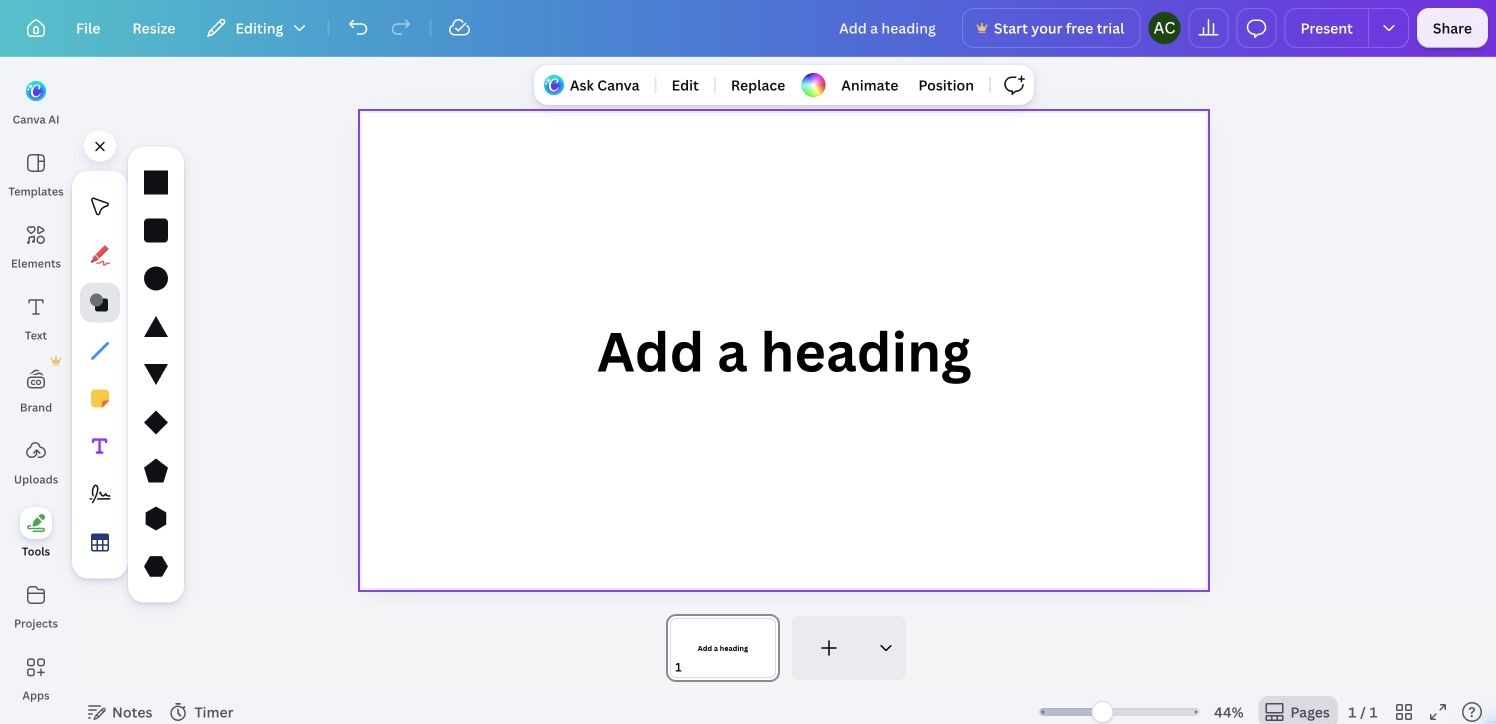
Available shapes in the canvas tools palette. Cropped bottom 8 CSS px to exclude the automation pointer at the extreme edge. Same source capture appears in the walkthrough.

Connected Chrome full-page capture, 2026-09-29. Public overview alternative; not the homepage.
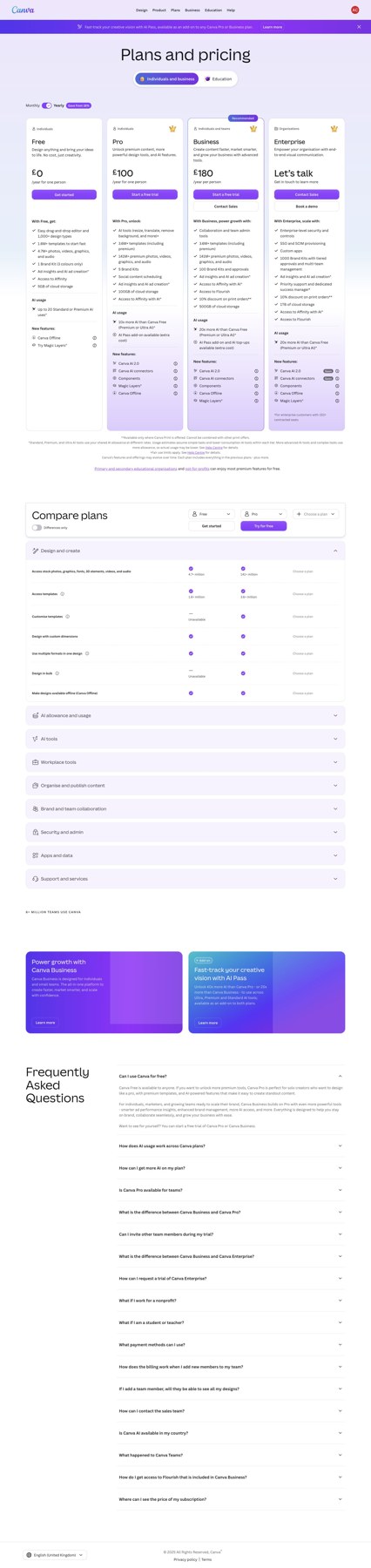
Connected Chrome full-page capture, 2026-09-29.

Connected Chrome full-page capture, 2026-09-29.
Existing signed-in account; new presentation and editor exploration. Original signup not observed. Public homepage redirects to private dashboard; Visual Suite is an explicitly labelled alternative, so homepage coverage remains a gap.