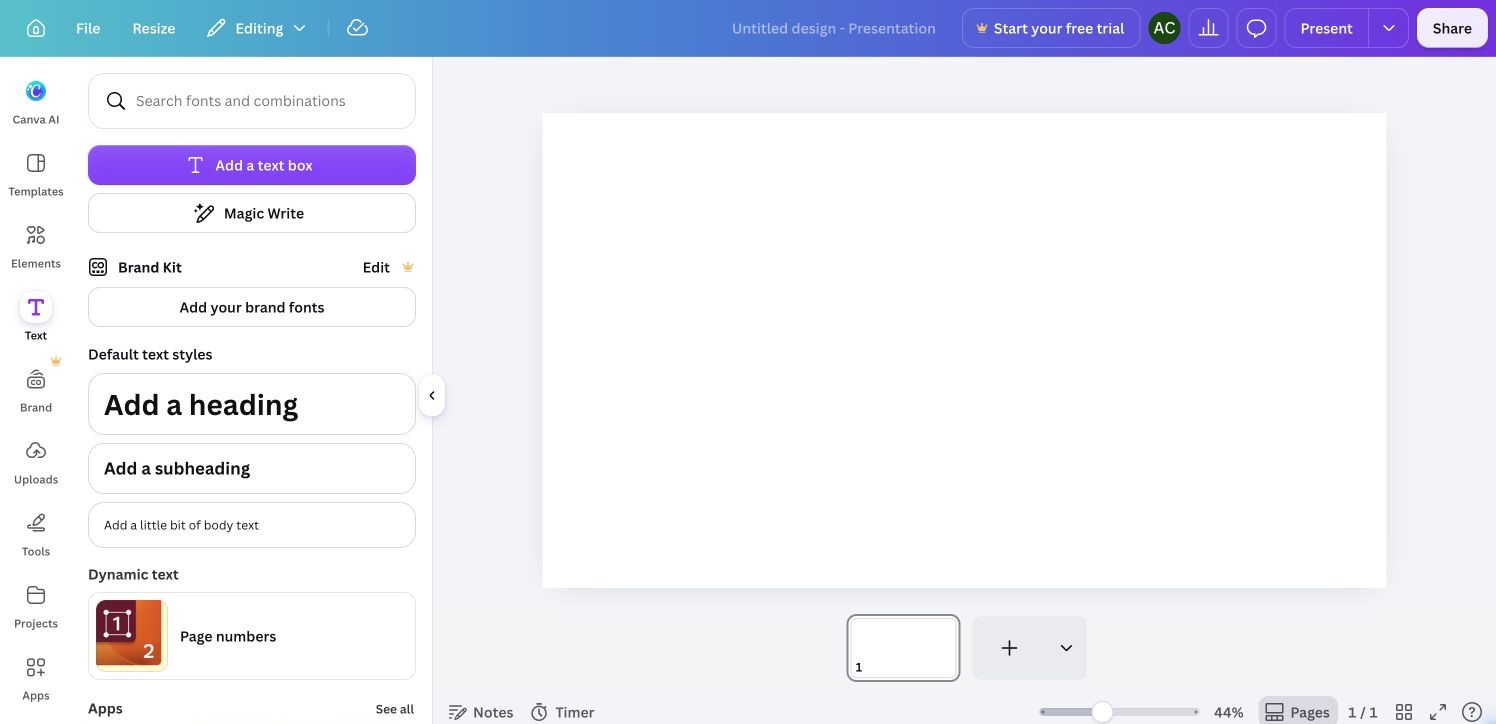
Text tools
Text styles for a new blank presentation. Cropped bottom 8 CSS px to exclude the automation pointer at the extreme edge. Same source capture appears in the walkthrough.
 screenroveSCREENS WORTH STUDYING
Explore captured product screens and their navigation.
Text styles for a new blank presentation. Cropped bottom 8 CSS px to exclude the automation pointer at the extreme edge. Same source capture appears in the walkthrough.
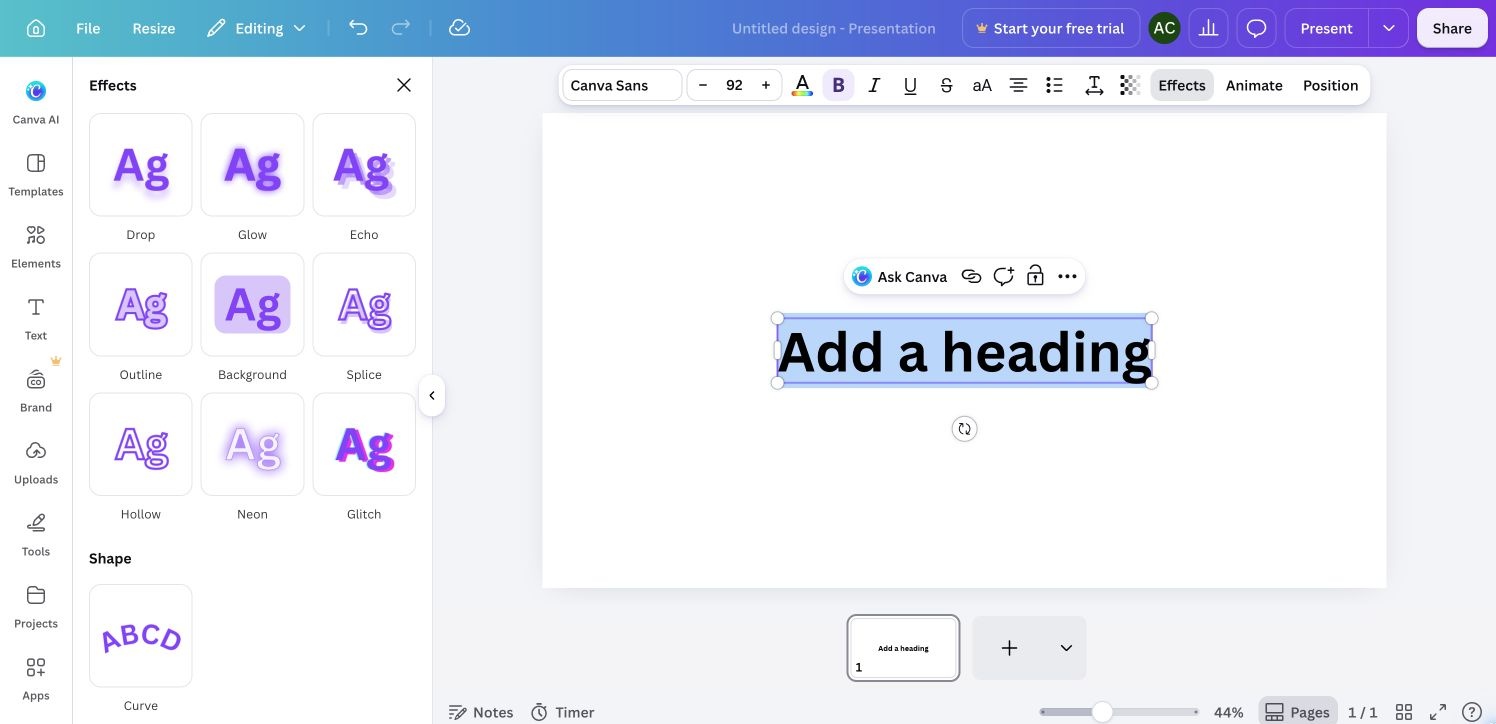
Effect choices for the selected heading. Cropped bottom 8 CSS px to exclude the automation pointer at the extreme edge. Same source capture appears in the walkthrough.
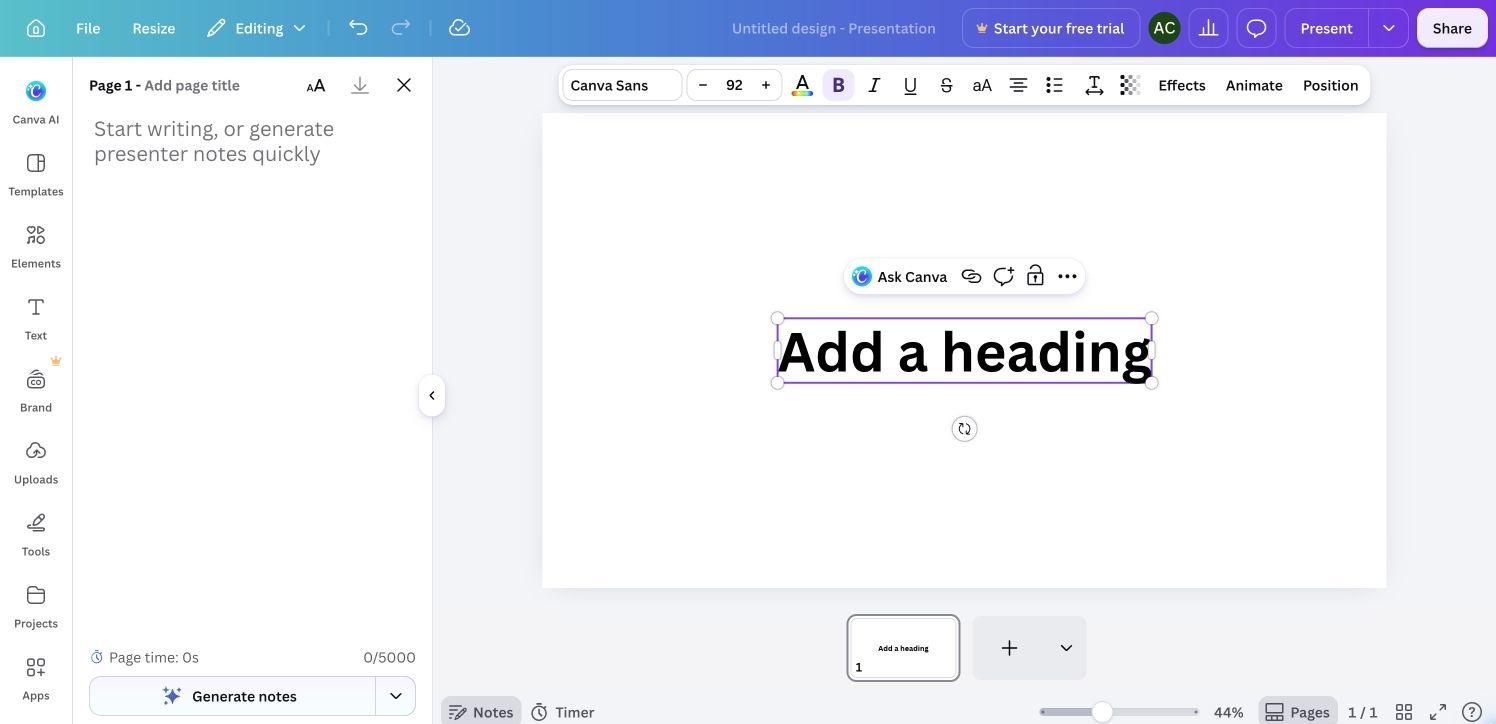
Speaker notes alongside the selected presentation slide. Cropped bottom 8 CSS px to exclude the automation pointer at the extreme edge. Same source capture appears in the walkthrough.
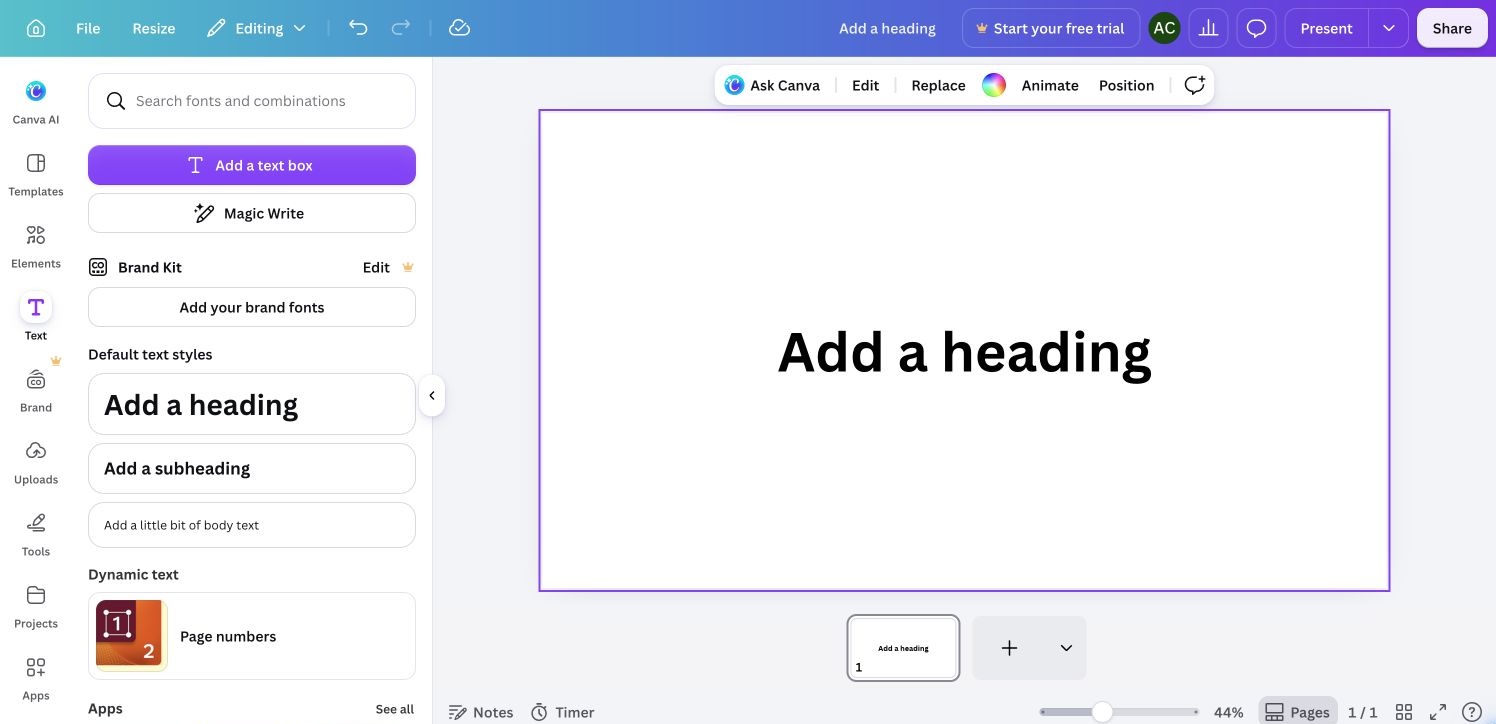
Page selected with contextual page controls. Cropped bottom 8 CSS px to exclude the automation pointer at the extreme edge. Same source capture appears in the walkthrough.
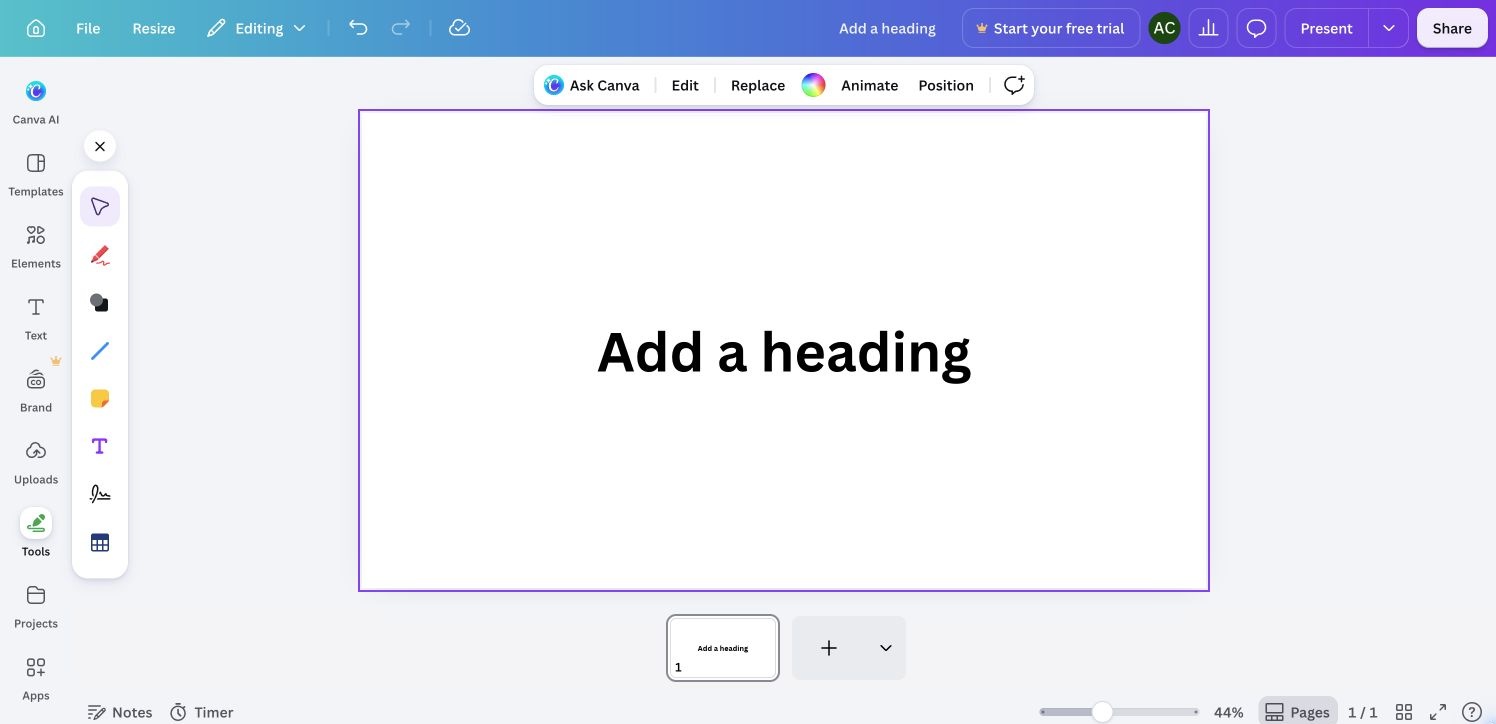
Drawing and object tools alongside the sample presentation. Cropped bottom 8 CSS px to exclude the automation pointer at the extreme edge. Same source capture appears in the walkthrough.
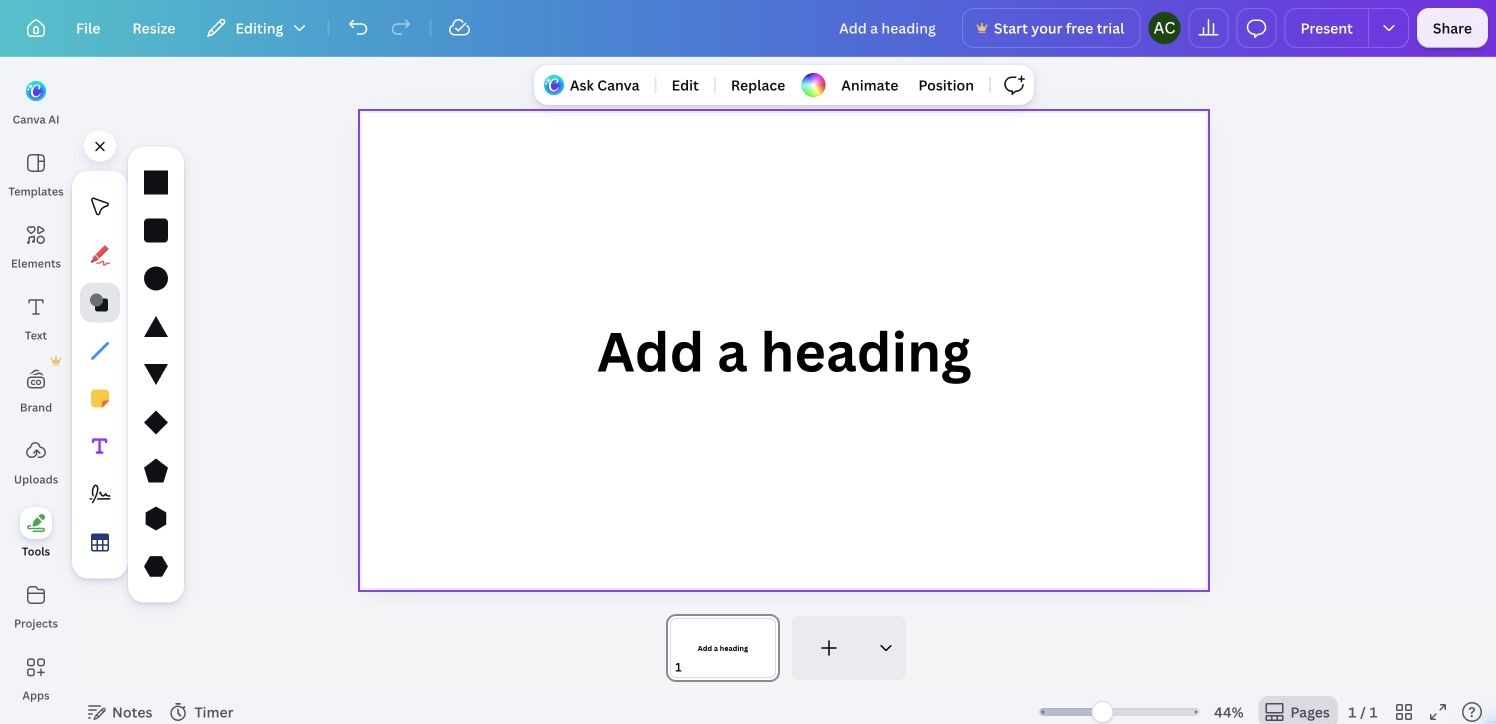
Available shapes in the canvas tools palette. Cropped bottom 8 CSS px to exclude the automation pointer at the extreme edge. Same source capture appears in the walkthrough.