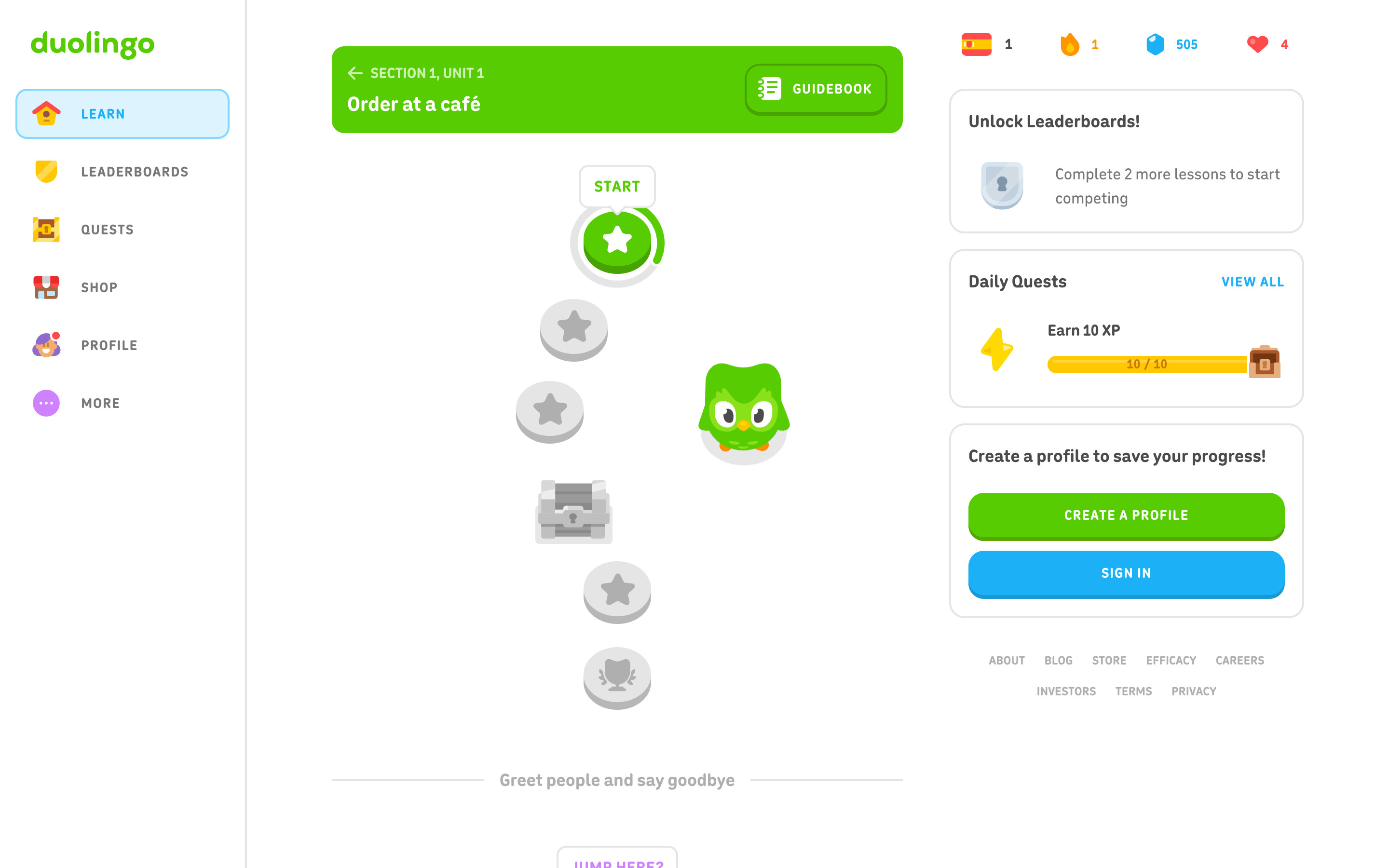
Reached with Later on the create-profile prompt, still without an account. A fixed left sidebar (Learn, Leaderboards, Quests, Shop, Profile, More) with Learn active in a light-blue pill; a green unit banner (Section 1, Unit 1, Order at a café) with a Guidebook button; a winding path of round lesson nodes (the active one has a progress ring and a START tooltip, the rest are grey, with a chest and a trophy); and a right rail with course, streak, gems and hearts counters, Unlock Leaderboards, Daily Quests and a Create a profile card.
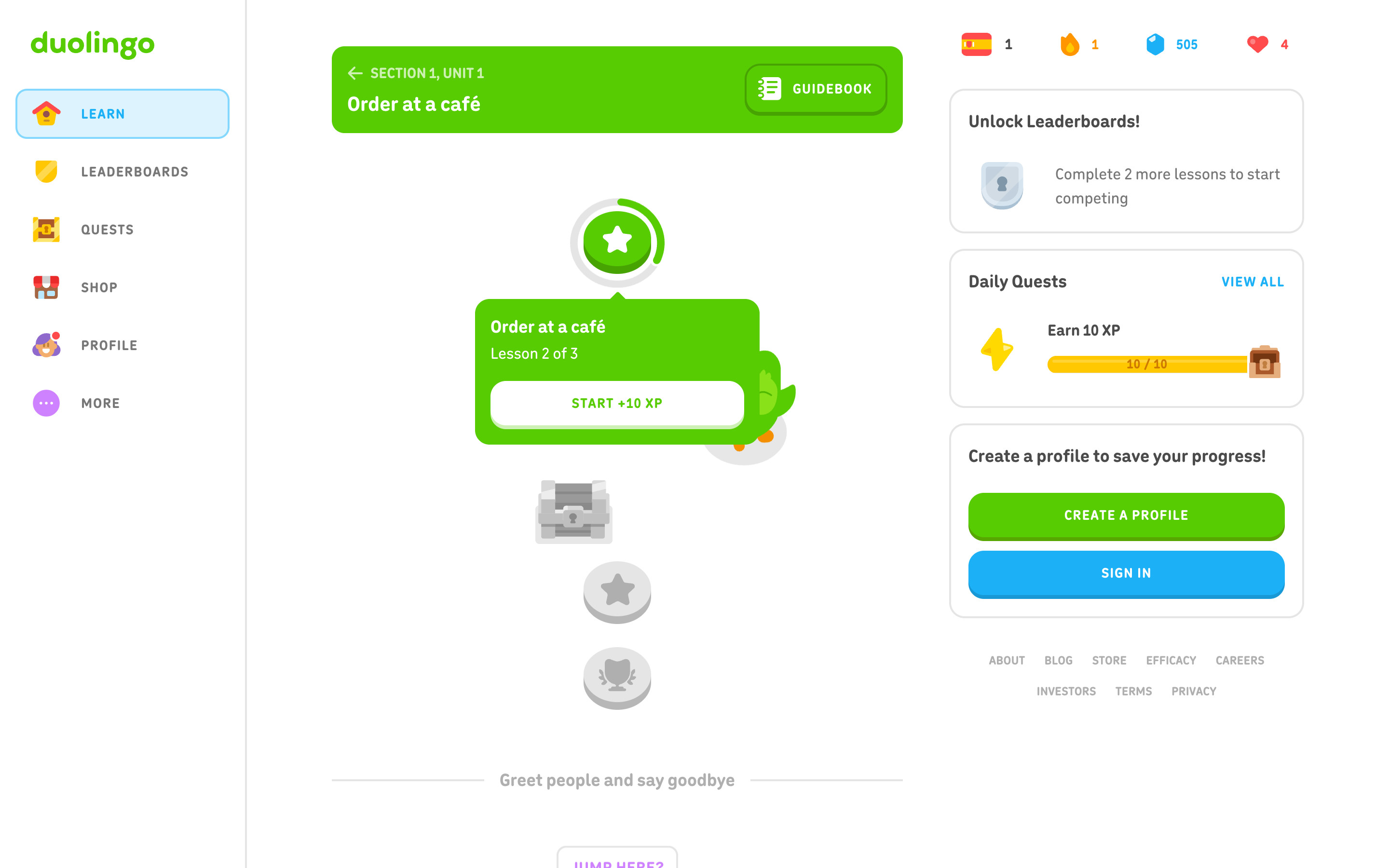
Clicking the active node opens a green popover under it: "Order at a café", "Lesson 2 of 3" and a white START +10 XP button. The rest of the page is unchanged and not dimmed.
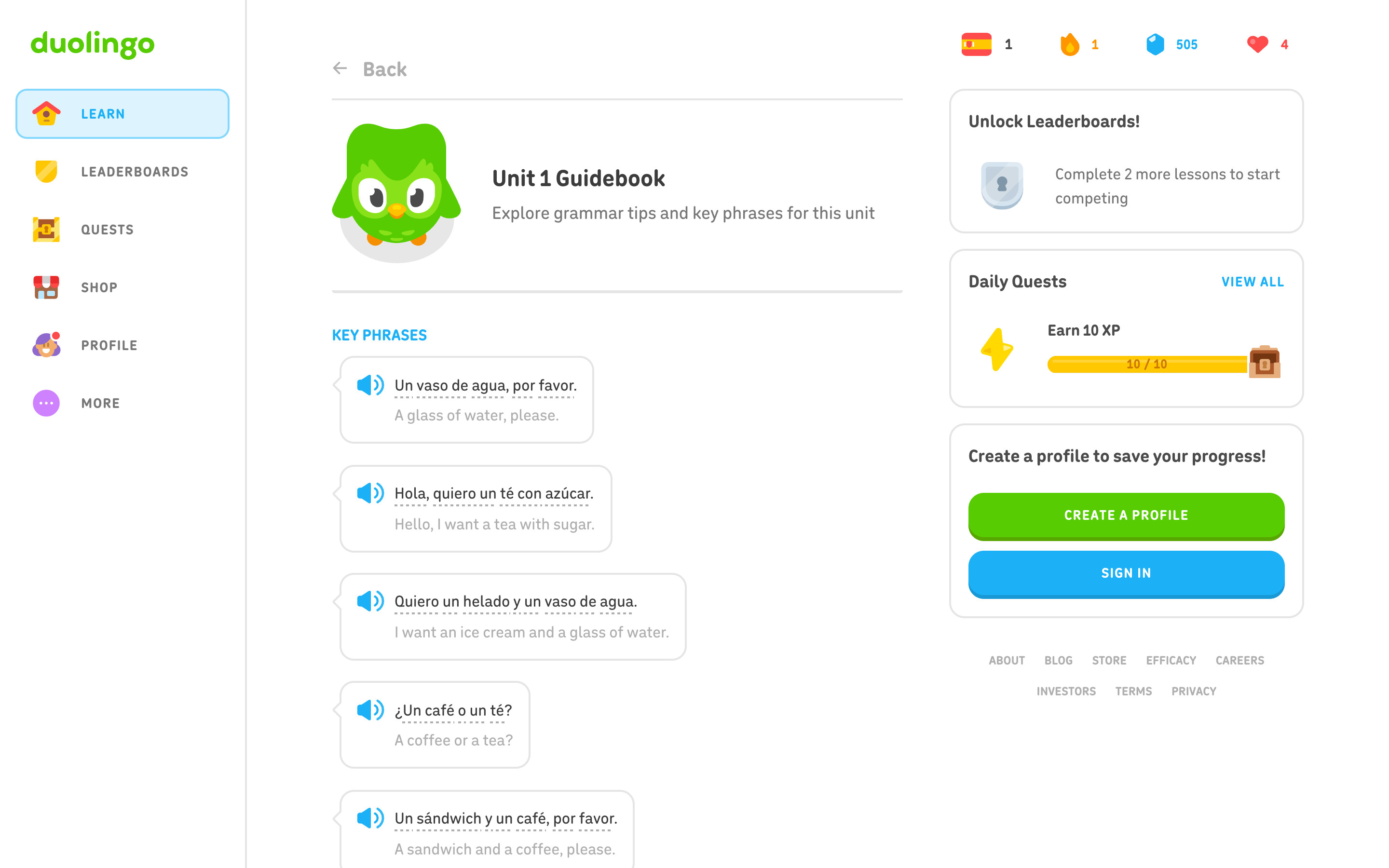
"Unit 1 Guidebook" with "Explore grammar tips and key phrases for this unit", then a KEY PHRASES list of speech-bubble cards: a blue speaker icon, the Spanish phrase with dotted underlines on hint words, and the English translation in grey. The sidebar and right rail stay in place.
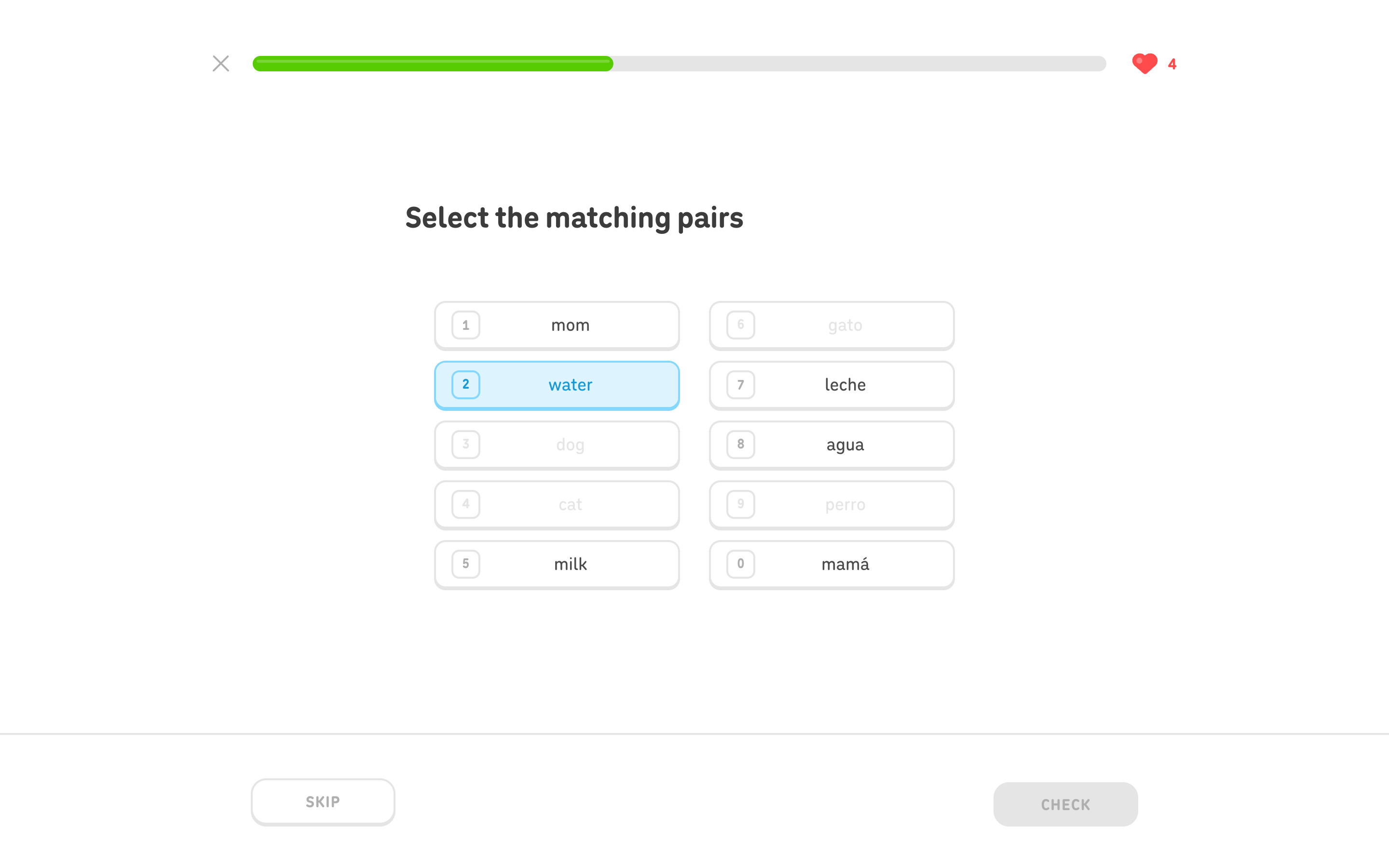
"Select the matching pairs": two columns of five word tiles (English left, Spanish right), each with a number key badge. Two pairs are already matched and greyed out; "water" is selected in light blue, waiting for its partner. CHECK stays disabled because matching is judged per pair. Captured in the first lesson; the lesson opened from the popover starts with a different exercise.
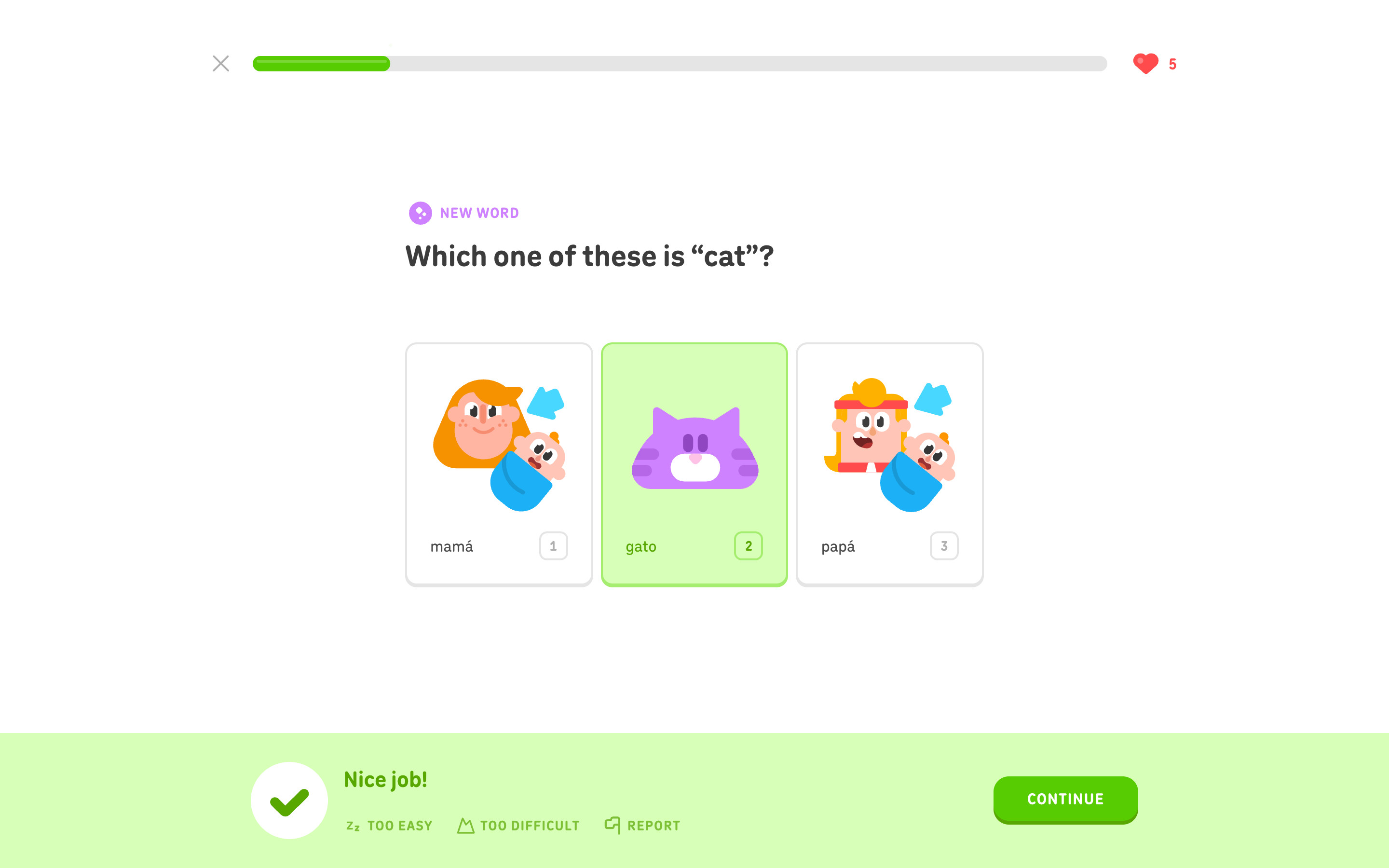
After Check on the "cat" question, the chosen gato card turns green and a light-green banner rises across the footer: a green check in a white circle, "Nice job!", Too easy / Too difficult / Report links and a green CONTINUE. The progress bar has advanced. Same exercise as the flow's first-exercise step, in its answered state.
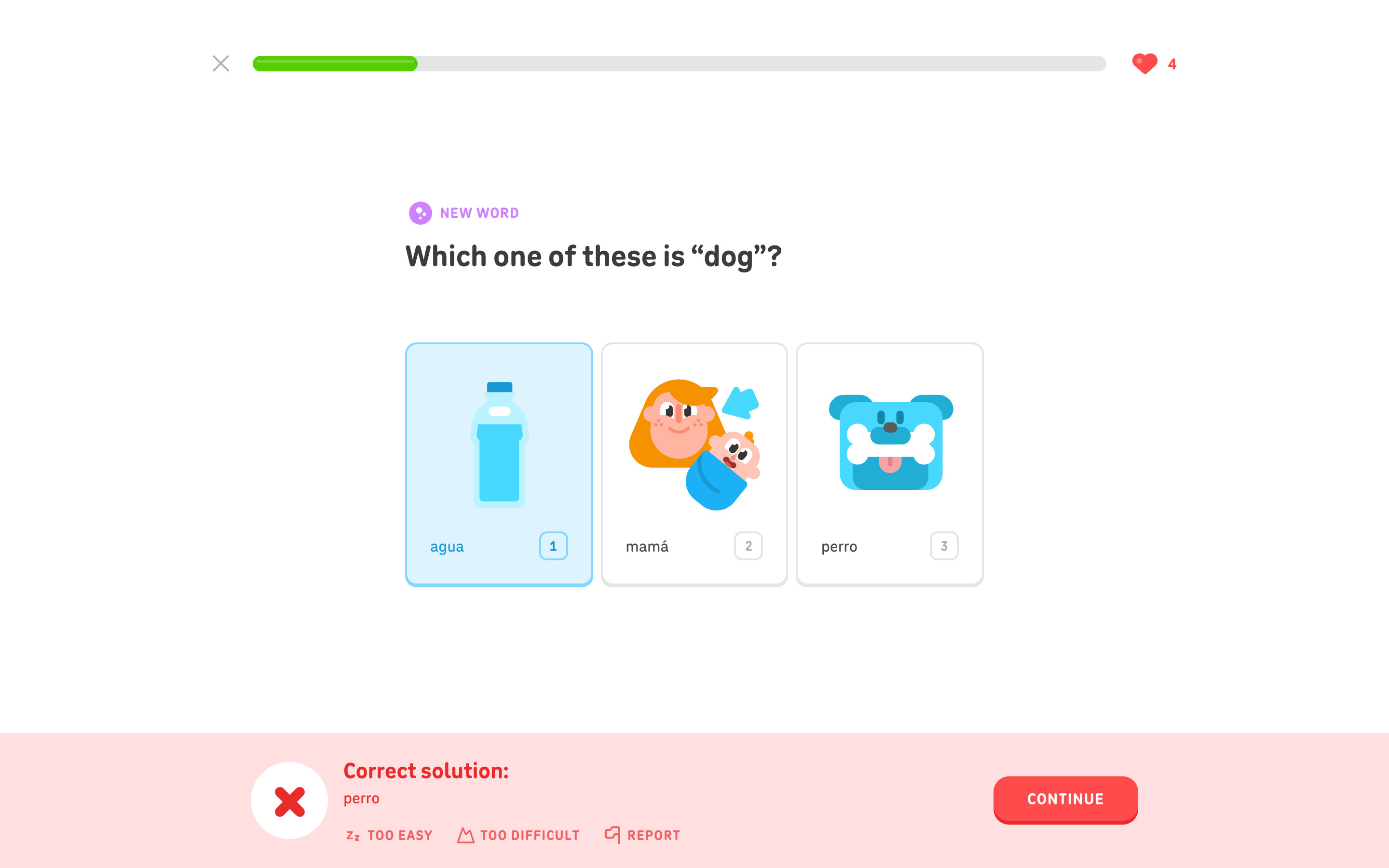
A deliberately wrong pick (agua for "dog"): the banner turns light red with a red X, "Correct solution:" and "perro", and CONTINUE turns red. The heart counter drops from 5 to 4. The same question returned later in the lesson tagged PREVIOUS MISTAKE.
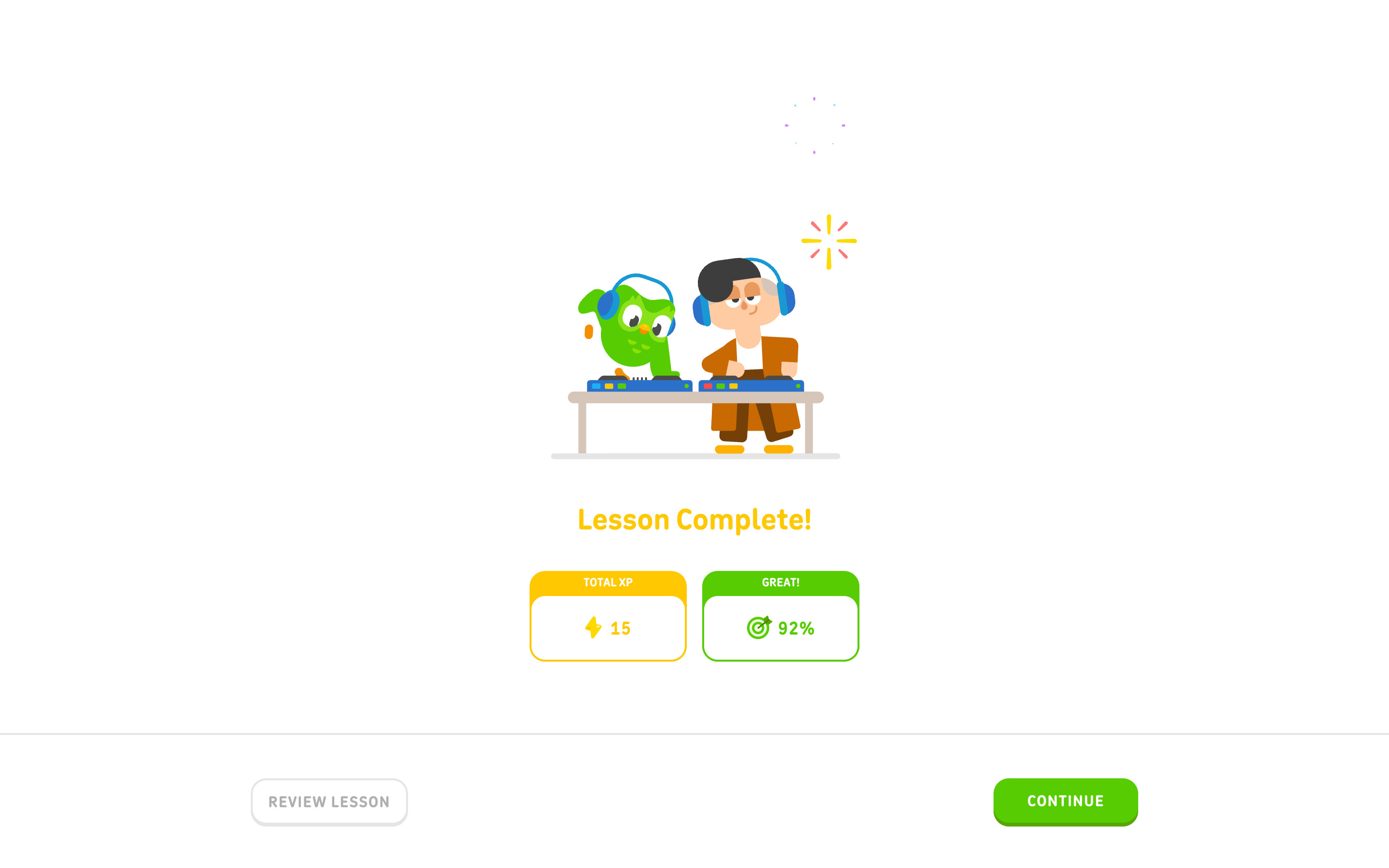
Duo and a character at DJ decks with a looping sparkle, a yellow "Lesson Complete!" and two stat cards with coloured header strips: TOTAL XP 15 (yellow) and GREAT! 92% (green). REVIEW LESSON and CONTINUE sit in the footer. Captured after the count-up animation finished; the sparkles loop continuously.
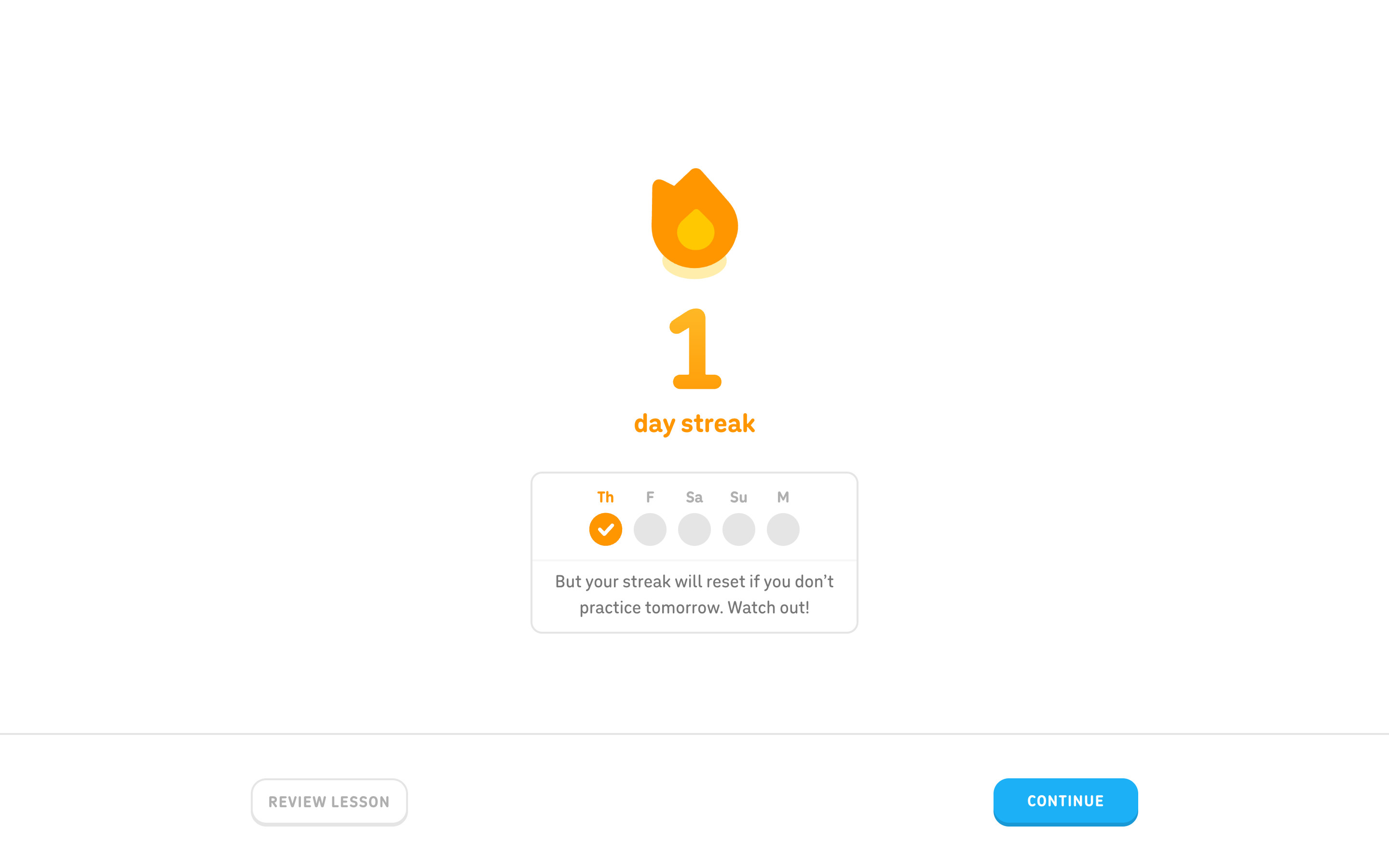
An orange flame, a large "1" and "day streak" in orange, then a card with a Th to M week row (Thursday checked) and "But your streak will reset if you don't practice tomorrow. Watch out!". CONTINUE is blue here.
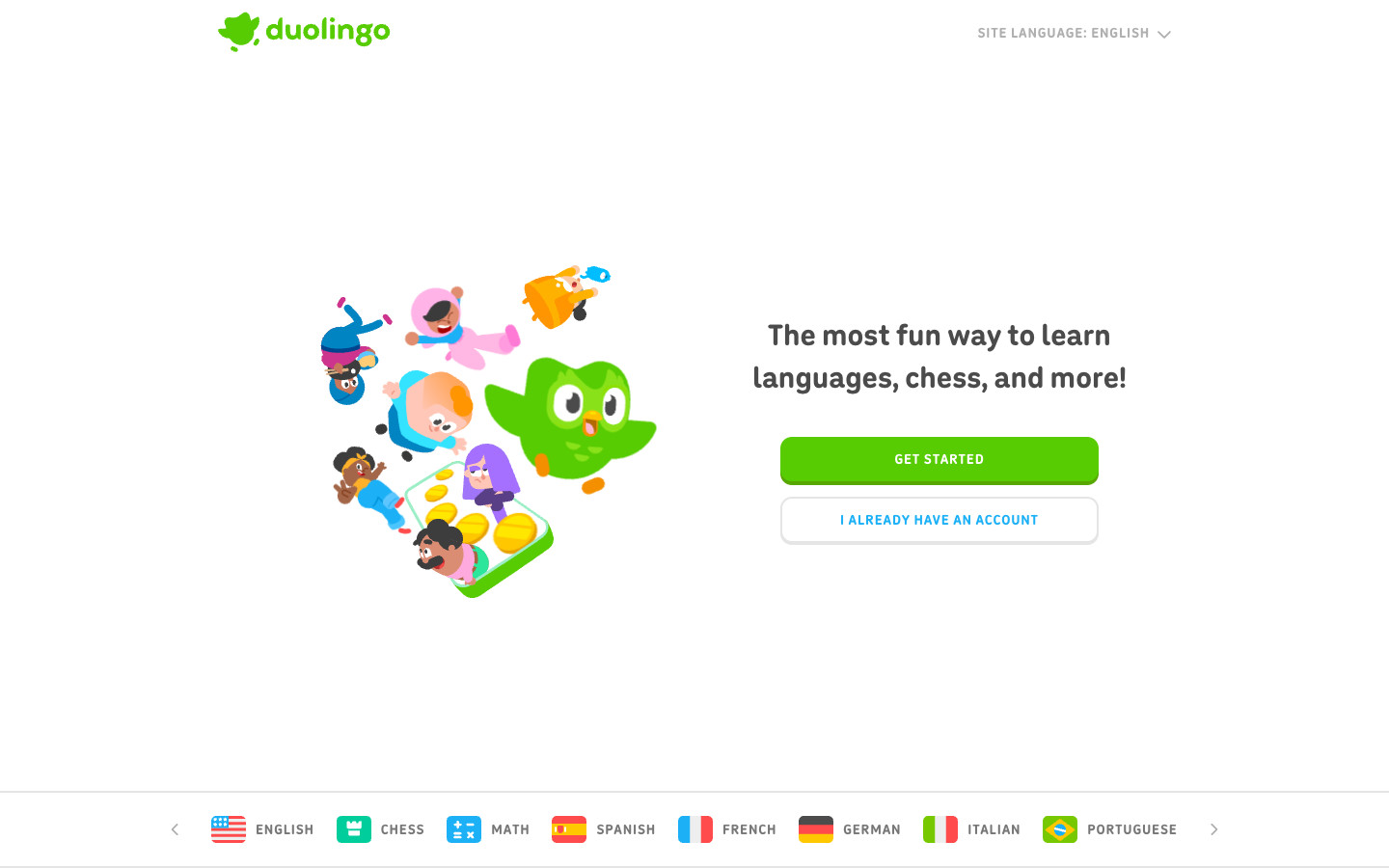
A centred hero with the two account buttons and a course-flag strip, then left/right alternating bands pairing a lowercase green headline in a rounded display face with a short grey paragraph and a large illustration. A dark navy Super Duolingo band and a Duolingo English Test band precede a green closing band that flows into the green footer. The fixed header switches from the site-language menu to a GET STARTED button once scrolled, which is why the full-page image shows the button and the thumbnail shows the menu.
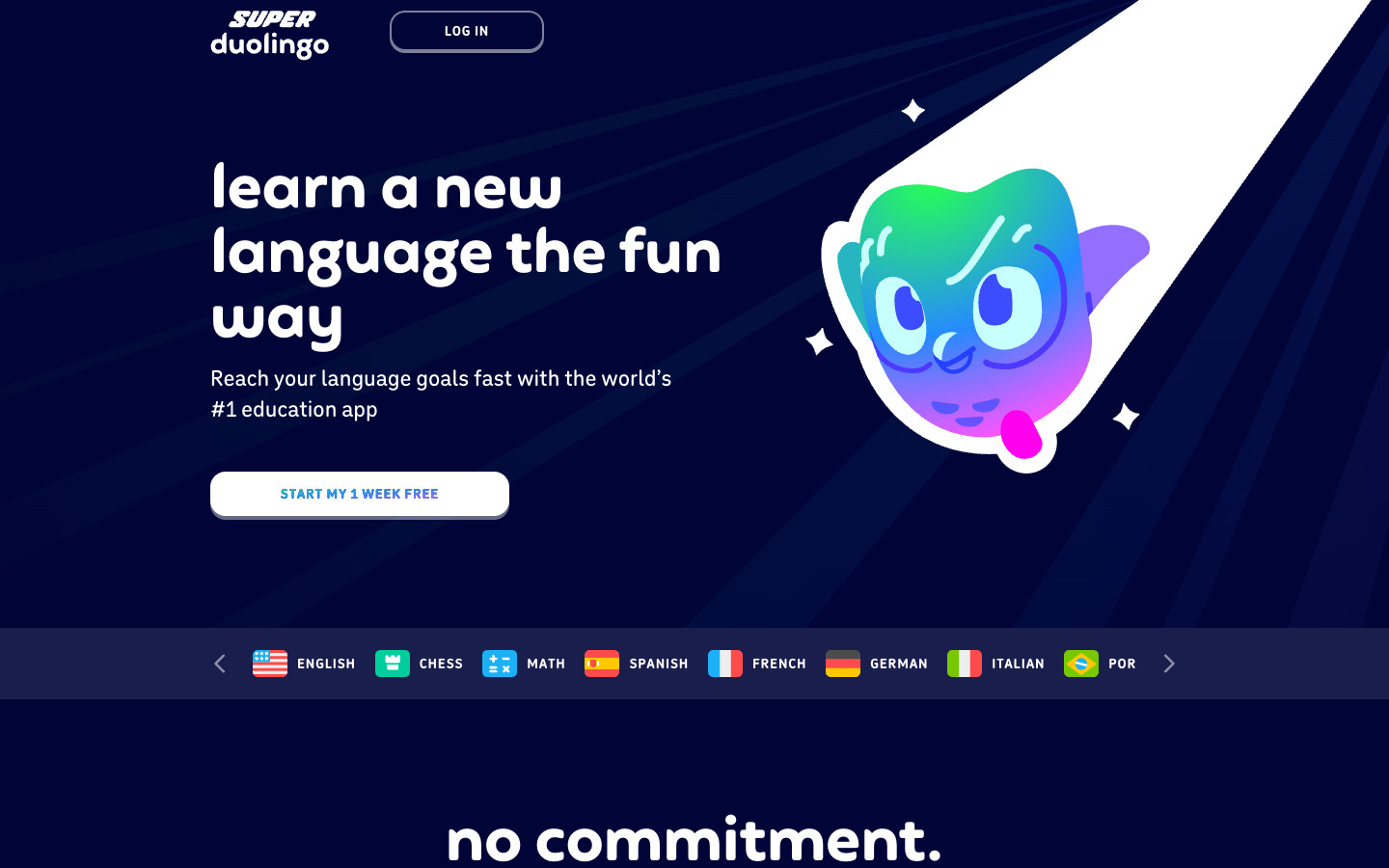
A dark navy page with its own Super duolingo wordmark and a LOG IN button. A hero with a gradient Duo, a course strip, a three-column Free / Super / Super Family comparison with Super raised and checked, a stats band (100+ language courses, #1 downloaded education app, 500m+ total learners), a feature switcher beside a phone mockup, a support-free-education band and a Today / Day 5 / Day 7 free-trial timeline. Every call to action is a white START MY 1 WEEK FREE button; nothing was started.
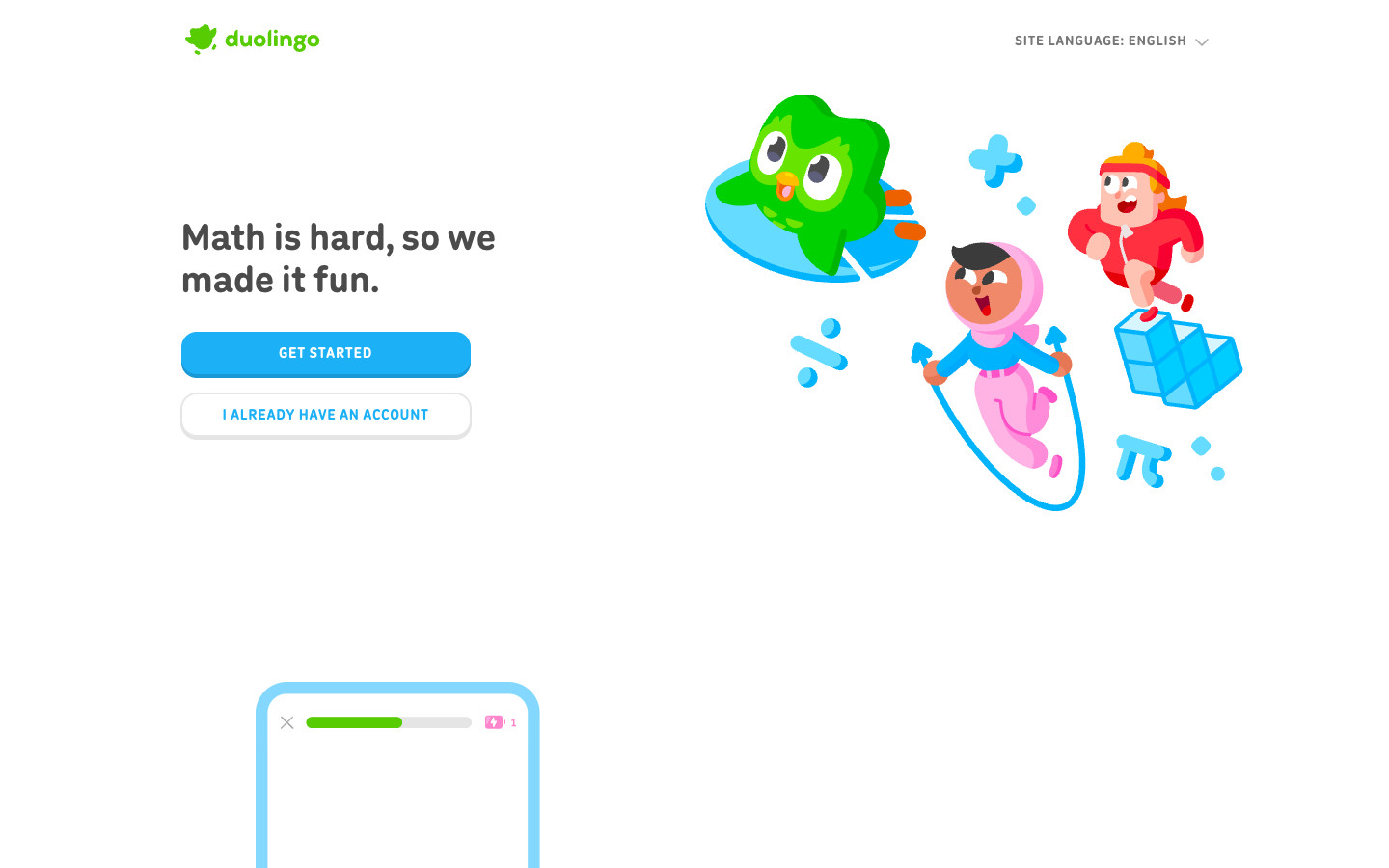
A split hero ("Math is hard, so we made it fun.", a blue GET STARTED and an outlined account button) with illustrated characters, then three alternating feature rows each built around a phone-frame lesson mockup with its own outlined GET STARTED, a grid of eight course tiles (Arithmetic to Linear Algebra), a ten-question FAQ accordion and a closing call to action.
Logged-out desktop onboarding for Spanish from English: home, course picker, the Duo questionnaire (source, reason, level, daily goal, placement), the first lesson played to completion without an account, the create-profile prompt and the empty age step of sign-up. No account was created and nothing was entered into the sign-up form. Choosing Later opened the learn path, guidebook and lesson popover as a guest; leaderboards, quests, shop, profile, the Find my level placement test and every signed-in or paid screen are not captured. Learner counts, lesson content and exercise order can change over time.
 screenrove