 screenrove
Duolingo / From first question to first lesson
Logged-out desktop onboarding for Spanish from English: home, course picker, the Duo questionnaire (source, reason, level, daily goal, placement), the first lesson played to completion without an account, the create-profile prompt and the empty age step of sign-up. No account was created and nothing was entered into the sign-up form. Choosing Later opened the learn path, guidebook and lesson popover as a guest; leaderboards, quests, shop, profile, the Find my level placement test and every signed-in or paid screen are not captured. Learner counts, lesson content and exercise order can change over time.
1. Home, logged out
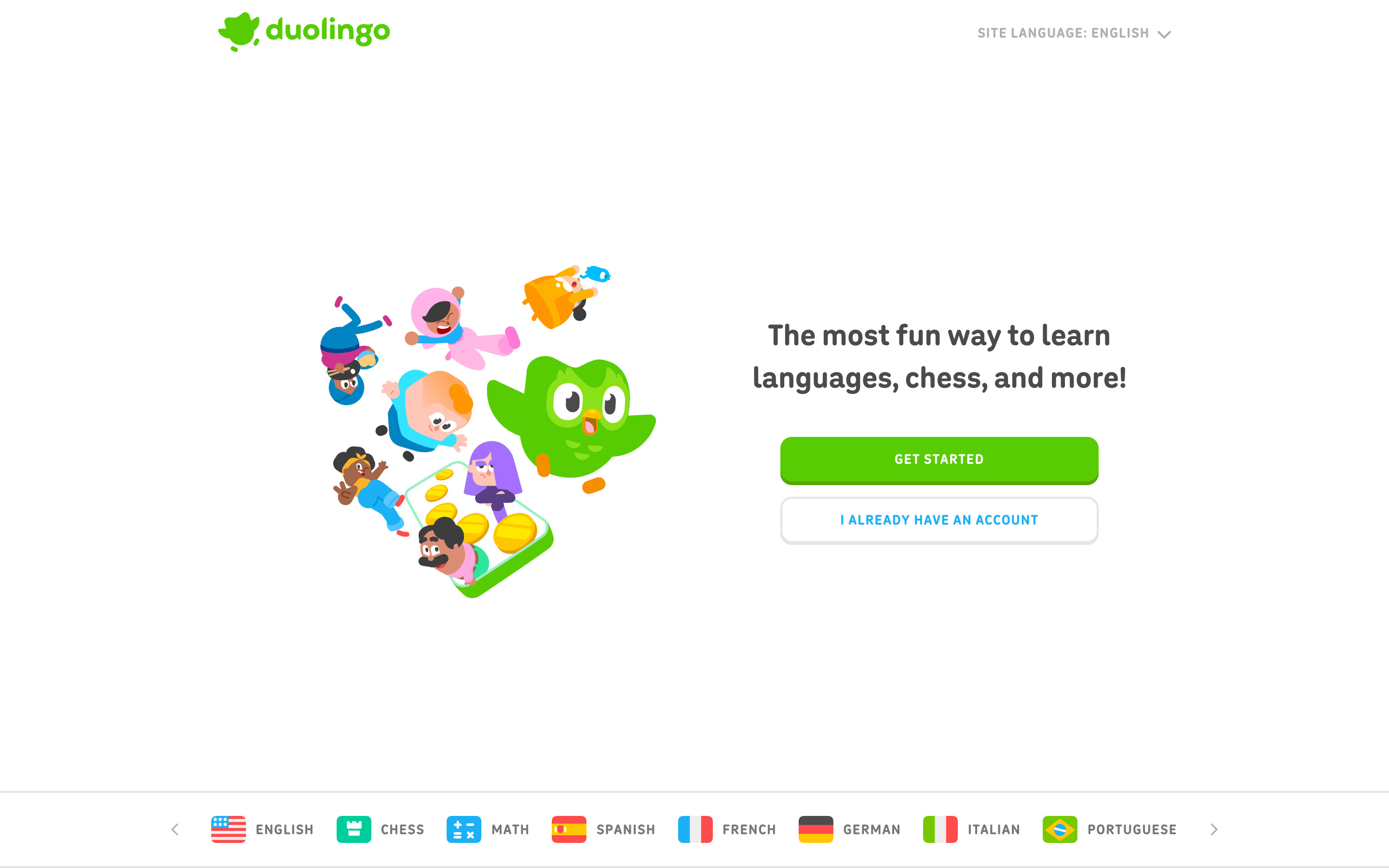
A centred hero: a cluster of Duo and cast illustrations beside "The most fun way to learn languages, chess, and more!", a green GET STARTED button and an outlined I ALREADY HAVE AN ACCOUNT button. A site-language menu sits top right and a scrolling strip of course flags (English, Chess, Math, Spanish, French, German, Italian, Portuguese and more) runs along the bottom. The cookie banner was declined before capture.
- Get started → Course picker
- I already have an account → Not explored
2. Course picker
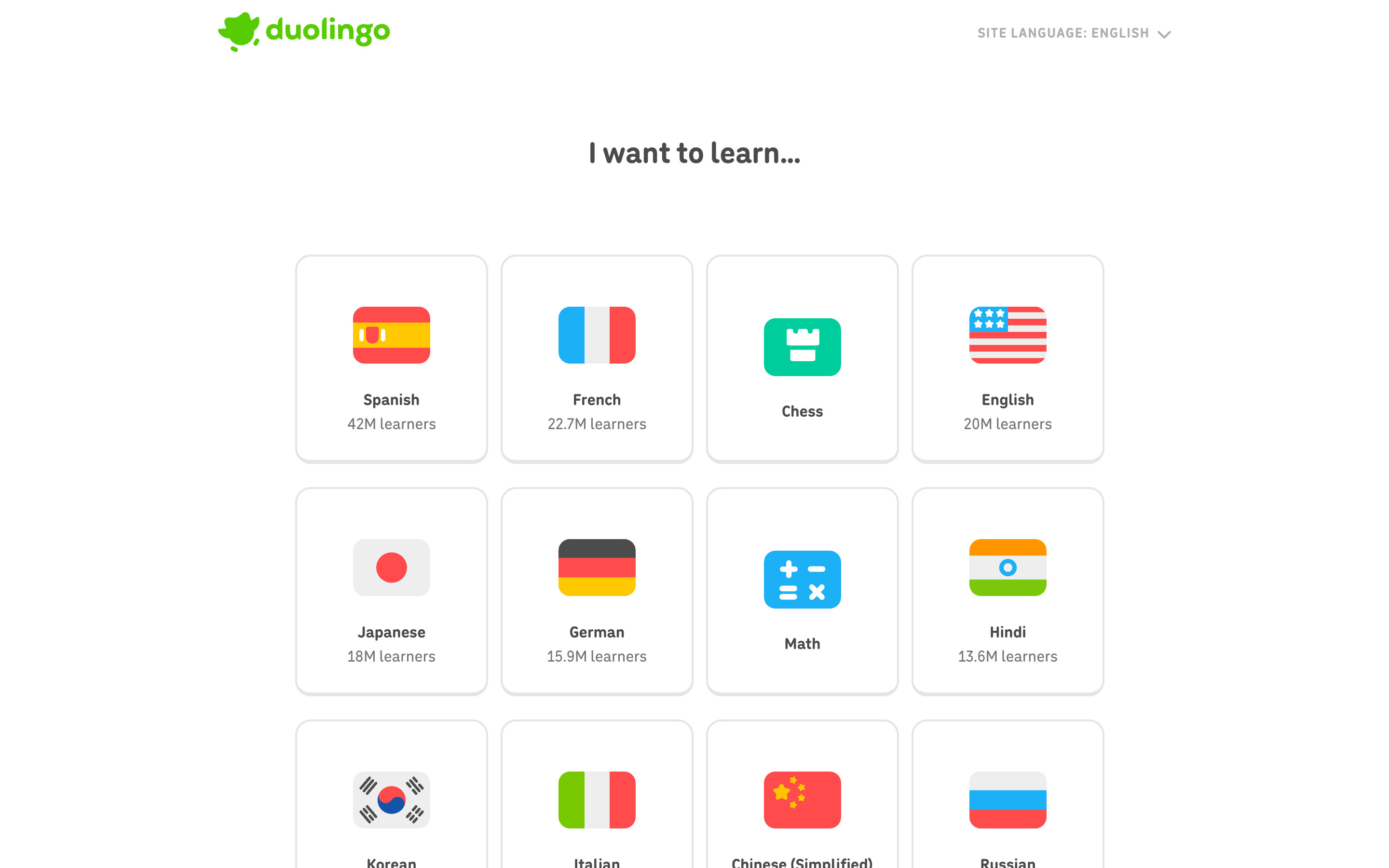
"I want to learn..." above a four-column grid of bordered tiles, each with a flag or subject icon, a name and a learner count (Spanish 42M learners, French 22.7M, English 20M, Japanese 18M and so on). Chess and Math sit in the grid as tiles without counts. Counts are as shown on the capture date.
- Choose Spanish → Duo greets the learner: "Hi there! I'm Duo!", then "Let's get this party started!" (two full-screen speech-bubble screens with one Continue button, not kept as steps)
- Continue → How did you hear about Duolingo?
3. How did you hear about Duolingo?
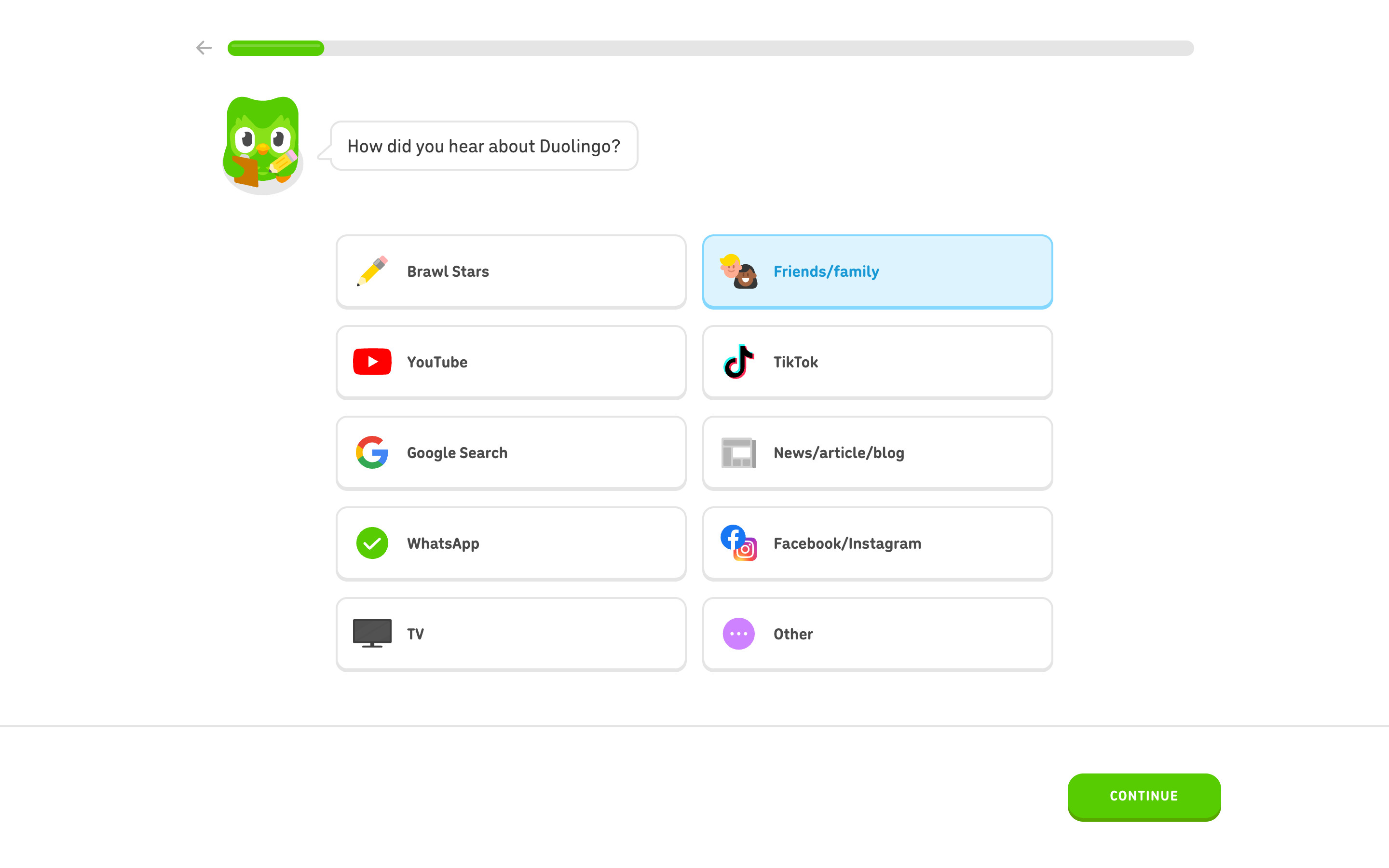
The questionnaire layout: back arrow and a green progress bar on top, Duo with a clipboard and a speech bubble asking the question, then a two-column grid of ten answer cards with brand or emoji icons (Brawl Stars, Friends/family, YouTube, TikTok, Google Search and more). Friends/family is selected, shown as a light-blue card with blue text; CONTINUE turns green only after a pick.
- Continue → Why are you learning Spanish?
4. Why are you learning Spanish?
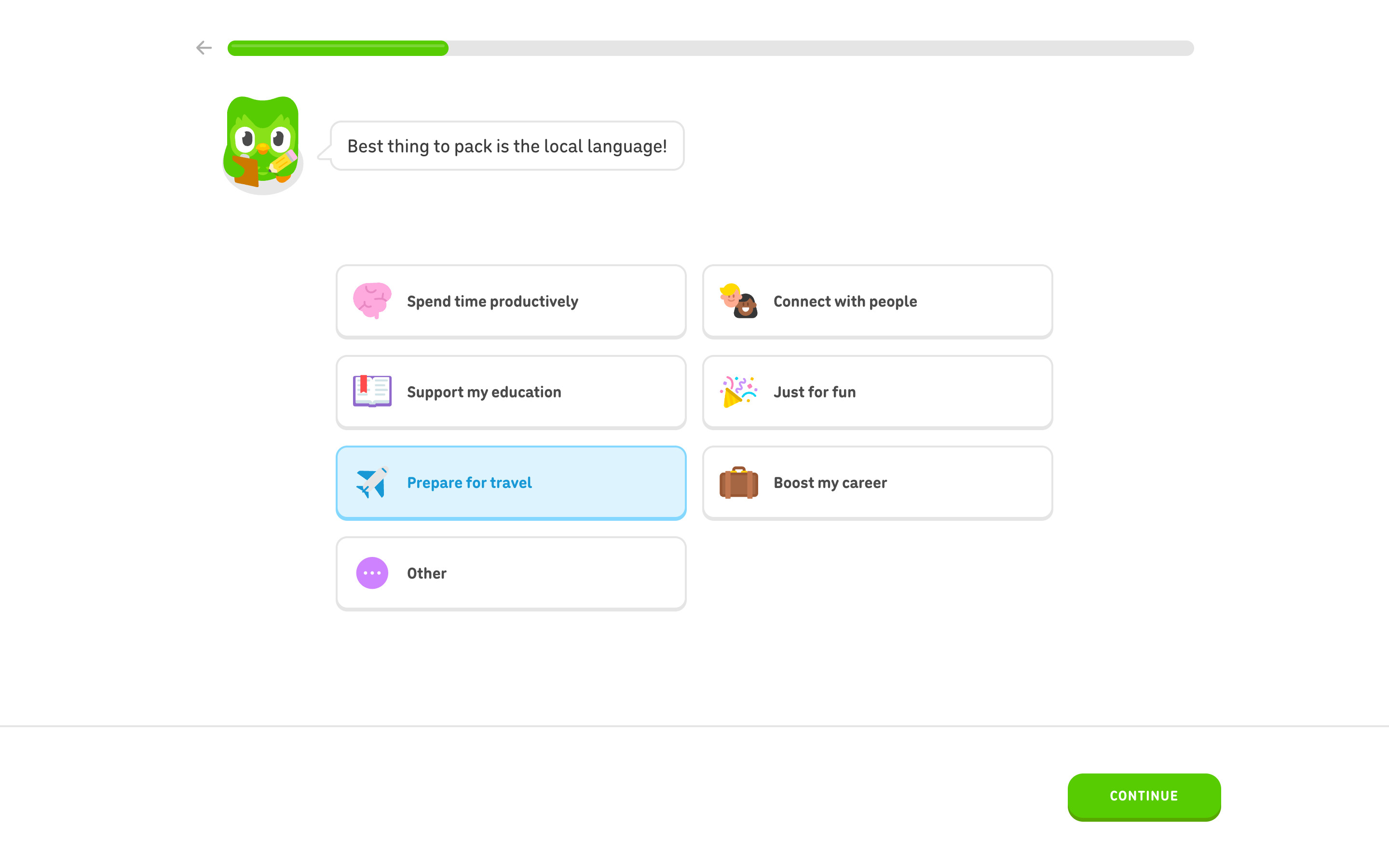
Seven reasons in the same card grid (Spend time productively, Connect with people, Support my education, Just for fun, Prepare for travel, Boost my career, Other). Choosing Prepare for travel changes Duo's bubble to "Best thing to pack is the local language!", so each answer gets an immediate reply.
- Continue → How much Spanish do you know?
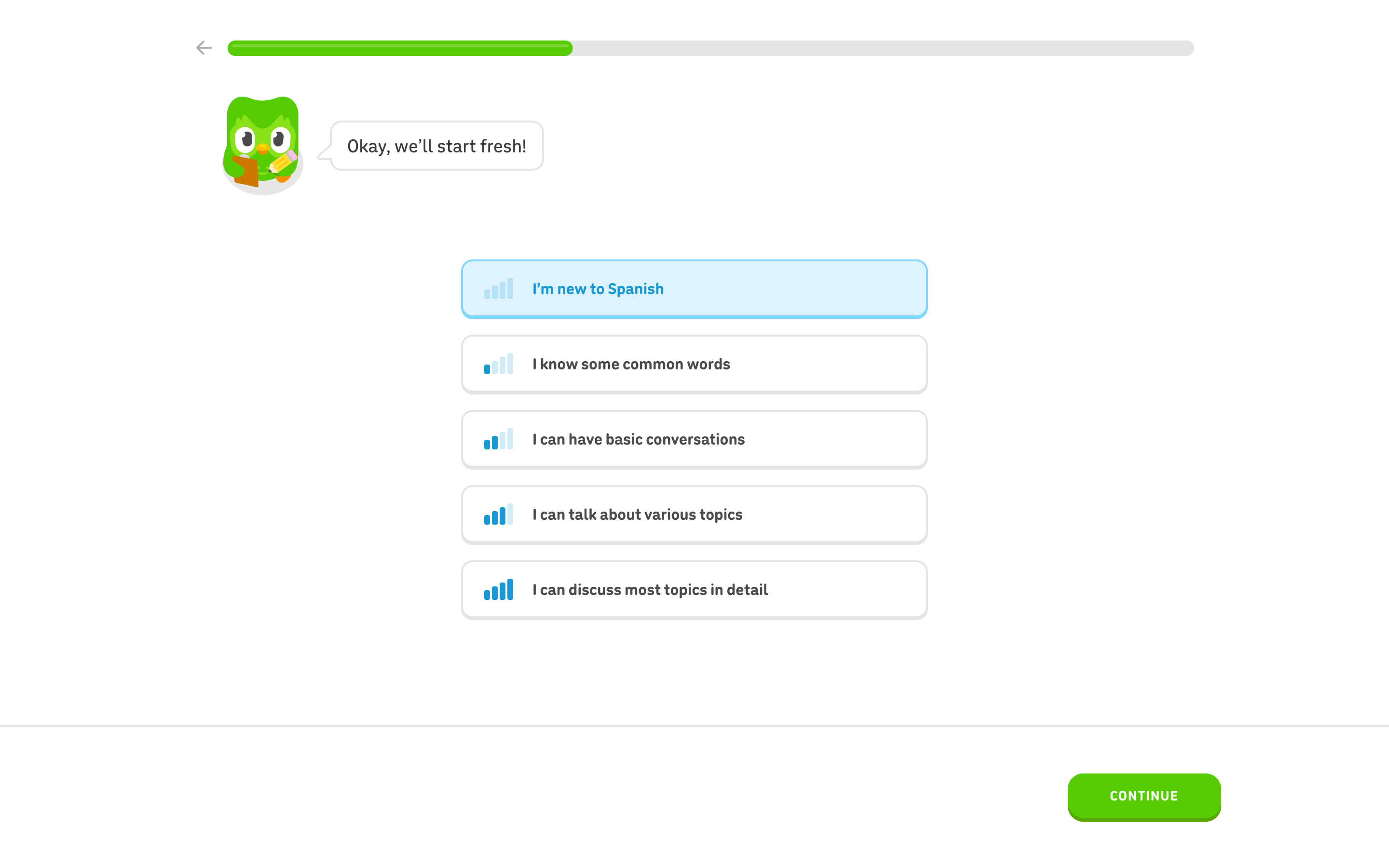
5. How much Spanish do you know?
A single column of five proficiency rows, each with a signal-bar icon that fills as the level rises. "I'm new to Spanish" is selected and Duo answers "Okay, we'll start fresh!".
- Continue → "Here's what you can achieve!" (three outcome rows: Converse with confidence, Build a large vocabulary, Develop a learning habit; not kept as a step)
- Continue again → Daily goal
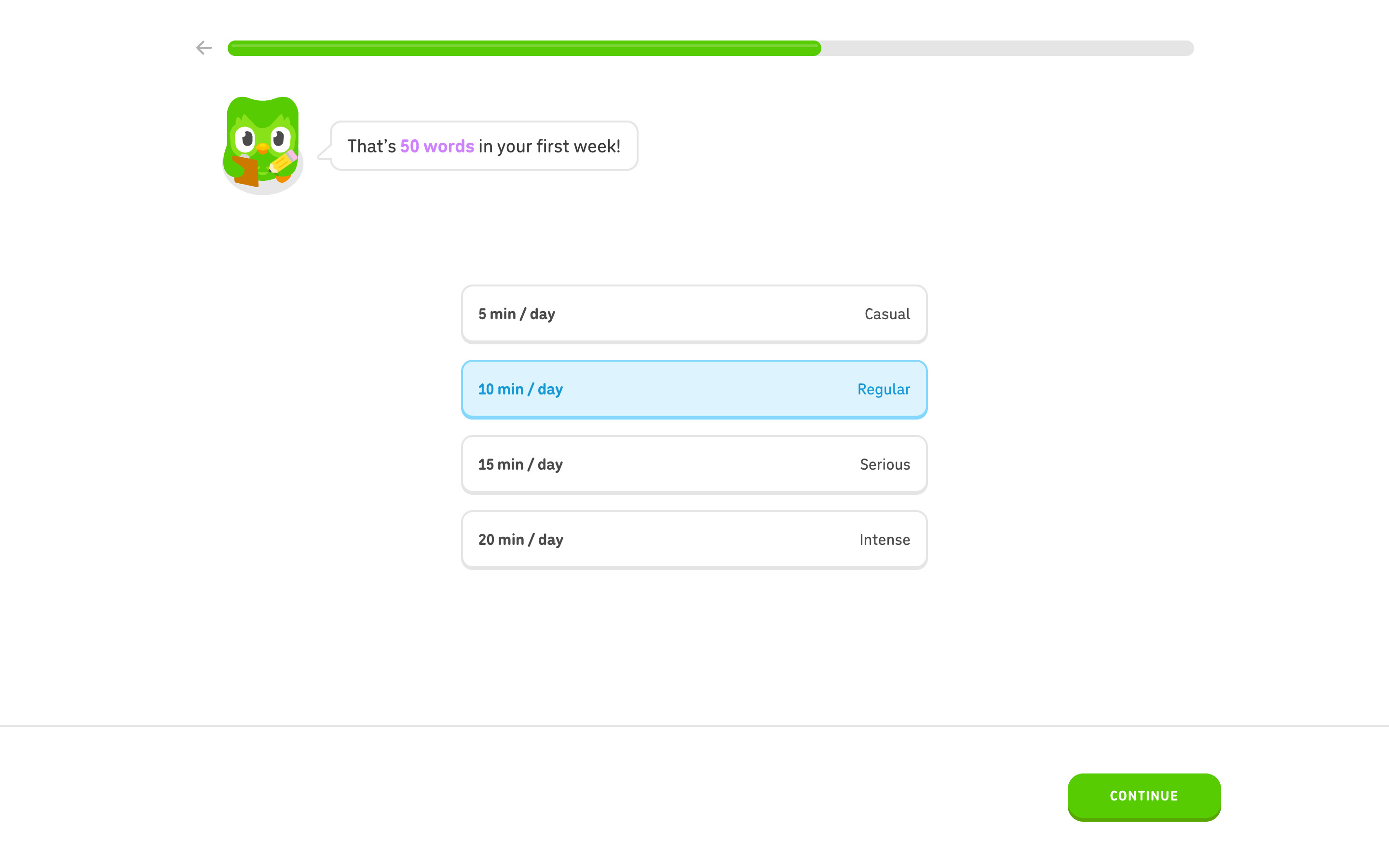
6. Daily learning goal
Four rows pairing a duration with a label: 5 min / day Casual, 10 min / day Regular, 15 min / day Serious, 20 min / day Intense. With 10 min selected, the bubble reads "That's 50 words in your first week!" with the number in purple.
- Continue → Reminder screen: "I'll remind you to practice so it becomes a habit!" over an illustrated notification-permission card with Block / Allow (not kept as a step; Continue was used, nothing was allowed)
- Continue again → Placement choice
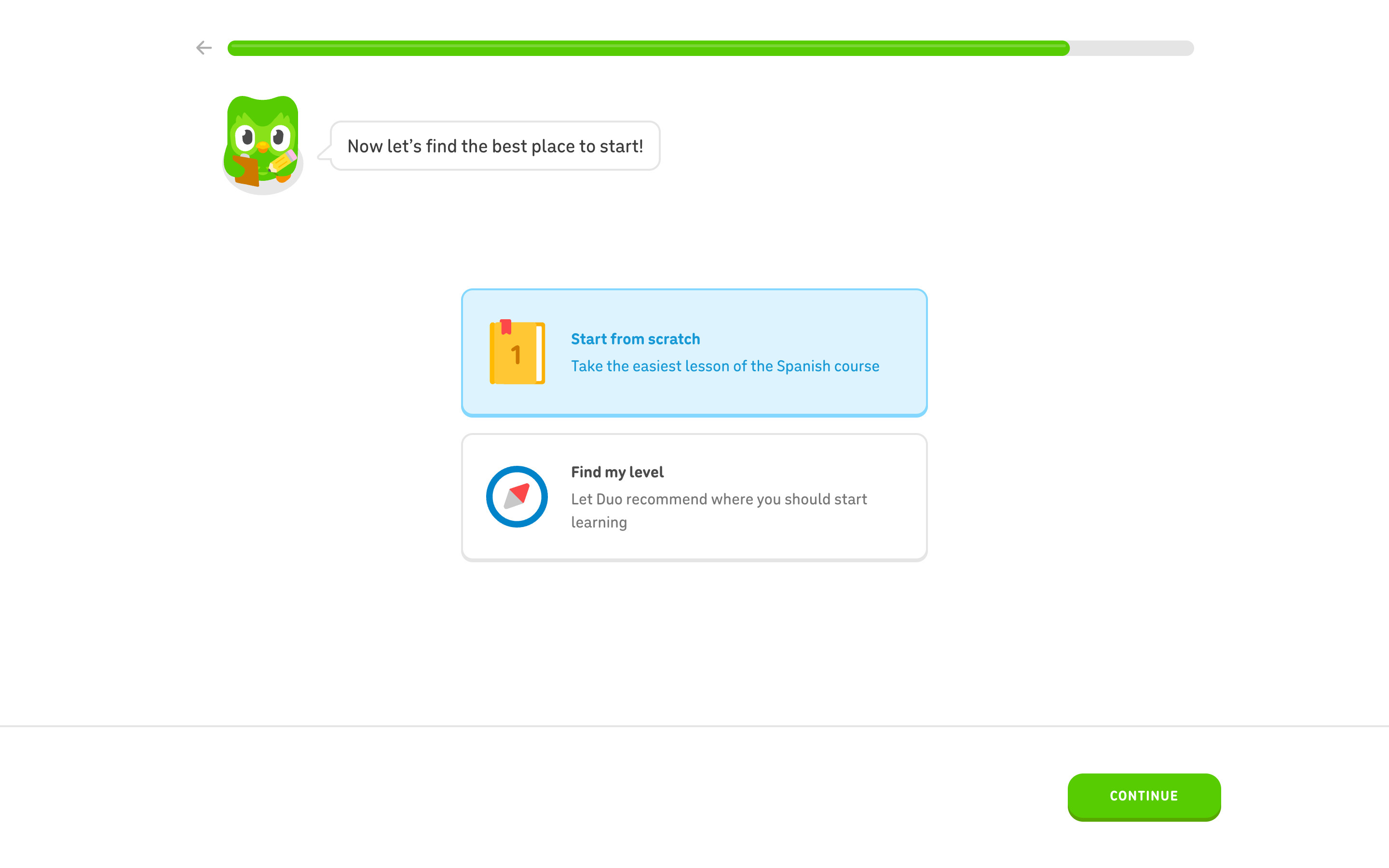
7. Where to start
"Now let's find the best place to start!" with two large cards: Start from scratch (a numbered book icon, "Take the easiest lesson of the Spanish course") and Find my level (a compass, "Let Duo recommend where you should start learning"). Start from scratch is selected. The progress bar is almost full.
- Continue with Start from scratch → Two motivational Duo screens ("It can be hard to stay motivated..." / "...so Duolingo is designed to be fun like a game!"), then the first lesson
- Find my level → Not explored
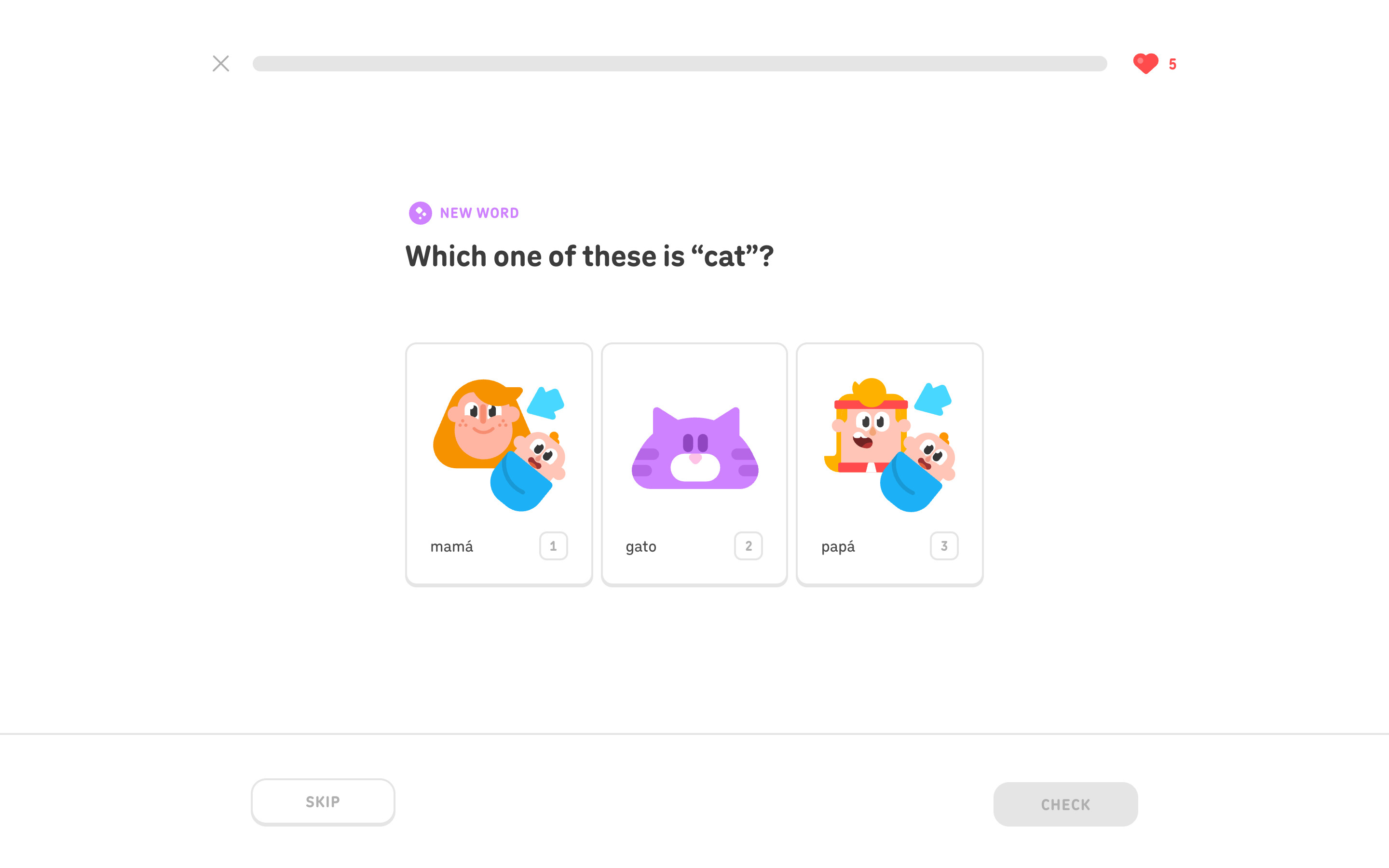
8. First lesson exercise
The lesson opens without an account. A close X, an empty progress bar and a heart counter (5) sit on top; a purple NEW WORD tag and "Which one of these is 'cat'?" head three illustrated picture cards (mamá, gato, papá) with keyboard-number badges. The footer holds SKIP and a disabled CHECK.
- Pick an answer and Check → Correct / incorrect feedback banner (product screens)
- Finish the lesson → Lesson complete, Spanish Score, streak, streak goal, Daily Quests and a gems reward (lesson complete and streak are product screens)
- Continue after the rewards → Create a profile prompt
9. Time to create a profile
After the lesson rewards, Duo holds up a phone above "Time to create a profile!" and "Create a profile to save your progress and continue learning for free." A blue CREATE A PROFILE button sits above an outlined LATER button.
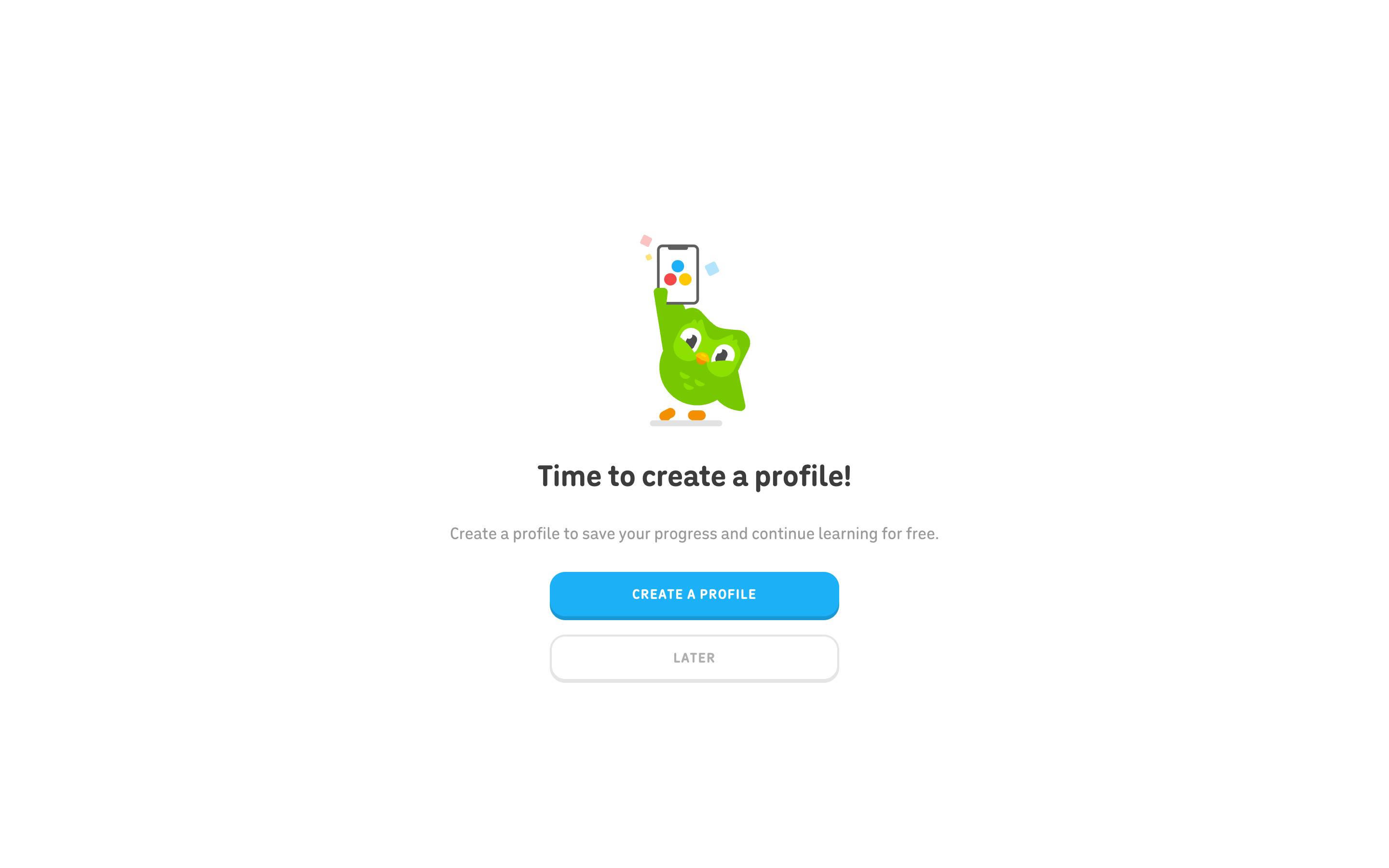
- Create a profile → Sign-up: age
- Later → Learn path (product screen)
10. Sign-up, age step (empty)
The first sign-up step is a full-page form: "How old are you?", one Age field, an explanation linking to the Privacy Policy, a disabled NEXT button, and terms and reCAPTCHA notices. A close X is top left and a LOGIN button top right. Nothing was entered.
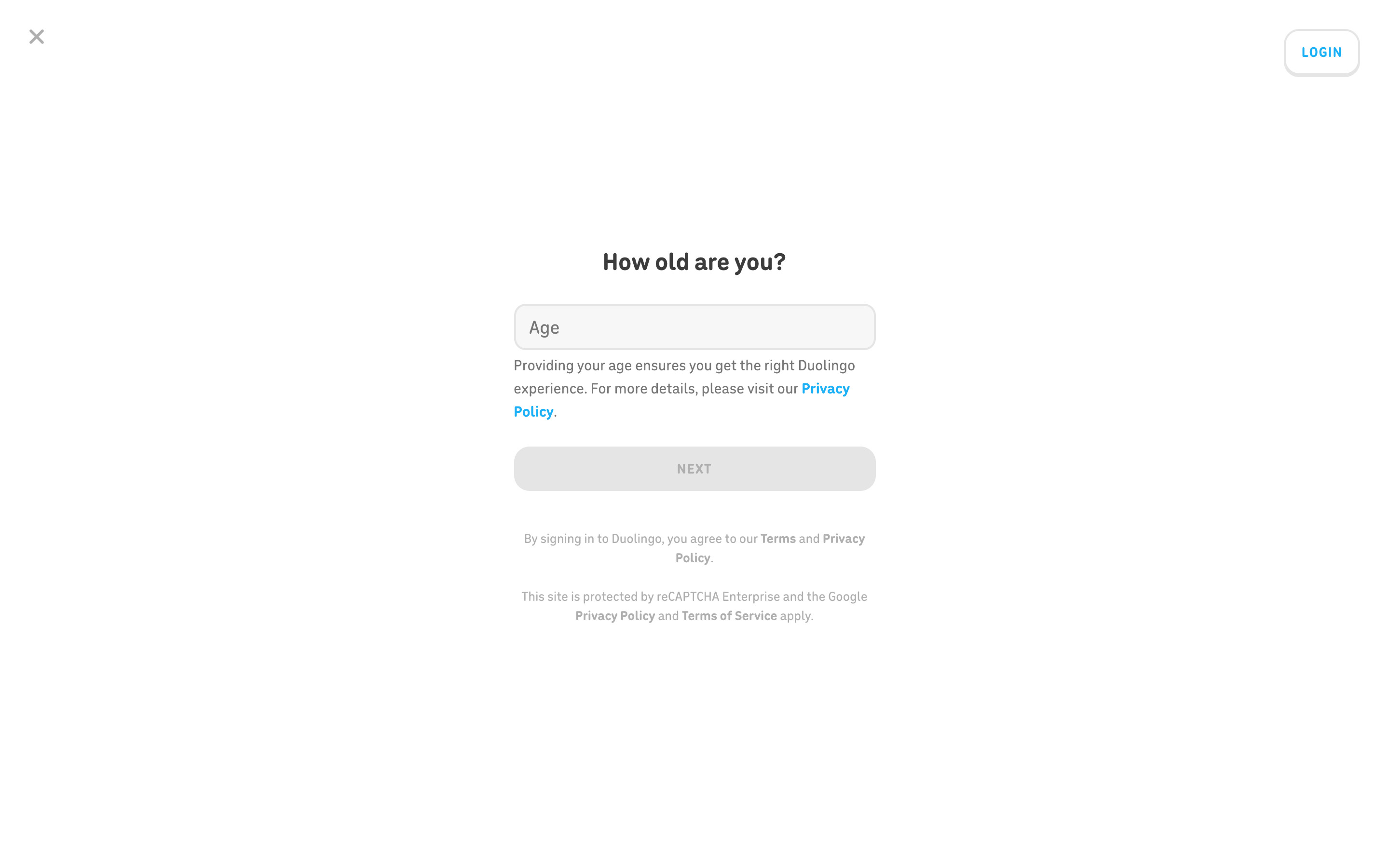
- Enter an age and Next → Not explored
- Close → Back to the create-profile prompt