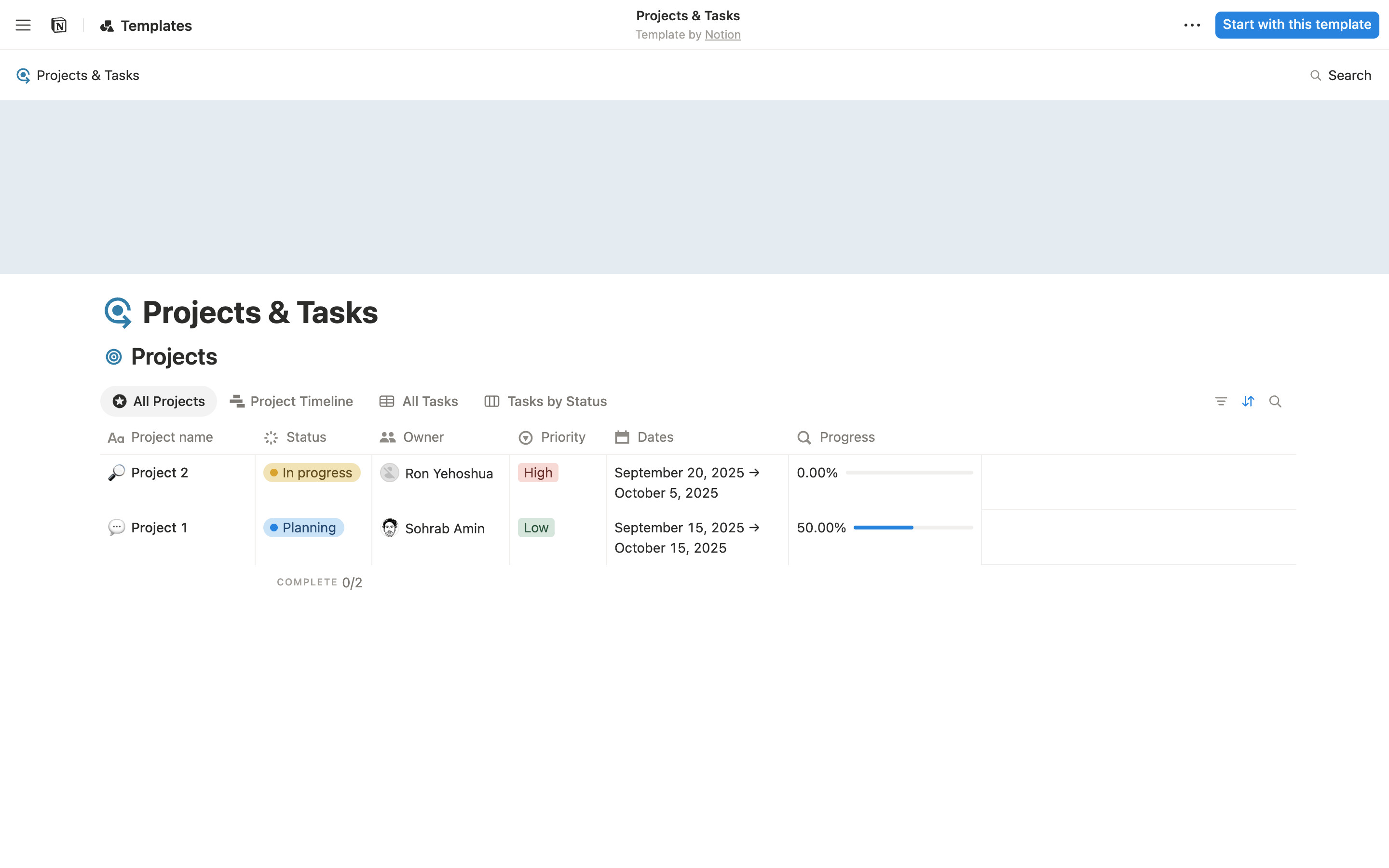
Notion's public Projects & Tasks template on notion.site, logged out. A top bar with Templates, the template name and a blue "Start with this template" button; a pale cover band; the page title; then a Projects database with view tabs (All Projects, Project Timeline, All Tasks, Tasks by Status) and a table with coloured Status and Priority pills and progress bars. Names are Notion's own sample data.
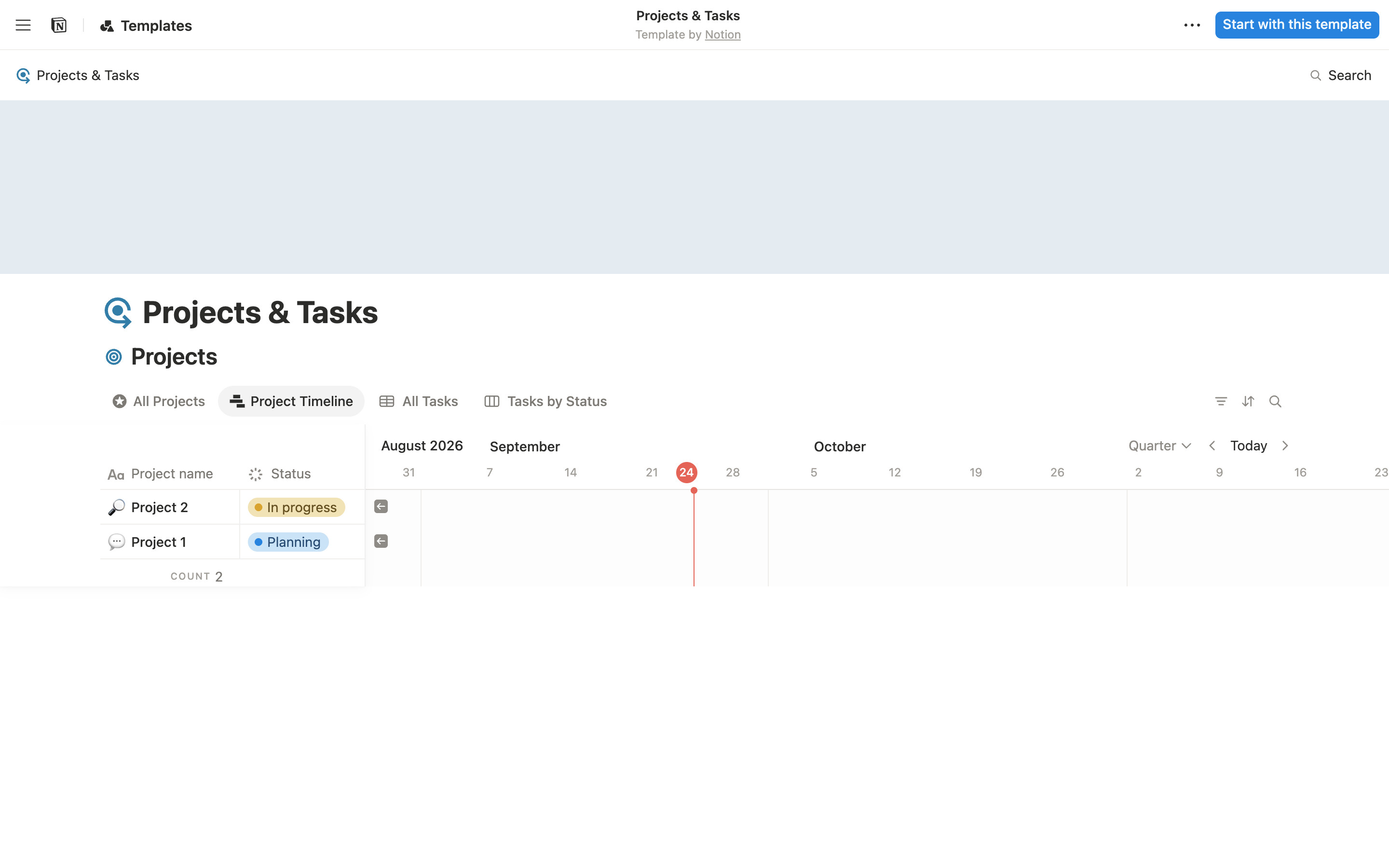
The Project Timeline tab: a frozen left table (Project name, Status) beside a quarter timeline with a red today marker on 24 September 2026. The sample projects are dated 2025, so no bars appear in the visible range; only jump-back arrows show. Quarter, Today and arrow controls sit top right.
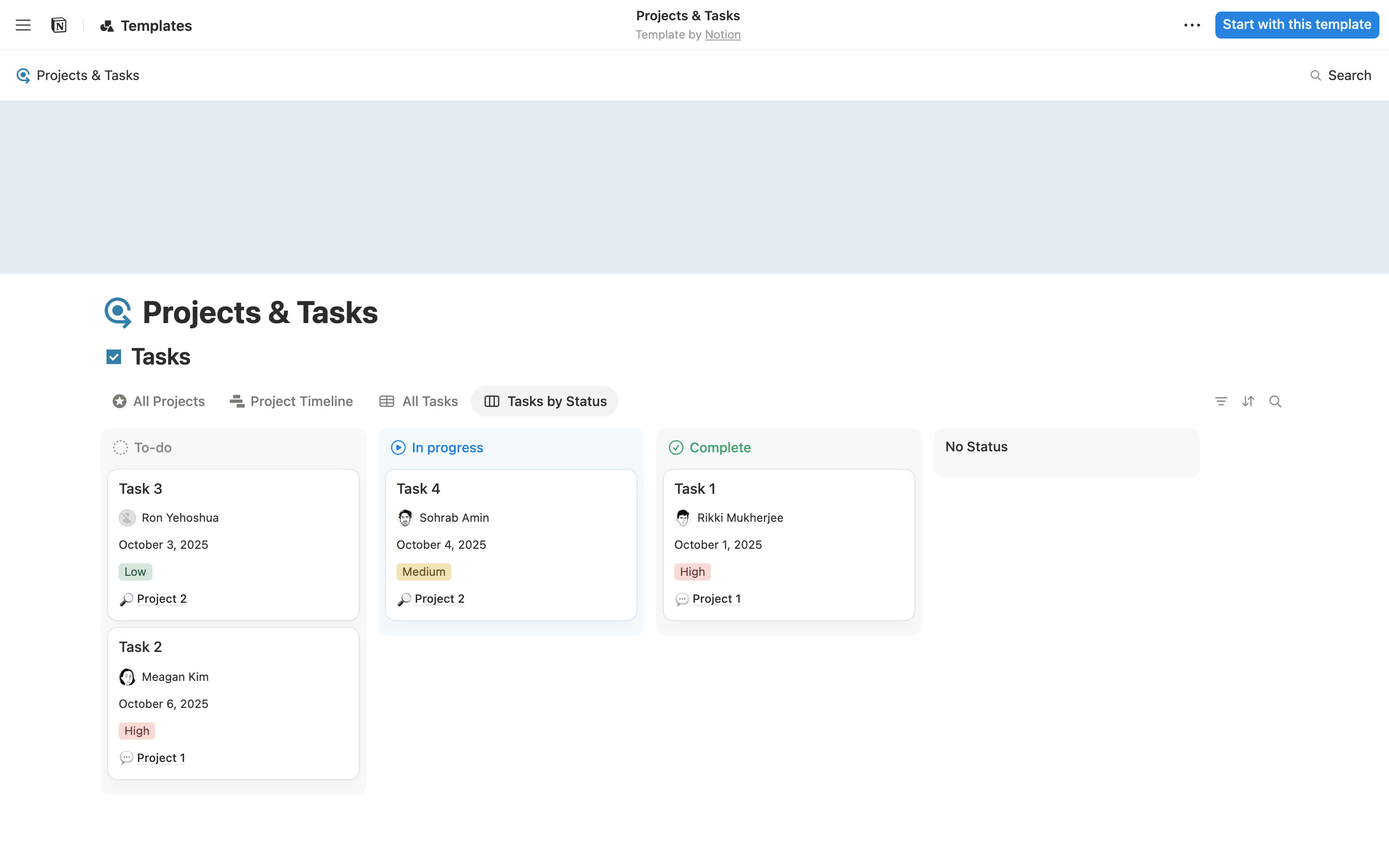
The Tasks by Status tab switches the heading to Tasks and shows a board: To-do, In progress, Complete and No Status columns with tinted headers and cards carrying assignee, date, priority pill and related project.
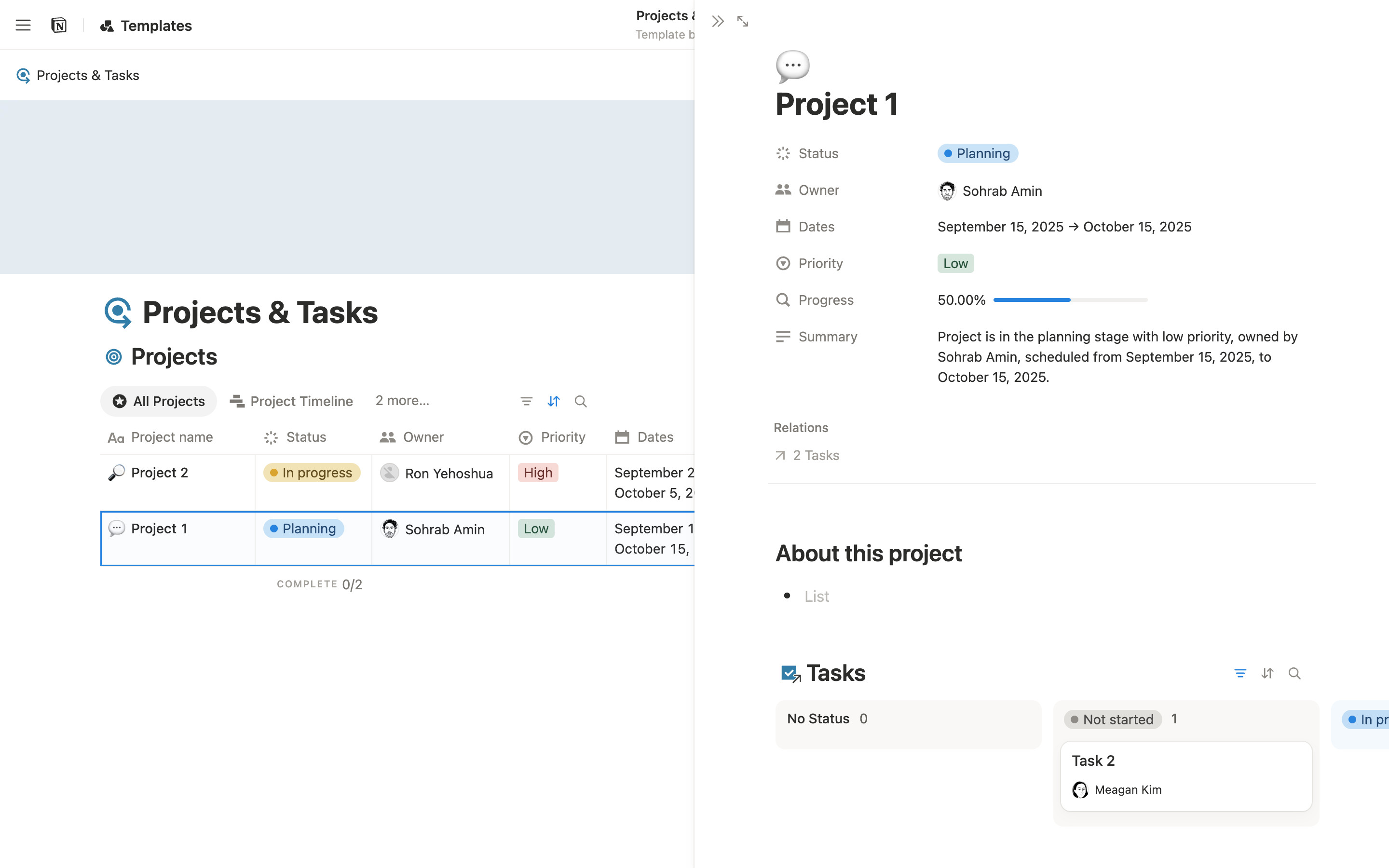
Hovering a row reveals an OPEN button; it opens Project 1 in a side peek over the right half. The peek lists properties (Status, Owner, Dates, Priority, Progress, Summary), a Relations link to 2 tasks, an "About this project" section and an embedded Tasks board. The opened row keeps a blue selection outline.
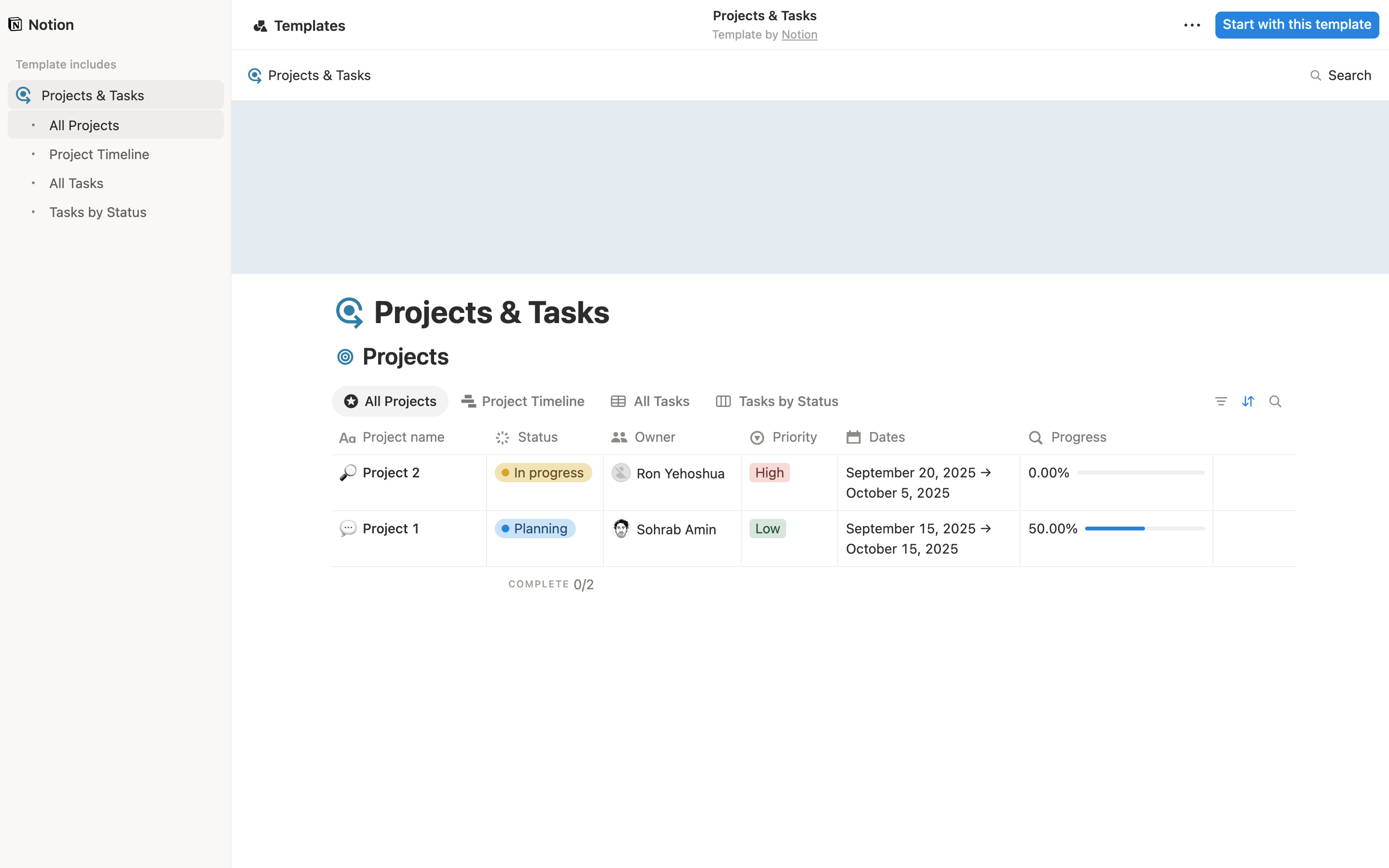
The menu button pins a left sidebar headed by the Notion logo: "Template includes" lists the page and its four views as a tree, with the current view highlighted. The page shifts right to make room.
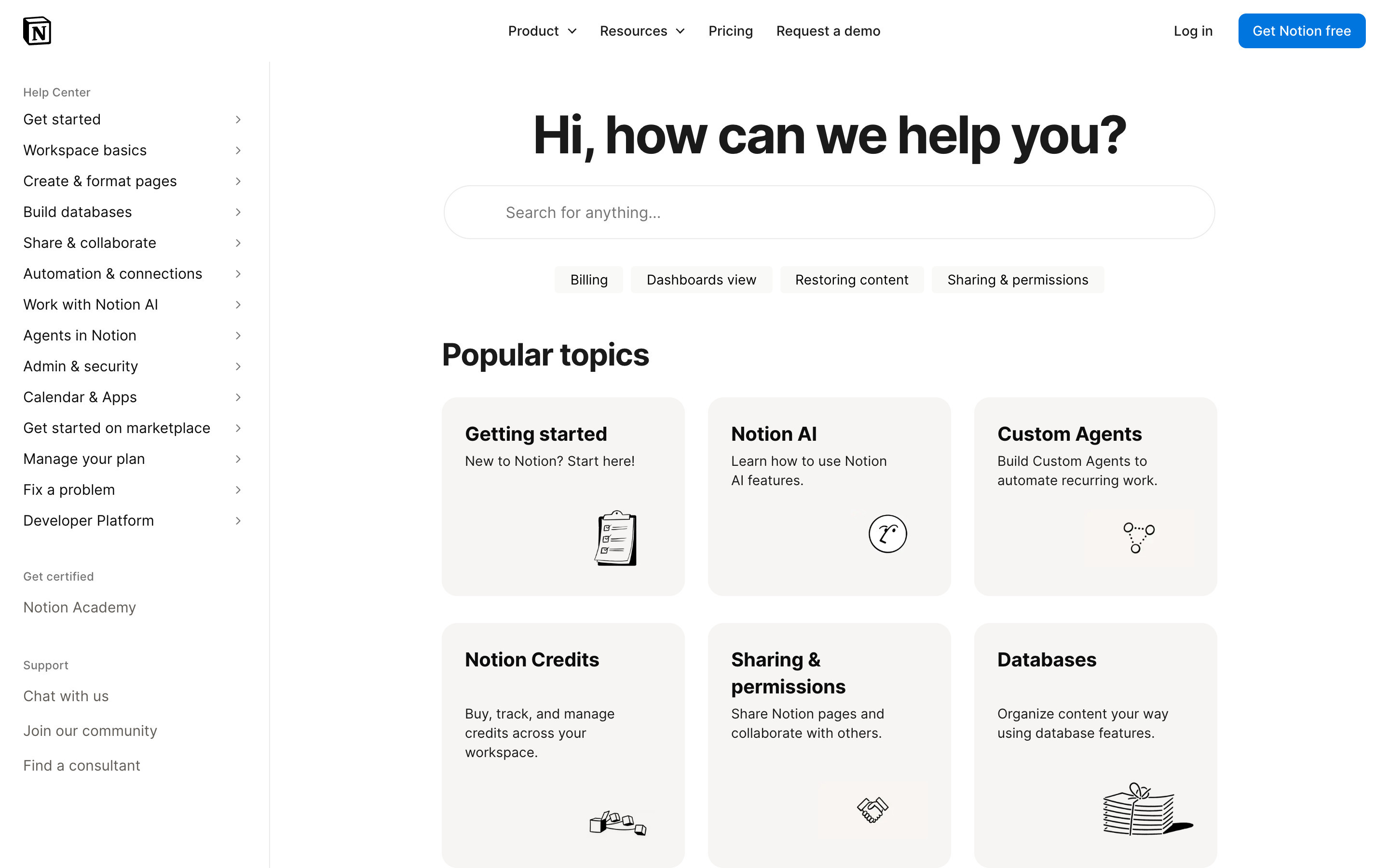
"Hi, how can we help you?" with a wide pill search field and four quick-topic chips (Billing, Dashboards view, Restoring content, Sharing & permissions), then a grid of Popular topics cards with line illustrations. A left rail lists Help Center sections with chevrons. A cookie banner was declined before capture.
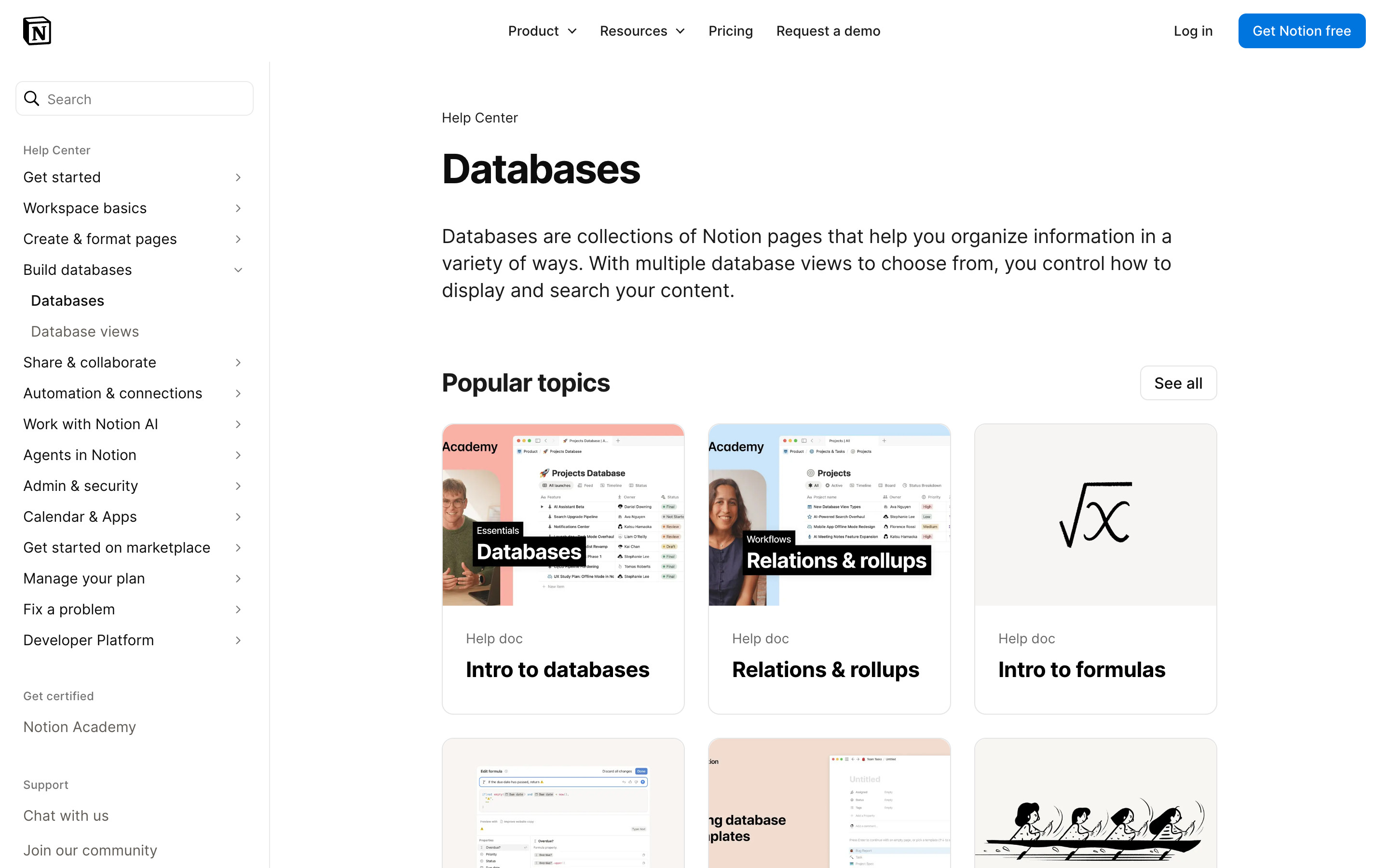
The Databases category: the left rail expands Build databases to Databases and Database views, and the main column shows a description and Popular topics cards with video thumbnails (Intro to databases, Relations & rollups) and an illustration (Intro to formulas), plus a See all button.
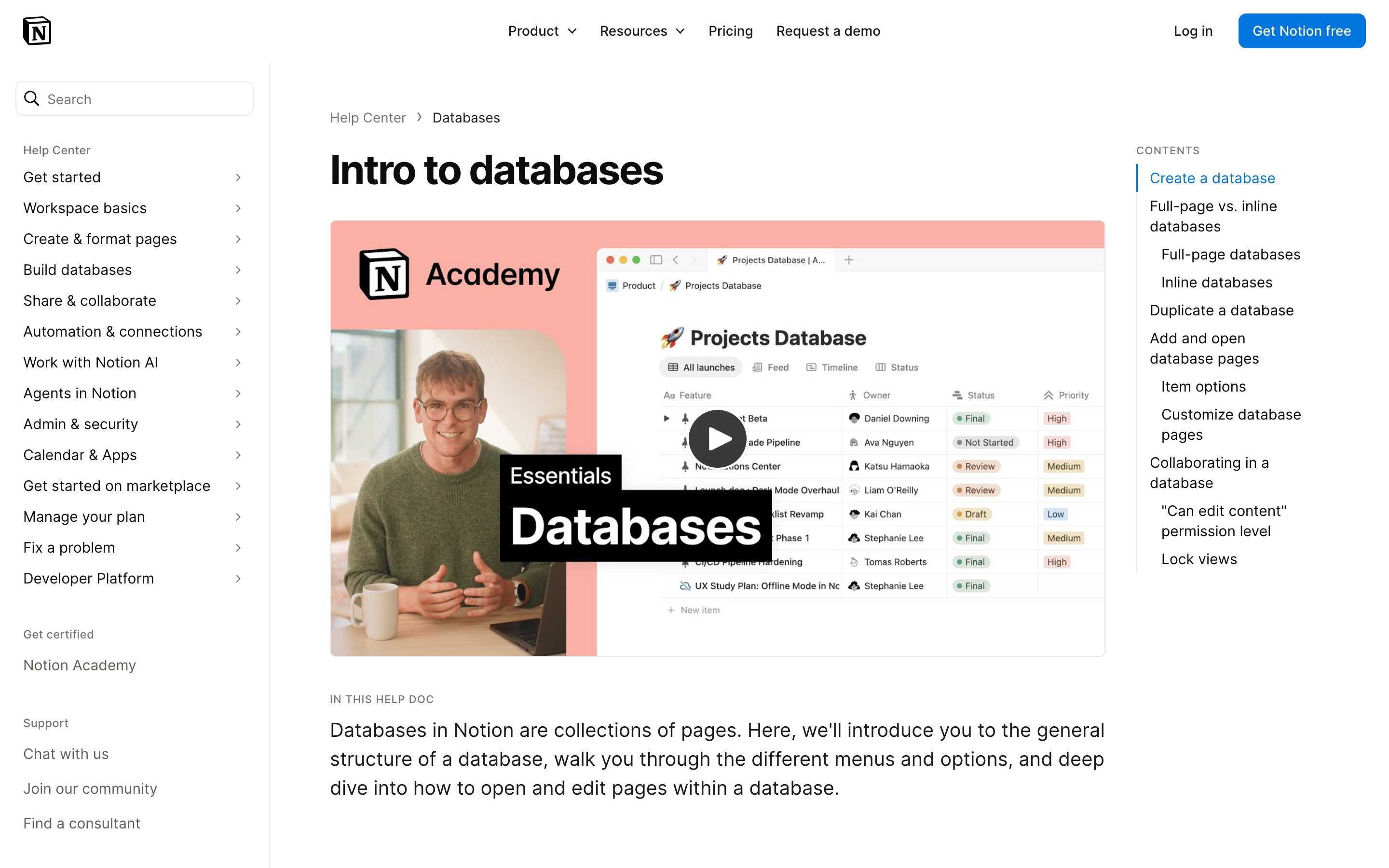
"Intro to databases": breadcrumb Help Center > Databases, a large title, a Notion Academy video thumbnail with a presenter, an "In this help doc" summary and a sticky Contents list on the right with the current section highlighted in blue.
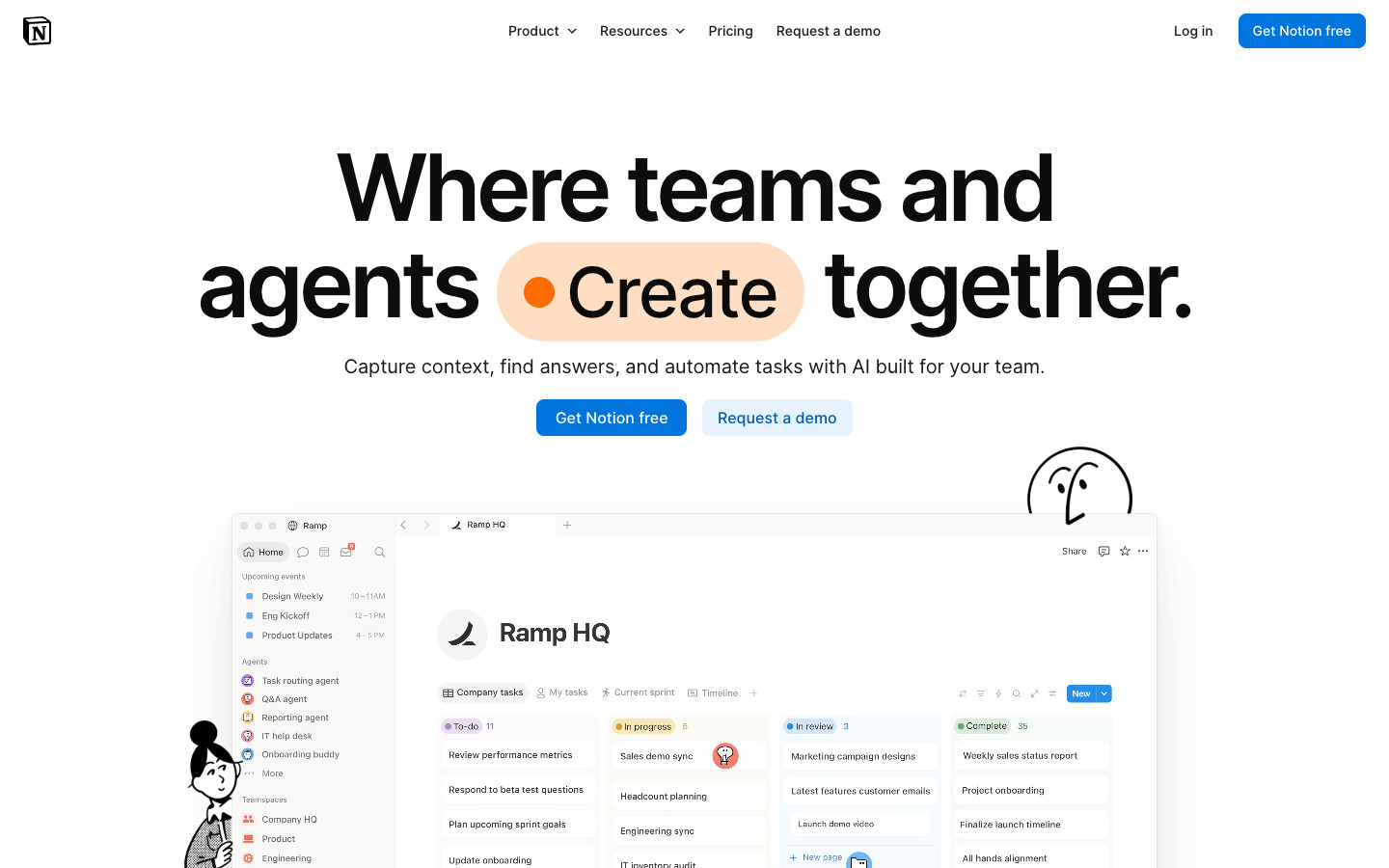
A centred 96px headline whose middle word rotates inside an orange pill (Create, Ship and Build were seen), two buttons, then a large mock Notion window. A two-row customer logo strip, three feature cards with product mockups, a row of use-case links, colour-washed customer quote cards, a stats strip and a grey "Get started today" band close the page. The logo strip is sticky at the bottom of the first viewport; for the full-page capture it was set to scroll with the page so it did not cover the mock window.
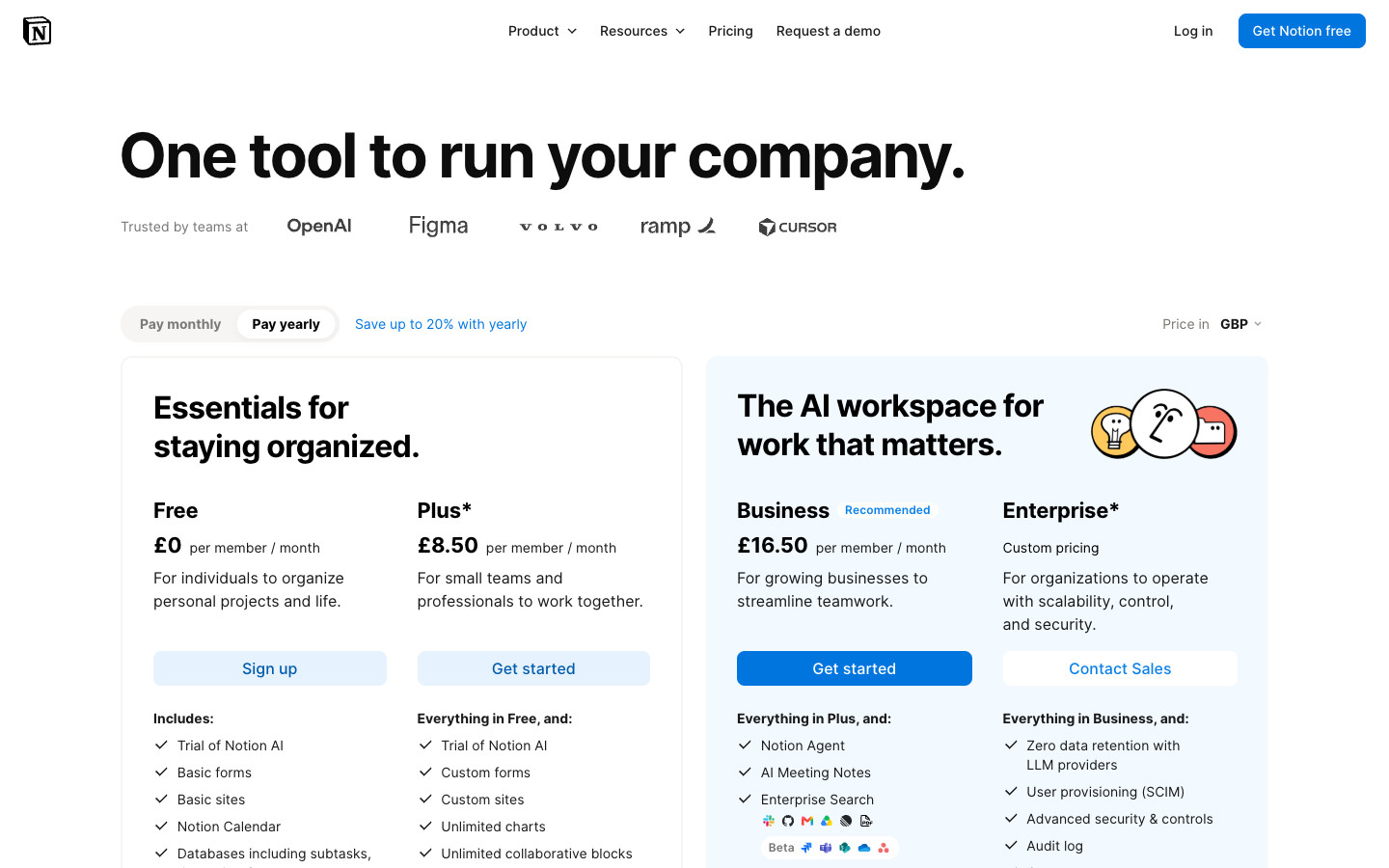
Monthly / yearly toggle and a currency picker (GBP was shown for this visitor) above two card groups: Free and Plus in a white card, Business (Recommended) and Enterprise in a pale blue card. A pull quote, a long feature comparison table grouped by category, then an FAQ list of expandable questions.
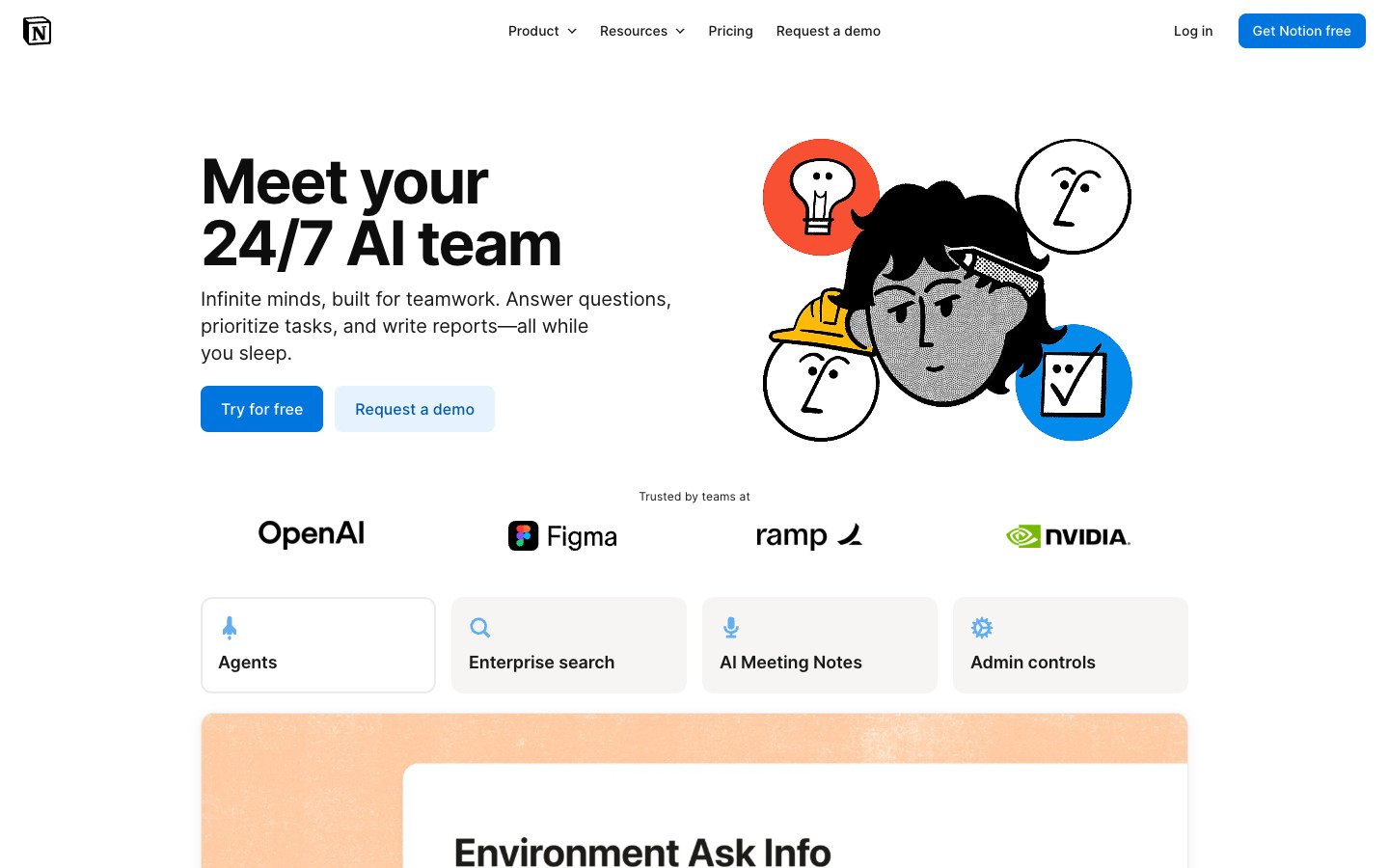
Illustrated hero with four feature tabs (Agents, Enterprise search, AI Meeting Notes, Admin controls), then a pricing excerpt and one section per capability, each a heading, one line of copy and a pastel-framed product vignette. Serif pull quotes break up the sections. A 2 x 2 "Designed for teams" grid, a security grid and an FAQ close it.
Logged-out desktop journey through the template Marketplace: Discover, search suggestions, results, a Notion-made template, its category and creator pages, then Get template to the log-in and sign-up screens. No account was created and nothing was entered, so onboarding and the signed-in workspace are not captured; the product screens use a public Notion template page on notion.site and the Help Center instead. Featured tiles, counts and prices change over time.
 screenrove