 screenrove
Notion / From template search to sign-up
Logged-out desktop journey through the template Marketplace: Discover, search suggestions, results, a Notion-made template, its category and creator pages, then Get template to the log-in and sign-up screens. No account was created and nothing was entered, so onboarding and the signed-in workspace are not captured; the product screens use a public Notion template page on notion.site and the Help Center instead. Featured tiles, counts and prices change over time.
1. Template marketplace home
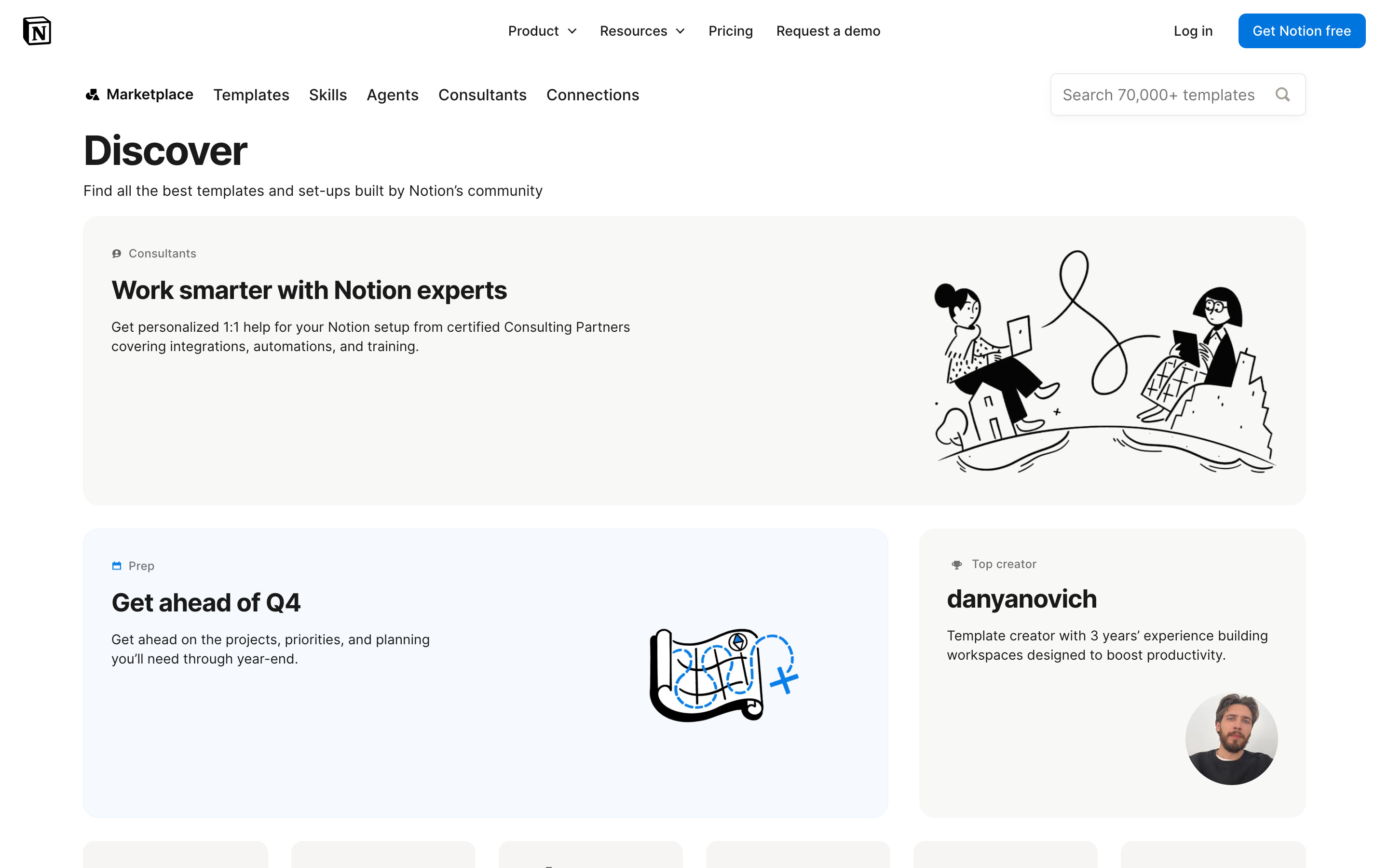
The Marketplace opens on "Discover" under a second nav row (Marketplace, Templates, Skills, Agents, Consultants, Connections) with a "Search 70,000+ templates" field on the right. Large rounded feature tiles follow: a Consultants promo with a line illustration, a "Get ahead of Q4" collection and a Top creator card. Featured tiles change over time.
- Click the search field and type "meeting notes" → Search suggestions
- Open Templates, Skills or Agents in the marketplace nav → Not captured
2. Search suggestions
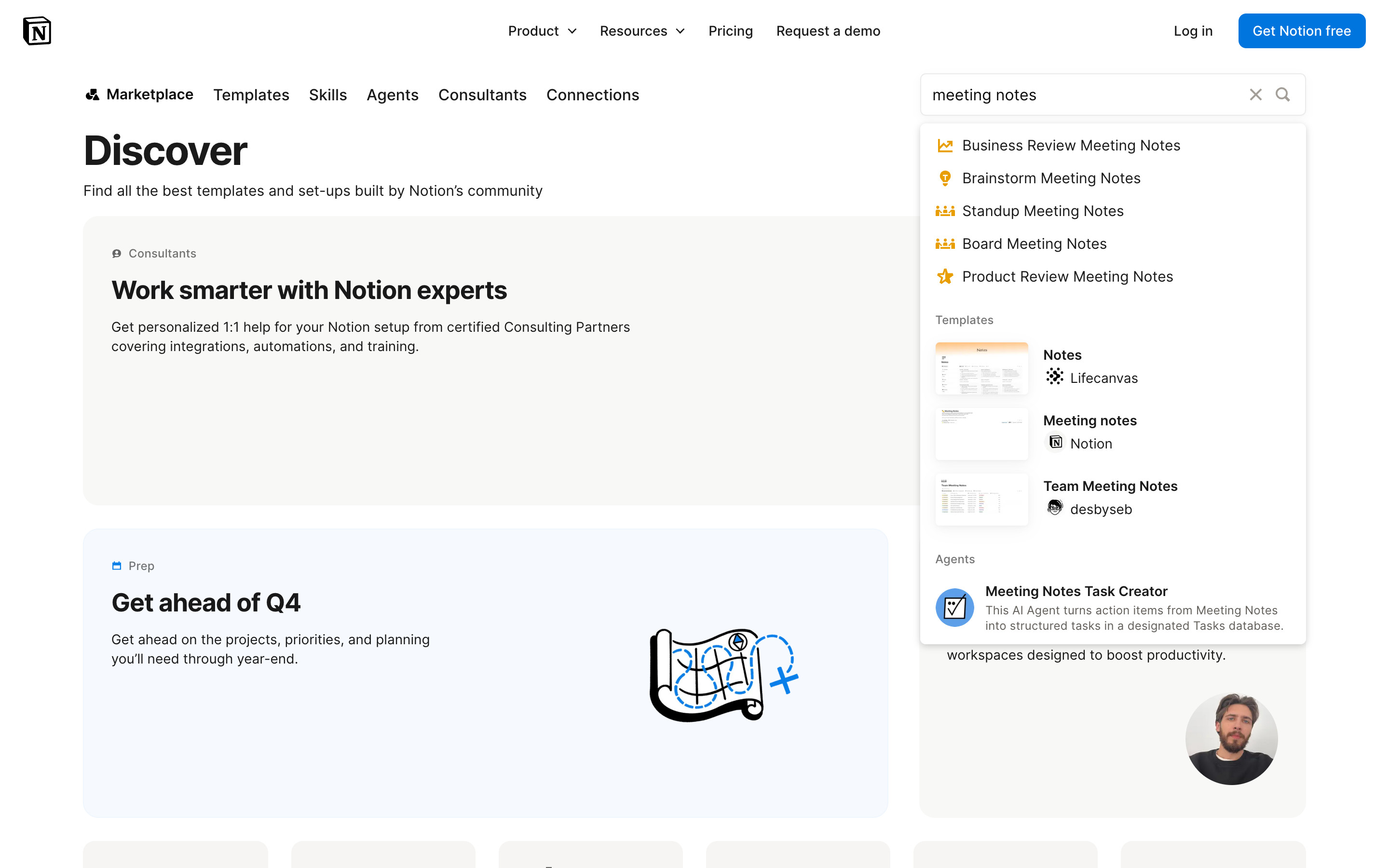
Typing "meeting notes" widens the field, adds a clear (x) control and drops a panel with three groups: category suggestions with coloured icons (Business Review, Brainstorm, Standup, Board, Product Review Meeting Notes), Templates with thumbnail, name and creator, and Agents with a description. Nothing was selected from the panel.
- Press Enter → Search results
- Pick a suggestion → Not explored
3. Search results
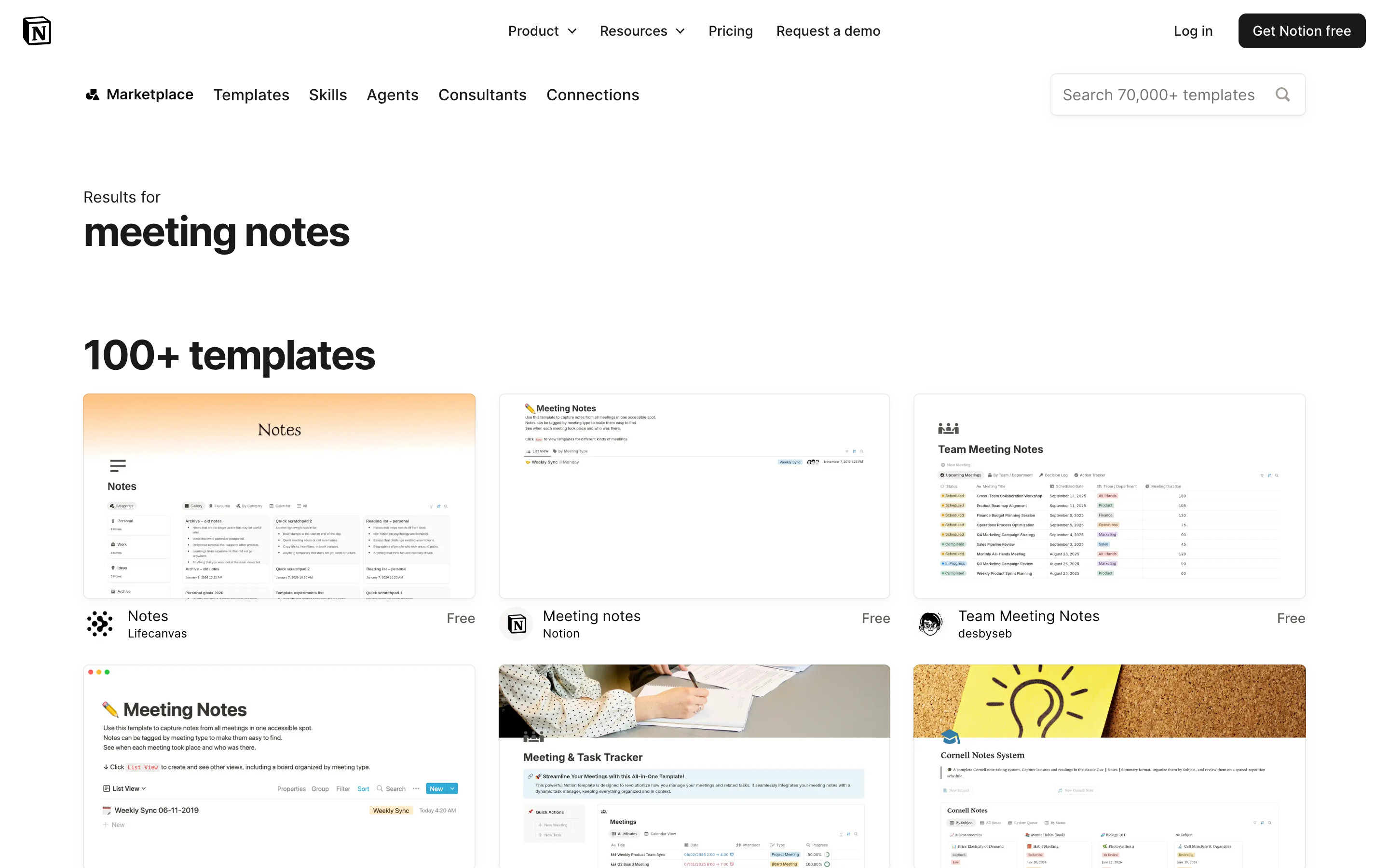
"Results for meeting notes" then "100+ templates" as a large heading over a three-column grid of preview cards. Each card is a screenshot of the template page, with creator avatar, template name, creator name and a "Free" price label underneath.
- Open "Meeting notes" by Notion → Template detail
4. Template detail
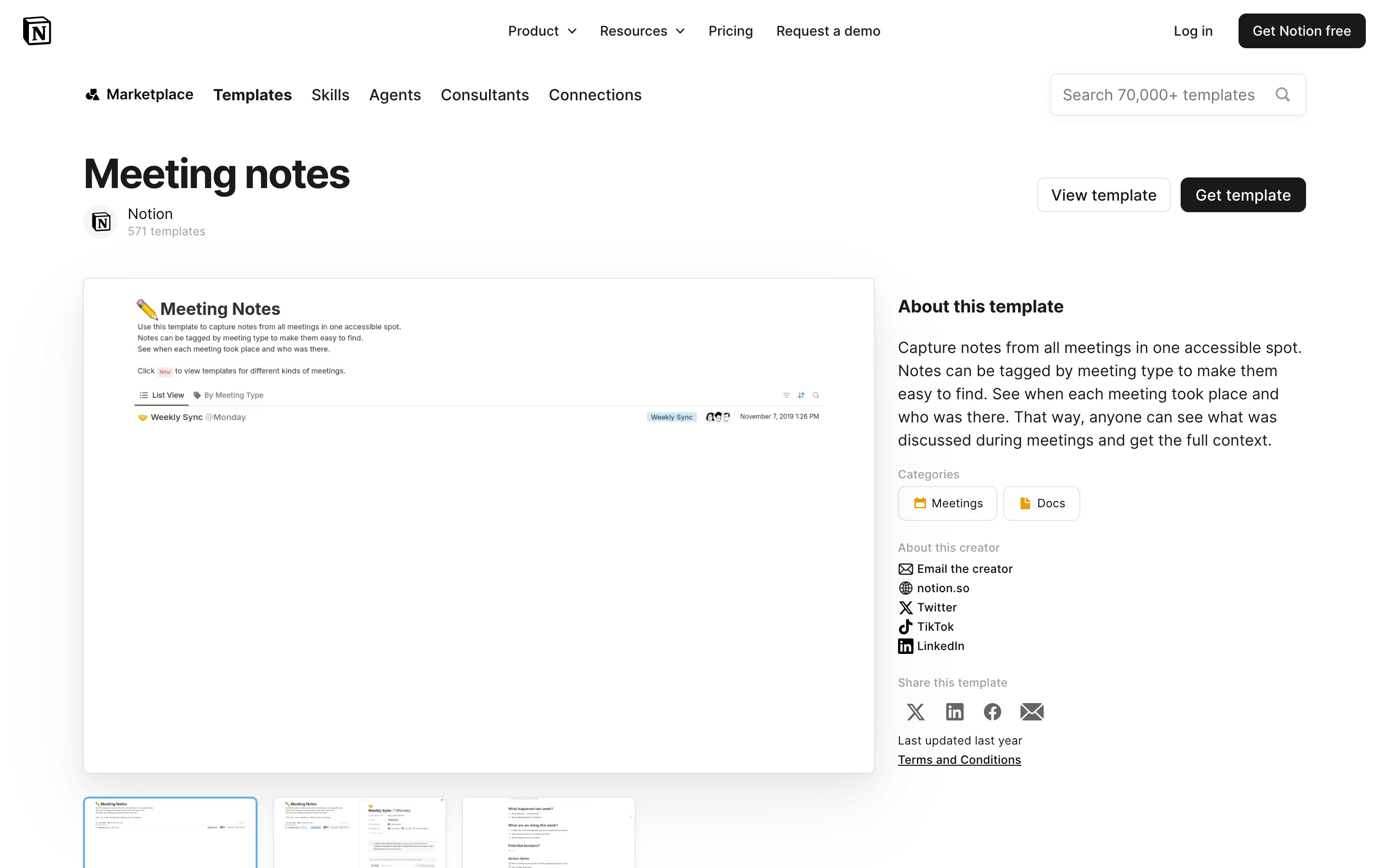
"Meeting notes" by Notion (571 templates). View template (outlined) and Get template (black) buttons sit top right. A large preview image with thumbnails below sits beside "About this template", category chips (Meetings, Docs), creator links, share icons and "Last updated last year".
- Get template → Log in screen
- Click the Meetings category chip → Meetings category (branch)
- Click the creator name → Creator profile (branch)
- View template → Public template page on notion.site (see product screens for a comparable Notion template)
5. Meetings category (branch)
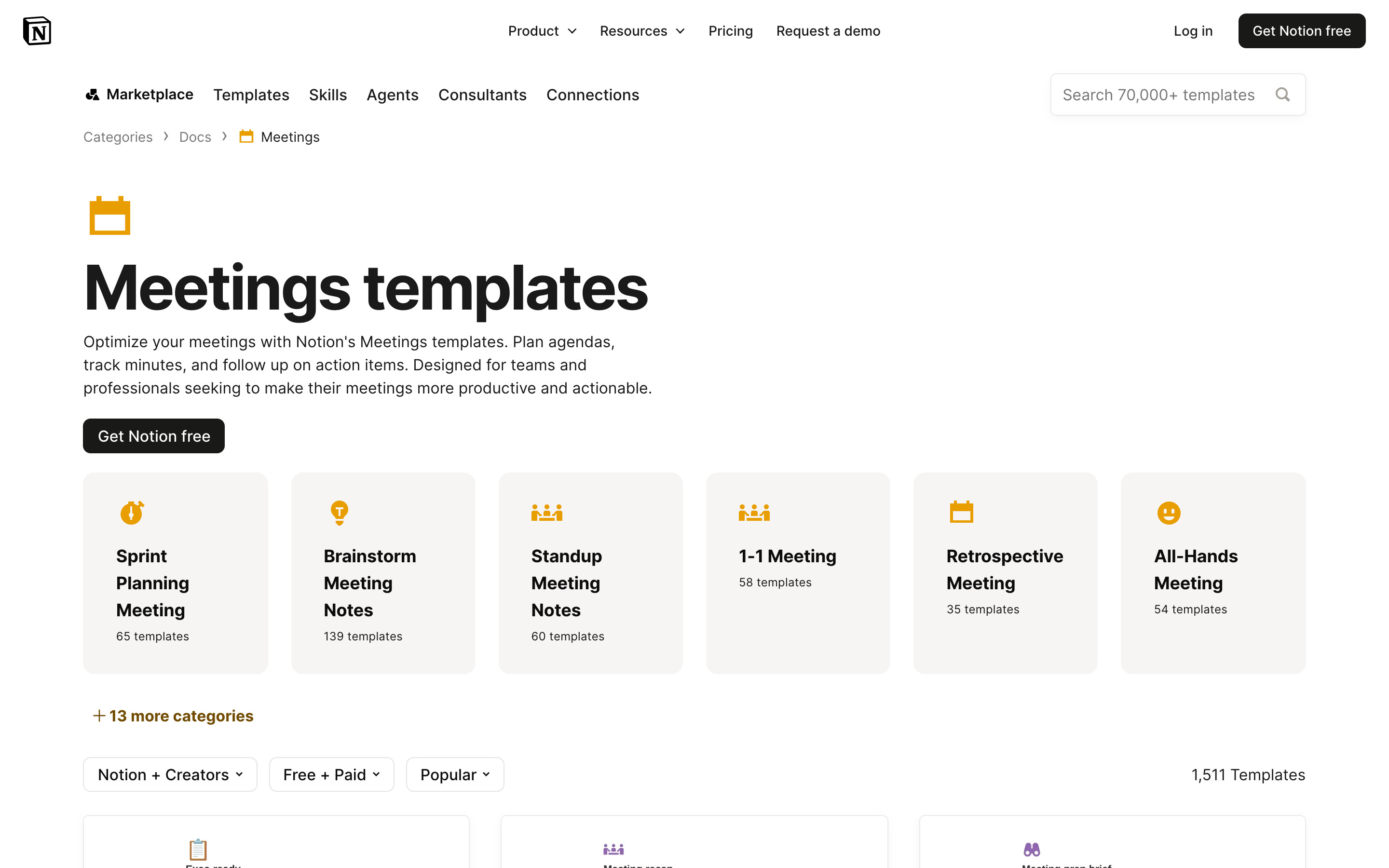
Breadcrumb Categories > Docs > Meetings, a calendar icon, "Meetings templates" heading, a short description and a black Get Notion free button. Six subcategory tiles show template counts, then "+ 13 more categories", filter dropdowns (Notion + Creators, Free + Paid, Popular) and "1,511 Templates".
- Back to the template detail → Template detail
6. Creator profile (branch)
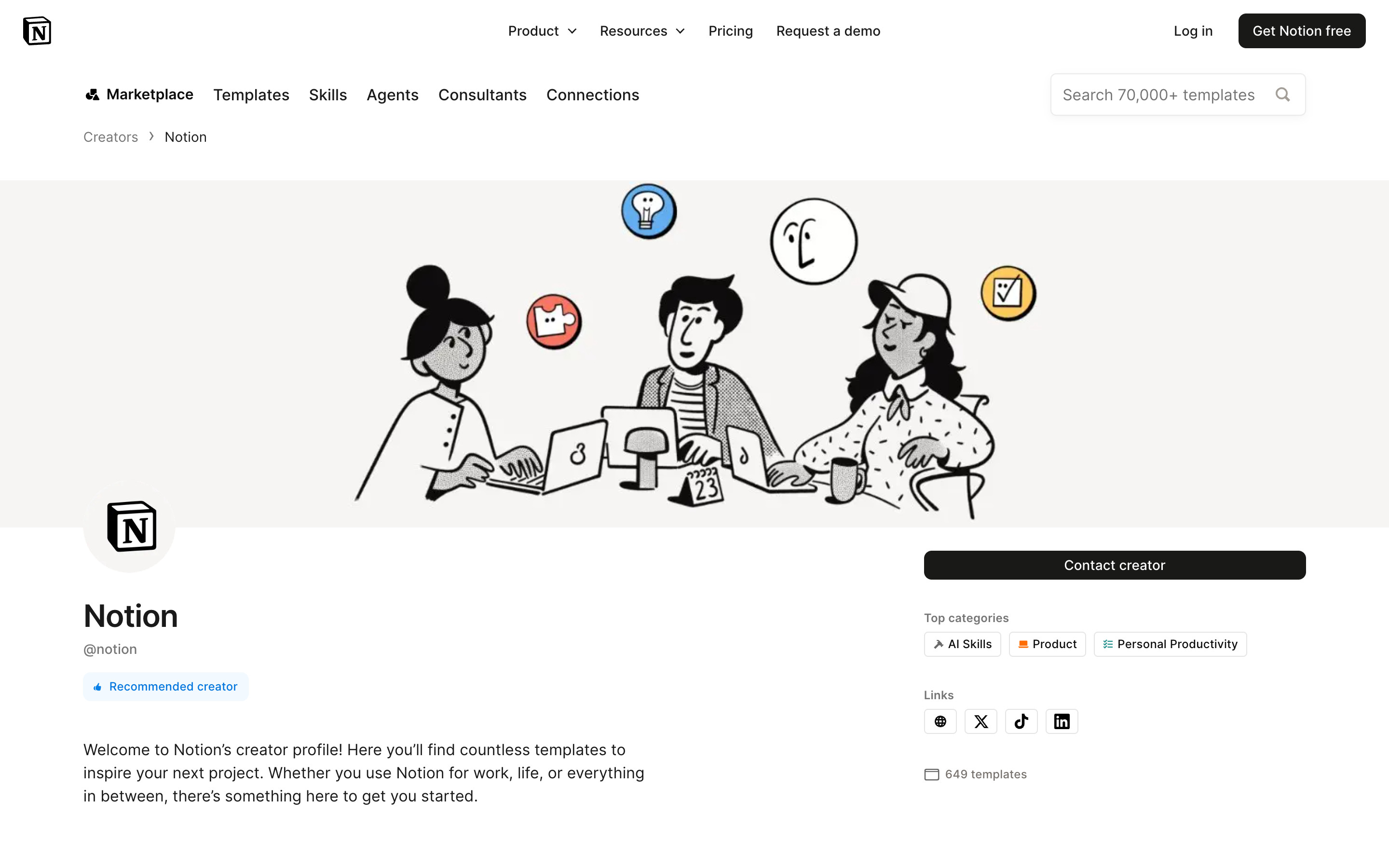
Notion's own creator profile: breadcrumb Creators > Notion, a wide illustrated banner, the Notion logo avatar, @notion handle and a "Recommended creator" badge. The right column holds a black Contact creator button, top category chips, link icons and a template count.
- Back to the template detail → Template detail
7. Log in screen from Get template
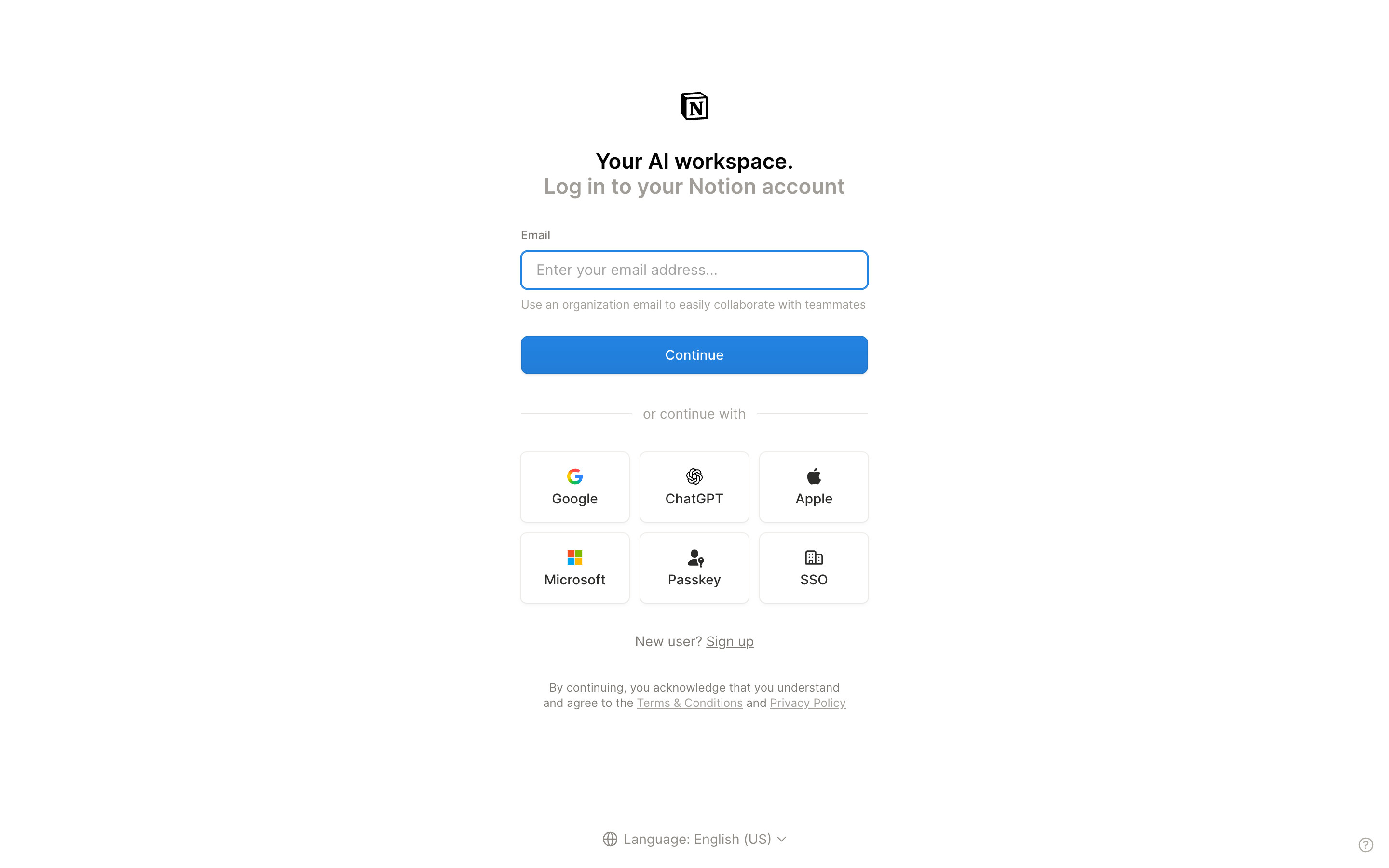
Get template opens app.notion.com/login in a new tab: "Your AI workspace. Log in to your Notion account", an empty focused Email field with a hint about organisation emails, a blue Continue button, then a 3 x 2 grid of Google, ChatGPT, Apple, Microsoft, Passkey and SSO buttons. "New user? Sign up" and a language selector sit below. Nothing was entered.
- New user? Sign up → Sign up screen
- Continue with email or a provider → Not explored
8. Sign up screen, empty
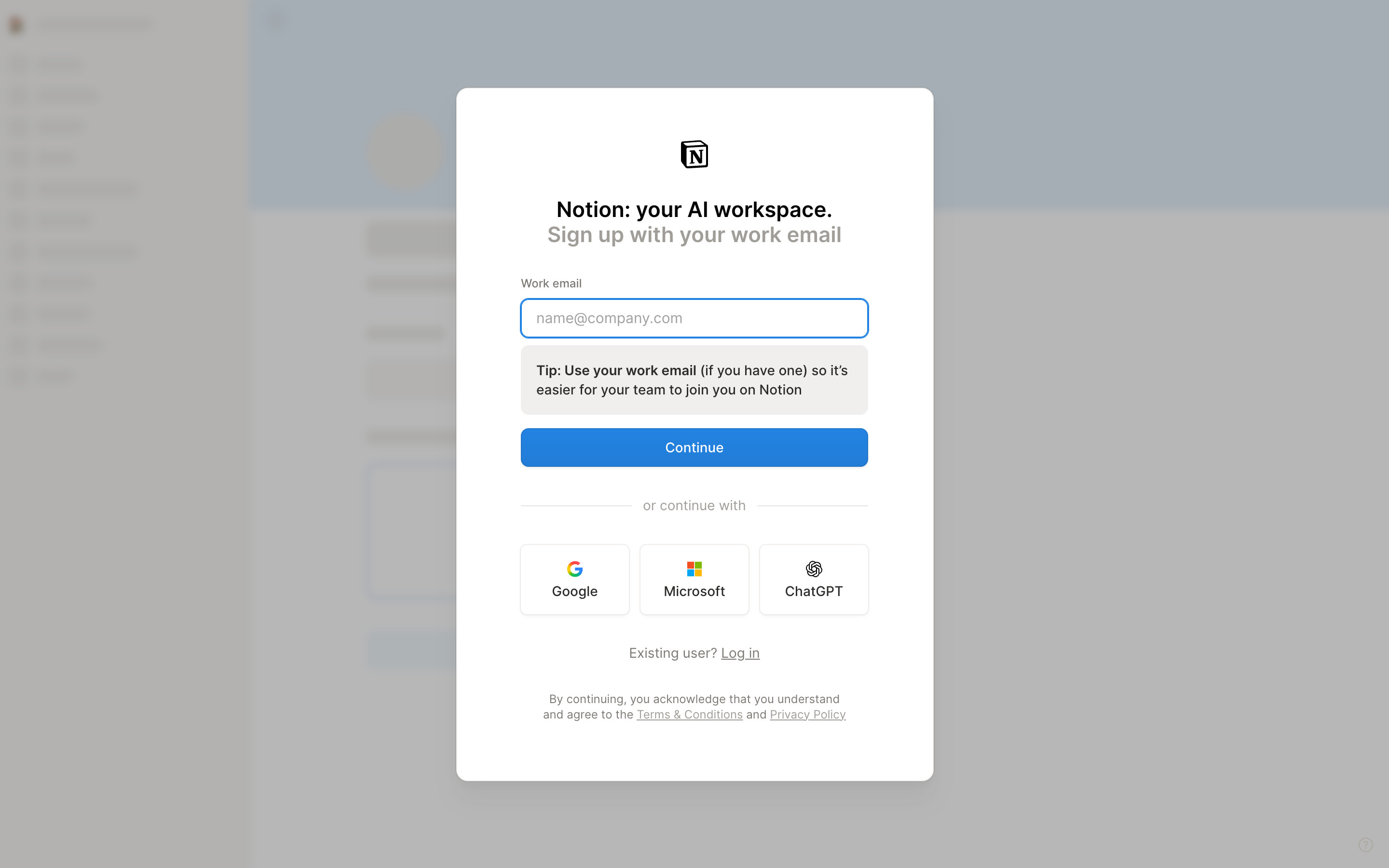
"Notion: your AI workspace. Sign up with your work email" in a white card over a greyed skeleton of the workspace. One Work email field (placeholder name@company.com), a grey tip box recommending a work email, a blue Continue button and Google, Microsoft and ChatGPT buttons. Nothing was entered or submitted.
- Continue → Not explored (no account was created)