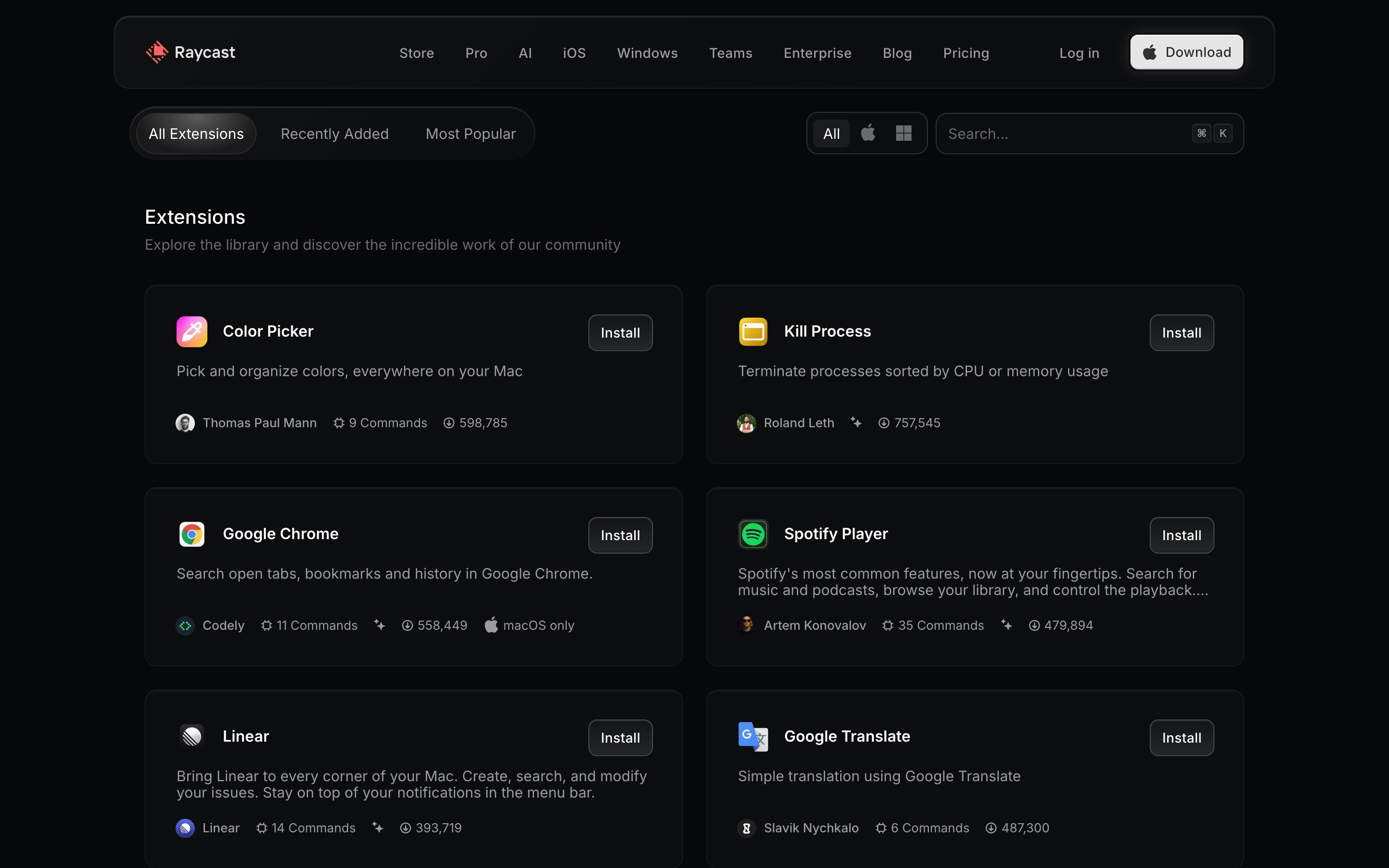
The Store scrolled to its catalogue: All Extensions / Recently Added / Most Popular tabs, a platform filter (All, macOS, Windows) and a search field, then a two-column grid of outlined extension cards with icon, name, small Install button, description and a meta row (author, command count, install count, macOS only where relevant).
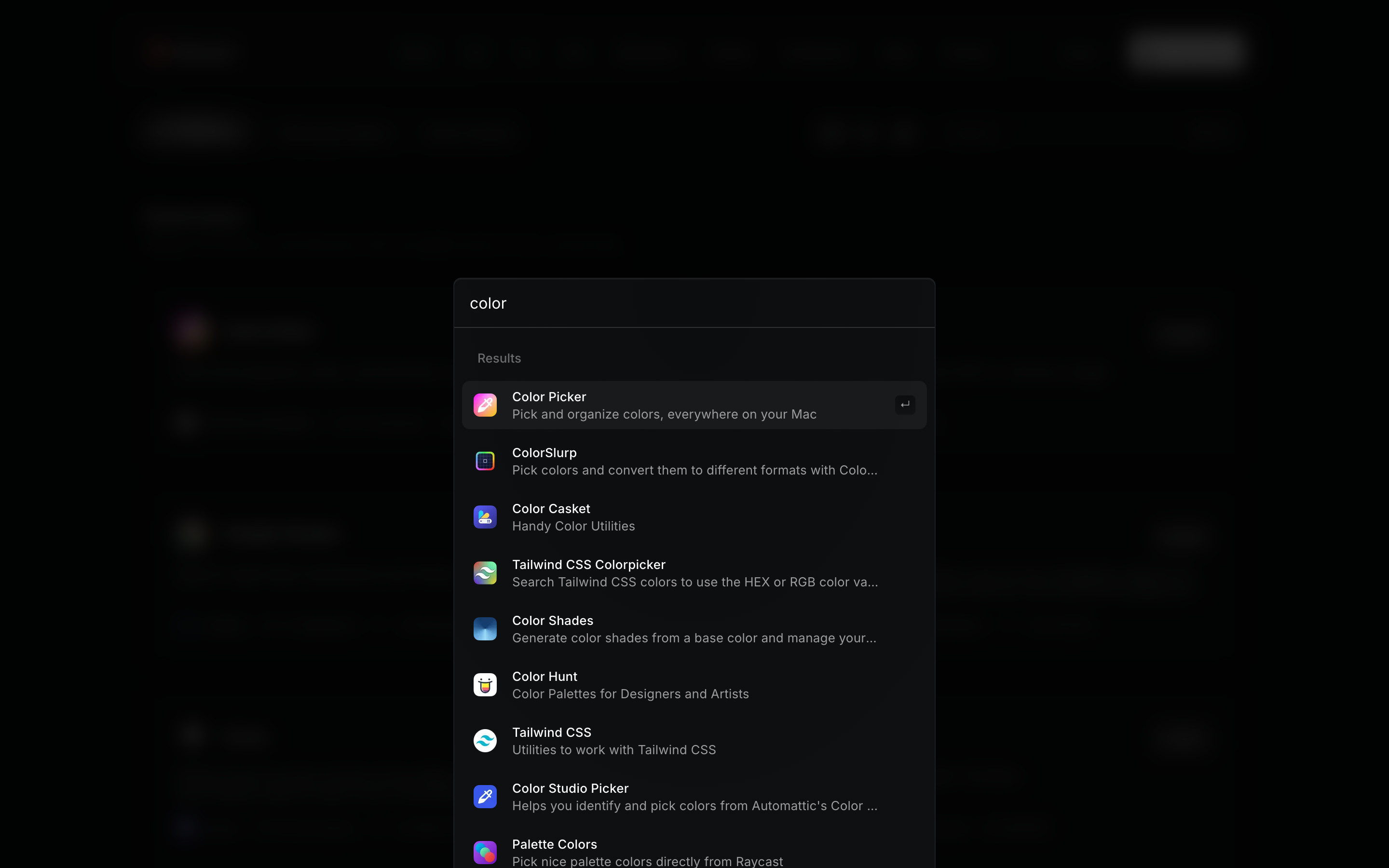
The Store search palette with "color" typed: nine results, each an icon, name and truncated description, the first selected with a return-key hint. Clicking the dimmed backdrop closes it.
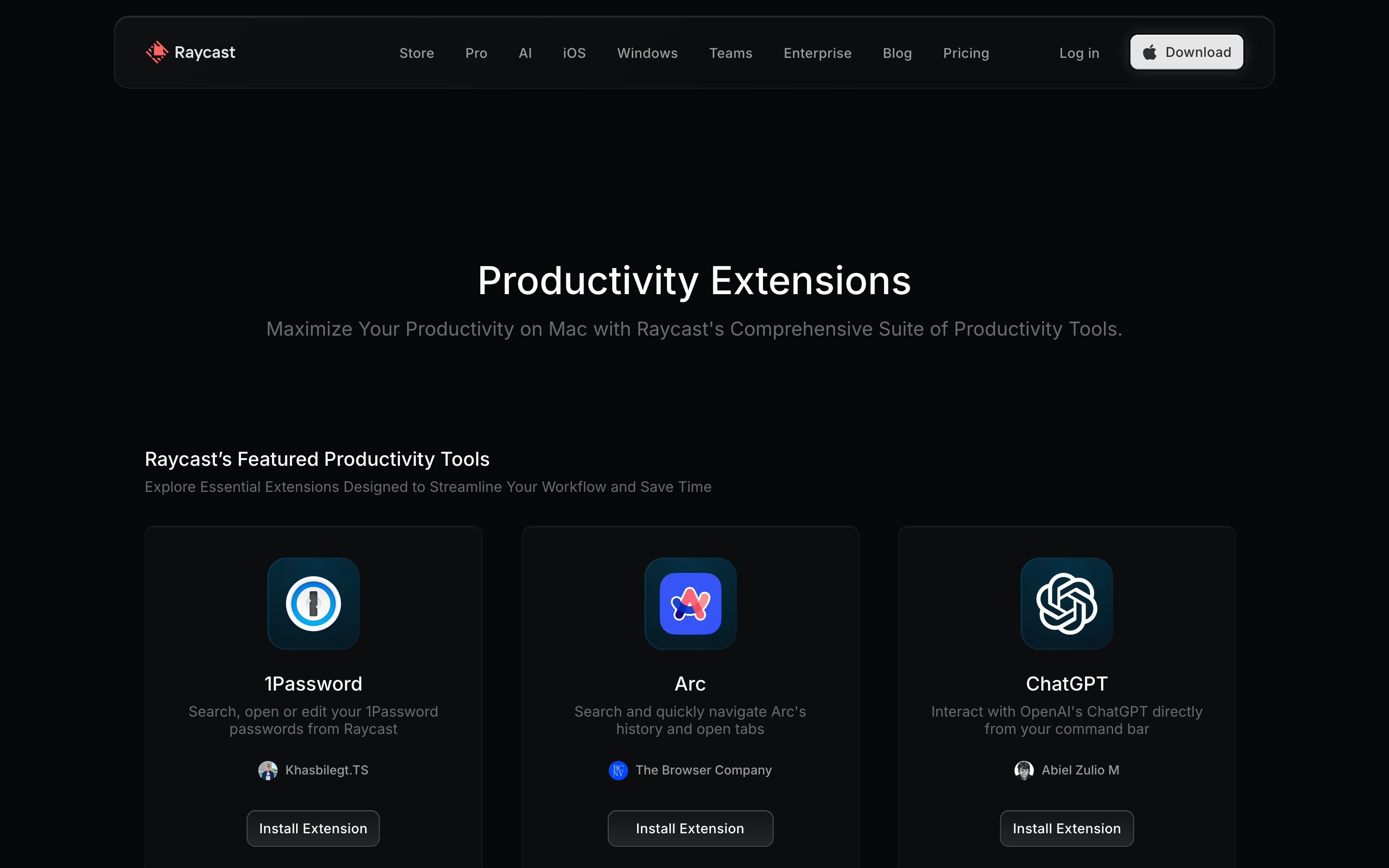
Productivity category: a centred title and subtitle, then a "Featured Productivity Tools" row of three large cards (1Password, Arc, ChatGPT) with centred icon, author and an "Install Extension" button. The full category list sits further down (not in this viewport).
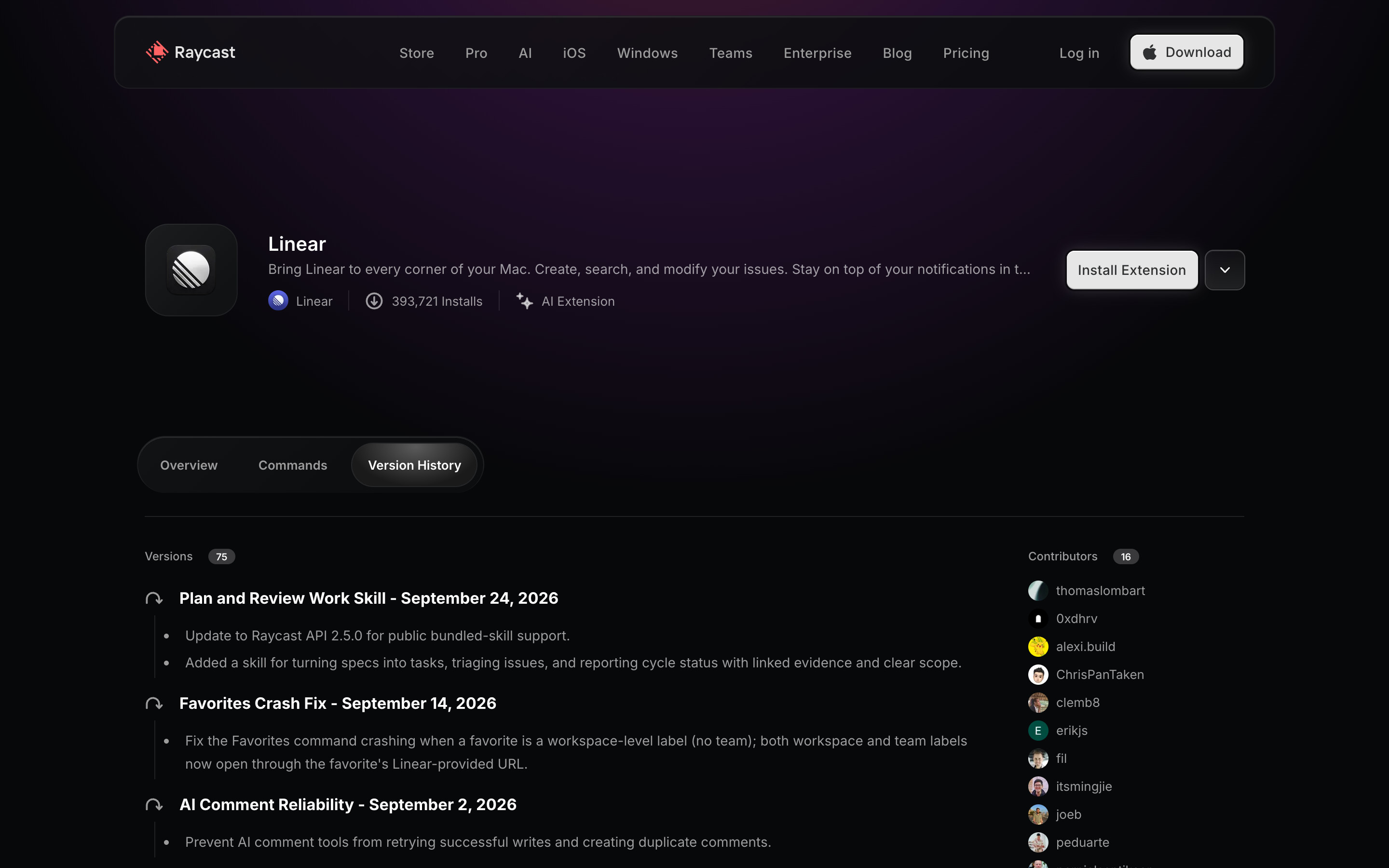
The Linear extension page with the Version History tab selected: a Versions count badge, then dated release entries with bullet notes, and the Contributors list on the right. Same page as the flow detail step, different tab.
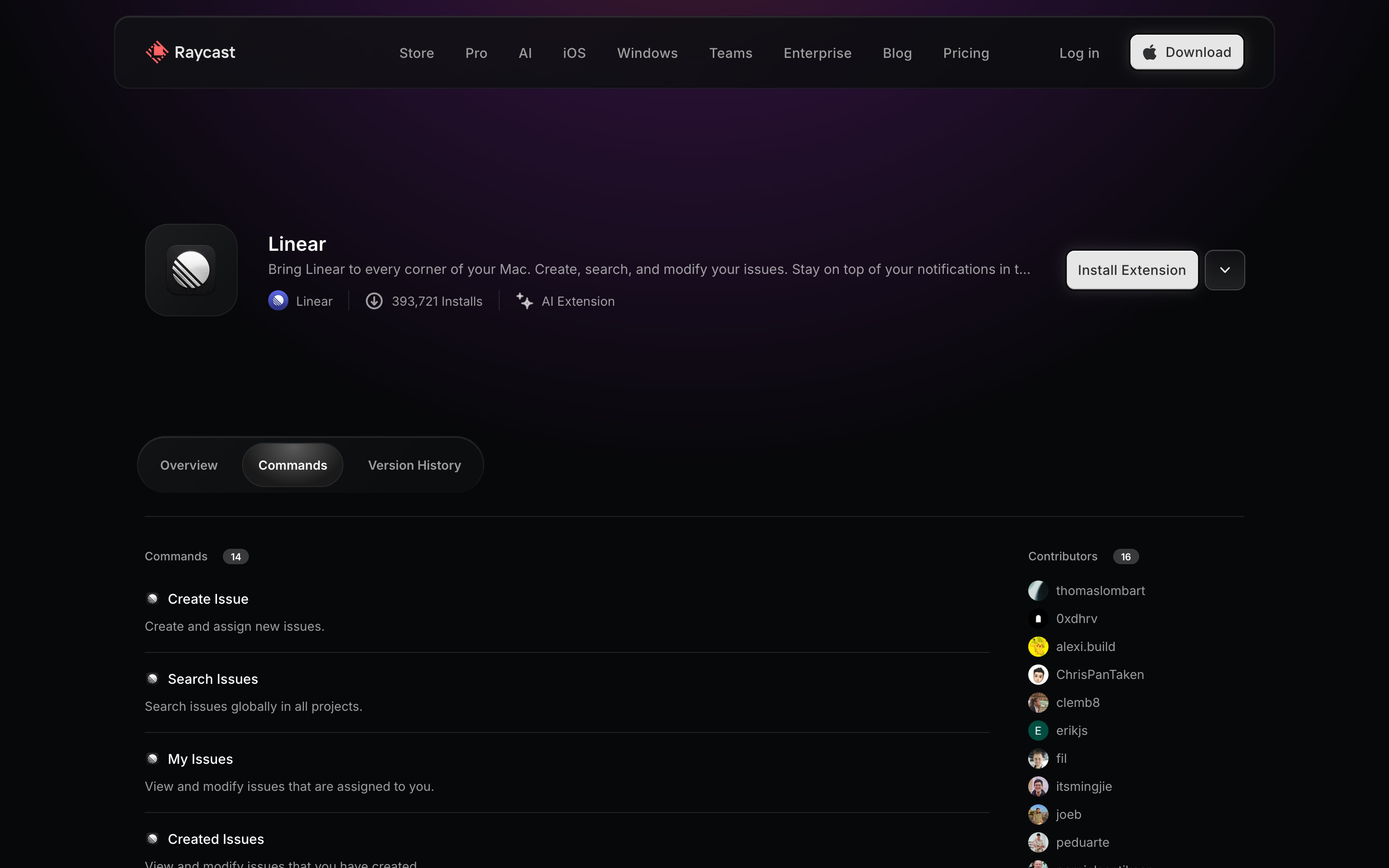
The Commands tab: a count badge and a list of commands (Create Issue, Search Issues, My Issues, Created Issues and more), each a name with a one-line description, separated by hairlines.

The macOS changelog: a large "Changelog" title with a platform switcher (macOS, Windows, iOS, macOS V1), a red version badge and date in a left column, and release notes with a dark hero image, body copy and red inline links, including "API changelog".
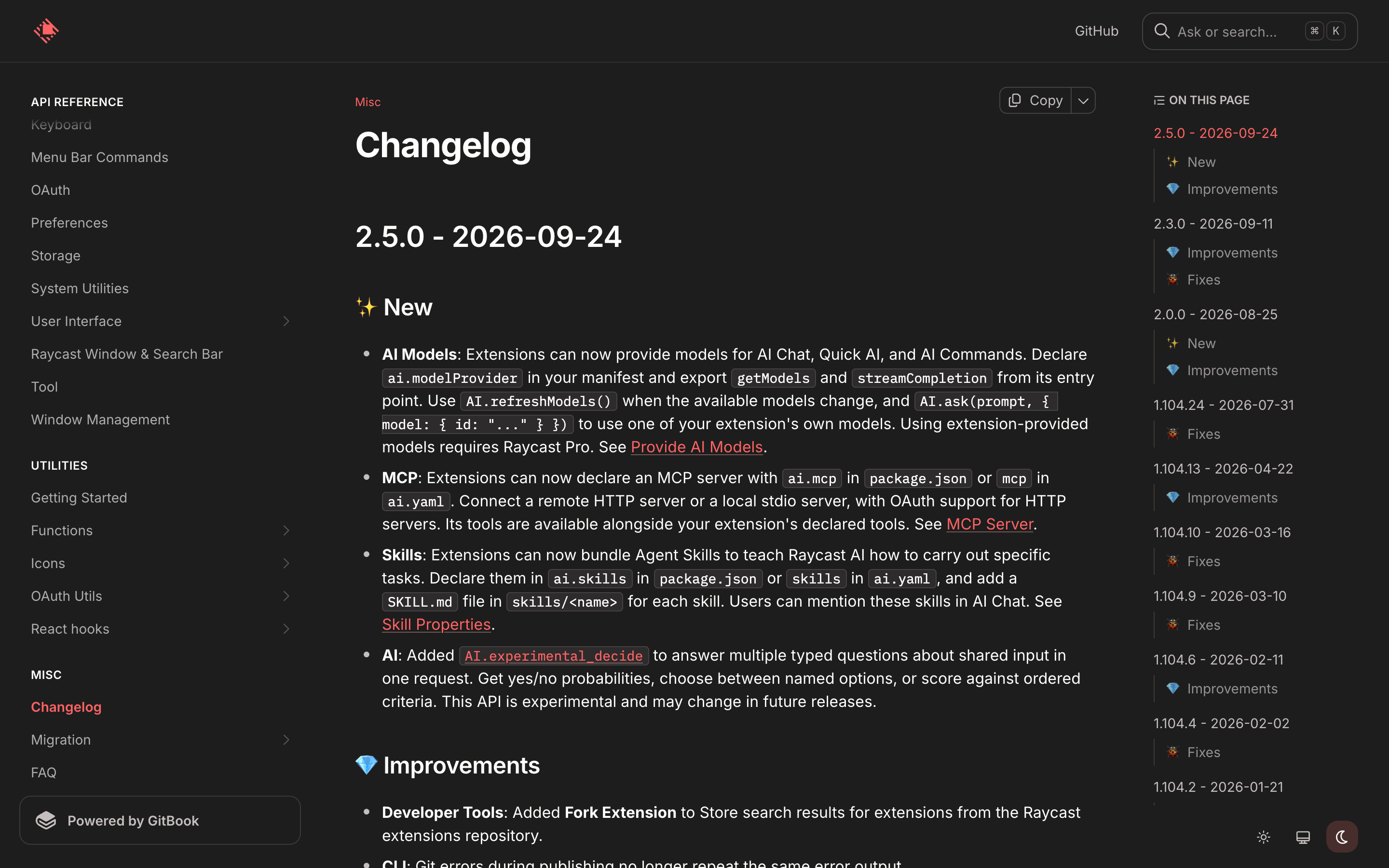
developers.raycast.com (GitBook): a dark sidebar of guides and API reference with Changelog active in red, the changelog article with version headings and code-formatted API names, and an On this page index on the right. The docs cookie banner was declined before capture.
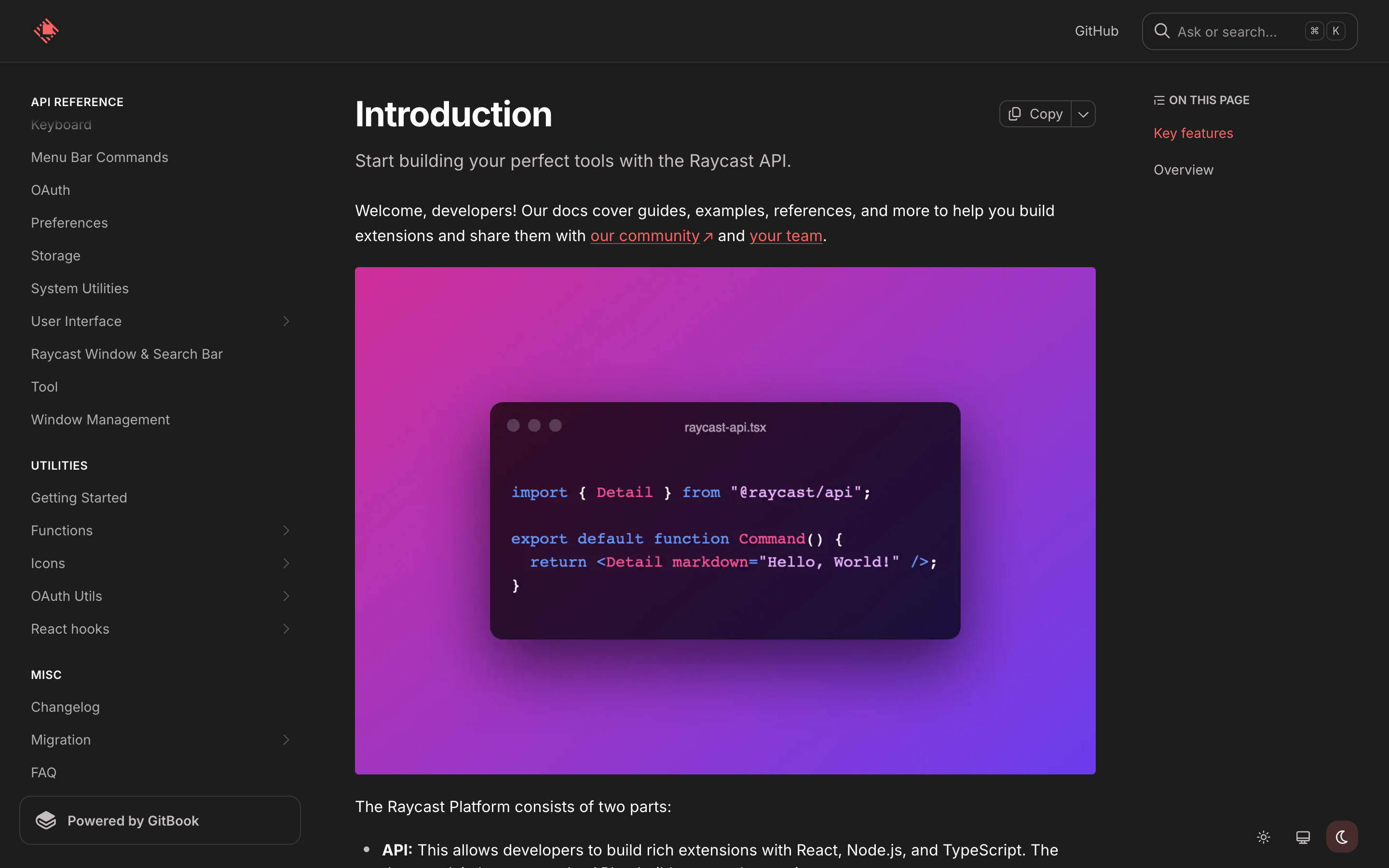
The docs introduction page: "Introduction" title, a short lead, a purple gradient image of a raycast-api.tsx code window, and the sidebar scrolled to the Misc group so Changelog is visible.
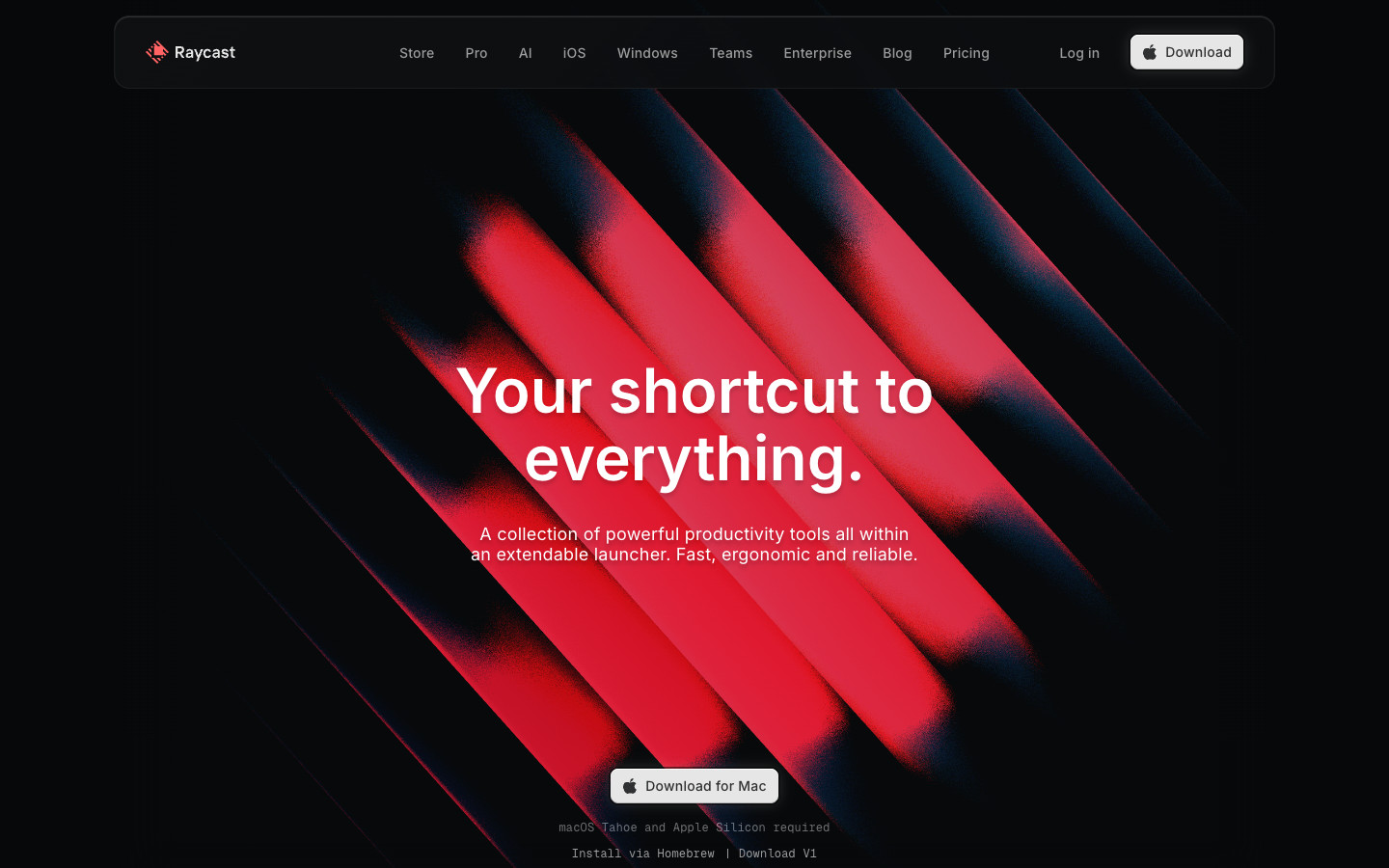
A WebGL hero, then centred sections that each pair a short two-tone heading with an animated mockup of the Mac app (clipboard history, AI chat, Quick AI, extension cards, snippets, a keyboard). The mockups play scripted demos, so each shows one moment. A testimonial carousel, community links and a developer section lead to a final download call and a six-column footer.
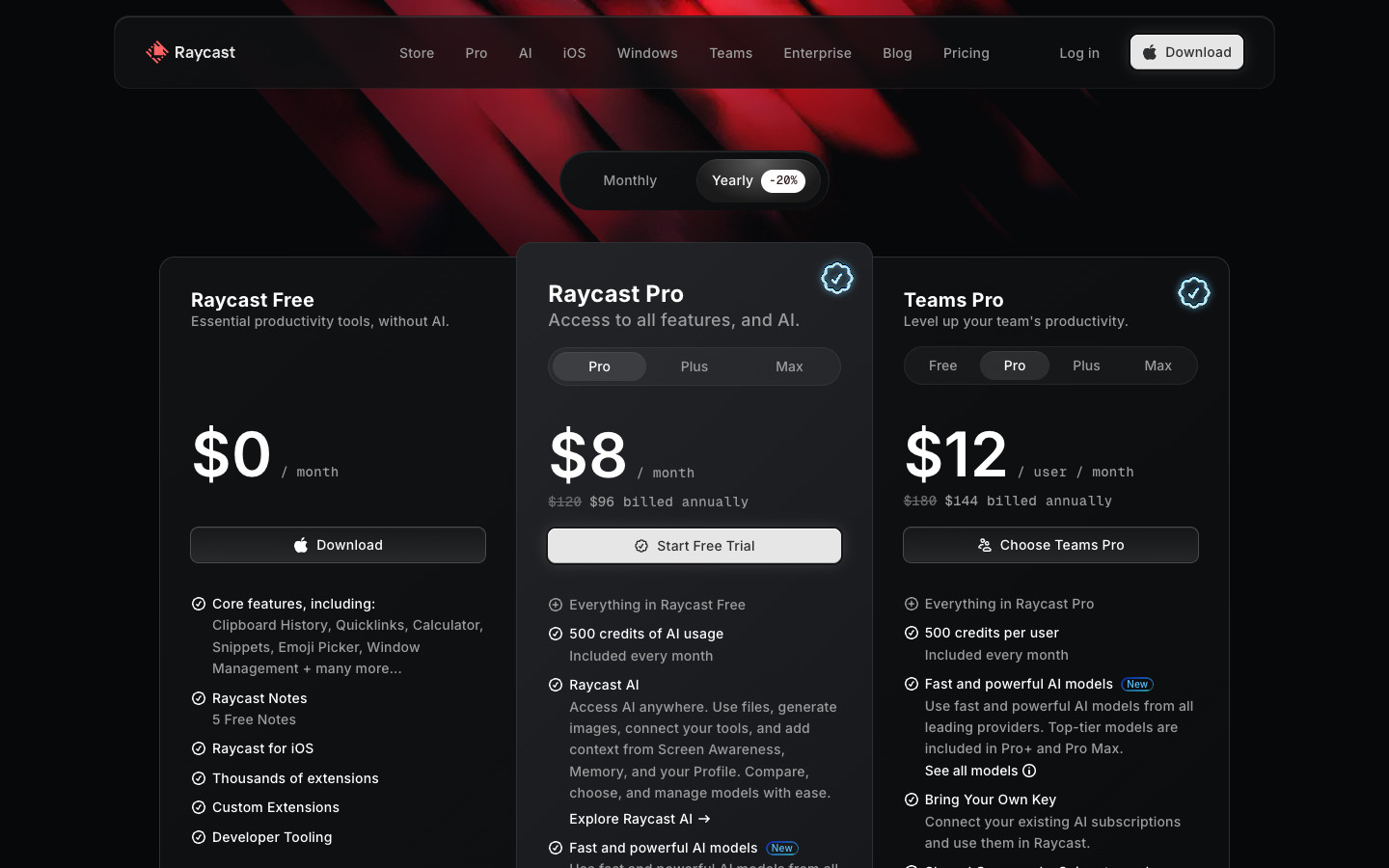
A Monthly / Yearly (−20%) toggle above three plan cards (Raycast Free, Raycast Pro, Teams Pro), with the Pro card raised and each paid card showing a Pro / Plus / Max tier switch. An Enterprise panel, a full feature comparison table with price rows, FAQ disclosures and the footer follow. The yearly view was the default; no plan was chosen.
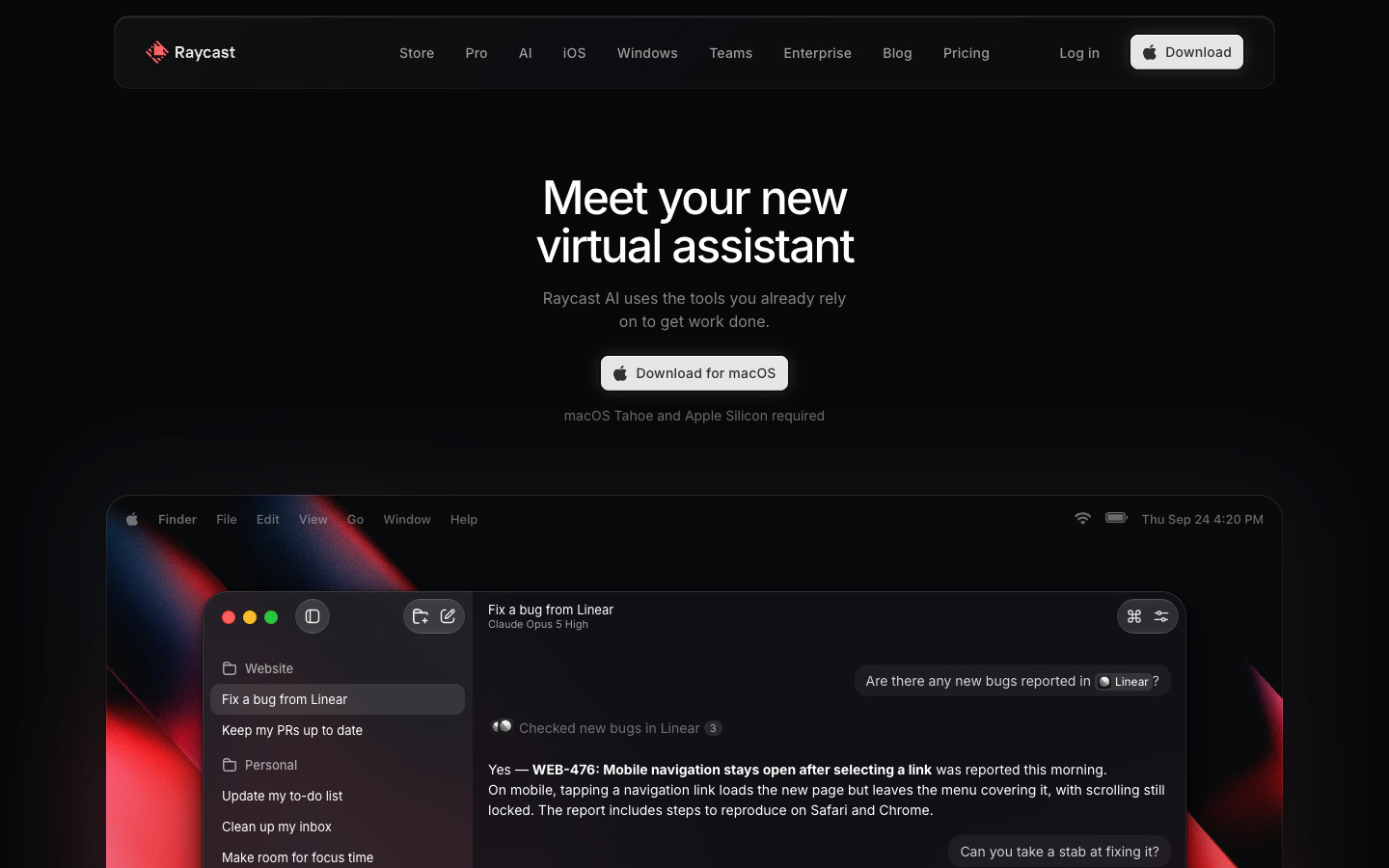
A centred headline with a Download for macOS button above a large AI chat window mockup, then a bento grid (Projects, Automations, Screen Awareness, Custom Agents), Quick AI, AI Extensions, a model grid, AI Commands and a privacy section. The page repeats the pricing cards and ends with FAQs.
Logged-out desktop web journey through the Store: home, Store, search palette, results, the Linear extension, its more-actions menu and Get Install Button dialog, and the author page. Install Extension hands off to the Raycast desktop app through a raycast:// link, so the install itself, the desktop app and every signed-in screen are not captured (web only). Install counts, featured extensions and changelog entries change over time.
 screenrove