 screenrove
Raycast / From the Store to an install button
Logged-out desktop web journey through the Store: home, Store, search palette, results, the Linear extension, its more-actions menu and Get Install Button dialog, and the author page. Install Extension hands off to the Raycast desktop app through a raycast:// link, so the install itself, the desktop app and every signed-in screen are not captured (web only). Install counts, featured extensions and changelog entries change over time.
1. Home, logged out
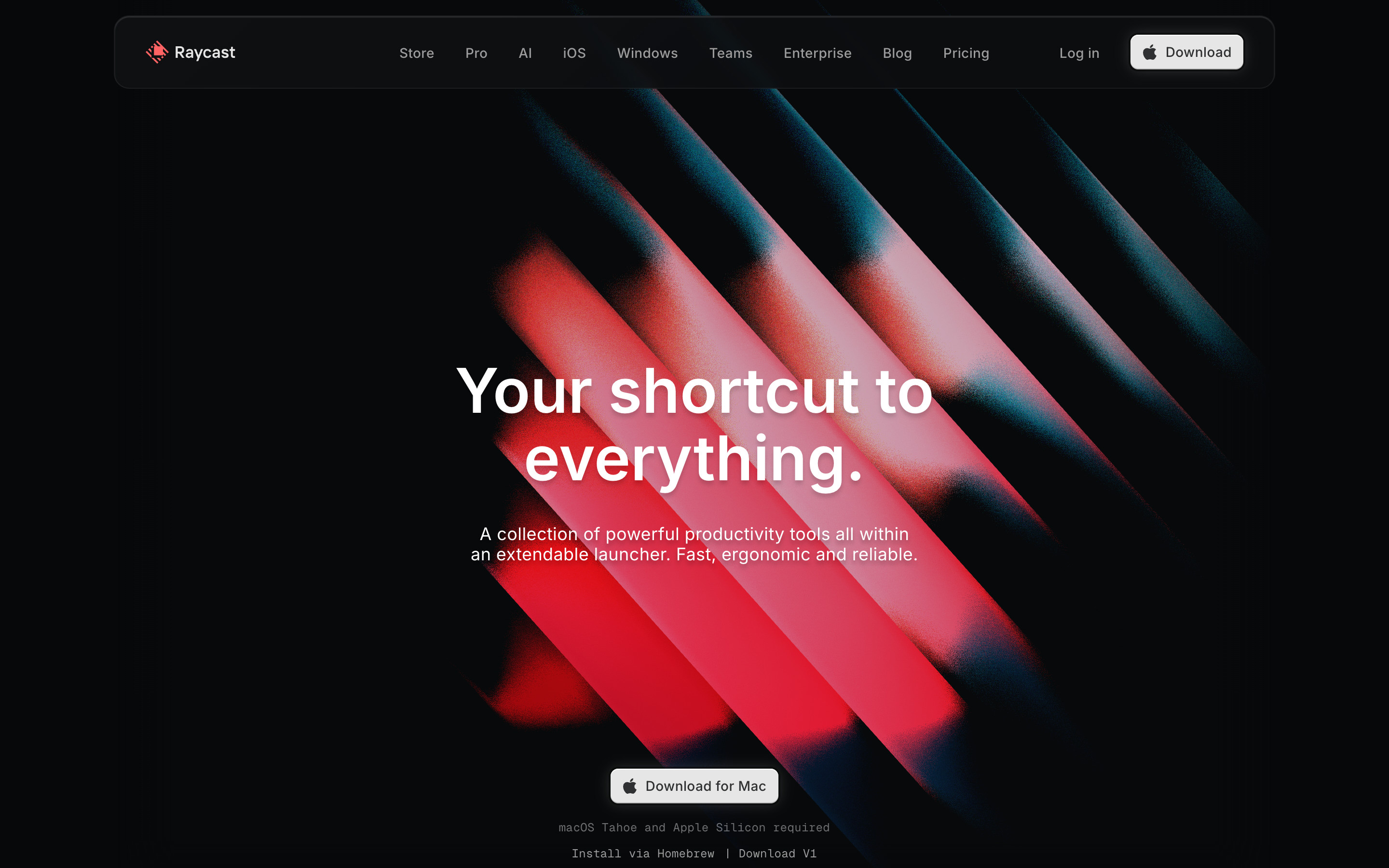
A floating, rounded dark navbar (Store, Pro, AI, iOS, Windows, Teams, Enterprise, Blog, Pricing, Log in and a light Download button) sits over an animated WebGL hero of red diagonal light bars. "Your shortcut to everything." with one line of support copy and a small light "Download for Mac" button. The hero lighting shifts continuously, so colours vary from frame to frame.
- Click Store in the navbar → Store landing
- Click Download or Download for Mac → Not captured: starts a file download
2. Store landing
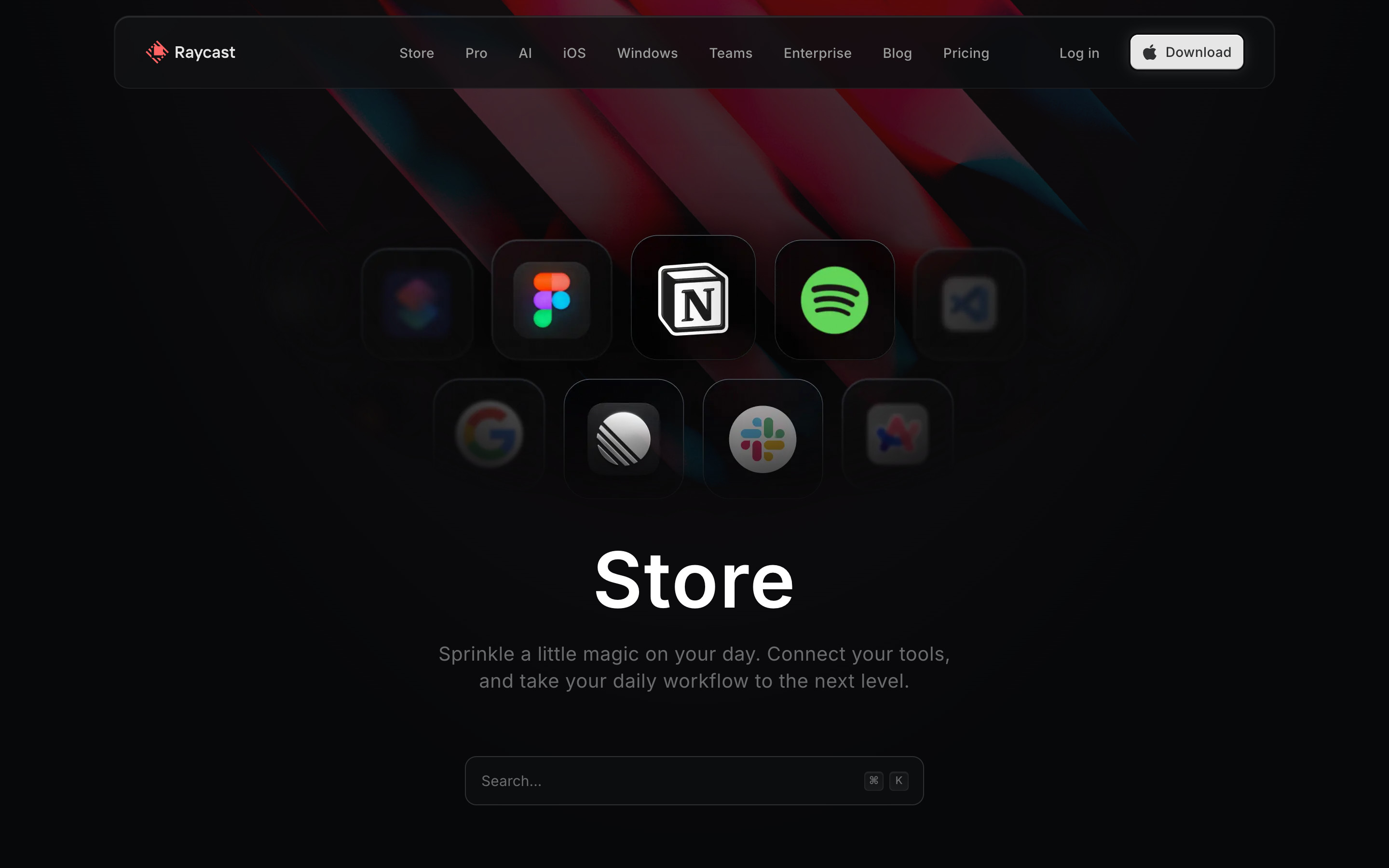
A cluster of extension icons (Figma, Notion, Spotify, Google, Linear, Slack) in rounded tiles, the outer ones dimmed, above a large "Store" heading, one line of copy and a wide dark "Search..." field with a ⌘K hint.
- Click the Search... field (or press ⌘K) → Store search palette
3. Store search palette, empty
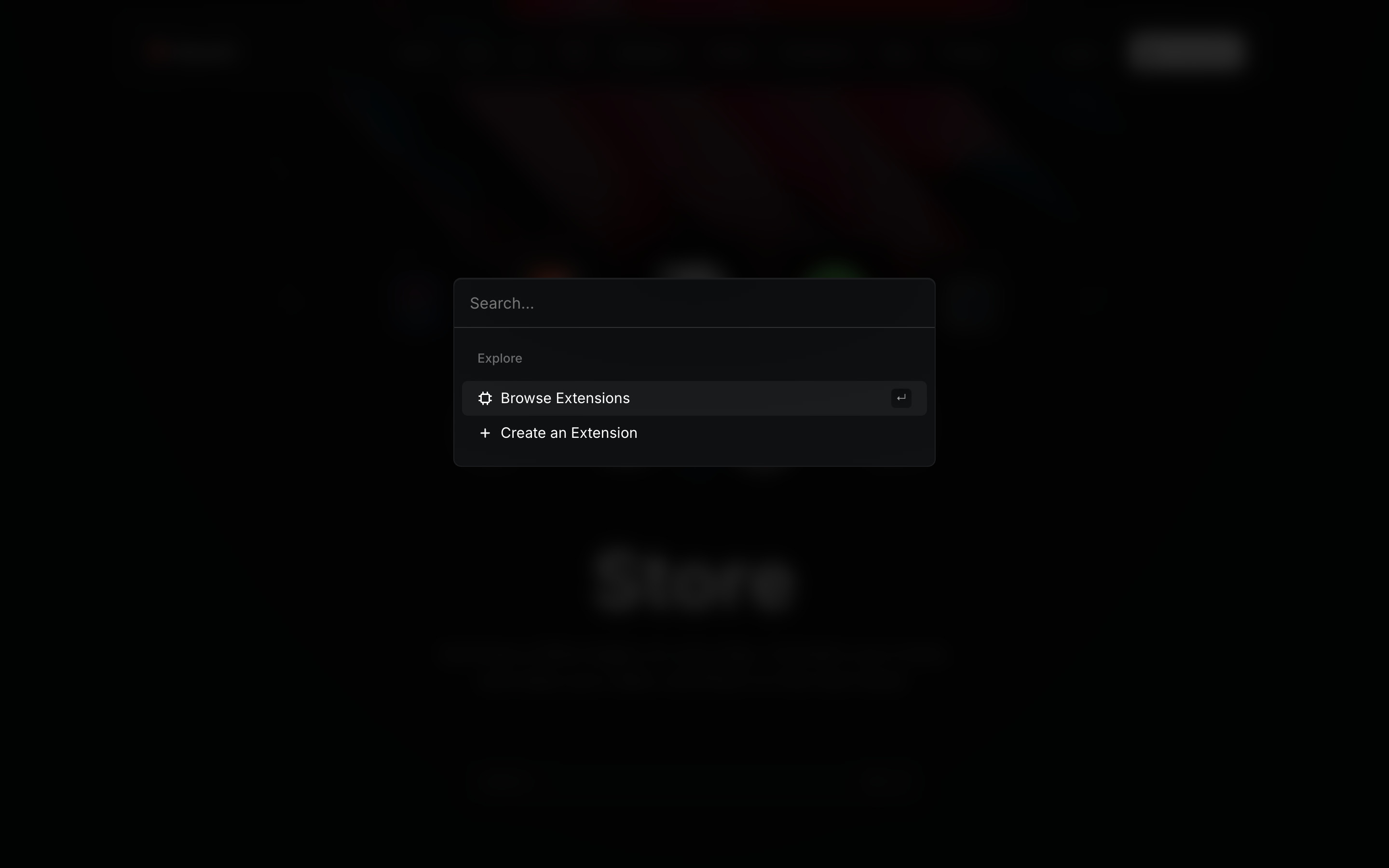
A command-palette overlay opens over the blurred, dimmed Store: a borderless input, then an Explore group with "Browse Extensions" (selected, with a return-key hint) and "Create an Extension".
- Type a query ("linear") → Search results
4. Search results
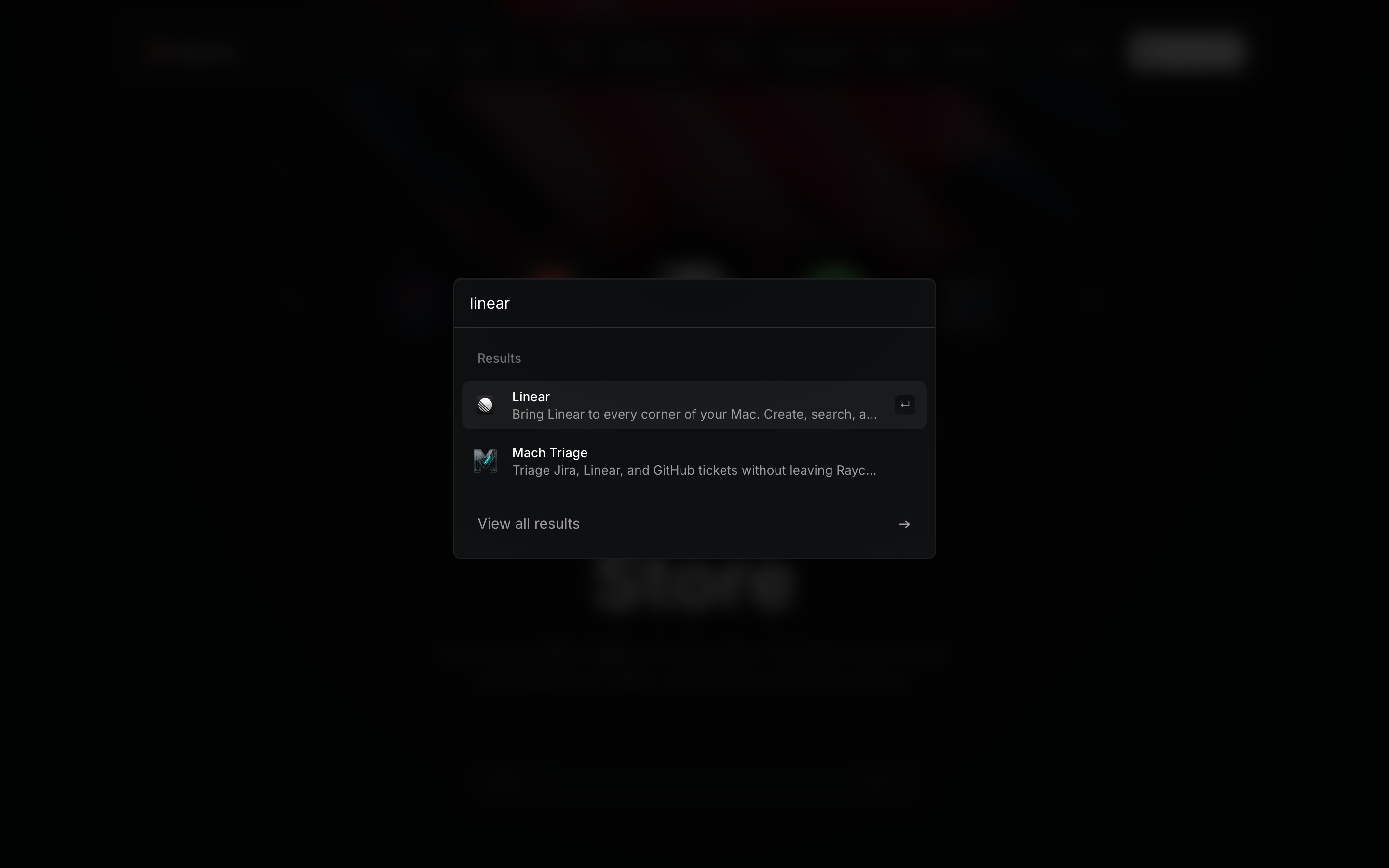
Typing "linear" replaces the Explore group with Results: Linear (selected, return-key hint) and Mach Triage, each with icon, name and a one-line truncated description, plus "View all results" with an arrow.
- Press Enter on Linear → Extension detail
- Choose View all results → Not captured: full results list
5. Extension detail
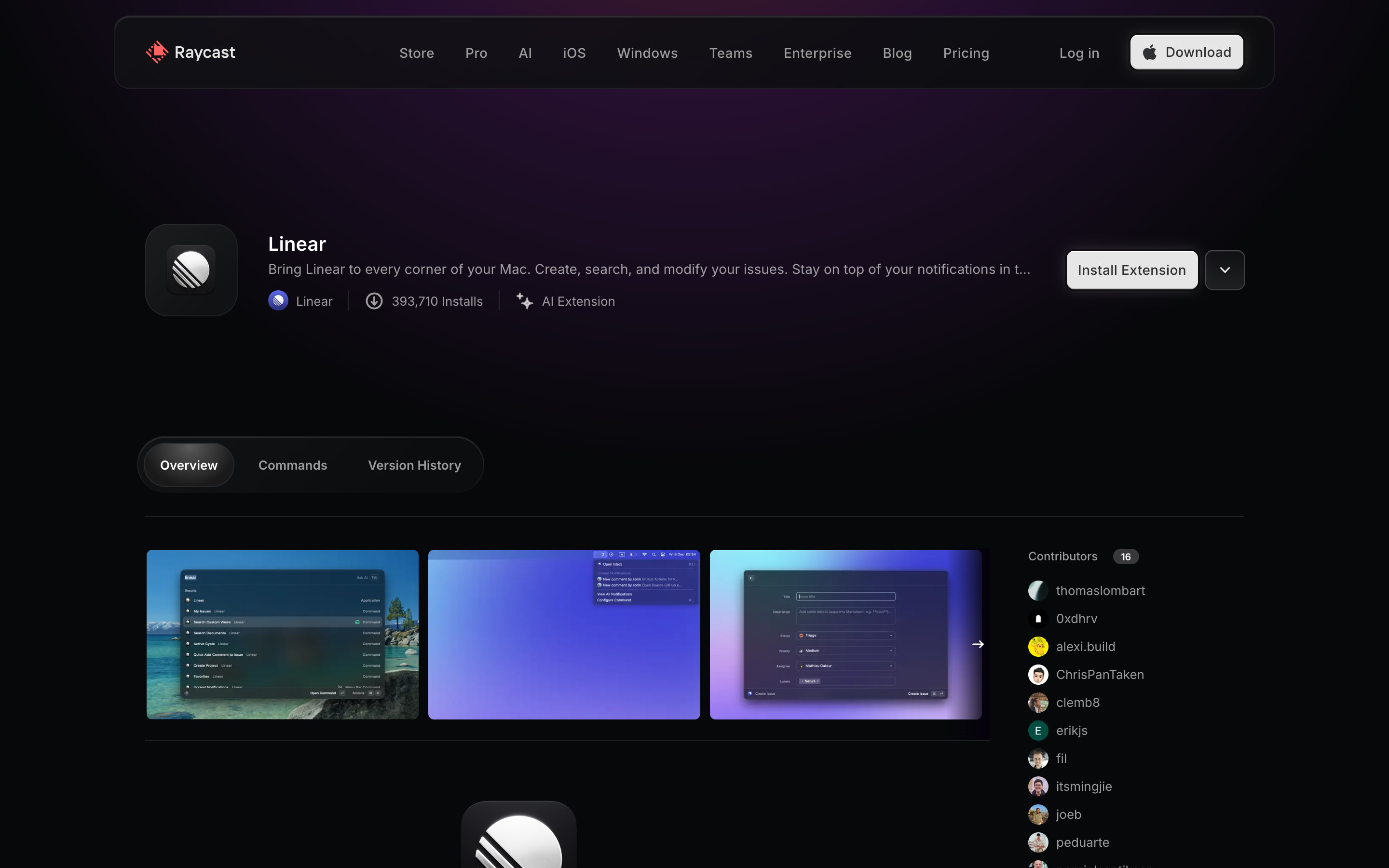
The Linear extension page: icon tile, name, truncated description and a meta row (author, install count, AI Extension). On the right, a light "Install Extension" button with a separate chevron button. Below, pill tabs (Overview, Commands, Version History), a screenshot carousel and a Contributors list. Clicking Install Extension opens a raycast:// link meant for the desktop app; the capture browser has no app, so nothing visible happened and the install was not captured.
- Click the chevron next to Install Extension → More actions menu
- Click Install Extension → Not captured: hands off to the Raycast desktop app via a raycast:// link
6. More actions menu
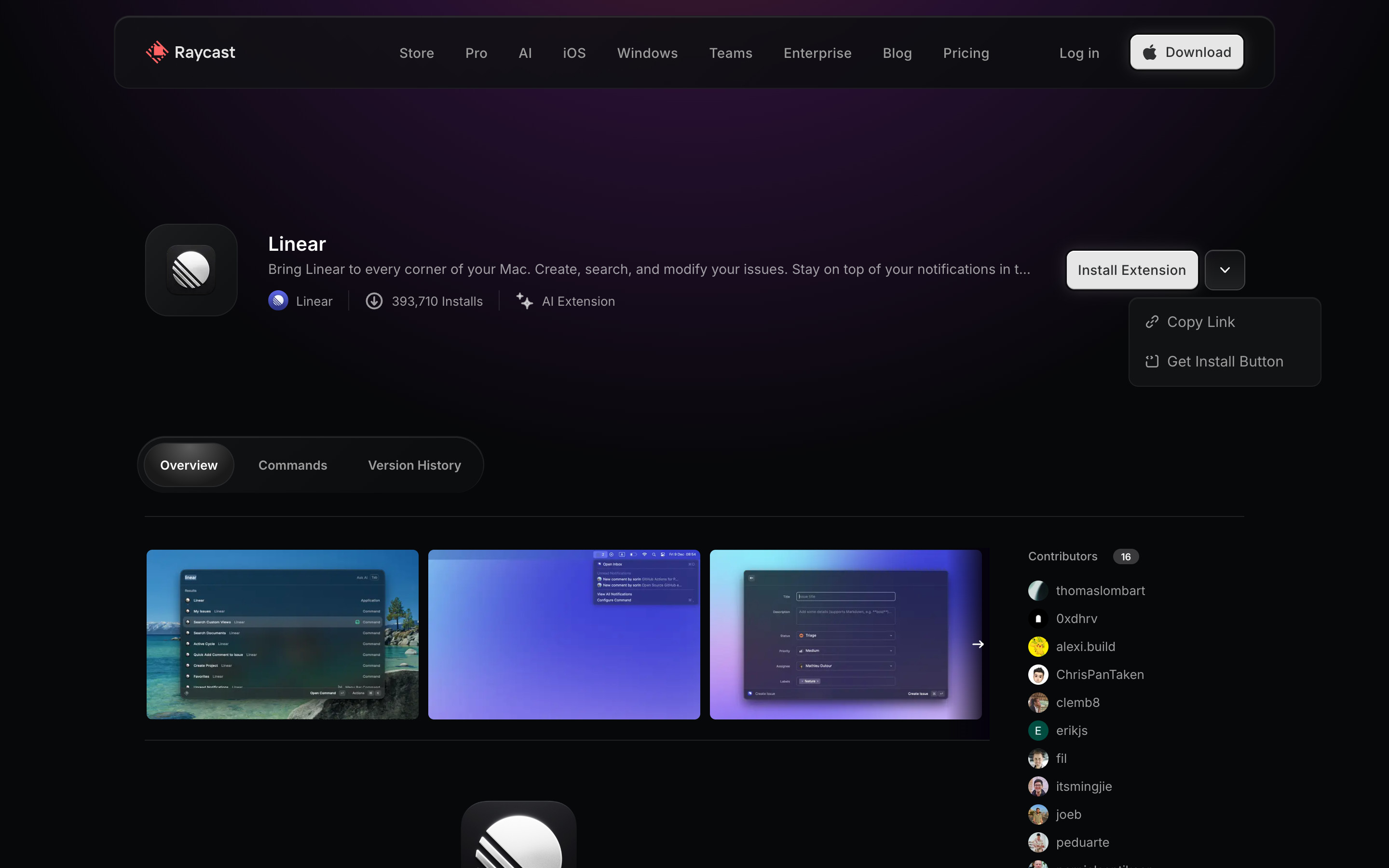
The chevron opens a small dark menu under the install button with two items: Copy Link and Get Install Button.
- Choose Get Install Button → Get Install Button dialog
- Choose Copy Link → Not captured: copies the page link
7. Get Install Button dialog
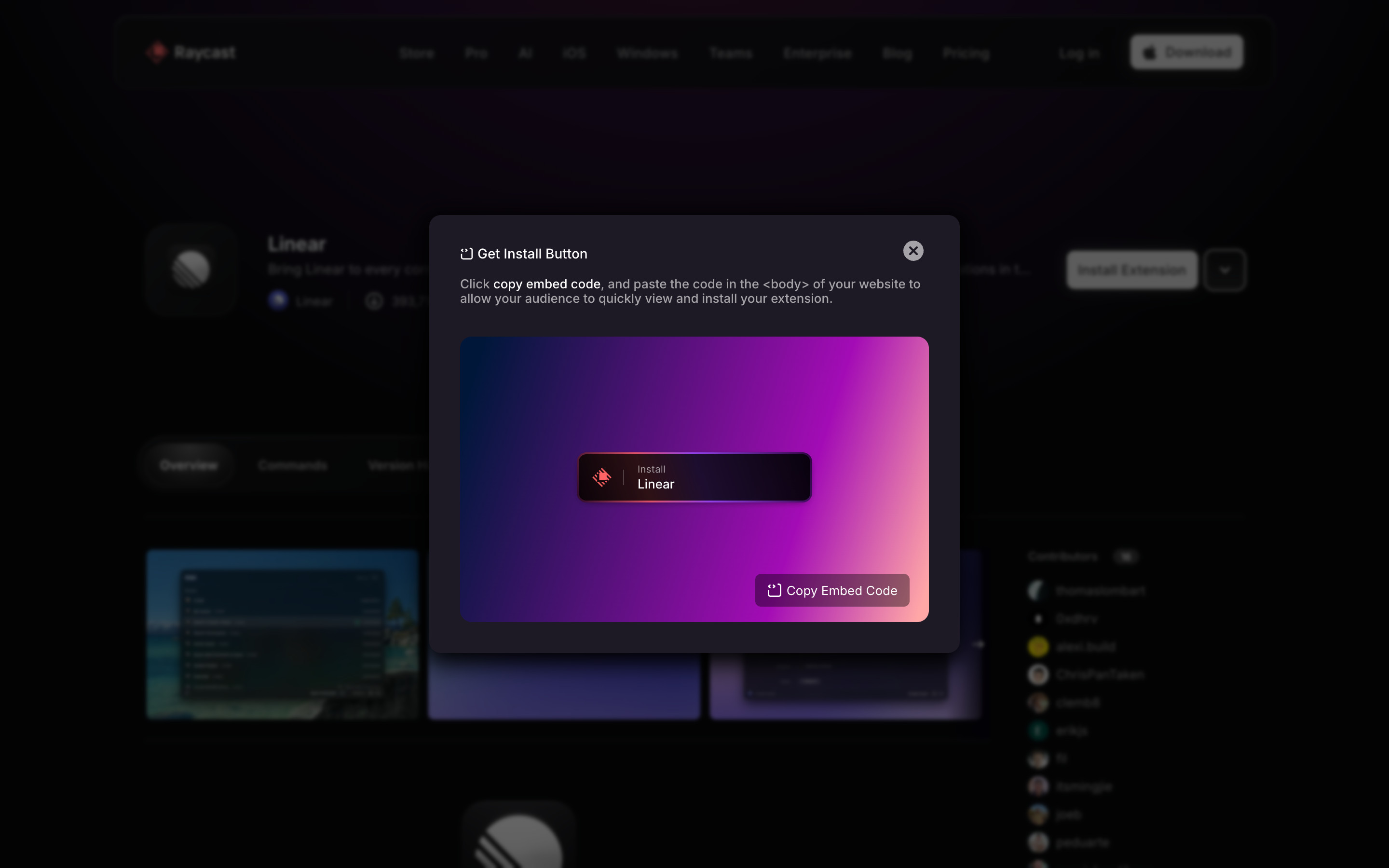
A modal over the blurred page: "Get Install Button", one line of instructions, and a purple-to-pink gradient preview of an embeddable "Install Linear" badge with a "Copy Embed Code" button. A round close button sits top right. Nothing was copied.
- Close the dialog and click the author name (Linear) → Author page
8. Author page
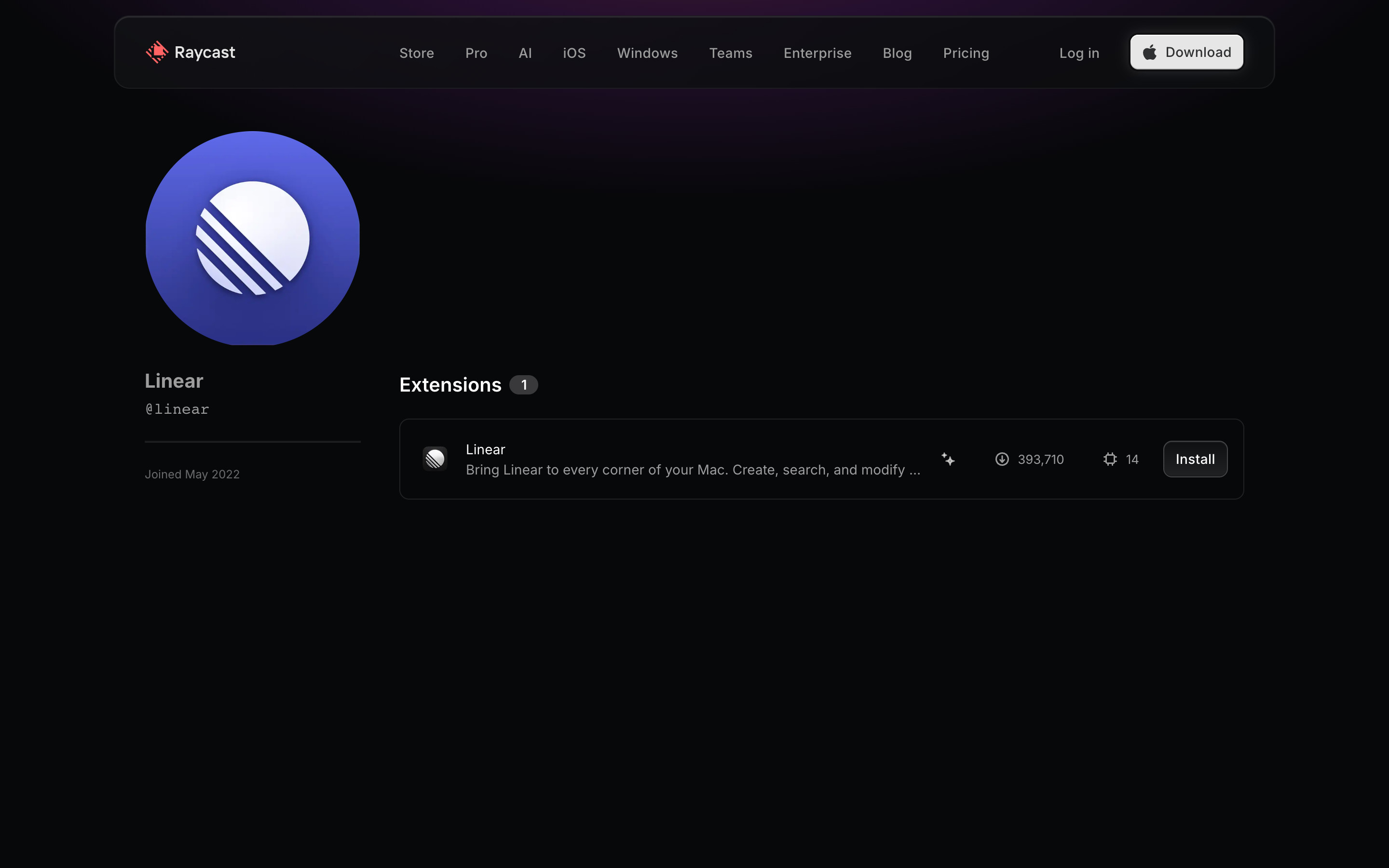
The developer profile for @linear: a large avatar, name, handle and "Joined May 2022" on the left; an "Extensions 1" list on the right with a single row showing the extension, an AI marker, install count, command count and a small Install button. This is an organisation account.
- Click the extension row → Extension detail