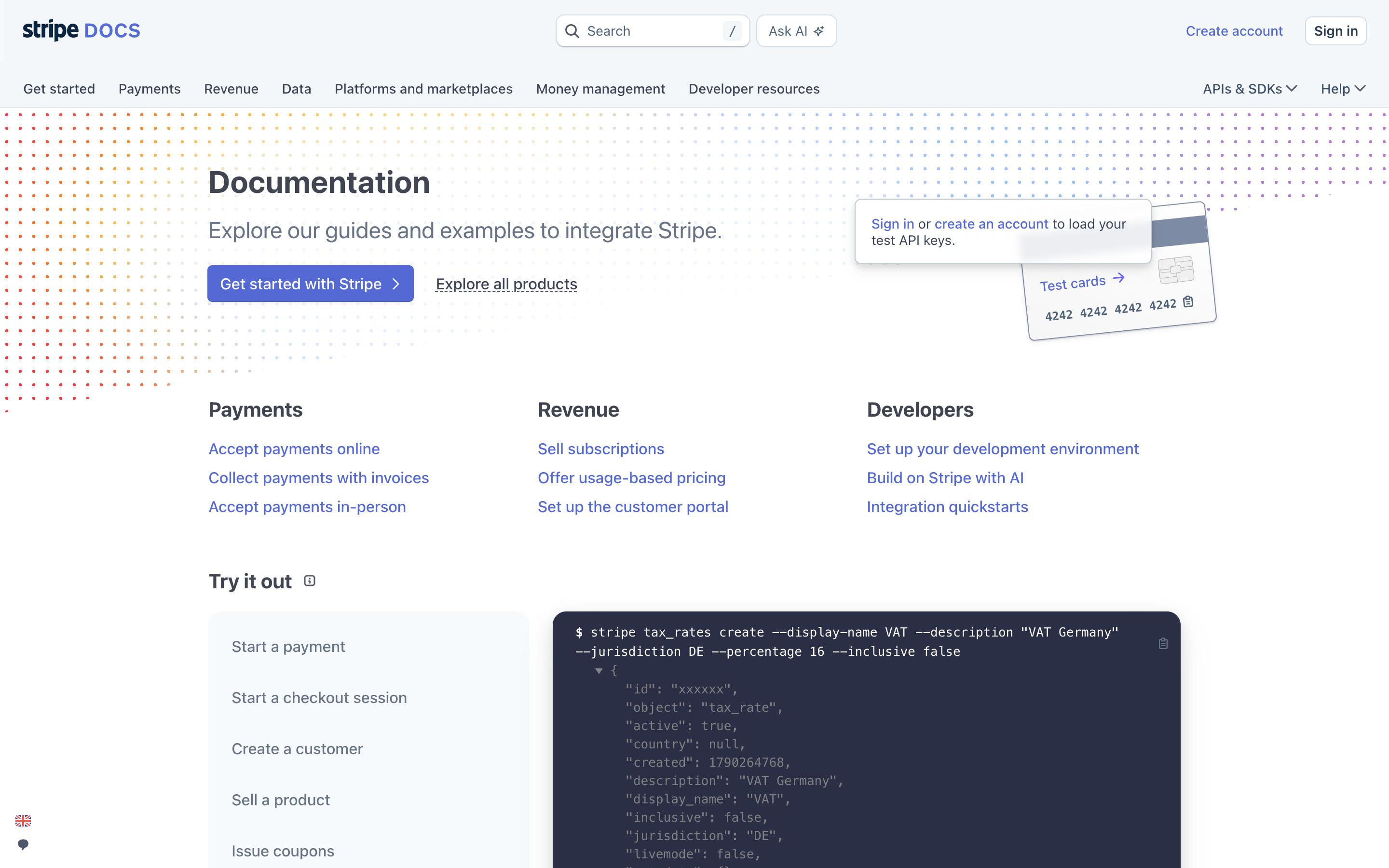
Stripe Docs home, logged out: a pale grey header with Search ("/" shortcut), Ask AI, Create account and Sign in, a product tab row, and a Documentation hero with a "Test cards" illustration. Payments, Revenue and Developers link columns sit above an interactive "Try it out" panel whose dark code block shows the command for the selected recipe (default: a tax rate).
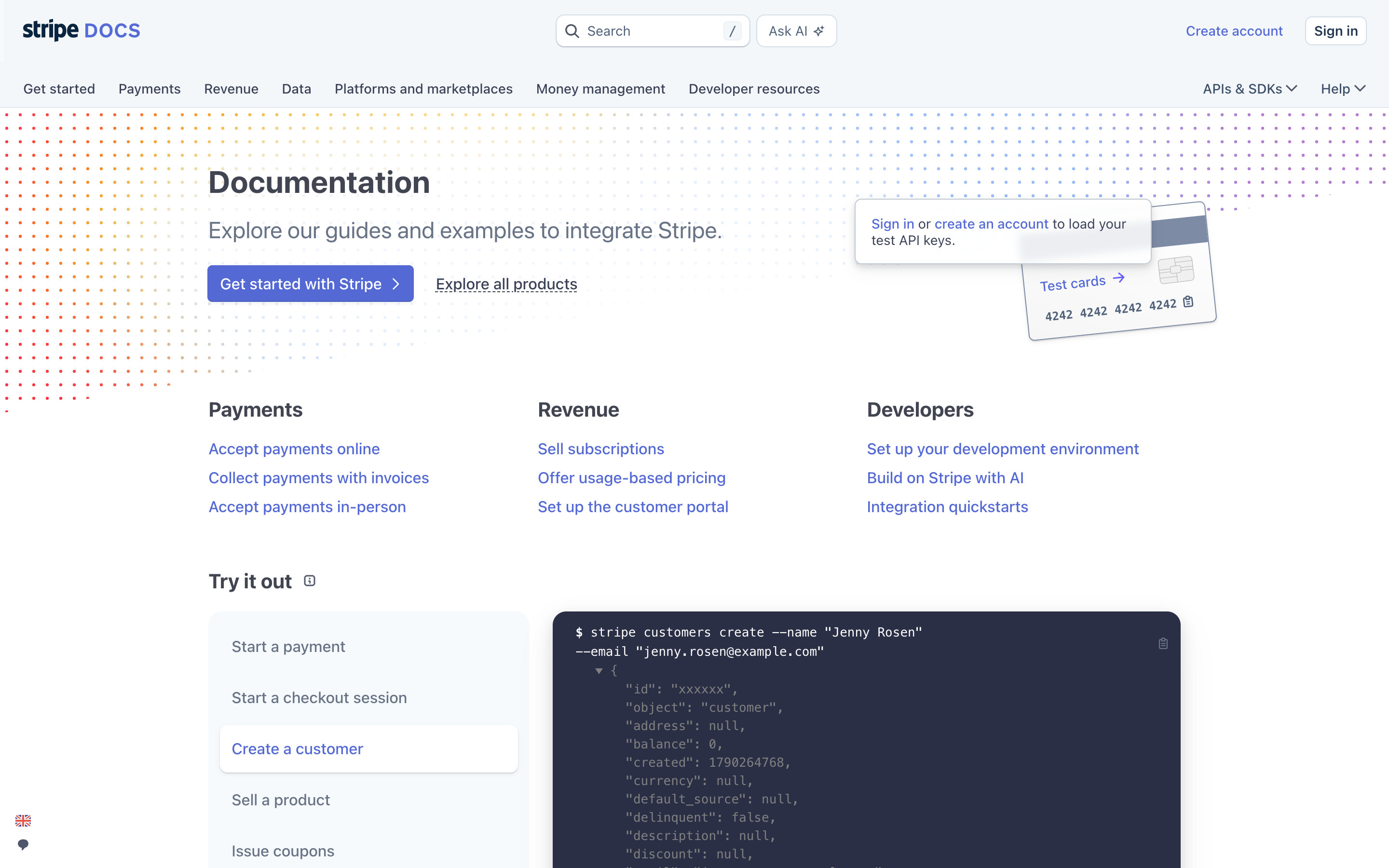
Choosing "Create a customer" in the Try it out list highlights that row and swaps the dark code block to a sample stripe customers create command with its JSON response (Stripe's placeholder customer "Jenny Rosen").
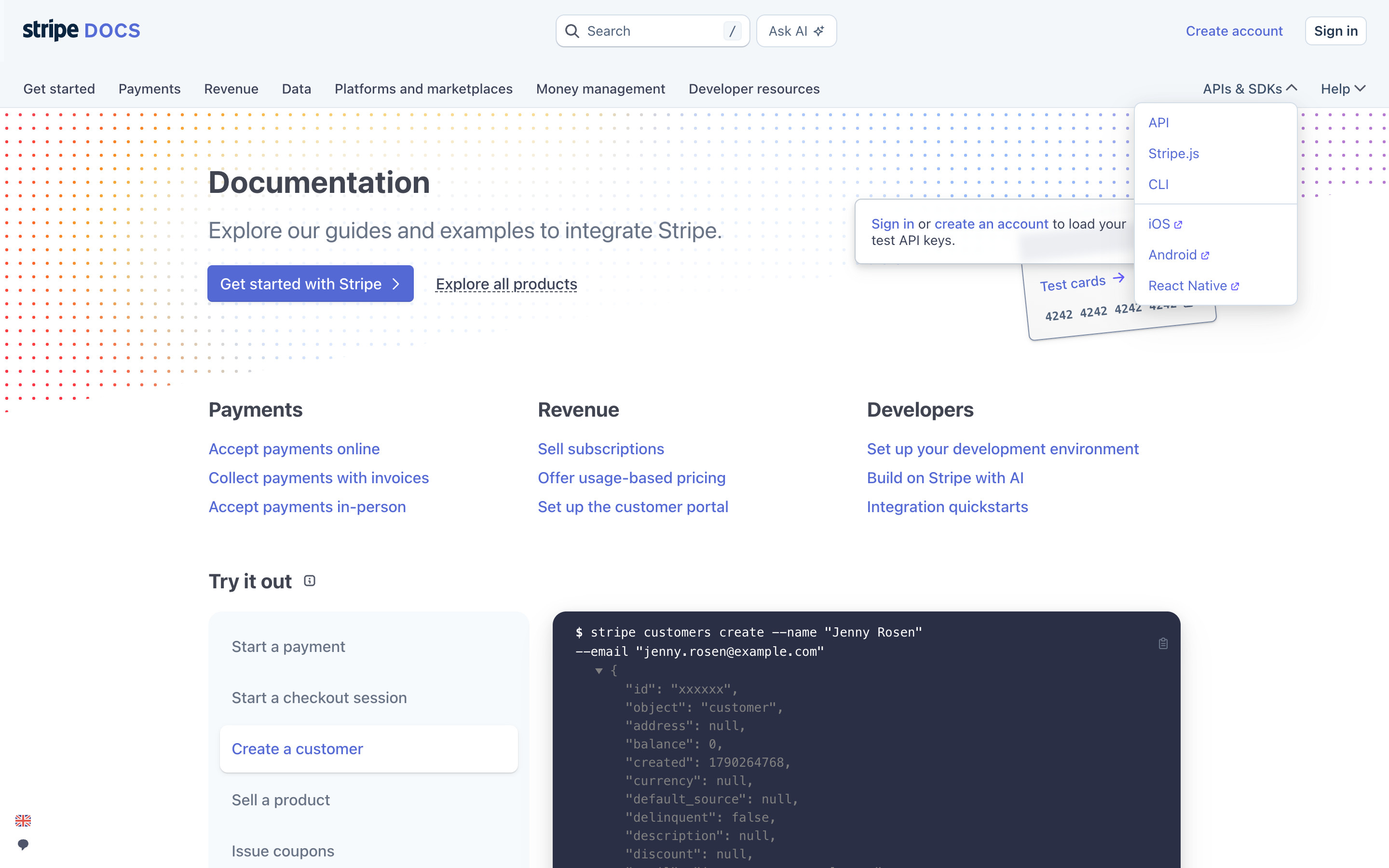
The APIs & SDKs header menu opens a small white popover: API, Stripe.js and CLI, then iOS, Android and React Native with external-link icons.
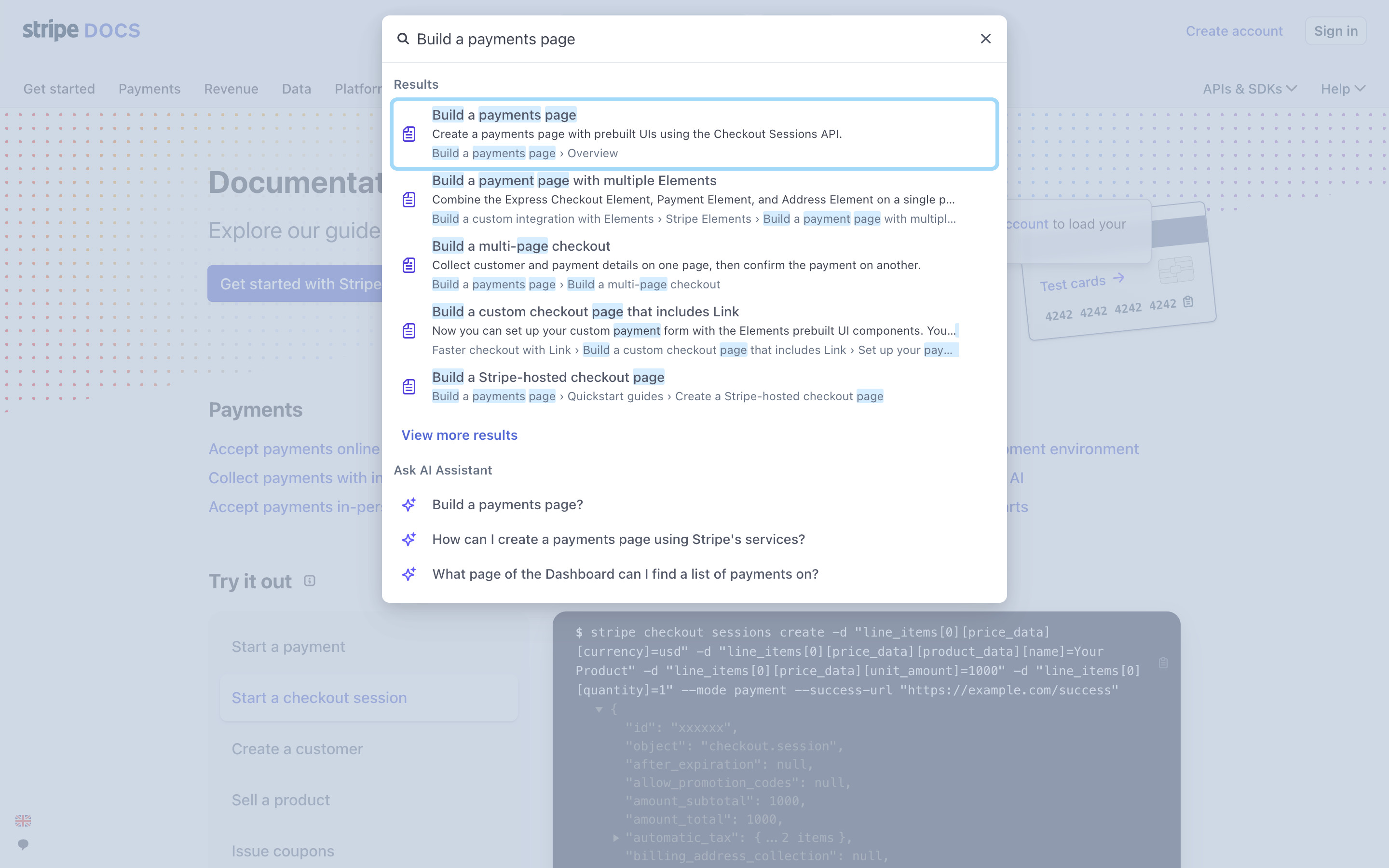
The search dialog over a dimmed page with the query "Build a payments page": five document results with icons, matched terms highlighted and breadcrumb trails, a View more results link, then an "Ask AI Assistant" group with suggested questions. The first result has a focus outline. No AI question was sent.
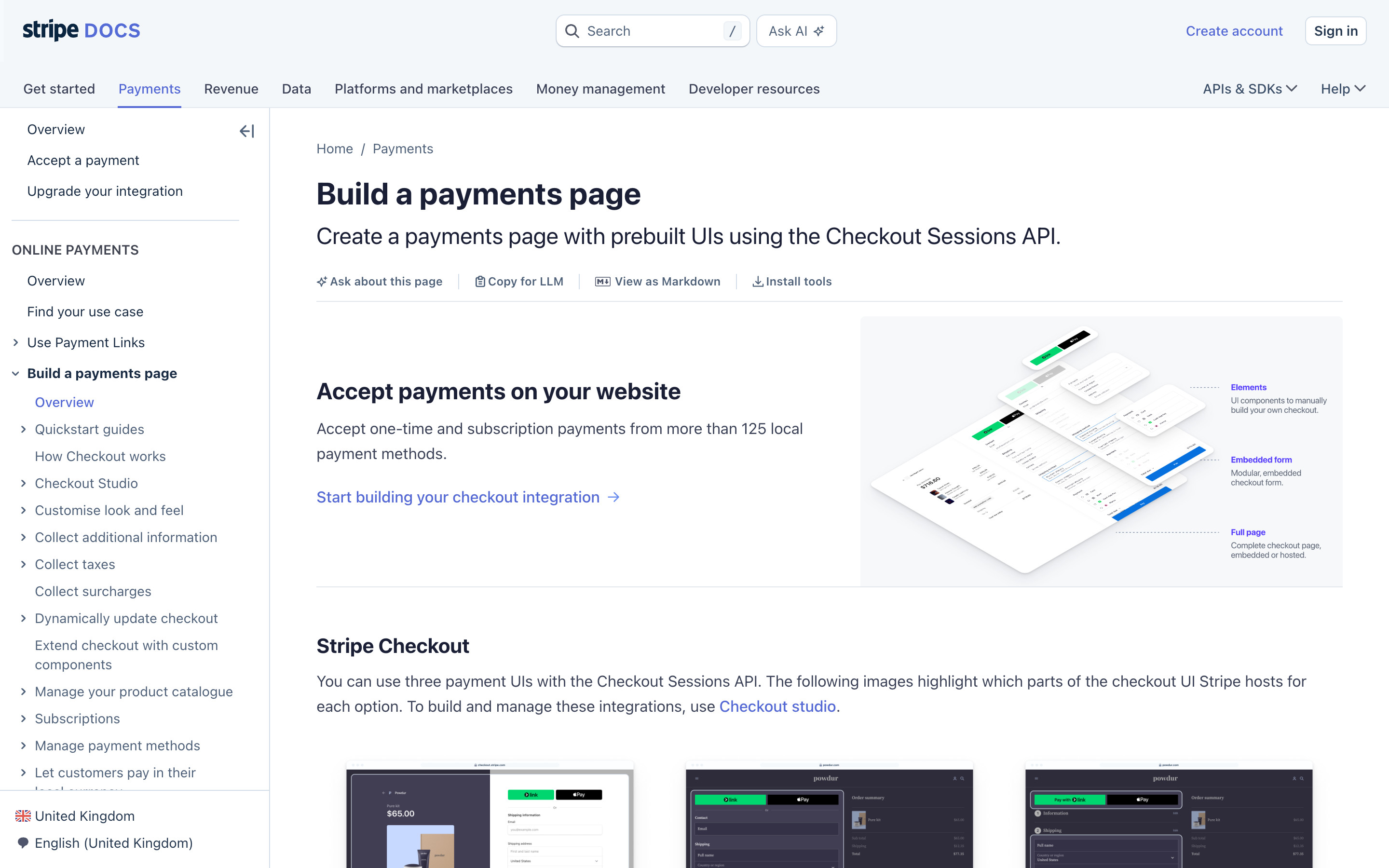
A docs article with a collapsible left navigation (Build a payments page expanded, Overview active), breadcrumbs, title and lead, an action row (Ask about this page, Copy for LLM, View as Markdown, Install tools), then an "Accept payments on your website" block with an isometric product illustration and a Stripe Checkout section with dark UI thumbnails.
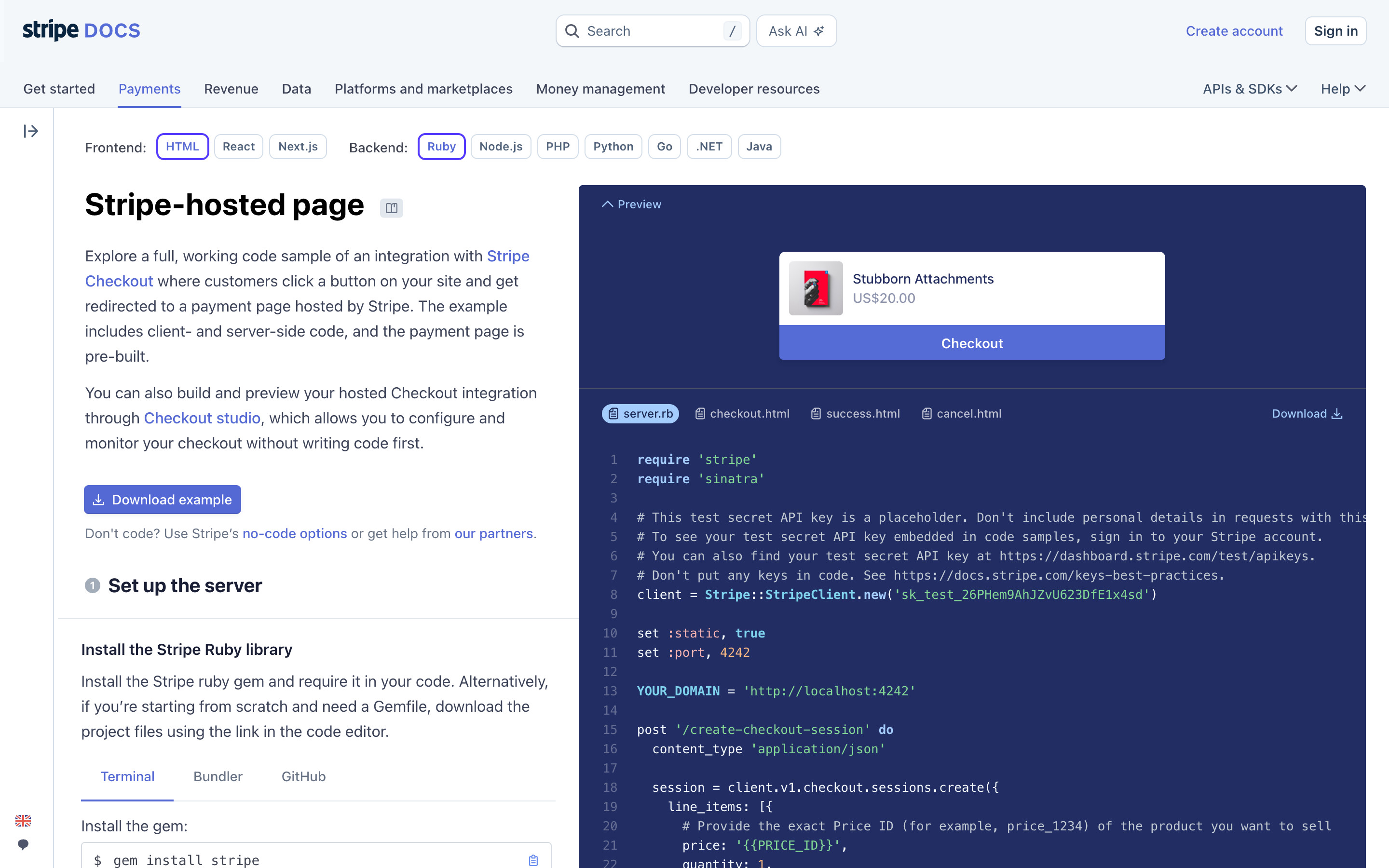
A two-column quickstart: Frontend (HTML, React, Next.js) and Backend (Ruby, Node.js, PHP, Python, Go, .NET, Java) pill selectors, prose steps with a Download example button on the left, and a dark indigo panel on the right with a live checkout Preview ("Stubborn Attachments") above tabbed, line-numbered server code.
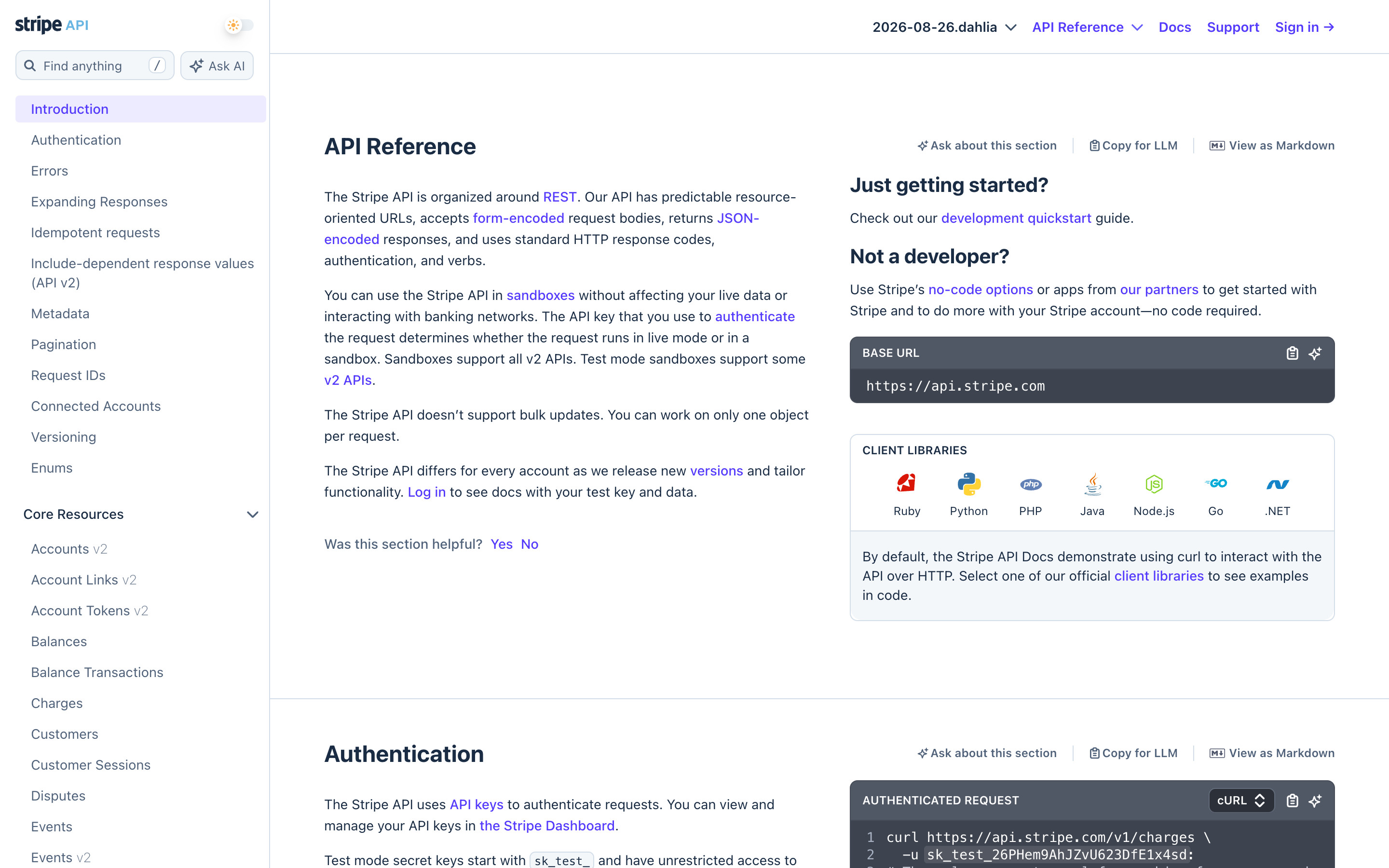
The API reference has its own chrome: a narrow left sidebar (Find anything, Ask AI, Introduction active, then Core Resources), a version selector (2026-08-26.dahlia) in the header, and two-column sections pairing prose with dark code cards (Base URL, client library icons, authenticated request).
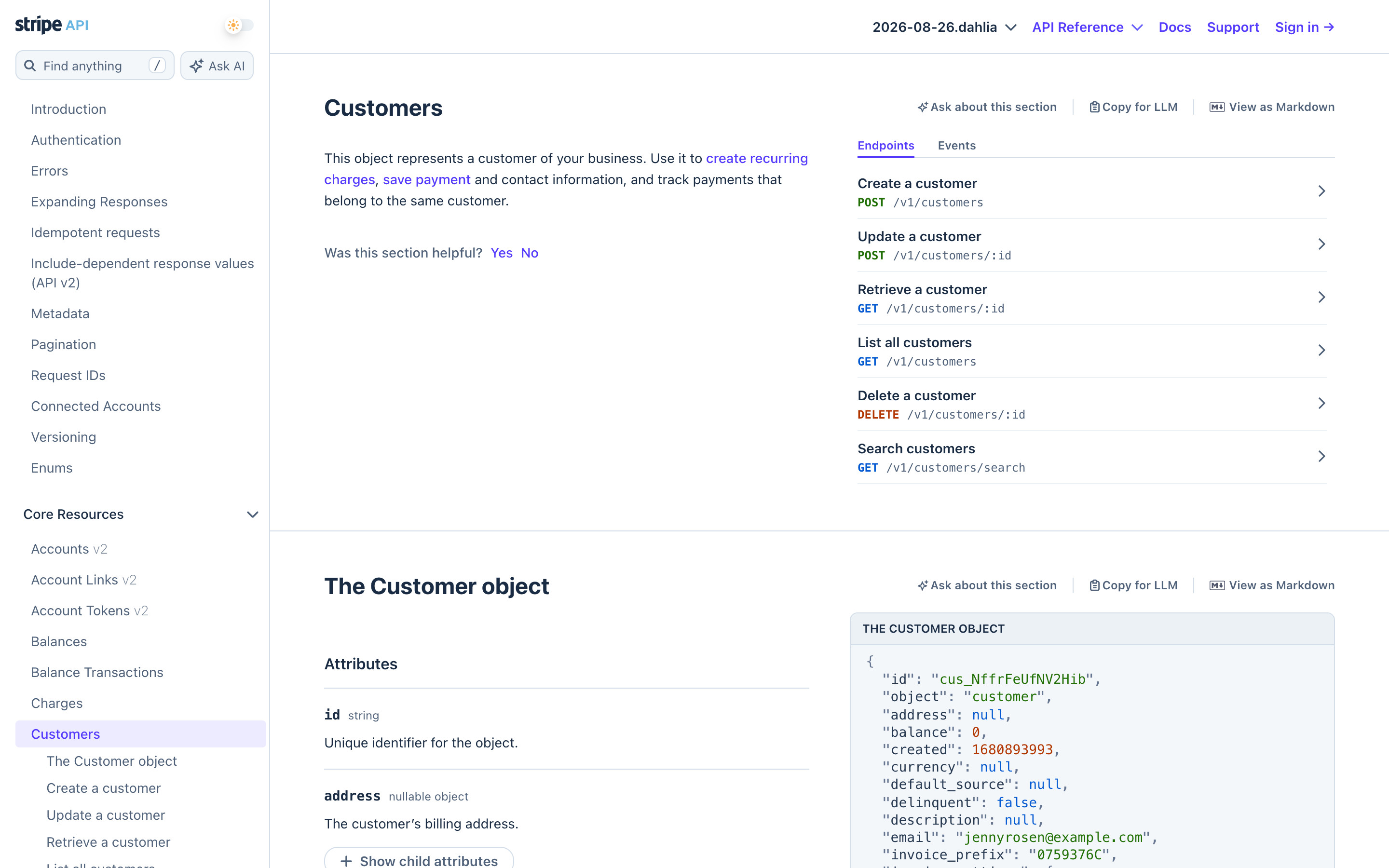
The Customers section: description on the left, an Endpoints / Events tab list with method-coloured paths (POST, GET, DELETE) on the right, then "The Customer object" with attribute rows beside a dark JSON sample.
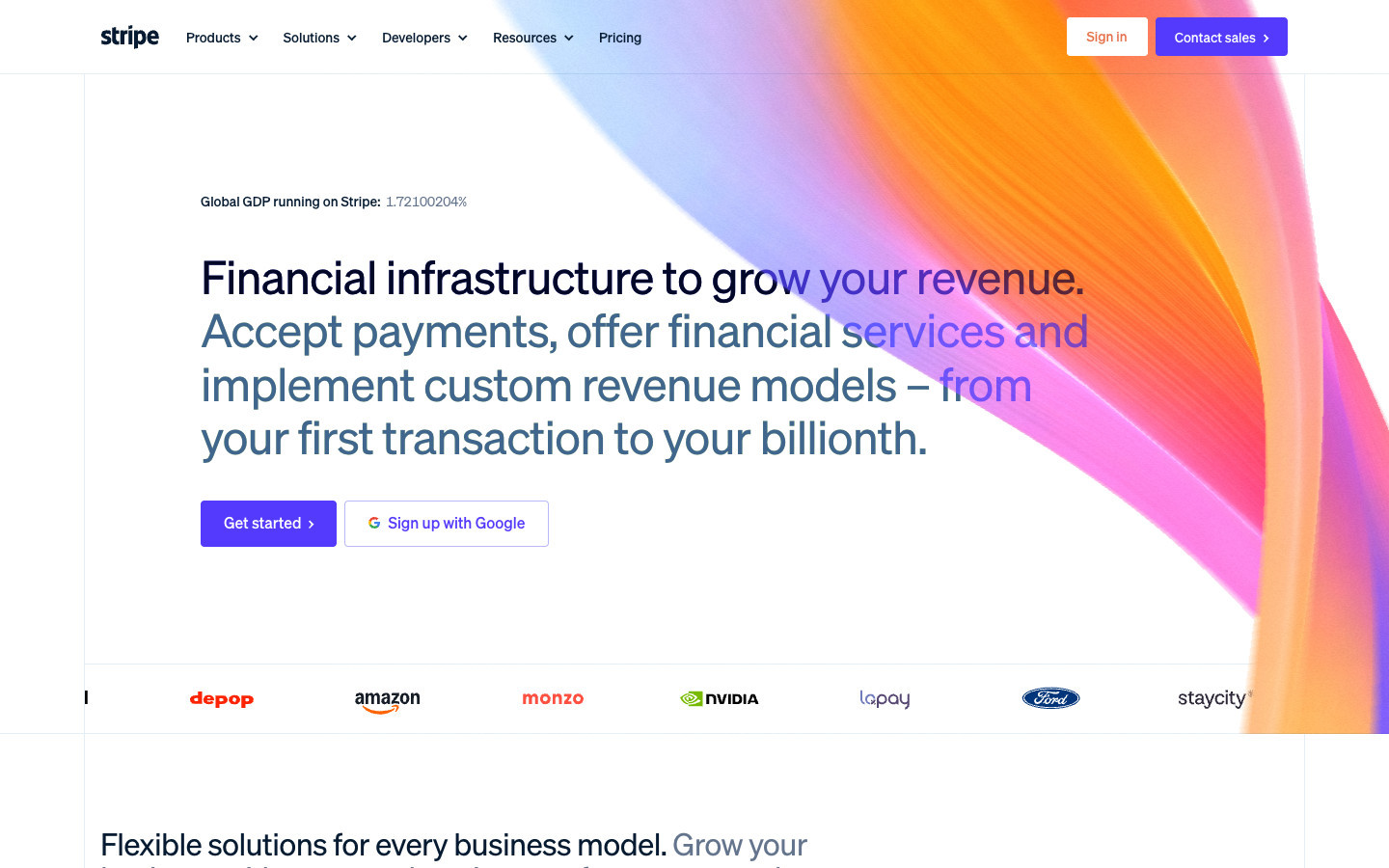
A white hero with a large animated ribbon gradient on the right, a live "Global GDP running on Stripe" counter and two-tone headline, then a scrolling customer-logo strip. Product bento cards with UI mockups, a statistics band over an animated fan graphic, enterprise and startup case studies, a dark navy developer section, a news carousel, a "Book of the week" card and a large footer.
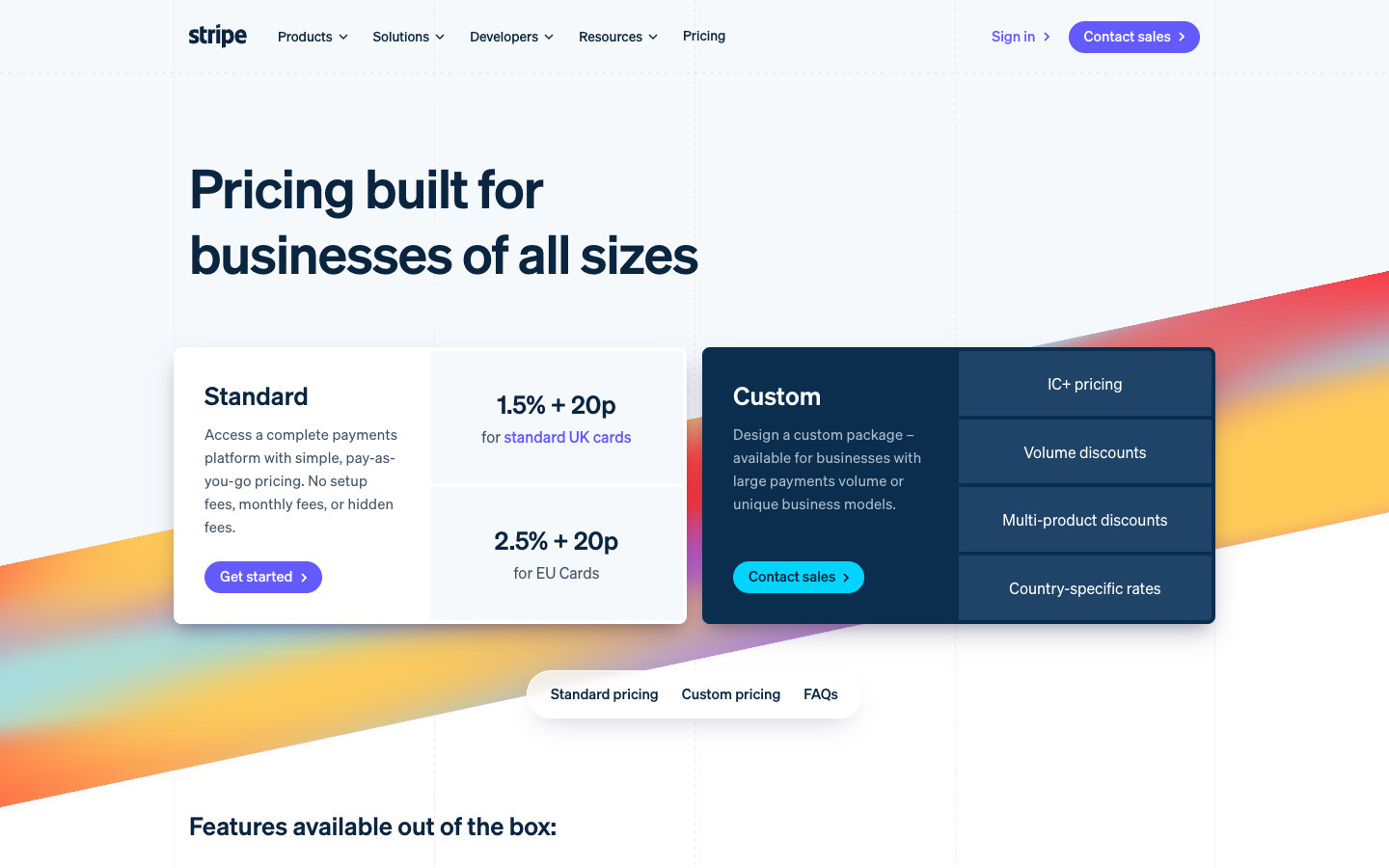
Two plan cards over a diagonal gradient band: Standard (1.5% + 20p UK cards, 2.5% + 20p EU cards) in white and Custom in dark navy with four feature chips. A features grid follows, then a long itemised catalogue: a left product index beside white fee cards for every product (Payments, Checkout, Terminal, Connect, Billing, Tax and more), each with a Start now pill. Enterprise, customer-story carousel, FAQ and CTA sections close the page.
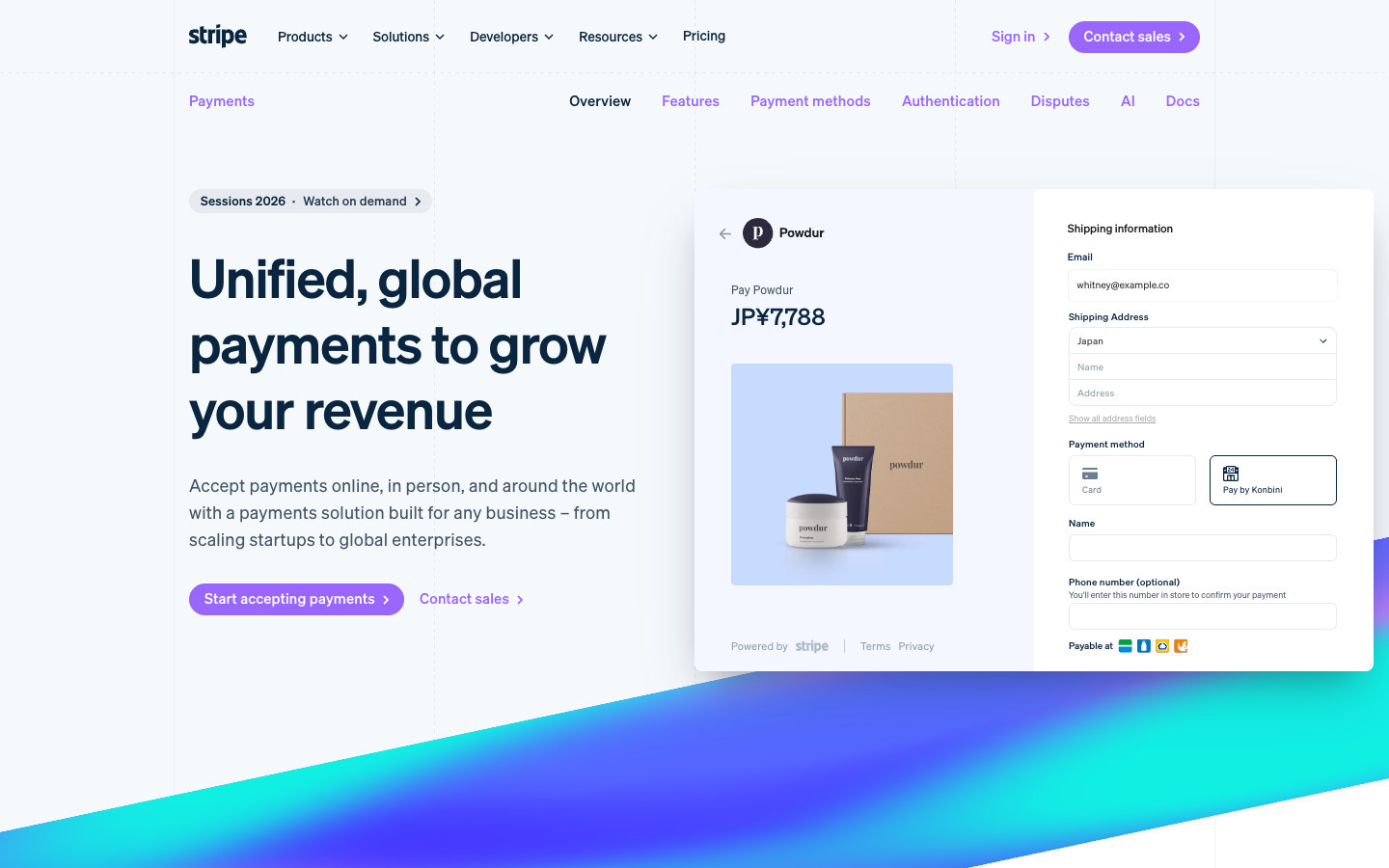
A product sub-nav (Overview, Features, Payment methods, Authentication, Disputes, AI, Docs) above a hero with a sample checkout mockup and a diagonal gradient band. Alternating sections pair short copy with UI mockups (payment page, payment links, Onelink, local payment methods, Terminal reader), customer quote cards with logo rows, a dark developer section with a code sample, pricing summary and resource cards.
Logged-out desktop capture of stripe.com/gb (home, pricing, Payments) and two public product surfaces: the checkout.stripe.dev payments demo and docs.stripe.com. No account was created, the Dashboard was not opened and no email, card or test-card data was entered anywhere, so sign-up, onboarding and the signed-in Dashboard are not captured. The demo was driven only through its own settings (toggles, theme, device, demo type); marketing figures and customer stories change over time.
 screenrove