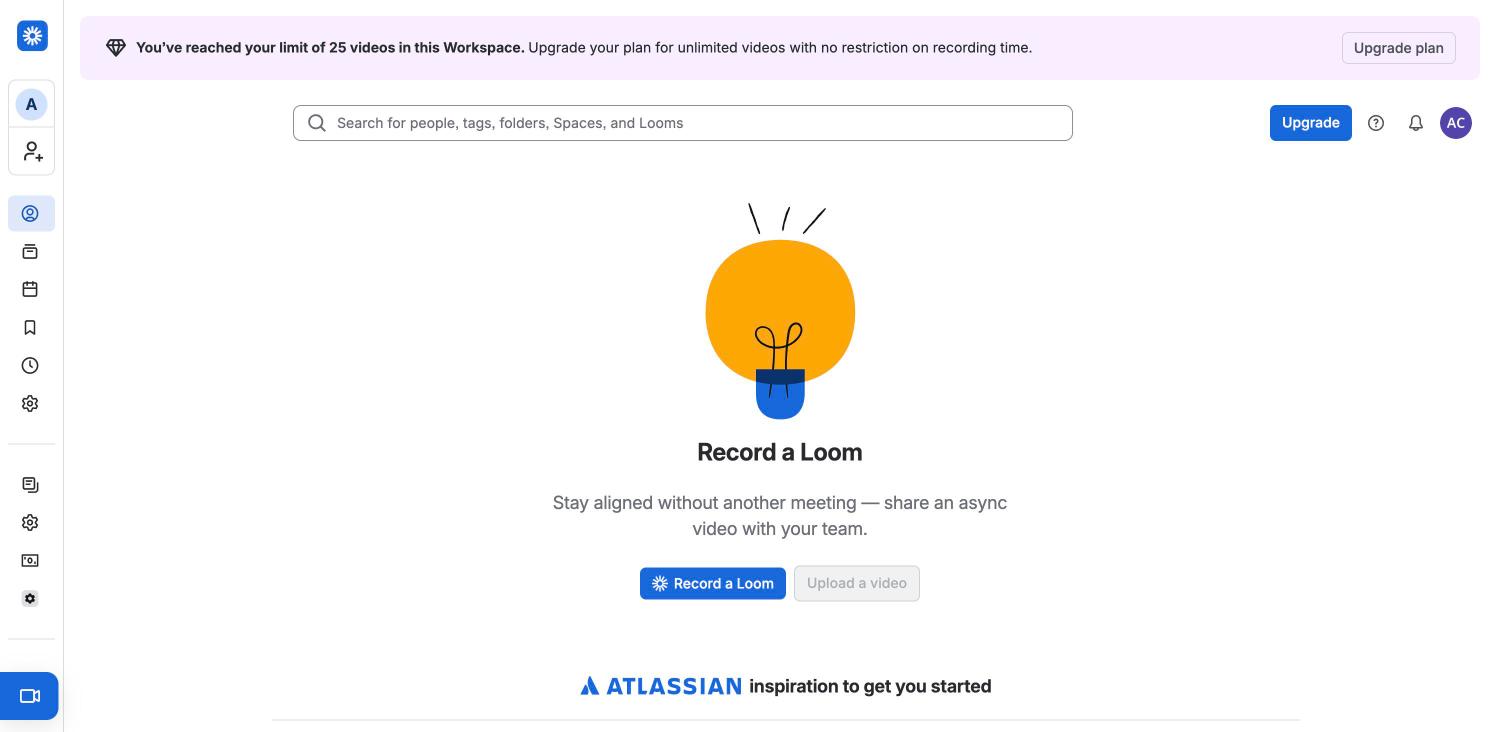
The signed-in landing tab. Under the 25-video limit banner and a wide search field, an empty state with a hand-drawn lightbulb, "Record a Loom", one line of copy and a blue Record a Loom button beside a disabled Upload a video. An "Atlassian inspiration to get you started" row begins below the fold. The icon rail on the left holds For you, Library, Meetings, Watch later, Recent and Settings, with a blue record button pinned to the bottom.
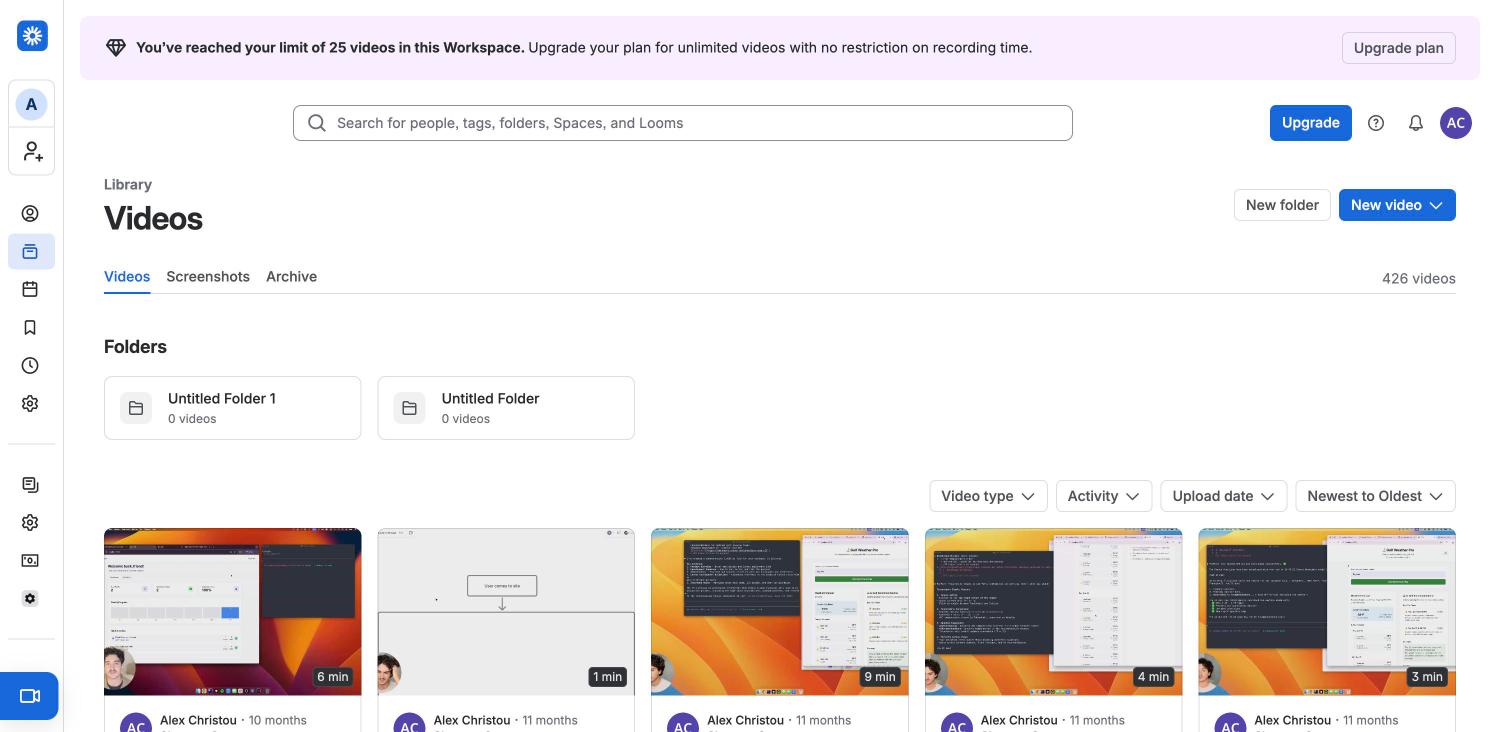
The personal Library: "Videos" heading with Videos, Screenshots and Archive tabs, a 426 videos count, New folder and a blue New video button, two empty folder cards, filter dropdowns (Video type, Activity, Upload date, Newest to Oldest) and a five-column grid of the owner's own recordings with duration badges and camera-bubble thumbnails. Same page as the flow's New video menu step, with the menu closed.
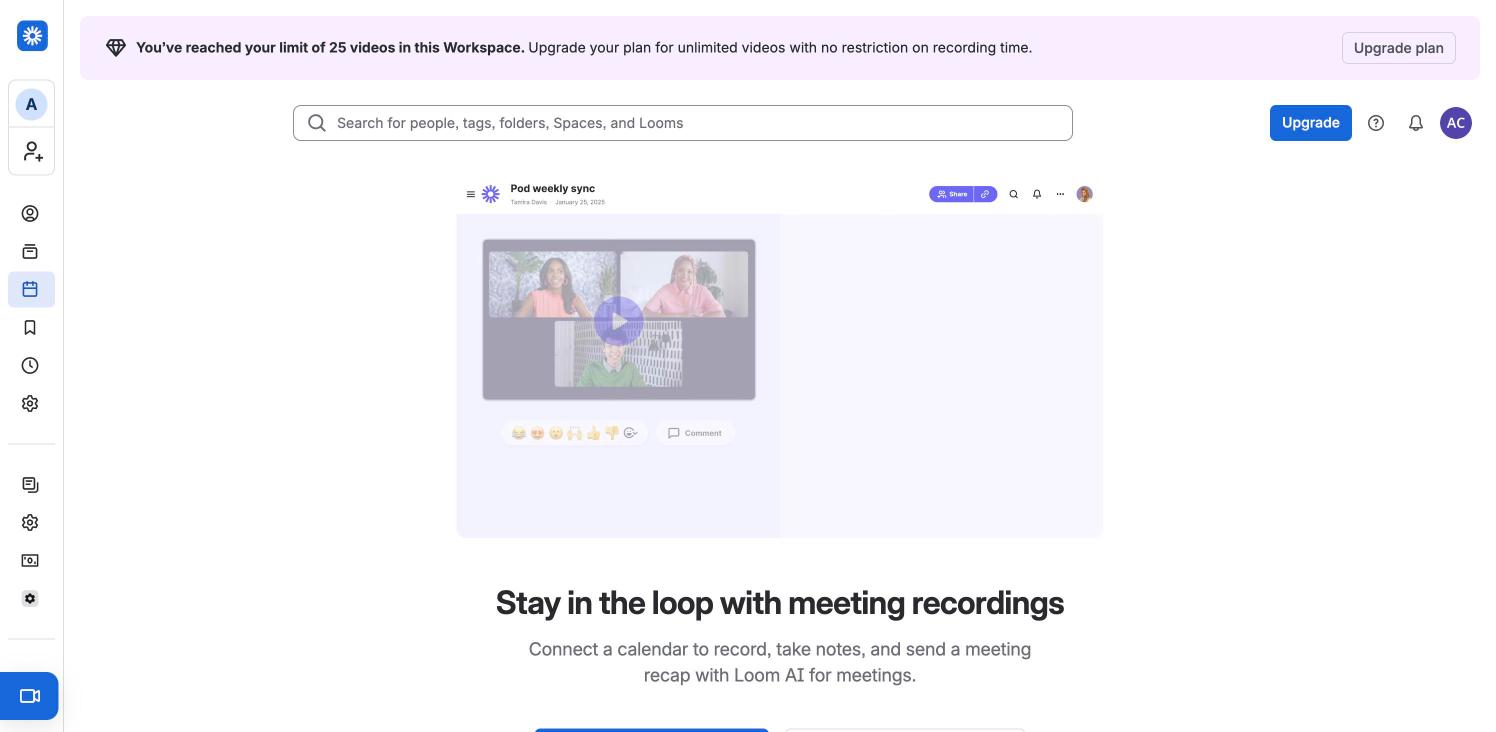
An empty state for meeting recordings: a faded mock of a "Pod weekly sync" recording with three participants, then "Stay in the loop with meeting recordings" and copy about connecting a calendar to record and recap meetings with Loom AI. The call-to-action buttons sit just below the fold.
Empty Watch later list: heading, a Remove viewed videos button and a blocky green-and-blue illustration over "Nothing saved for later".
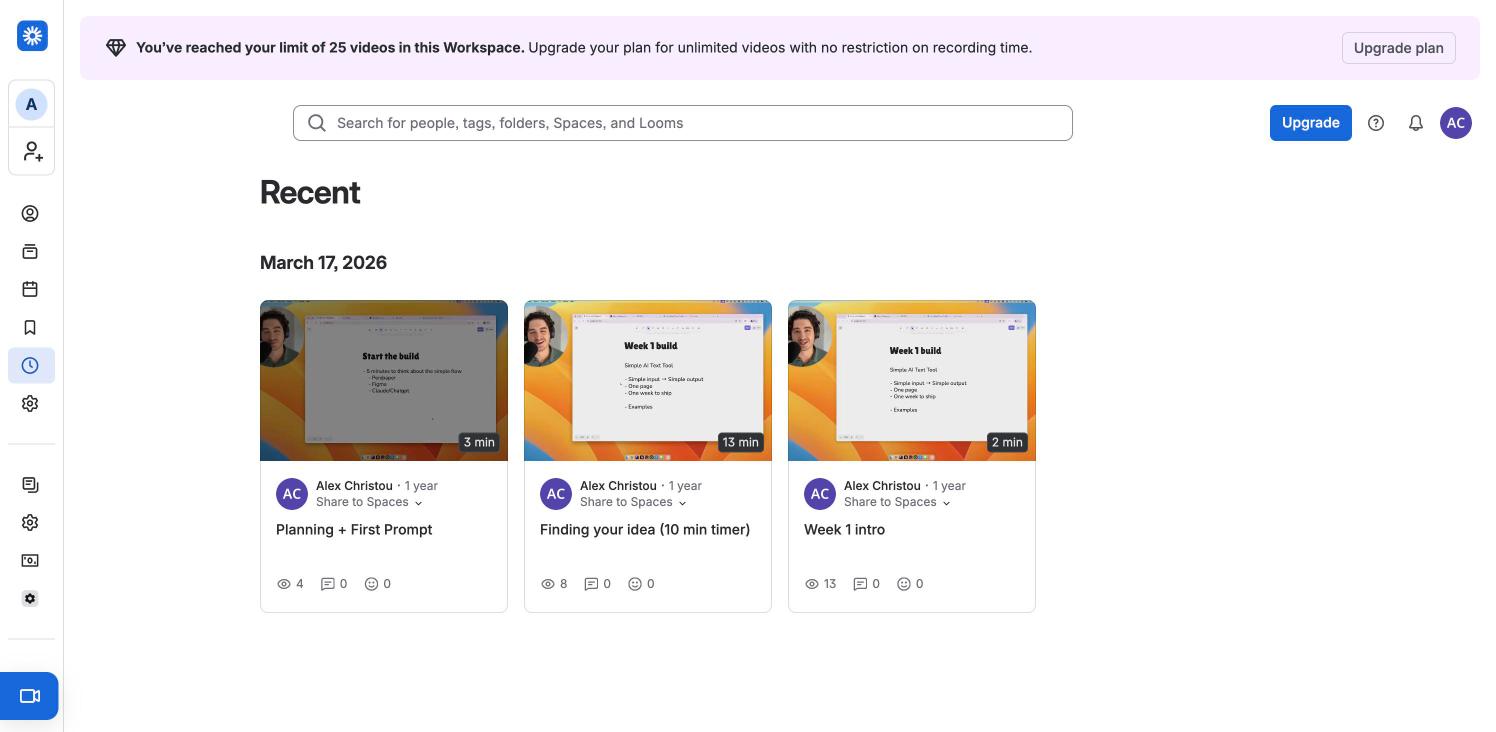
Recently viewed videos grouped under a date heading (March 17, 2026): three cards with thumbnail, duration, author, a "Share to Spaces" dropdown and view, comment and reaction counts.
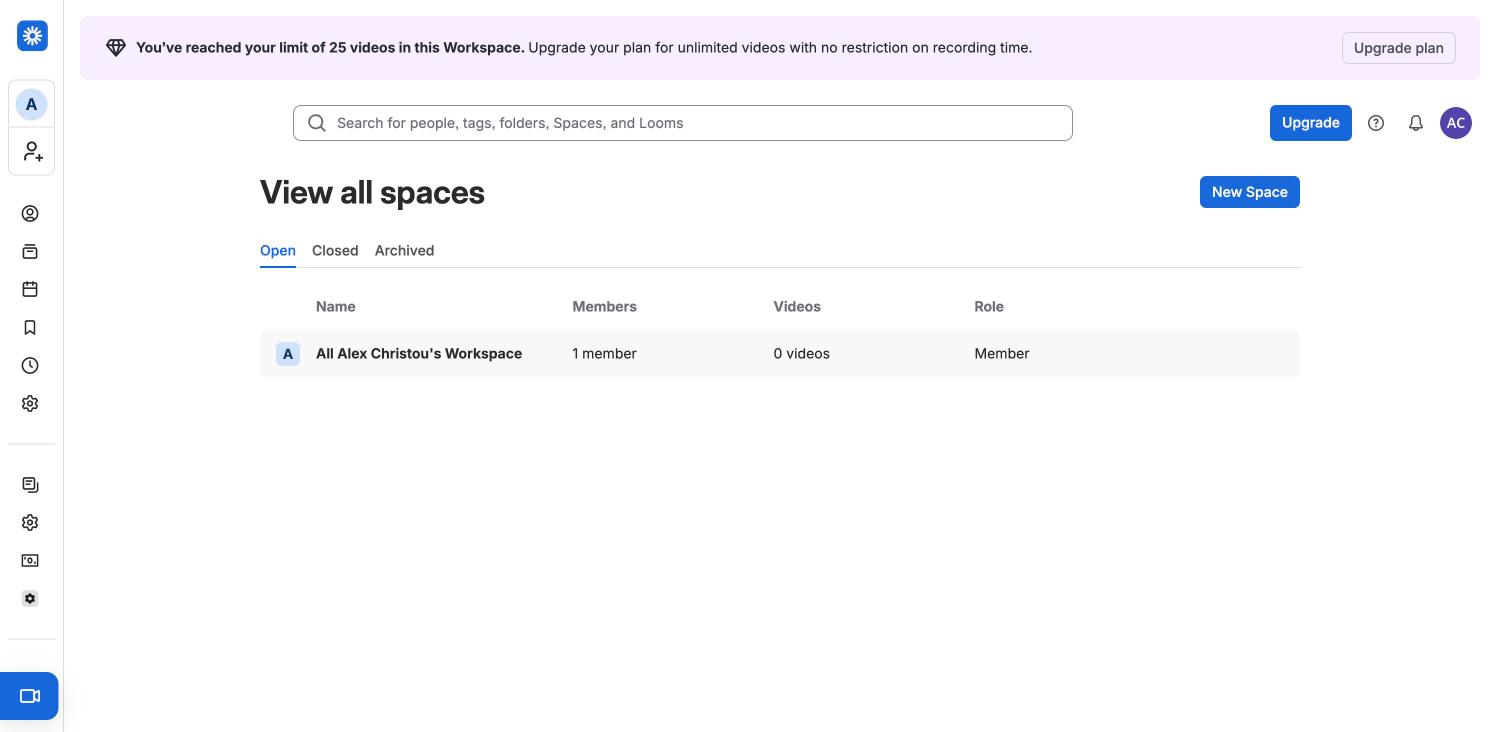
Spaces directory with Open, Closed and Archived tabs, a New Space button and a table (Name, Members, Videos, Role) holding the single default workspace-wide space.
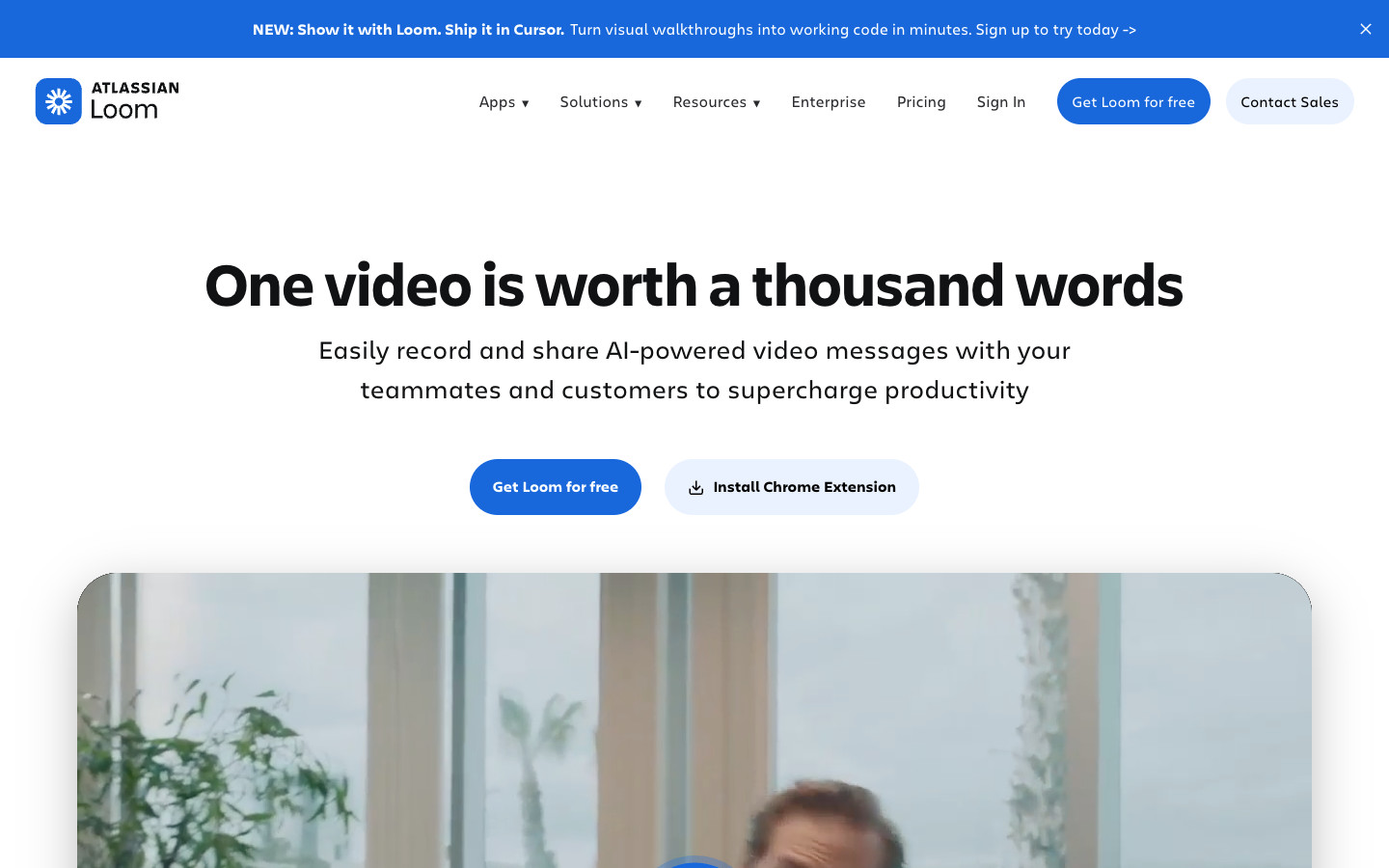
A blue announcement bar sits above the nav. The centred headline "One video is worth a thousand words" has two pill buttons (Get Loom for free, Install Chrome Extension) above a large rounded video player. A logo wall, a blue "Ship faster with AI bug reports" card, alternating feature rows with illustrated product shots on pastel panels, a dark "Keep your content safe" card, use-case cards (Sales, Engineering, Customer support, Design), a two-column feature checklist, blue blog cards, a dark "Loom for Enterprise" card, a testimonial carousel and a "Loom powers great campaigns" CTA lead to the footer. The cookie banner was declined; single full-page screenshot.
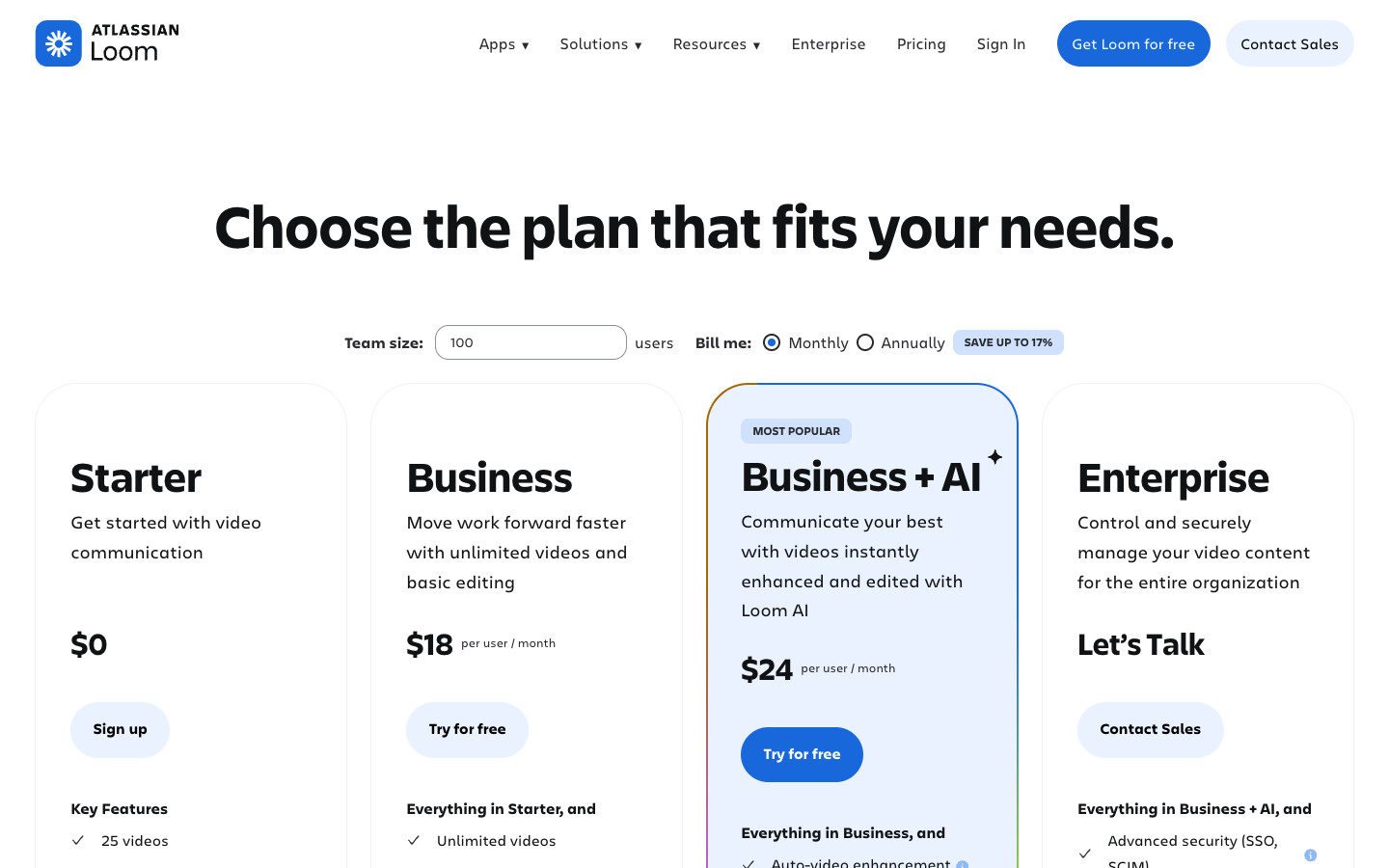
A team-size field and monthly/annual radio buttons sit above four plan cards: Starter ($0), Business ($18), Business + AI ($24, outlined and labelled Most popular) and Enterprise (Let’s Talk); prices were shown in USD. A navy Loom AI panel follows, then a long comparison table grouped by category with a sticky plan-name header row, a student/teacher discount pill, a pale blue FAQ accordion, a logo row, a "Ready to improve how your team communicates?" card and the footer. The cookie banner was declined. Headless Chrome reported the page 720px wider than the viewport; that strip was plain white and was cropped off so the image is 1440 wide.
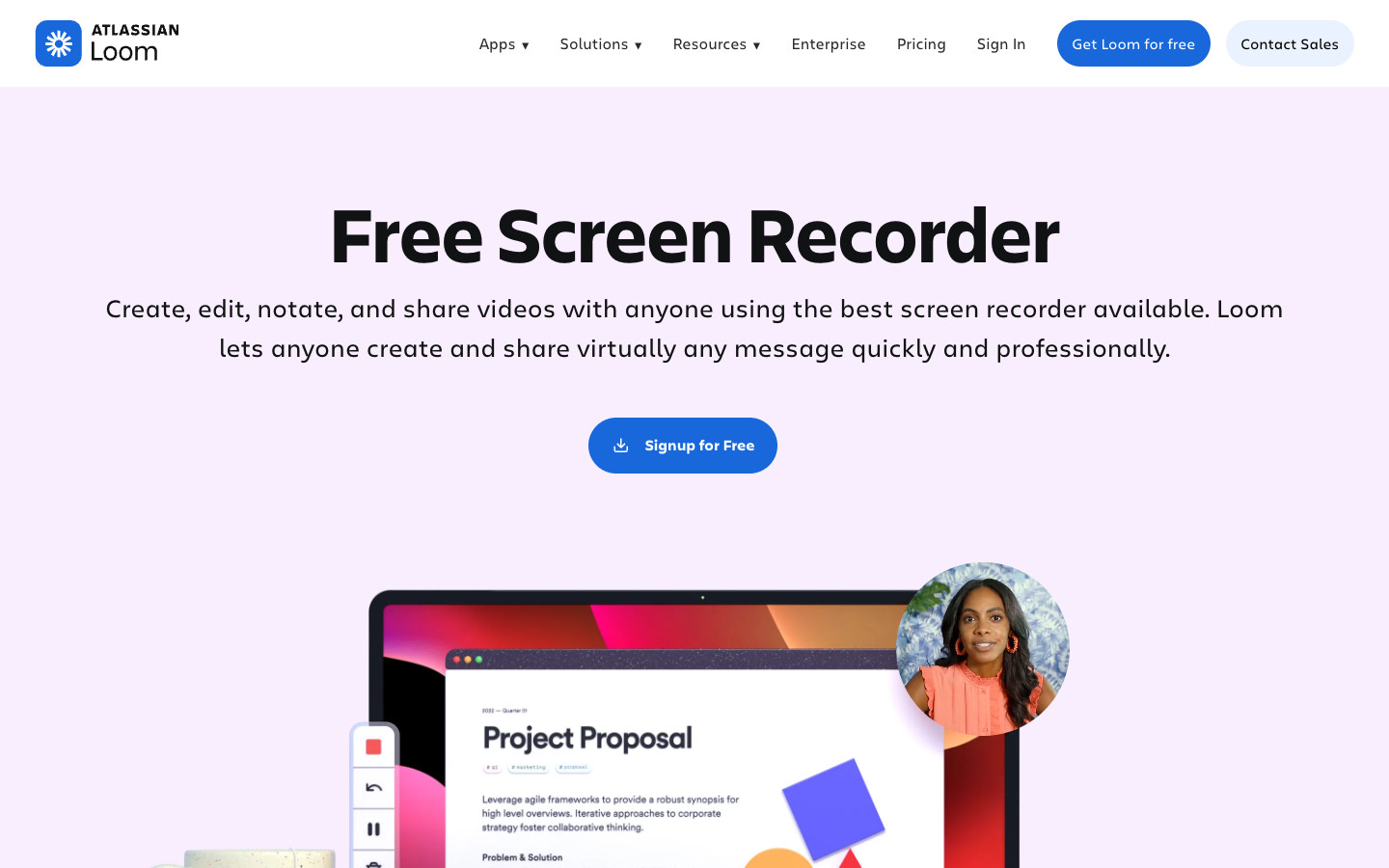
A lilac hero, "Free Screen Recorder", with one Sign up for free button above a laptop showing a Loom recording and a round webcam bubble. A two-column "Top features" checklist, "Capture, Edit, and Share" cards on lilac panels, an "Edit your videos like a pro" editor demo, a feedback reactions card, a logo strip, a testimonial carousel, a dark purple "More connections with Loom" panel with use cases, a dark FAQ accordion, a "Loom for iOS and Android" phone mock, a campaign CTA and the footer. The cookie banner was declined; single full-page screenshot.
Signed-in desktop capture of the owner's existing Loom account (free workspace at its 25-video limit), plus the logged-out sign-up and log-in pages. The Google sign-in step and first-time onboarding were not captured because the account already existed; recording itself hands off to the desktop app or extension and is not shown. Library, Recent and video screens show the owner's own recordings, published with the owner's agreement.
 screenrove