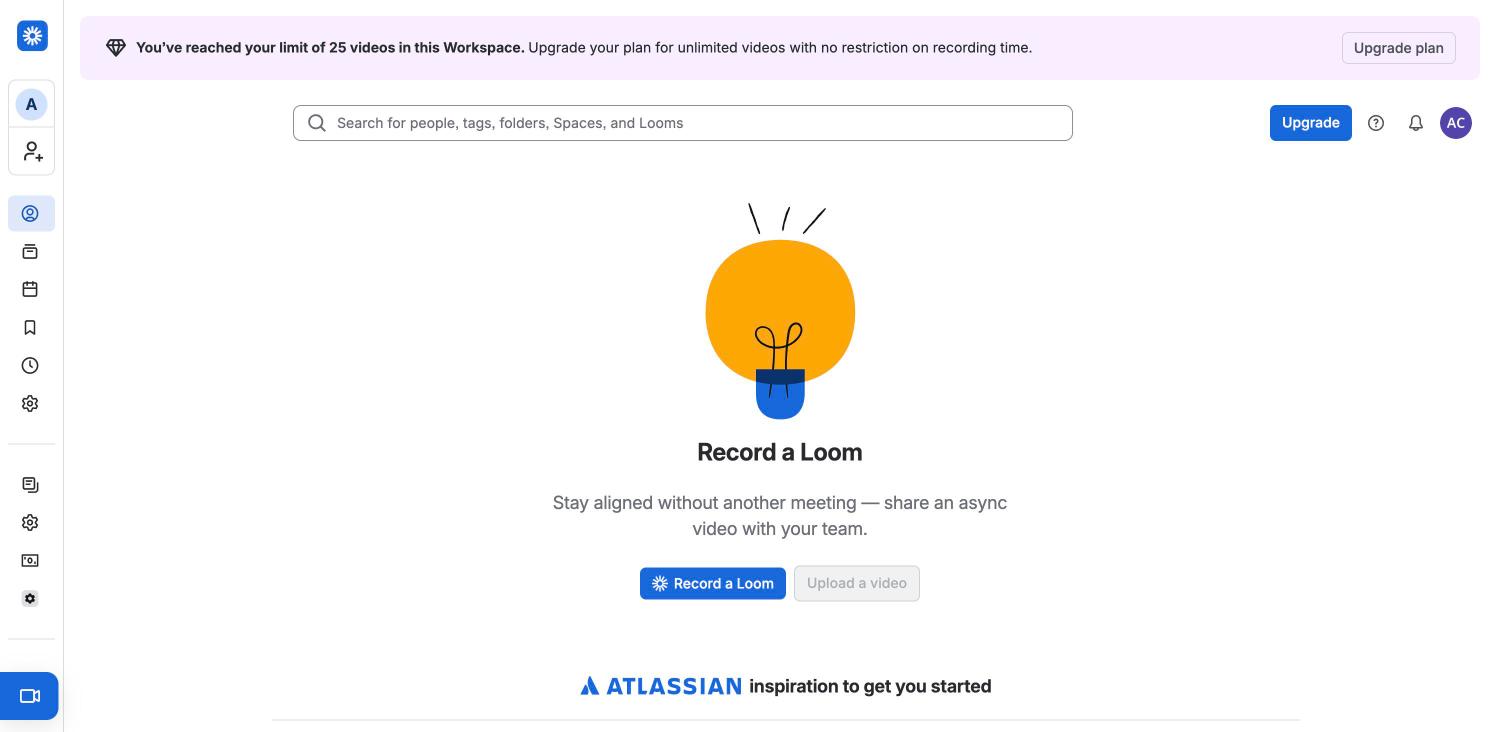
The signed-in landing tab. Under the 25-video limit banner and a wide search field, an empty state with a hand-drawn lightbulb, "Record a Loom", one line of copy and a blue Record a Loom button beside a disabled Upload a video. An "Atlassian inspiration to get you started" row begins below the fold. The icon rail on the left holds For you, Library, Meetings, Watch later, Recent and Settings, with a blue record button pinned to the bottom.
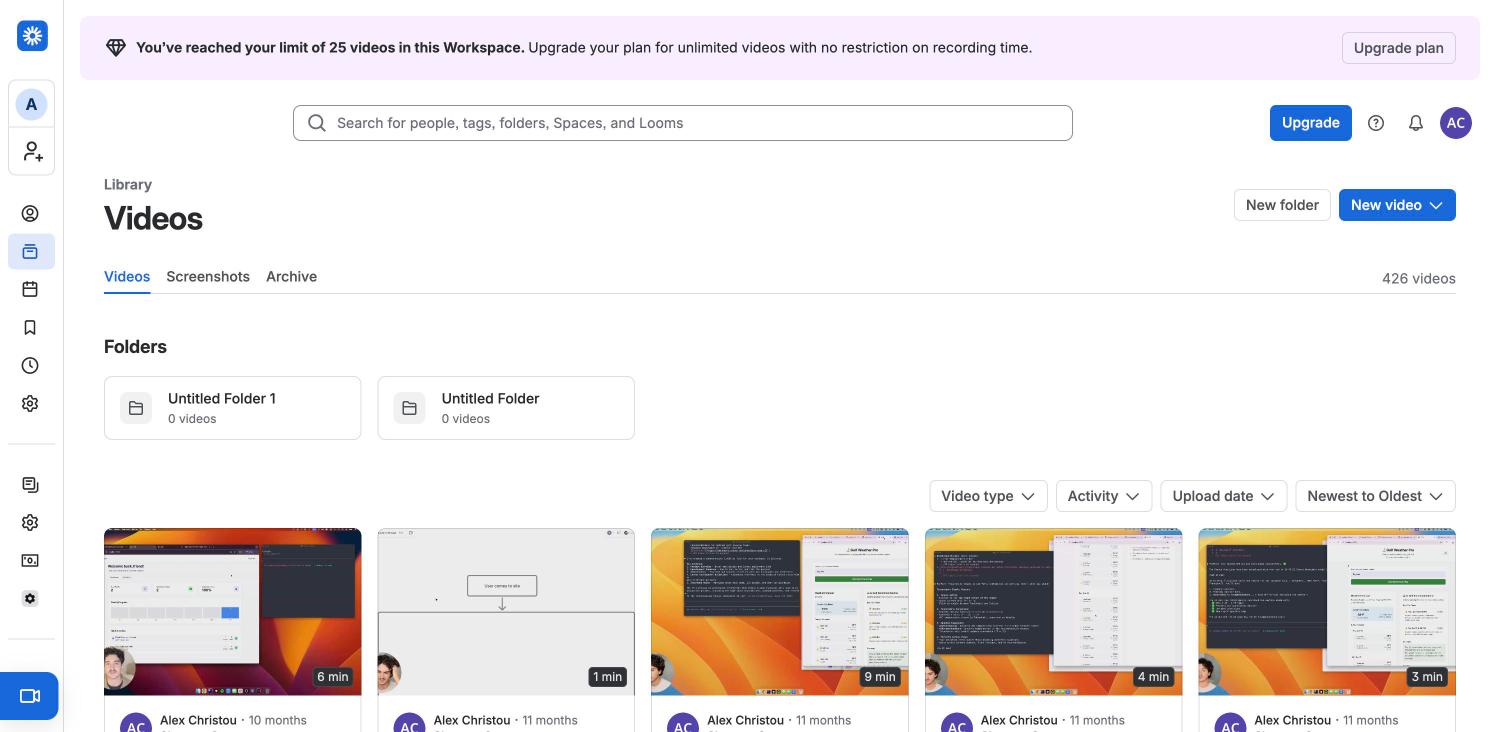
The personal Library: "Videos" heading with Videos, Screenshots and Archive tabs, a 426 videos count, New folder and a blue New video button, two empty folder cards, filter dropdowns (Video type, Activity, Upload date, Newest to Oldest) and a five-column grid of the owner's own recordings with duration badges and camera-bubble thumbnails. Same page as the flow's New video menu step, with the menu closed.
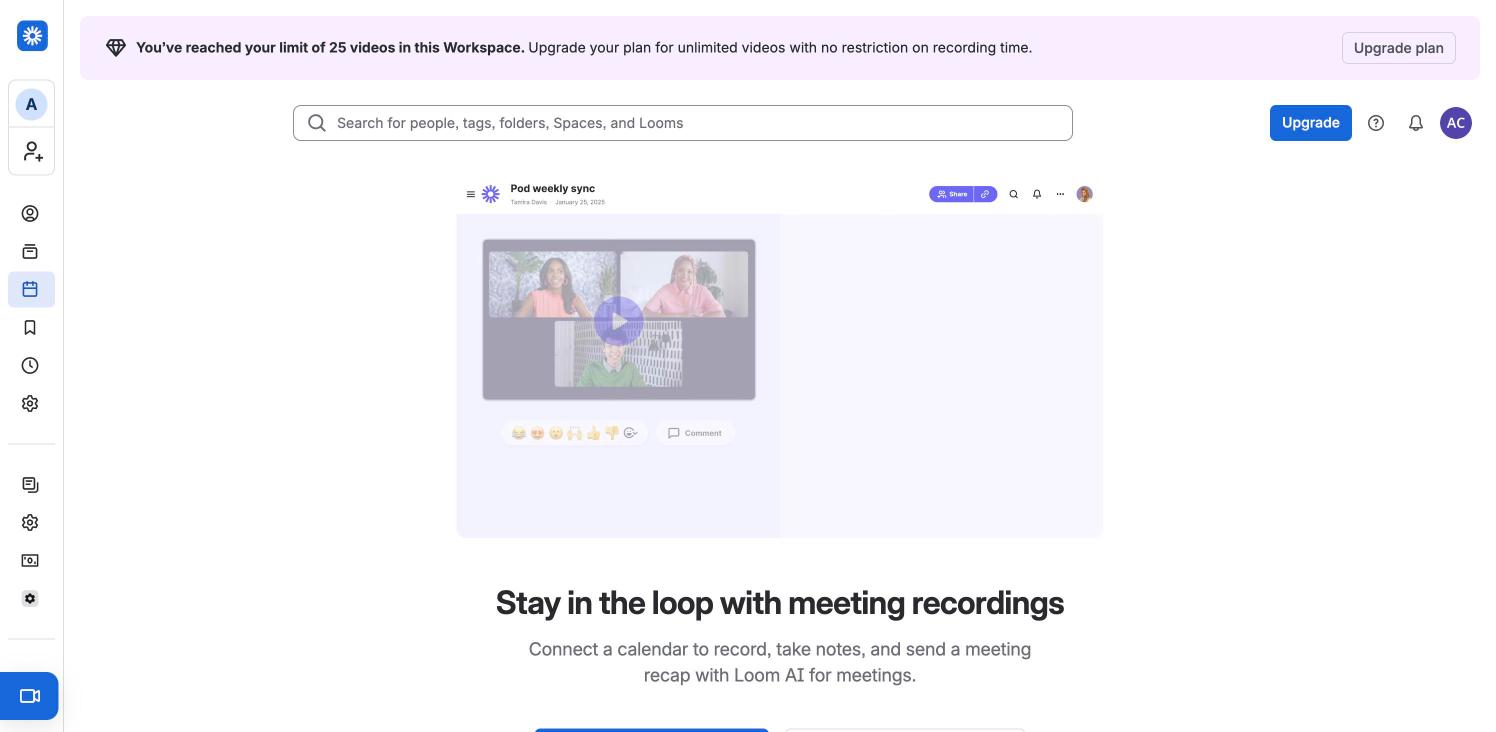
An empty state for meeting recordings: a faded mock of a "Pod weekly sync" recording with three participants, then "Stay in the loop with meeting recordings" and copy about connecting a calendar to record and recap meetings with Loom AI. The call-to-action buttons sit just below the fold.
Empty Watch later list: heading, a Remove viewed videos button and a blocky green-and-blue illustration over "Nothing saved for later".
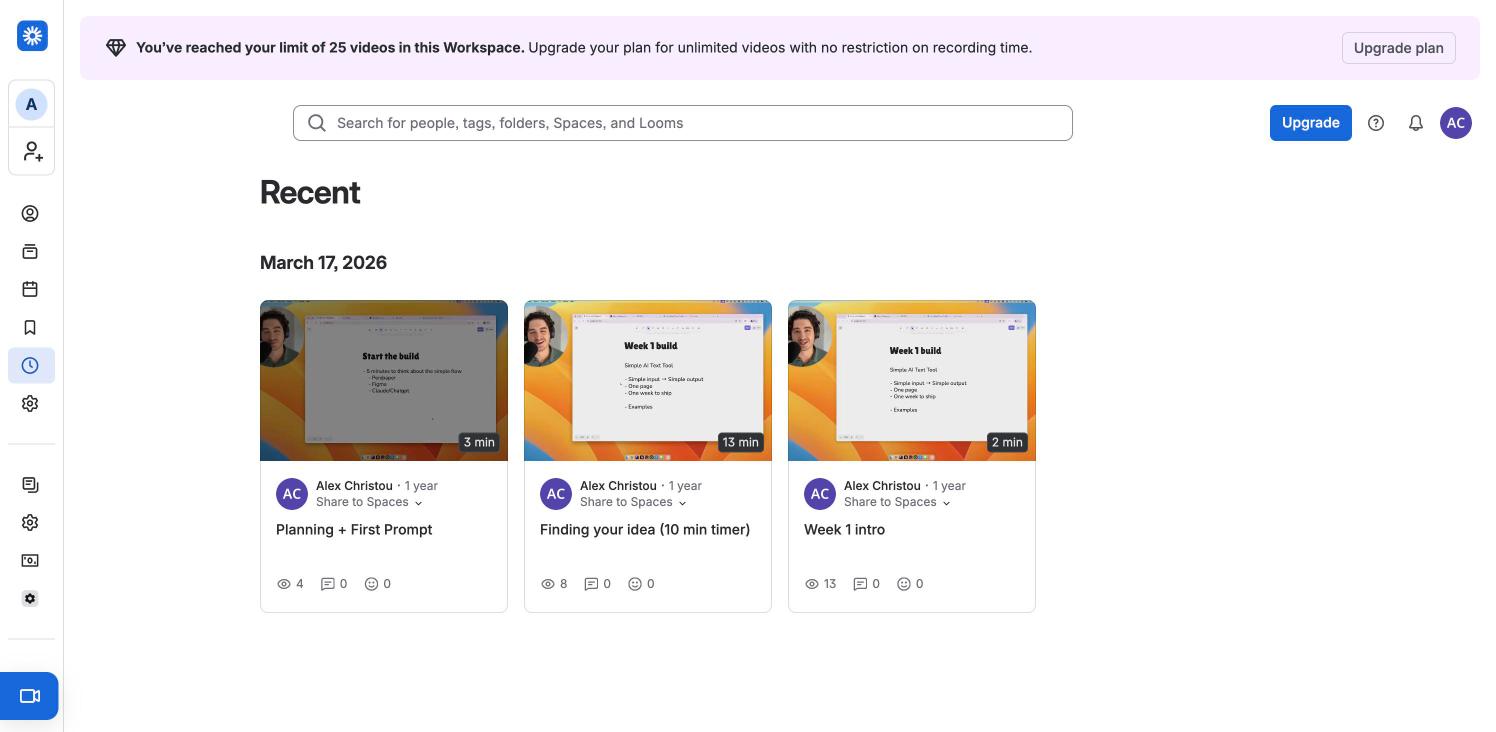
Recently viewed videos grouped under a date heading (March 17, 2026): three cards with thumbnail, duration, author, a "Share to Spaces" dropdown and view, comment and reaction counts.
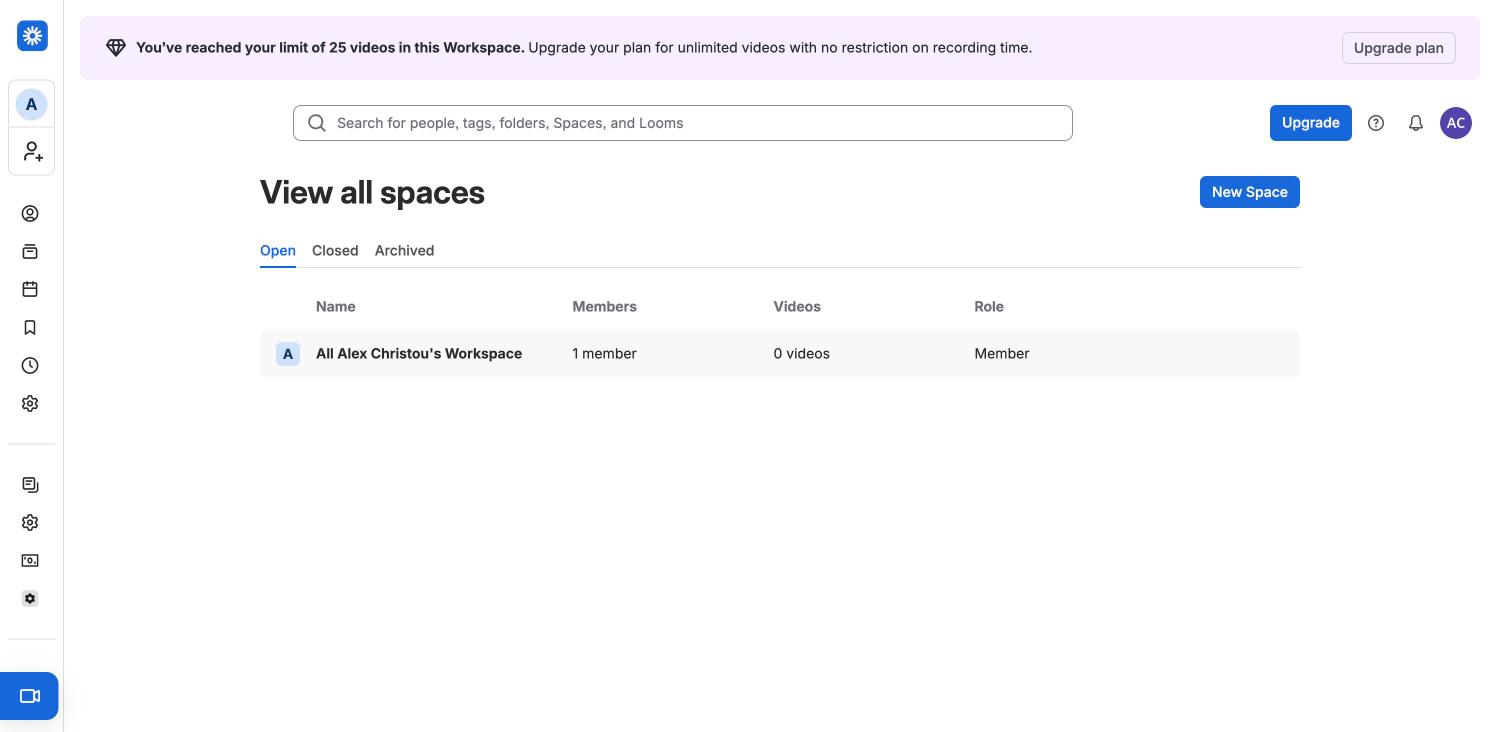
Spaces directory with Open, Closed and Archived tabs, a New Space button and a table (Name, Members, Videos, Role) holding the single default workspace-wide space.
 screenrove