 screenrove
Loom / From log-in to sharing a video
Signed-in desktop capture of the owner's existing Loom account (free workspace at its 25-video limit), plus the logged-out sign-up and log-in pages. The Google sign-in step and first-time onboarding were not captured because the account already existed; recording itself hands off to the desktop app or extension and is not shown. Library, Recent and video screens show the owner's own recordings, published with the owner's agreement.
1. Sign up, logged out
Atlassian-branded sign-up card on a pale blue page: "Record your first Loom video in seconds", a grey Sign up with Google button, an OR divider, a Work email field and a disabled Continue button. Atlassian Cloud Terms and Privacy Policy line under it, an "Already have an Atlassian account? Log in" link and a customer quote below the card. Captured empty in a separate logged-out headless session at 1440 x 900, dpr 2.
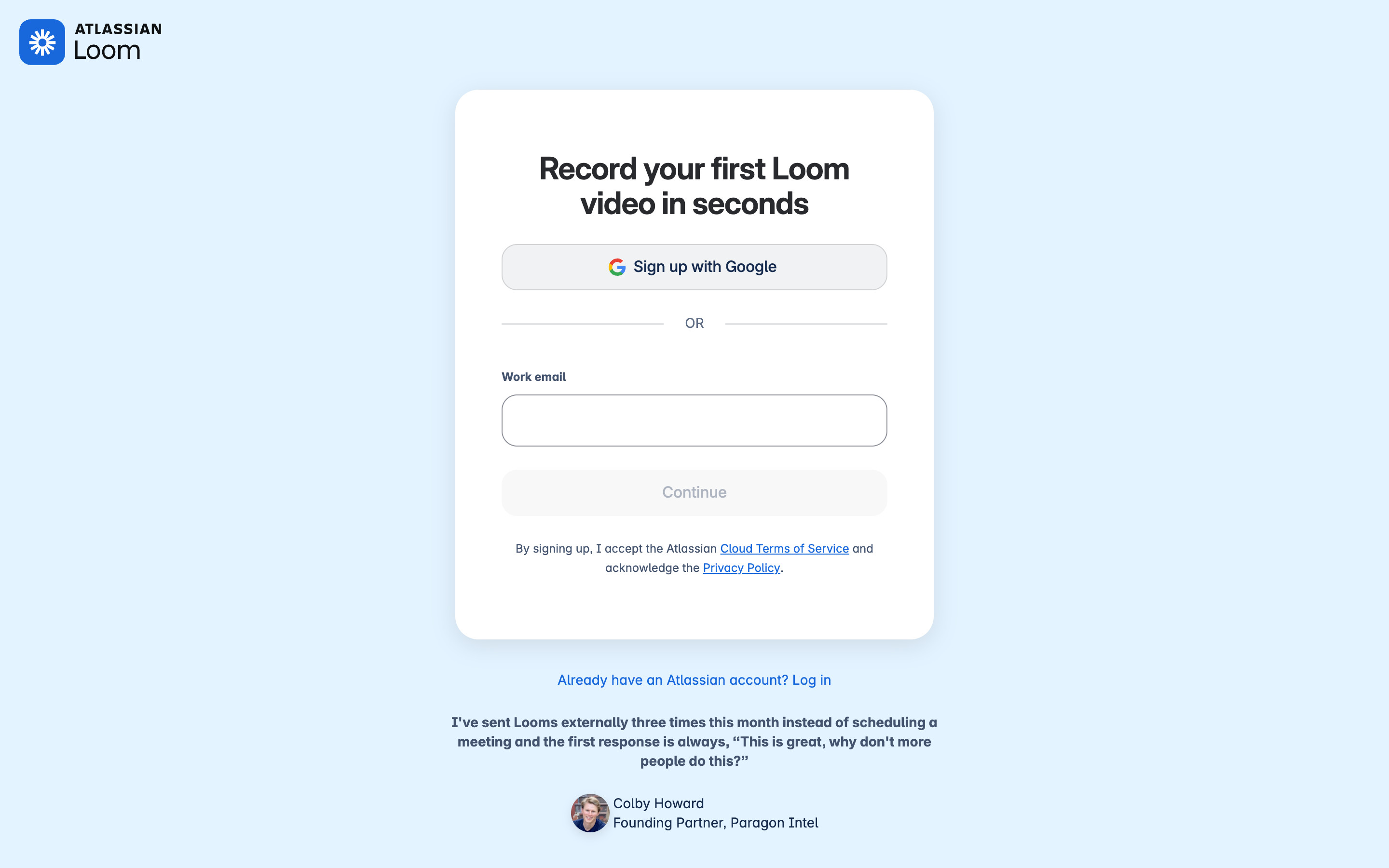
- Log in → loom-login
- Sign up with Google or email → Not captured (no new account was created)
2. Log in, logged out
"Log in to Loom" with five stacked outline buttons (Google, Slack, Apple, Outlook, SSO), an OR divider, a Work email field and a disabled Continue button. A Sign up for free button sits top right. The Atlassian cookie banner was rejected before capture. Logged-out headless session, 1440 x 900, dpr 2.
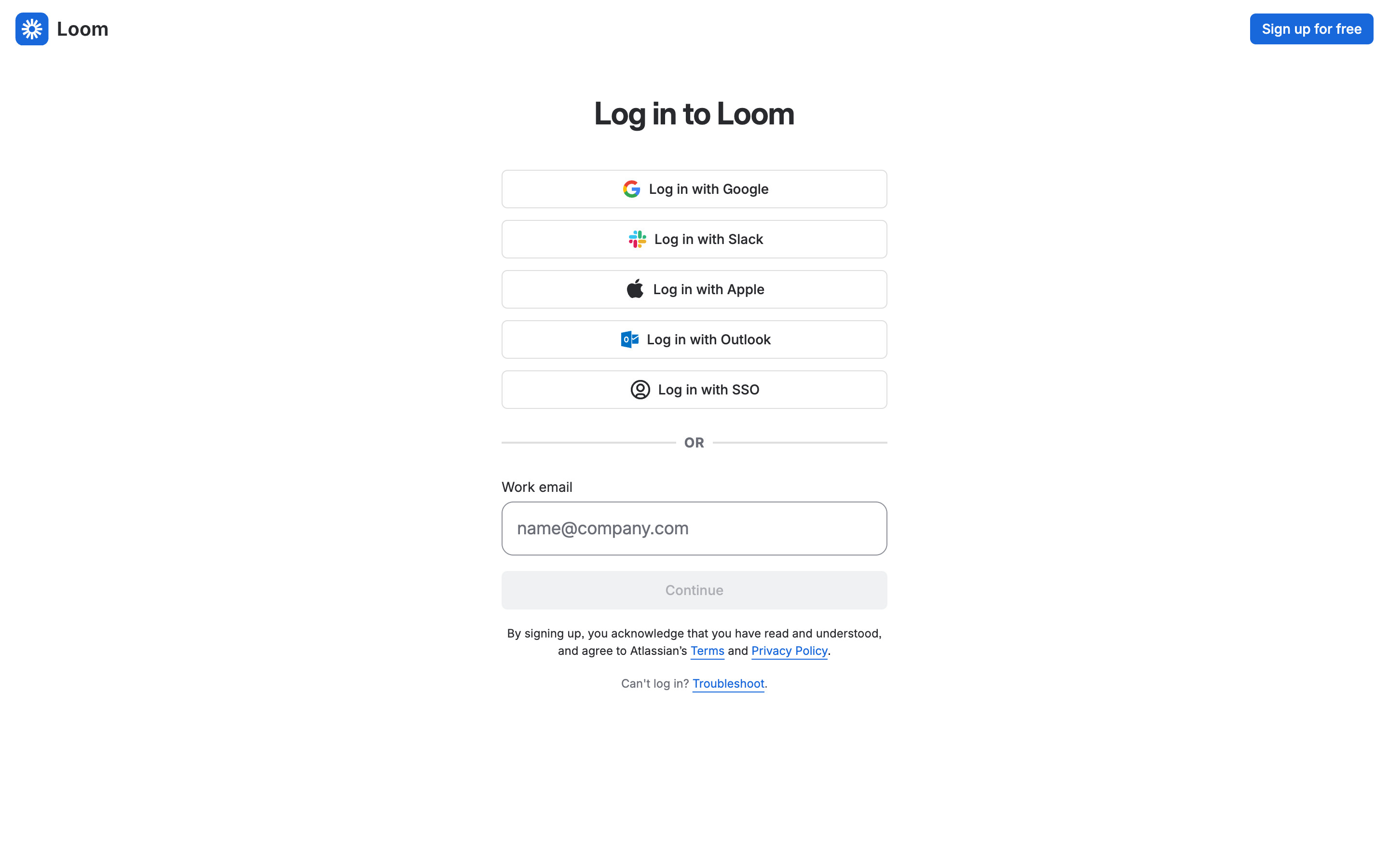
- Log in with Google as the owner (existing account; the Google account chooser is not published) → Library (see the Library product screen)
3. New video menu
Signed-in Library with the blue New video button opened: a small menu offers Record a video and a greyed-out Upload a video. A lavender banner above everything says the free workspace has reached its 25-video limit, which is why upload is disabled. The owner's own videos fill the grid.
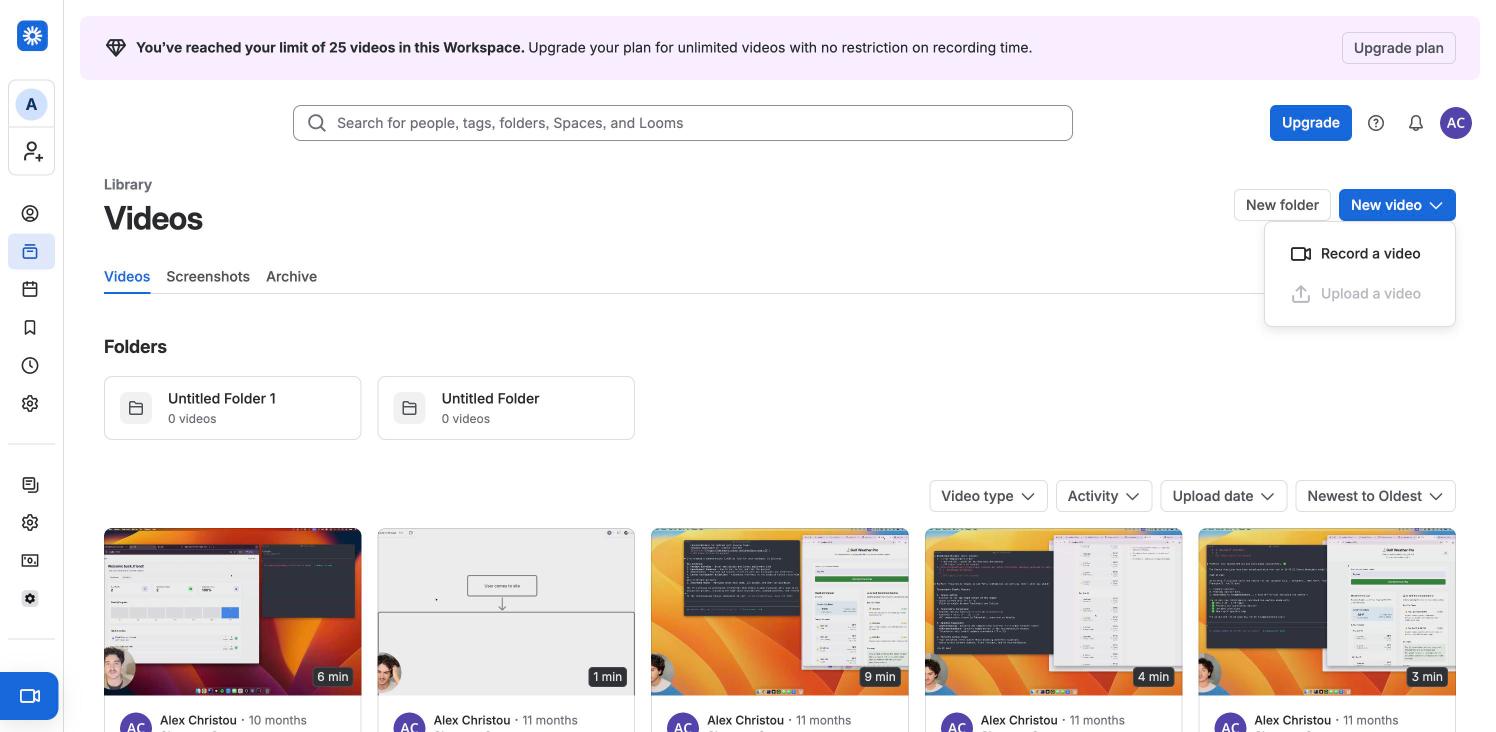
- Record a video → Hands off to the Loom desktop app or Chrome extension; nothing opens in the page (not captured)
- Open a video from Recent → loom-video
4. Video page
A recorded Loom opened from Recent: title and author top left, viewer avatars and a view count, the video with a round camera bubble and a play button, and a default 1.2x speed badge with a Watch later button on the poster. The right panel has Edit, Activity, Generate, Transcript and Settings tabs; Edit shows a Loom Business + AI upsell card and locked editing tools. A satisfaction survey that opened on load was closed before capture.
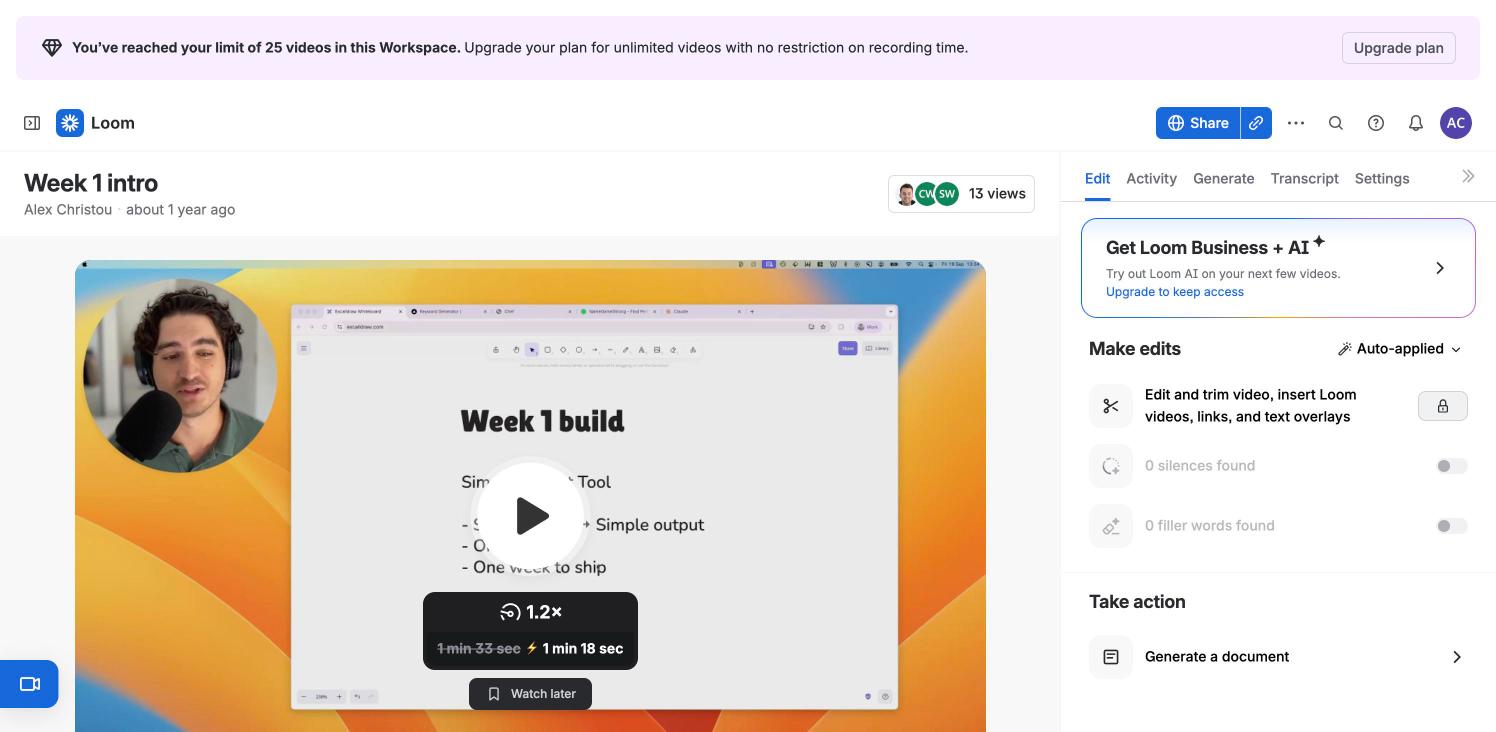
- Share → loom-share
5. Share modal
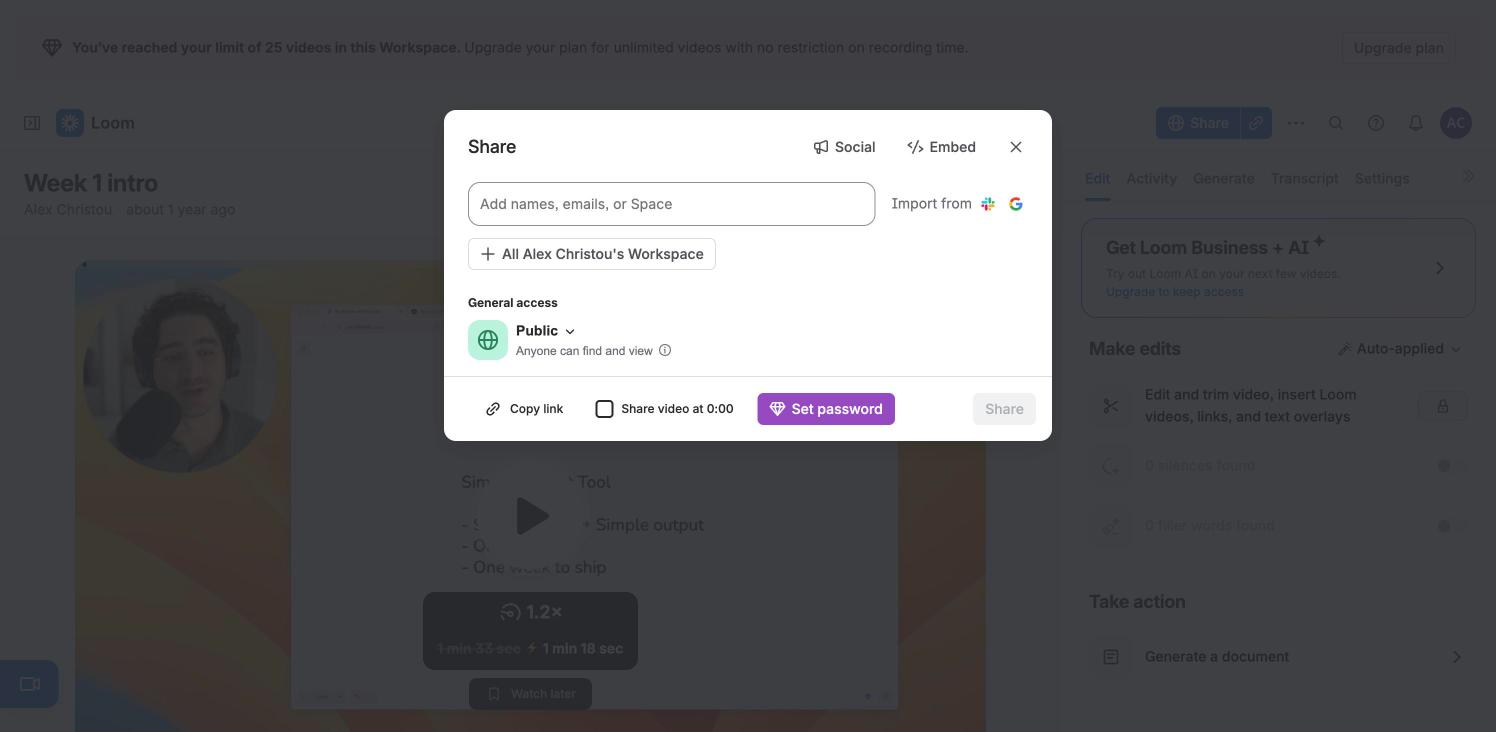
Share opens a centred modal over a dimmed page: an "Add names, emails, or Space" field with Import from Slack and Google, an All workspace chip, a General access row set to Public, and a footer with Copy link, a Share video at 0:00 checkbox, a purple Set password button (a paid feature) and a disabled Share button. Social and Embed tabs sit top right.
- Open the Public access menu → loom-share-access
- Embed → loom-embed
- Close → loom-video
6. General access options
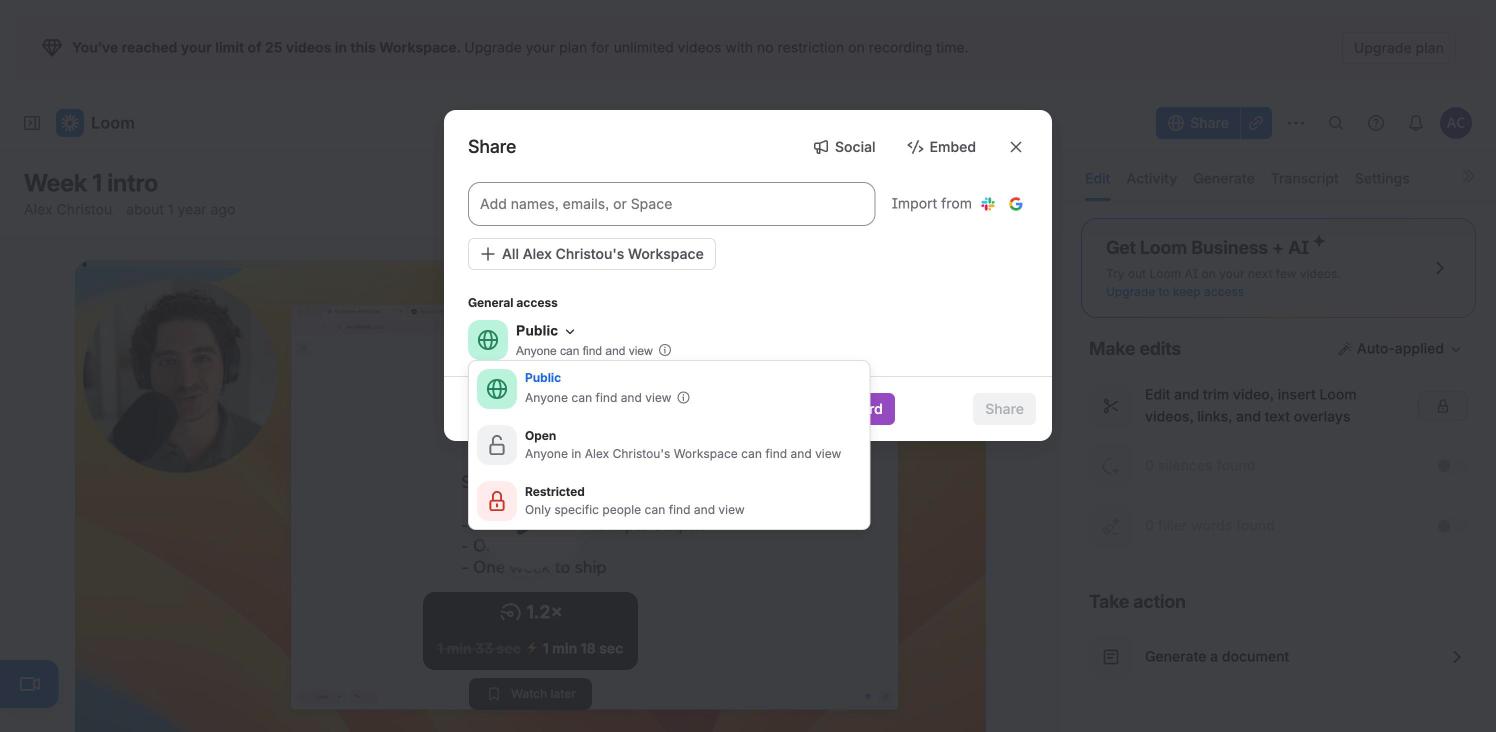
The access menu lists three levels with coloured icon tiles: Public (anyone can find and view, currently selected), Open (anyone in the workspace) and Restricted (only specific people). The menu was closed with Escape; the setting was not changed.
- Press Escape → loom-share
7. Embed tab
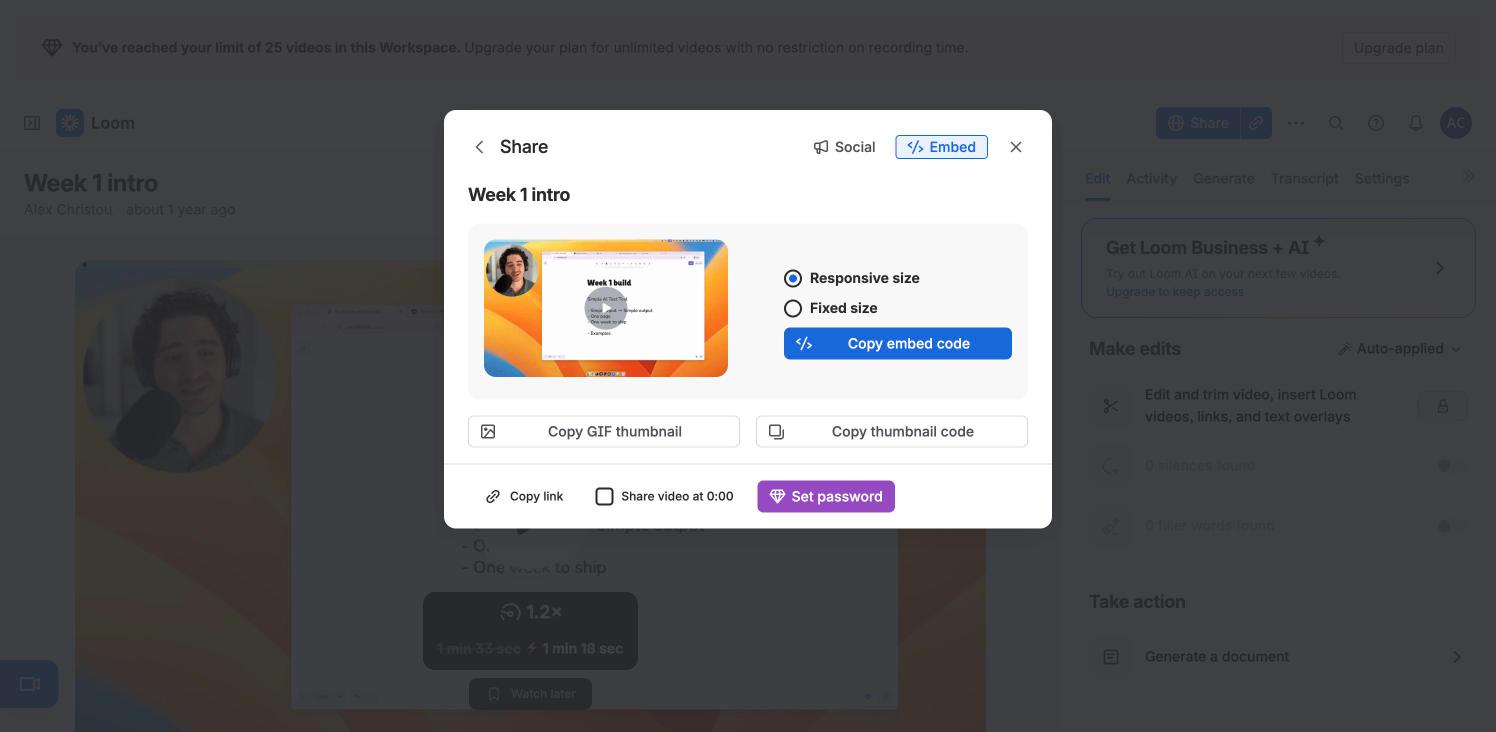
The Embed tab replaces the form with the video title, a thumbnail preview, Responsive size / Fixed size radios and a blue Copy embed code button, plus Copy GIF thumbnail and Copy thumbnail code. A back arrow returns to Share. Nothing was copied.
- Back → loom-share
- Close → loom-video