 screenrove
Usage-based pricing page design: how AI credits broke the grid
Usage-based pricing page patterns from 127 SaaS products: 28 sliders and calculators, 31 with credits in the plan cards, and the four that drop the grid.
At least 31 of the 127 pricing pages in our library now print a credit, token or unit allowance inside the plan cards, and 28 carry a usage slider, selector or calculator. That is what a usage-based pricing page looks like in 2026: the four-card grid is still there, but the number in each card has stopped being the whole answer. Make asks "How many credits per month?" before it shows a plan, Neon replaces the price with "Usage-based", and VEED translates "30,000 Credits" into "~7,500 AI Videos".
We went through every page on the pricing pages wall looking at one thing: how products that bill for usage, and especially for AI usage, fit a variable number into a fixed card. Here is what they do, where they put the control, and the four pages that gave up on the grid entirely.
What a usage-based pricing page looks like now
Our usage slider or calculator flag is set on 28 of 127 pages (22%). Where the control sits splits almost evenly into three:
| Where the control sits | Pages | Examples |
|---|---|---|
| One question above the cards | 8 | Zapier, Make, Resend, Pitch, Jira, Confluence, Loom, monday.com |
| Inside a plan card | 10 | Krea, Lovable, Framer, Glide, Cap, Checkly, Trello, Opus Clip, Neon, Superthread |
| Below the cards or behind a link | 10 | Supabase, Grafana, Canny, Plane, Mixpanel, GitBook, ClickUp, Sentry, ElevenLabs, Cloudinary |
| In-card selector our flag missed | 5+ | Recraft, Spline, Softr, WeWeb, Netlify |
That last row matters. When we re-checked the screenshots, five more pages had a credit or token selector inside a card that the flag did not catch, so the real figure is at least 33 of 127, about a quarter. Treat the filter as a floor.
The calculator pages skew toward bigger buyers. 27 of the 28 also have an enterprise tier (96%, against 76% of the other 99 pages), and their median cheapest paid plan in US dollars is $18, against $12 for the rest. Developer tools have the most (7 of 22 pages) and project management the highest share (5 of 11). None of the 9 productivity apps, 5 form builders or 4 CRMs is flagged.
One question above the grid
The cleanest version asks a single question first and lets every card answer it. Make sets a big "10,000 credits/mo" readout over a full-width slider, and each paid card then quotes its rate per 1,000 credits.

Zapier does the same with tasks (a slider from 100 to 2M) and adds a banner explaining that "AI steps, code, and SDK now all follow the same task-based pricing model", which is the AI-credit problem solved by folding AI into the existing unit. Resend slides emails from 3,000 to 3,000,000+, and its Pro and Scale cards quietly list "100 AI credits / mo" and "500 AI credits / mo" too: even an email API now has an AI allowance.
Seat-based products use the same slot for team size. Pitch asks "How many seats do you need?" from 1 to 200+. monday.com turns a "Choose team size: 10 Seats" select into a live total on each card ("Total of £170", with £196.25 struck through). The Atlassian pages pre-fill the answer: Jira and Confluence show "Team size: 300 users", Loom 100, and Trello tucks an "Est. cost for 50 users" field into its Enterprise card alone.
Selectors inside the card: the price becomes a range
The more common AI-era move is to keep the grid and put a dropdown under each price. The plan name stays fixed and the card covers a band of usage. Lovable gives Pro and Business a "100 monthly credits" dropdown, Framer a credits-per-month dropdown on Basic and Pro, Glide "250 Credits" and "500 Credits" selects, Softr an AI-credits select on all four columns from "5 AI credits / mo" to "100 AI credits / mo", and WeWeb a "25M AI tokens per month" dropdown on Pro.

Some cards go further. Krea puts a 40k to 100k units slider on Max only (60,000 units, US$63 a month at the default), so the top plan stretches while the cheaper ones stay simple. Checkly gives each paid card inline sliders for uptime monitors and check volumes, and Cap adds a seat stepper with a live "Total" line.
Neon drops the fixed price altogether, which is the most honest version of the pattern.

Credits as a line item: the second price
Even without a control, AI allowances have become a fixed row in the card. The trouble is that "6,000 credits" means nothing to a first-time visitor, and the better pages translate.

Krea does it per model ("5,000 units / month", then "~112 Nano Banana 2 generations" and "~15 Seedance 2.0 Fast videos"). Kittl writes "Up to 400 images or 20 videos" under 2,000 AI tokens, and Kapwing adds a "Credits usable for" list with minutes of auto-subtitling and dubbing. GitBook skips the unit entirely and prices the allowance in money: "Includes $20 of AI credits" on Essential, "$100" on Ultimate. Canva goes relative, with an "AI usage" block promising "10x more AI than Canva Free".
Placement varies more than wording. Tana welds a darker strip to each button ("2,000 AI credits included"). UXPin and monday.com give AI its own box in every card, monday naming the tiers (Basic AI, AI essentials, Premium AI) with "2,000 AI credits / month" on Standard. Retool lists "1,000 pooled AI credits per month" on Team and keeps "Bring your own AI provider key" for Enterprise. Loom sells AI as a separate tier: Business + AI at $24 against $18 for Business.
The pages that abandon the grid
Four pages in the set skip plan cards as the main unit. Superthread lets you drag your own per-user price from $3 to $67 (default $18, "Fair price, thank you!"). Gumroad shows only fees: "10% + $0.50" per sale and "30%" through Discover. tldraw sells one "SDK License" with "Value-based pricing" and a 100-day trial. And Stripe prints the per-transaction rate where a plan price would go.

In between, infrastructure pages state the formula in the price itself: Grafana quotes Pro "From $19 / month + usage" under the headline "Send more, charge more is broken.", and Bolt lists "Unlimited tokens, priced by consumption" on Enterprise.
Pricing pages are starting to address agents
One small, new detail: at least three pages now speak to software reading them. Resend has "Are you an AI agent? See pricing" under its cards, Retool "Are you an AI agent? See pricing markdown", and Supabase offers "Copy as Markdown", "Ask ChatGPT" and "Ask Claude" under its headline. If a slider is how a person estimates cost, a plain-text price list is how an agent does.
What to steal
- Ask one volume question, once. If every plan scales on the same unit, put a single slider above the grid like Make or Resend, and show the rate per unit in each card.
- Translate credits into outputs. "~7,500 AI Videos" (VEED) or "Up to 400 images or 20 videos" (Kittl) answers the question a bare credit count raises.
- Use in-card selectors when tiers differ in features, not just volume. Recraft's 2k / 4k / 8k / 16k control keeps the plan comparison readable while letting heavy users scale.
- Show a typical bill when there is no list price. Neon's "Typical spend" with its stated assumption beats "Usage-based" alone.
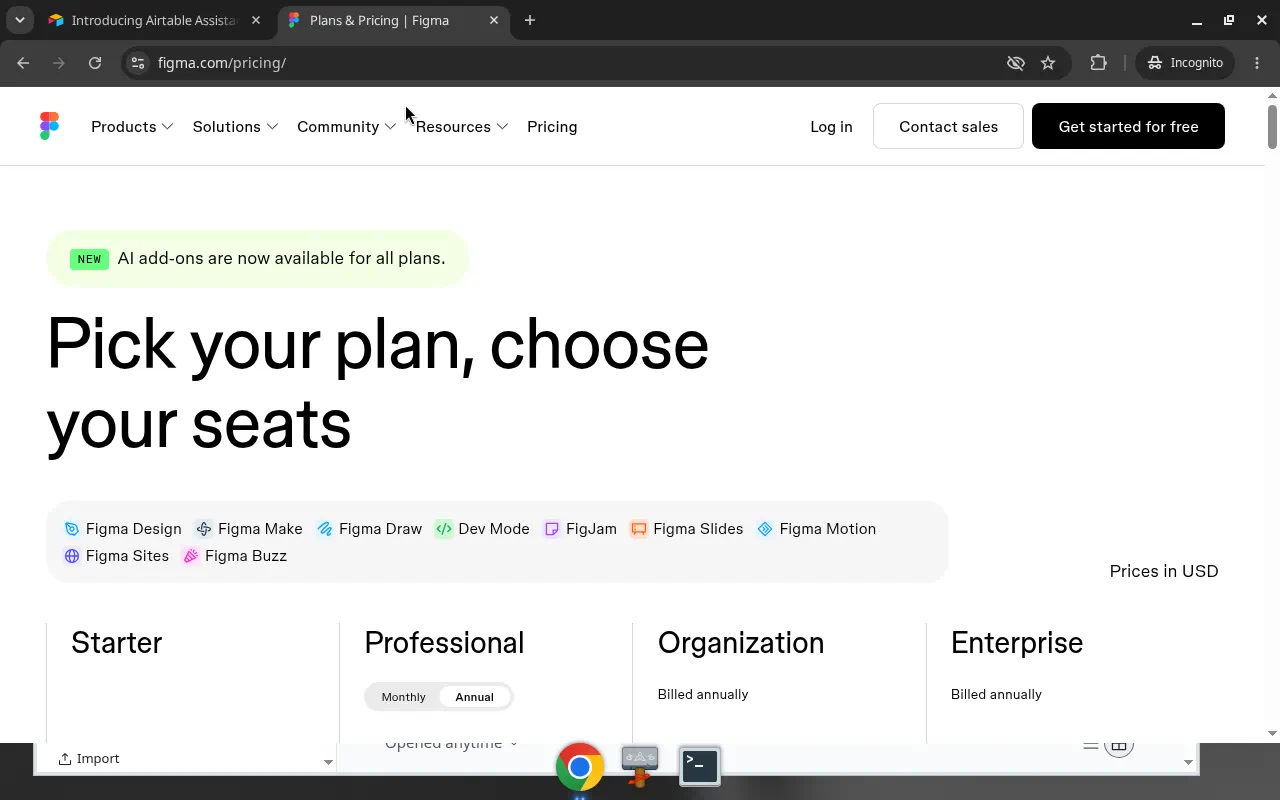
- Pick one home for AI allowances. A strip on the button (Tana), a box in the card (monday.com, UXPin) or a line per seat (Figma) all work. Mixing them across cards does not.
- Pre-fill realistic defaults. Jira showed 300 users and Make 10,000 credits; whatever you pick is the price most visitors see first.
- Publish a machine-readable price list. Resend, Retool and Supabase already link one for agents.
How we counted
We captured 127 public pricing pages in desktop browsers, using research accounts, between September and October 2026. A vision model recorded each page's attributes, including the usage slider or calculator flag, and you can check each one on the screen's own page. Credit counts and control placement come from our own re-read of the screenshots; where we found selectors the flag missed, we say so, and the 31 credit pages are a minimum. We record what pages show, not how they perform: this is not A/B test data and says nothing about conversion.
Building a pricing page with usage in it? Connect the Screenrove MCP server and ask your agent for "pricing pages with a credits selector inside the plan card" or "usage-based pricing pages with a slider above the grid".